Kitchen on Noon UAE: price changes — buyer checklist
Noon UAE deals Kitchen rechecking after a price change: In this guide, UAE kitchen shoppers learn how to verify Noon UAE deals when a price change occurs.
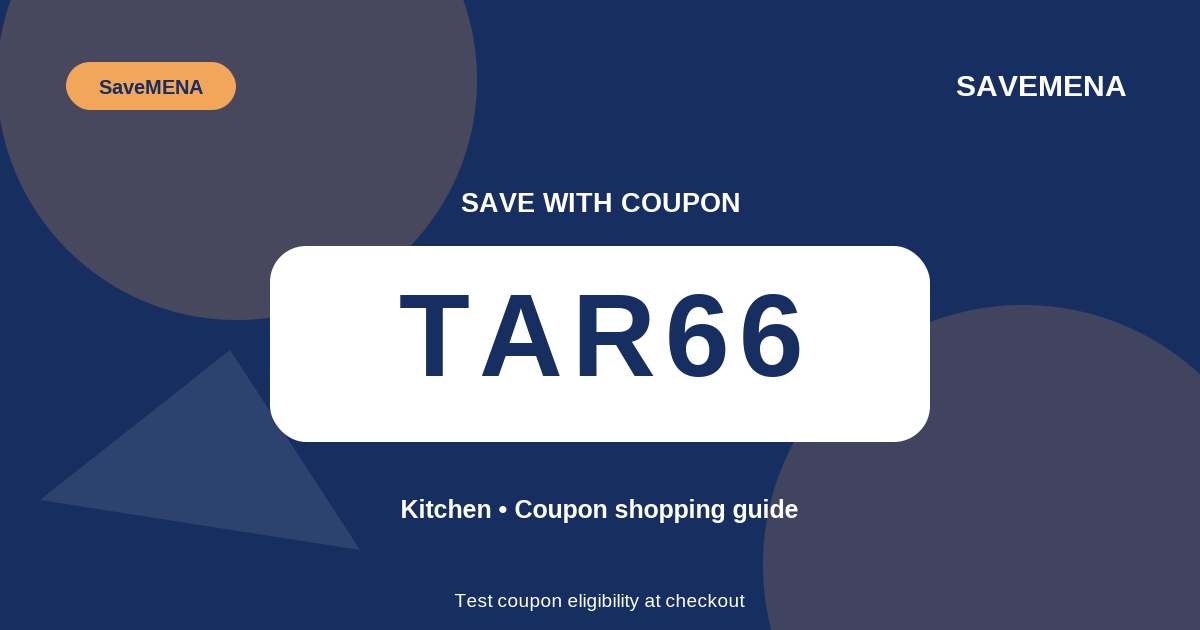
Codes available to try while comparing
These codes are not guaranteed for the article topic or listed brands; test them at checkout and use the live result.
1. Capture the Current Deal Snapshot
Immediately when a price shift appears, take a screenshot or note the exact price, model, and seller details. Digital listings can change within minutes, so archiving the visible information prevents misinterpretations later when you return to the cart. Record the time stamp on your device to reference the moment the price was displayed, ensuring that any later variance is clearly documented.
Save the screenshot in a dedicated folder or note app, tagging it with “Noon Kitchen Price Change” and the product name. This visual record becomes your benchmark during checkout, helping you compare the live page price with the amount charged by Noon. If the price varies after you add an item to cart, you’ll instantly spot any discrepancies.
2. Verify Seller and Listing Consistency
Before finalising the purchase, confirm that the original seller and product slug remain unchanged. Noon often assigns the same URL even when the price updates, but occasionally the listing may swap to a different seller with a more competitive quote. Check the seller’s name, rating, and shipping terms against your snapshot to ensure consistency across the buying journey.
Exchange rates, return policies, and warranty coverage are usually tied to the seller, not just the product. A price shift that occurs when the listing switches sellers could affect these conditions, so cross‑verify that the seller information matches what you captured initially. This step protects you from inadvertently buying from a less reliable source.
3. Track Price Movement History
Some shoppers rely on third‑party price‑tracking tools or the built‑in “Deal History” feature on Noon to understand how a price evolved. While these tools can give a general trend, they do not record real‑time timestamps like your screenshot. Use the history to gauge whether the recent change is an isolated event or part of a longer trend, and use that insight to decide whether to wait for a drop or proceed.
Even if you don’t have a tracking app installed, you can manually search for older product listings, newsletters, or social media posts that display past prices. Comparing these historical snapshots with your current price snapshot informs whether the new price is genuinely favourable or a temporary markdown.
4. Assess Coupon Eligibility Amidst Change
Now that you have the current price recorded, you can politely test the TAR66 coupon at checkout to see if it applies to the updated price. Because the coupon’s eligibility fluctuates based on the item’s final price, the only reliable way to know is by trying it. Place the coffee maker or mixer in your cart, then enter TAR66 in the coupon field.
If Noon accepts the voucher, the discount will appear as an itemized line under “Coupon.” Should it be rejected, you’ll still have the revised price and could explore alternative savings, such as waiting for a higher discount period or reconsidering the product choice.
5. Checkout Timing and Confirmation
Proceed to checkout only after you’ve re‑verified the price on the final payment page. Noon’s checkout displays both the pre‑tax subtotal and the expected delivery fee. Confirm that the subtotal matches the sum of individual item prices, especially after a price change, because the interface can inadvertently miscalculate if the change was applied after you added the item to cart.
Scroll to the bottom of the checkout screen to see the grand total, including tax and any applicable services fees. Compare this figure against the screenshot you took earlier. If the total diverges, revisit the cart, remove, and re‑add the item to refresh the price engine.
6. Post‑Purchase Verification
Once the payment is processed, archive the emailed receipt and the order summary on Noon’s order history page. This receipt will show the final charged price for each kitchen item and any applied coupons. If the email or order summary does not reflect the coupon deduction, contact Noon’s support for clarification, since disputes must be raised within the stipulated timeframe.
Keep a dedicated folder for receipts of kitchen purchases. By reviewing these documents periodically, you can detect any hidden fees or discrepancies that might have slipped through the checkout window, allowing you to claim refunds or understand your true spending.
7. Plan for Future Savings
To avoid repetitive price‑change surprises, set up price alerts for high‑interest kitchen items. Many apps and browser extensions notify you when a Noon listing drops below a threshold. By integrating alerts into your shopping routine, you’ll receive real‑time updates and decide when to lock in a purchase.
Also consider subscribing to Noon’s email list, which often includes exclusive early‑access coupons. If these promotions align with your kitchen project timeline, combining them with a price‑alert strategy maximises what you save while keeping the shopping process transparent.
8. Evaluate Shipping and Return Conditions
Price changes can affect not just the item cost but also shipping charges or return policies. After confirming the final price, examine the shipping slot, fees, and estimated delivery date. A sudden price increase might trigger a higher shipping fee if the seller throttles quantities, so verify that the shipping cost remains within your acceptable range.
Likewise, double‑check the return window and conditions disclosed at checkout. If the listing has changed sellers, the return policy may differ. Ensure that the return policy matches the one you originally reviewed to avoid surprises should you need to return a kitchen product.
Related SaveMENA pages
Related articles
Official sources to check
Frequently asked questions
How can I confirm a price change right before checkout?
Capture a screenshot of the price immediately after the change, then compare the final cart subtotal on the checkout page with the screenshot. If they differ, remove and re‑add the item to refresh the price engine.
What is the best way to know if TAR66 will work with my kitchen product?
Only by trying the coupon at checkout can you confirm its applicability. Noon will display a discount line if it applies; otherwise, the coupon will be rejected and you can check other savings options.
Can price tracking tools guarantee exact price for my kitchen item?
Tracking tools provide historical trends but don’t guarantee the current price at checkout. Use them for insight only, and rely on the screenshot and checkout confirmation for the exact cost.
Is the Noons listed price always the lowest?
Noon may have multiple sellers for the same product. A lower-priced listing sometimes offers higher shipping fees or shorter return windows. Always verify the seller’s terms and delivery time before confirming the purchase.