Skechers Shoes on Noon UAE: price changes — buyer checklist
Looking for the best Noon UAE deals Shoes Skechers rechecking after a price change? This shopper’s guide walks you through every practical step to secure the
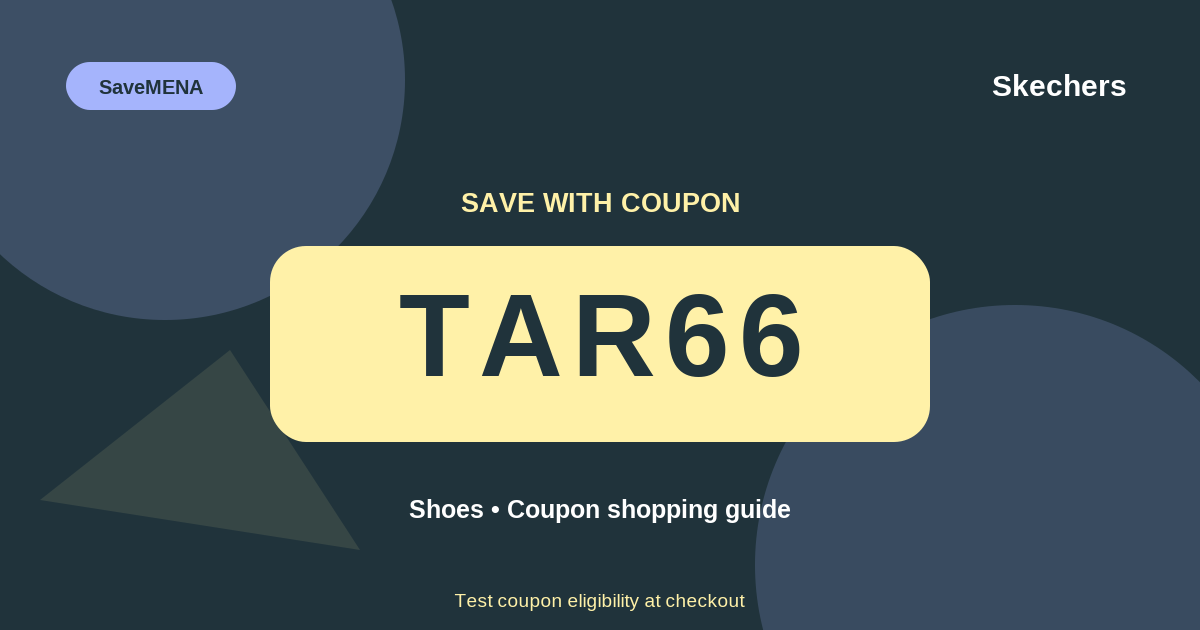
Codes available to try while comparing
These codes are not guaranteed for the article topic or listed brands; test them at checkout and use the live result.
1. Pinpoint the Exact SKU After the Price Change
Begin by locating the Skechers listing that has undergone the latest price adjustment. Use the search bar on Noon’s app or website with the exact model name or number, ensuring you’re not mistaking a similar color or size for the updated SKU. Pay close attention to the product title and description; a price change might have prompted a new “Edited” note. Verify that the listing’s headline matches the model you intend to buy.
Once you confirmed the SKU, scroll to the product details section and check the price display. Notice if the price shows a discounted amount or if a “Price Adjusted” tag appears. This confirms that the price change has been applied officially and is visible for all purchases. Keep a screenshot or note of this price to compare later at checkout.
2. Compare All Seller Variants and Nations
Noon aggregates sellers from across the UAE, and each can set their own price for the same SKU. Click on the “Seller” or “Reseller” dropdown to view all variants. Observe any price differences between local and third‑party sellers, and note the shipping origin listed for each. Some sellers may offer free delivery while others charge a fee.
Make sure you write down the lowest price you find, noting the seller name and any applicable shipping cost. This step helps you understand if the price adjustment offers better value across all options, or if a single seller is unique in its reduced price. Avoid rushing to checkout until you’ve recorded these options for comparison.
3. Check Real‑Time Stock and Delivery Slot Availability
After twosome, purchase a pair of Skechers, your next check involves inventory. The stock count on Noon is updated in real time; a price re‑haul can coincide with a limited stock release. In the product page, note the “Available in” dropdown and pick the desired size. If you see “Out of Stock,” switch to a different seller or size.
Delivery availability also matters. On the same page, select “Estimated Delivery” to view the earliest date you can receive your shoes. Pay attention to any special delivery windows that may arise after a price change, such as faster shipping for certain inventory levels. Record the chosen delivery date for reference when you proceed to payment.
4. Validate Coupon Eligibility for TAR66 on Your Selected Listing
Before adding the SKU to your cart, locate the “Apply Coupon” field on the product page. Insert TAR66 and observe the response: if the system indicates eligibility, the coupon will apply to the item’s price. If it shows an ineligible message, the coupon does not match the category or seller or the new price adjustment.
To avoid discount surprises, consider proceeding to the shopping cart where the “Coupon” button appears again. Here you can test the code after adding all desired items. The cart’s final price element will reveal whether TAR66 reduced the total. Keep a mental note that Noon's policies may allow the coupon only for first‑time customers or specific payment methods.
5. Assess Seller Reputation and Return Policy Before Commitment
A price change sometimes accompanies a promotional campaign that might the coupon code specific sellers. Click on the seller’s name to view their rating, number of reviews, and return policy. A marked rating can help gauge reliability; especially important for footwear where size and fit matter.
Evaluate the return window listed. If the seller offers a generous 30‑day return given a new price, you have additional peace of mind. If the return policy shortens after the price adjustment, consider this risk before finalizing. This check ensures you are not only getting a cheaper shoe but also a vendor with trustworthy support.
6. Confirm Payment Method Compatibility with the Adjusted Price
When you reach the checkout page, review the list of payment options. Some card providers or digital wallets may impose a fee if the total crosses a certain threshold – a threshold that may change after a price reduction. Observe whether any “Additional Fee” note appears next to your chosen payment method.
Some retailers offer instant cash‑back or store credit when paying with a particular method, and such offers can vary with the final price. If you foresee a slip in your budget, double‑check these incentives now. Record which payment method offers the lowest total cost after adding fees and the potential credit benefits.
7. Track Price History on External Platforms and Re‑Check Before Finalizing
External price‑tracking tools can give you insight into fluctuations surrounding the Skechers SKU. By noting the latest low point and the date of the price change, you can assess whether the current price is sustainable for a while. Logging this against noon’s current display helps you decide whether to wait.
Once you’ve logged the price history and confirmed current price and coupon validity, return to Noon. Re‑add the SKU to your cart if you had cleared the shelf previously. This ensures that any changes made during your review period are reflected in the live cart totals.
8. Execute a Final Cart Review and Complete Checkout
With your cart populated, double‑check each detail: item, size, price, coupon application, shipping cost, and delivery date. Most importantly, confirm that the total displayed matches the sum of your expectations after applying TAR66, if applicable. Look for hidden fees in the order summary.
Only after verifying all elements should you proceed to finalize the purchase. Once you confirm the order, the transaction triggers the final confirmation screen. Keep this confirmation handy as proof of purchase, and note that if the price adjusts again post‑checkout, the transaction will reflect the price at the moment of confirmation.
Related SaveMENA pages
Related articles
Official sources to check
Frequently asked questions
Can I use multiple coupons on the same SKU?
Noon typically allows only one coupon code per order. If TAR66 is already applied, other coupon codes will not stack. Try applying TAR66 alone and see if it modifies your total.
Will the price revert after I confirm the order?
The price shown at checkout is final. Noon does not adjust the price after an order is completed. If you notice a later discount, it will apply to subsequent purchases only.
What happens if my desired size is out of stock after the price change?
You will need to select a different size or wait for restock. The worthiness of the price change only applies to available sizes, so re‑check the product page each time you browse.
Is the TAR66 coupon valid for all payment methods?
Coupon eligibility can depend on the chosen payment method and customer status. Verify at checkout, because some methods may restrict coupon usage even if the code appears valid earlier.