Smart Watches on Noon UAE: price changes — buyer checklist
The first decision step is to grasp how Noon refreshes smart watch prices. Prices on Noon can shift due to supplier adjustments, seasonal sales, or market demand.
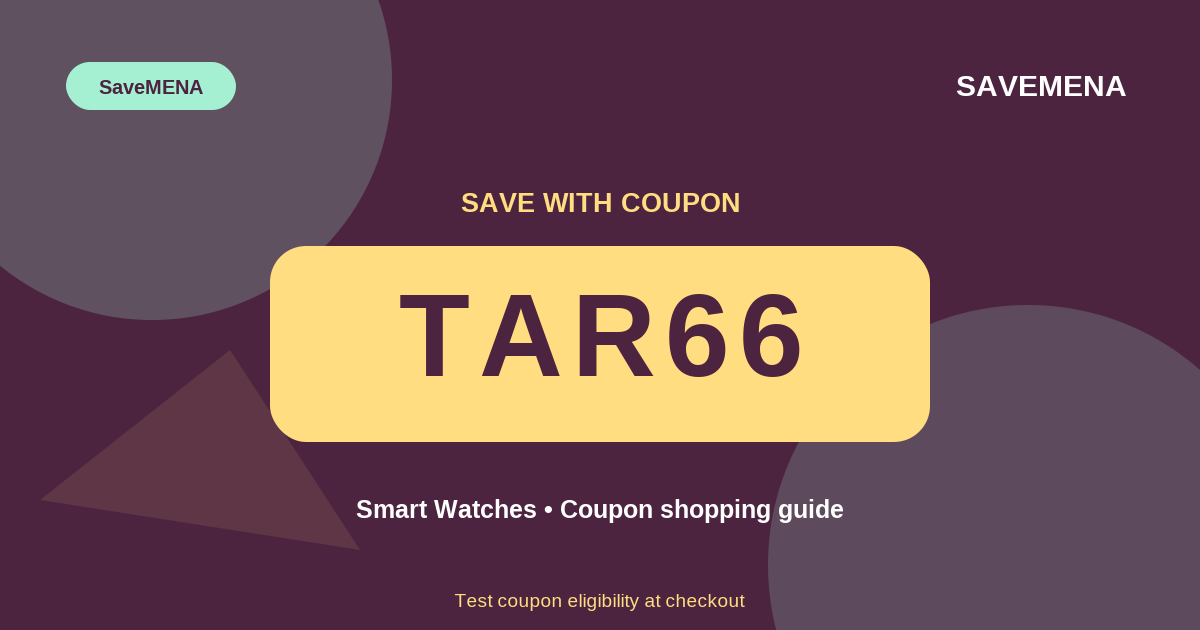
Codes available to try while comparing
These codes are not guaranteed for the article topic or listed brands; test them at checkout and use the live result.
1. Understand the Price Change Cycle on Noon UAE
The first decision step is to grasp how Noon refreshes smart watch prices. Prices on Noon can shift due to supplier adjustments, seasonal sales, or market demand. Tracking the exact moment a price drops helps you decide when to act—whether immediately or after a brief waiting period in case a bigger discount follows. Make a note of the listed price at the moment you begin to explore a smartwatch, and compare it with the price shown when you return after a potential change.
While Noon does not publish a firm schedule for updates, many shoppers find value in using the app’s “Price Drop” alerts. Enable notifications for the smartwatch you’re interested in, and you’ll receive a prompt when a price adjustment occurs. This early notice can prompt a recheck before the new rate sticks permanently. Connecting the price‑drop feed with your own research ensures you won’t miss a significant savings window.
2. Verify Current Listing Price vs Historical Views
Once you spot a price drop, log the current listing price and compare it to previously noted values. Noon’s product page often shows a short history of any changes. If a smartwatch once appeared at AED 1,200 and now reads AED 1,000, that’s a clear discount. Make sure the lower figure is in effect for the specific model, size, and color you’ve chosen. Avoid assuming that the price is uniformly lower across all variants.
To confirm the current price, scroll through the entire product page and check each variant’s individual price tag. Many sellers list the same watch in multiple colors or with different band options, each affecting the final price. Also verify that no extra costs, such as hidden delivery add‑ons, will change the payable total at checkout.
3. Use Smart Watch Comparison Tools Carefully
Smart watch comparison tools can reveal if a similar model sells at a lower rate elsewhere. On Noon, you can compare models side‑by‑side to see if a brand‑by‑brand price difference exists. Use the comparison feature to confirm that the smartwatch’s new price is genuinely competitive, not just an update that still remains higher than a rival listing.
When using any comparison sidebar, note the seller ID and the listed shipping policy. Different sellers might bundle faster shipping or free returns, which can impact your decision beyond wholesale price. Scrutinize these details while maintaining focus on the updated price when deciding whether to recheck again after a change.
4. Confirm Availability of the TAR66 Coupon in Your Cart
Before you commit, add the smartwatch to your cart and search for a coupon code that can be applied. The TAR66 coupon is the only code available for testing, and it may apply to smart watches from certain sellers. If the code appears in the coupon entry box and the value changes on the cart screen, the coupon has been recognized. If it does not display any effect, confirm that the smartwatch is eligible for general coupons—applied only if the item fits the store’s criteria.
When the coupon seems inactive, double‑check that it is still listed as available on the coupon page and that you have not surpassed any key prerequisites, such as a minimum cart value or a restricted category. Even if the coupon doesn’t apply, the price drop itself still offers savings, so record the difference regardless.
5. Consider Delivery Options and Fees in the Recheck Process
Delivery fees can toggle after a price shift for reasons like regional logistics or changes in seller shipping terms. Review the delivery cost field before mounting the final purchase. Noon may charge separate rates depending on the chosen delivery speed or pickup point, so it is essential to keep an eye on how that fee appears when the product is updated.
Also review whether the seller has moved from “Free Shipping – 2‑Day Delivery” to “Paid Delivery – 3‑Day Delivery.” After a price drop, the seller may adjust shipping to reflect new inventory costs. Verify the final payable amount—including any delivery fee—once you enter checkout to ensure no surprise charges alter your savings.
6. Assess Warranty and Return Policies per SKU
Smart watches may carry different warranty lengths or return windows contingent on seller changes or updated policies. When a price change occurs, confirm that the warranty coverage remains the same by checking the product details and seller profile. A reduced price might be coupled with a supplier that offers a shorter warranty, so reassess the value and risk before proceeding.
On Noon, return policies refresh with seller updates. Click the “Return & Refund” link in the product page to see if the return window has shortened or if restocking fees have been introduced. Keeping track of these policy shifts is vital for understanding the true cost of ownership, not just the purchase price.
7. Double‑Check Payment Method Specifics After Price Drop
When a price has changed, some payment methods may have different fee structures or restrictions. For example, a Debit Card may introduce a small surcharge, or a mid‑month credit payment could be limited to items under a certain price threshold. Verify which payment options remain available for the price‑adjusted smart watch by reviewing your payment method settings before finalizing the order.
Make sure you understand if the pricing adjustment requires a particular payment approach, such as using a Noon wallet balance or a specific financing plan. Once you confirm that your chosen payment method is accepted at the updated price, you can avoid a last‑minute cart error during checkout.
8. Final Checkout Review: Ensure All Variables Are Locked
The last decision step involves a comprehensive check of every variable on the checkout page. Confirm that the price, delivery fee, VAT, coupon impact, and any additional charges are all reflected correctly. If anything looks off—such as a higher delivery cost or an unapplied coupon—examine the details, log back to the product page, and adjust accordingly before proceeding.
When all details are verified and the total matches the expectation from your earlier research, finalize the order by selecting your payment method and completing the purchase. After the transaction, track the order through Noon’s app or website to ensure the price you saw at checkout survived any final‑stage adjustments.
Related SaveMENA pages
Related articles
Official sources to check
Frequently asked questions
How can I know a price drop is permanent on Noon?
You can monitor the product’s price history or set up a price drop alert. If the price remains consistent for several days, it tends to be stable. However, Noon can still change listings, so double‑check by revisiting the page after a few hours.
Will the TAR66 coupon always apply after a price change?
The coupon may or may not activate after a price shift. Try entering it on the cart page—the code only applies if the curlies match the item’s eligibility. If it doesn’t, proceed with the new price without the coupon.
Is delivery cost affected by a new smartwatch price on Noon?
Delivery fees can change after a listing update due to seller or logistical adjustments. Re‑view your cart to confirm the delivery cost reflects the current item price and chosen shipping option.
Do warranties change when a price drops?
Seller policy changes can alter warranty length or return policy. Always check the product details under “Warranty & Return” to see if any changes align with the new price.