Sports on Noon UAE: price changes — buyer checklist
Noon UAE deals Sports rechecking after a price change: When you spot a thumbs‑up sports deal on Noon UAE, you might think the savings are set in stone.
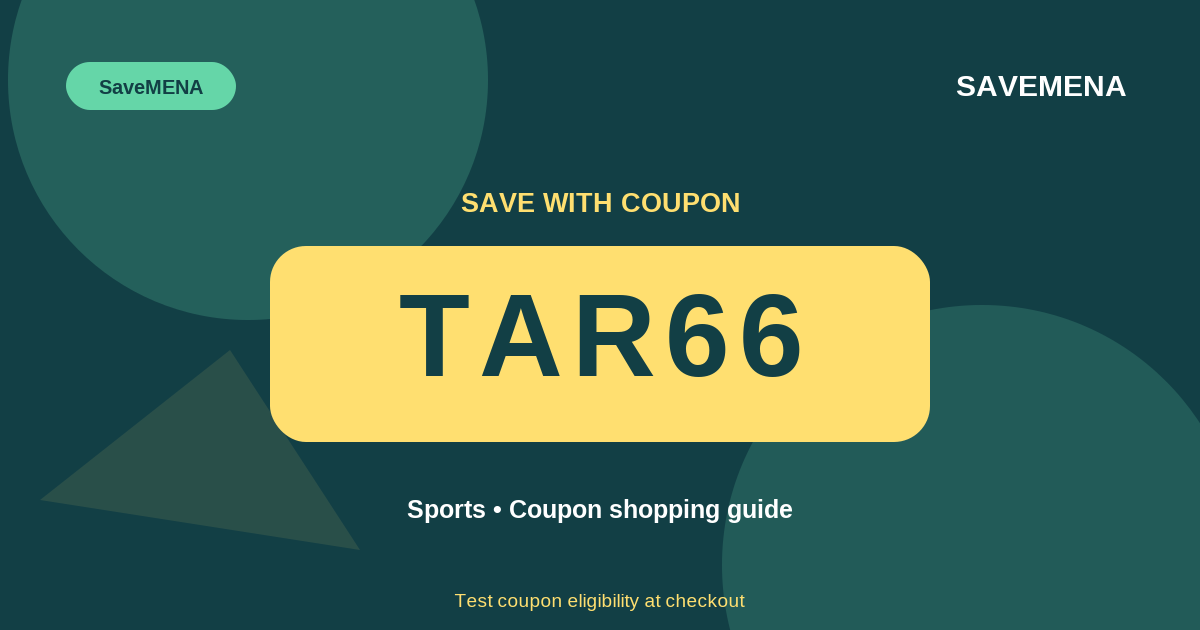
Codes available to try while comparing
These codes are not guaranteed for the article topic or listed brands; test them at checkout and use the live result.
1. Capture the Current Price Snapshot
Upon discovering a sports item with an appealing Noon UAE deal, jot down the exact price displayed on the product page. The listing’s “was” and “now” prices are often not the full story, so copy the text into a note or screenshot. This snapshot is your baseline for the subsequent comparison steps.
On Noon, prices refresh at unpredictable intervals, especially during promotional bursts. Having a saved record allows you to detect any rollback or surge before proceeding. Verify that you captured the price with the correct product variant (size, color, model) and not a generic one, as variations can carry distinct pricing.
2. Cross‑Reference with Historical Pricing
Use reliable price‑tracking sites or browser extensions that log Noon product history in the UAE. Input the product URL to view a history chart, spotting when the price changed and to what extent. If you see a recent drop matching your snapshot, confidence increases.
When the chart shows the price oscillated upward after your snapshot, pause. A recent increase could mean the deal you noted is no longer valid or that a hidden fee (e.g., GST or delivery) has edged the final cost higher. Always align the chart’s timestamp with your saving session.
3. Validate the Engineering of the Coupon Code
Although TAR66 is available for you to try, the code may not apply to the sports item or to the purchase volume you intend. Enter the coupon code in the cart’s discount field and check the line item state before the real checkout. Note any “applicable only for a specific category” restriction.
If the platform rejects the code, don’t assume a breakdown; rather, verify whether the item is included in the coupon’s eligible list. A rejected code signals that the discount will not reduce the final payable amount, even if the product’s base price stays the same.
4. Scan for Hidden Delivery Fees and Conditional Minimum Spend
Navigate to the cart summary page, where Noon typically lists delivery charges, if separate from the product cost. In sports gear sales, free delivery might hinge on a minimum spend threshold that can shift after the coupon is applied.
Because delivery terms can be dynamic, re-check them after adding the coupon and before checkout. If a fee appears that wasn’t visible when adding the item, calculate the new total; the coupon may still save you, but the overall savings might be less than originally assumed.
5. Confirm Seller’s Return and Warranty Policy
Sports consumables or performance apparel may carry specific return windows or warranty clauses dictated by the seller. Browse the product page’s seller info and cross‑check any links to policy documentation or FAQ sections.
Perform a quick overlay of this information before checkout. A change in policy—such as a new return deadline—could affect your post‑purchase flexibility, making a price that seemed unbeatable now less valuable. Ensure the seller’s terms match the deals stated at the outset.
6. Verify Availability of the Chosen Variant
A drop in stock can subtly raise the displayed price as supply shrinks. Examine the quantity selector and available barcodes before buying a particular size or color. A “Only 1 left” note might indicate a price hike if the same variant is scarce.
Confirm that the variant you clicked “add to cart” for matches the one you see in the cart. Mismatches can occur if inventory updates during checkout, leading to a replacement variant that carries a different price or shipping cost.
7. Re‑Check Tax and VAT Application
Germany (UAE) purchases include VAT, which Noon often applies automatically at checkout. Preview the VAT amount before final payment by reviewing the cart total breakdown. Ensure the vat amount provided aligns with the imported price difference.
If VAT percentages change due to e‑commerce policy updates—or incorrectly reflected during a sale—calculate the difference. This extra step guarantees that your savings from the Noon UAE deal haven’t been eroded by a higher tax rate that crops up after adding the coupon.
8. Final Checkout Confirmation and Action Steps
At the last moment, read each component of the checkout total: product price, delivery fee, coupon discount, tax, and any hidden charges. This is the final sensor before payment. If anything has altered, return to the cart to adjust or patch the issue.
Once you are satisfied that all figures match your initial expectations—or that you are comfortable with the revised total—proceed with payment. The checkout success screen, not the pre‑payment preview, will confirm the final amount charged, sealing the deal.
Related SaveMENA pages
Related articles
Official sources to check
Frequently asked questions
Will the TAR66 coupon automatically apply to all sports items on Noon UAE?
Each checkout requires manual entry of the TAR66 coupon. Depending on the item’s eligibility, the system may apply or reject it. This check happens at the cart’s discount field before the final purchase.
Can I revert to a previous price if the deal changes before I finish checkout?
Noon UAE sets a price on each transaction line. If the advertised price fluctuates after your price snapshot, the final amount is fixed once you confirm purchase. No sign‑in re‑price adjustments are offered.
Does a change in delivery fees affect my savings from the Noon UAE deal?
Delivery fees appear separately in the cart summary. If a fee increases after adding a coupon, recalculate the net savings to ensure the total still meets your budget. The coupon is only applied after fee confirmation.
What if the product variant I selected is out of stock at checkout?
Except for showroom displays, Noon will replace the out‑of‑stock variant with the nearest available one, which may carry a different price. Verify the variant’s presence before payment to avoid hidden fee changes.