Huawei Tablets on Noon UAE: price changes — buyer checklist
Noon UAE deals Tablets Huawei rechecking after a price change: Looking for the best Noon UAE deals on tablets this season?
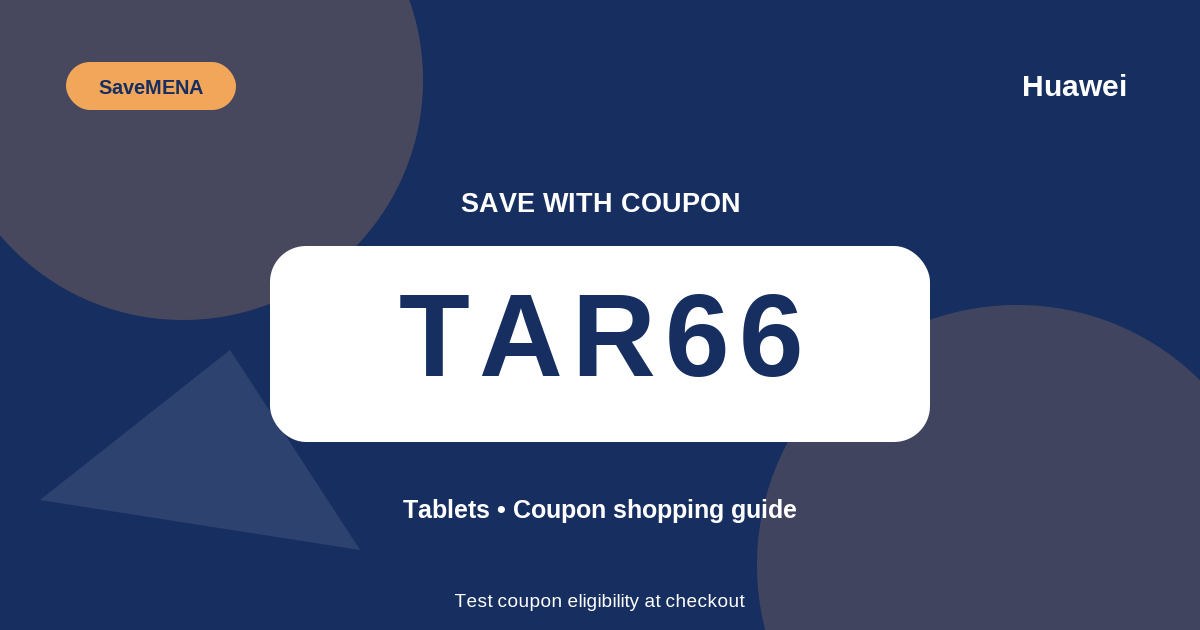
Codes available to try while comparing
These codes are not guaranteed for the article topic or listed brands; test them at checkout and use the live result.
1. Understanding Noon UAE’s Price Fluctuations for Tablets
Noon’s pricing algorithm can adjust in real time based on demand, supply, and competitor movements. When you first spot a Huawei tablet, that price may only hold until a new stock update or a promotional event is triggered. To avoid paying more than necessary, log into Noon and enable notifications. These alerts will flag a price drop if the seller adjusts the list price. Keep the app open or check the browser link frequently, especially early in the morning when many sellers refresh their inventories.
After any price change, perform a quick re‑checkout by navigating straight to the product page and watching the listed cost. The price displayed there is the current reference for your next decision. If you see the price has decreased, check that the price change was reflected in the checkout page too. Only proceed if both the page and the checkout agree on the new figure; otherwise, re‑check at a different time.
2. Evaluating Huawei Tablet Features Before Adding to Cart
Huawei tablets come with varying screen sizes, battery capacities, and processor options. Before adding a device to your cart, compare the key specifications listed in the product description—screen real‑time characteristics, RAM, storage, and camera quality. A tablet with similar specs but a slightly lower price might be worth the wait, especially after a price change. Build a shortlist of models that fit your use case, then match that list against the current Noon price.
When a seller's price drops, confirm that the model you’re considering still matches your minimal feature requirements. Some sellers offer refurbished units, and a price change might also switch the unit type. Verify the condition field to avoid surprises later, and ask the seller through Noon’s chat if you need clarifications on any spec.
3. Timing Your Purchase – Catching Peak Price Drops
Most tablet discounts on Noon become visible during key periods: local festival sales, back‑to‑school promotions, or after product announcements. Use a calendar to mark these dates, then monitor the listing for the hour after each event. A price reduction often occurs within a few minutes of launching a new promotion, so set a timer to revisit the page immediately.
When a price change is detected, consider the seller’s order history; a sudden drop accompanied by an increased review count can signal a legitimate sale. Cross‑check the price again after the next business day. Sellers sometimes reinstate a higher price after a brief promotion to attract more buyers, so confirmation over a day or two confirms the authenticity.
4. Applying the TAR66 Coupon at Checkout
Once you confirm the desired price, proceed to checkout. In the coupon box, enter “TAR66” and press Apply. If the coupon is accepted, the discount will appear above the final amount. Because Noon’s terms state the coupon is available to try, do not assume it will always apply; a red “not applicable” notice means the code was ineffective for that sale.
If the coupon is rejected but you still want to attempt a discount, note the coupon’s status and wait for a potential price drop next time. Re‑entering the same coupon at a later checkout may activate it if the seller has added a new campaign linked to that code. Keep the coupon ready for the next re‑check cycle.
5. Verifying Delivery Charges and Shipping Times
Noon’s delivery fee can vary by product size and seller location. When you see a price change, scroll to the delivery cost entry; it may also decrease if the seller adjusts shipping fees to stay competitive. Add the tablet to the cart, then ask the system to calculate the total cost for your specific address. Pay attention to the estimated delivery date displayed there.
In case of a minimum spend requirement for free shipping, re‑check the cart after the price drop. Even if the product price is lower, the fee might still apply if the cart total falls below the threshold. Compare the new total with prior orders to ensure you’re not paying a higher shipping fee inadvertently.
6. Confirming Warranty and After‑Sales Support
Warranties can differ between official and third‑party sellers on Noon. When a price or coupon is applied, double‑check the warranty duration that the product description highlights. Some sellers bundle a 12‑month warranty with a price reduction; verify that this is indeed the case by clicking the warranty link offered in the product details.
If the price changes, the warranty terms sometimes shift as well. Re‑review the warranty information in the cart to confirm it remains unchanged. Request proof or a confirmation link for warranty coverage via the seller’s Noon chat before finalizing the purchase.
7. Tracking Your Order and Handling Price Drop Claims
After checkout, Noon sends a shipment notification to your email and app. Open the tracking page, and note both the order ID and the current total paid. If you discover a price reduction shortly after purchase, record the evidence: take a screenshot of the older, higher price and the timestamp of purchase.
In such scenarios, you can contact Noon’s customer support and request a refund for the difference if the seller accepts. The support portal often allows you to attach the proof. Keep all correspondence ready; re‑checking the price after a split will strengthen your claim.
8. Post‑Purchase Planning – Redoing a Check After a Major Sale
Even after securing a tablet, plan to keep an eye on major sale weekends. Noon may open a new promotion that offers a further discount on the same product. At that point, re‑check the product page and the cart total; the seller may list a lower price but not apply the same coupon again. Prepare a comparison chart of the current price versus the one you paid.
If you are willing to wait, you can cancel the initial order (via Noon’s order management) and place a new one at the updated list price. Ensure all policy details—cancellation fees, return windows—are reviewed before making the switch to avoid losing non‑refundable fees.
Related SaveMENA pages
Related articles
Official sources to check
Frequently asked questions
How do I know if Noon’s price drop is real?
Look for changes in the product page price, then confirm the checkout page reflects the same amount. If both agree and the change coincides with a known promotion, it’s likely legitimate. Always double‑check for any new seller information that may affect delivery or warranty.
Will the TAR66 coupon apply to my cart automatically?
Enter the code in the designated coupon field during checkout. If the coupon is valid for that product and seller, the discount will appear. If it isn’t accepted, the code will not be applied, and you can try again later if the seller introduces a new coupon link.
Can I cancel my order after a price drop?
Orders on Noon can usually be canceled before they are shipped. Use the order management section to request a cancellation, then place a new order with the updated price if it remains above the minimum payable threshold. Check Noon’s cancellation policy for time limits.
What if the price drops after I’ve already paid?
Gather proof of the higher price at checkout and the lower price afterward. Contact Noon support with the evidence to request a price‑adjustment refund. Refunds are at the discretion of the seller, but most sellers honor price changes if proof is provided.