HP Computer Accessories on Noon UAE: offer combinations — buyer checklist
Start by listing the accessories that suit your workflow: a reliable USB hub, a comfortable ergonomic mouse, or a high‑resolution external monitor.
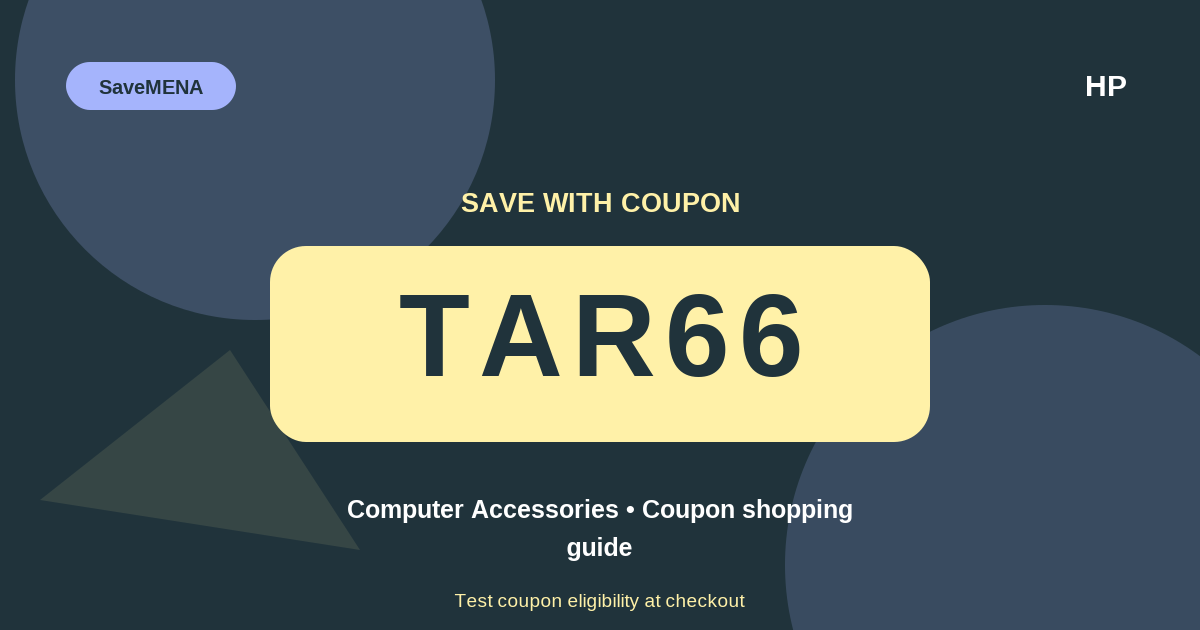
Codes available to try while comparing
These codes are not guaranteed for the article topic or listed brands; test them at checkout and use the live result.
1. Decide Which Computer Accessories You Need
Start by listing the accessories that suit your workflow: a reliable USB hub, a comfortable ergonomic mouse, or a high‑resolution external monitor. Knowing exactly what you want refines your search and keeps you from scrolling past irrelevant products that display large promotions you might ignore. It also helps you gauge whether a visible sale is relevant to your purchase, rather than tracking every discount banner that Noon UAE offers at any given moment. Having a clear goal aligns your browsing efforts with the coupon’s potential relevance, sparing you time and reducing the chance of a mismatch at checkout.
When compiling your list, keep the connector types and compatibility in mind—USB‑C hubs for laptop users, or 4K monitors for graphics work. This clarity ensures that promotions you notice, such as “Buy One Get One,” are actually useful for your setup. By separating your needs from generic marketing language, you can filter out deals that are technically cheaper but do not fit your hardware ecosystem. This focused approach also simplifies the later task of checking whether the TAR66 code applies to the items you ultimately choose.
2. Use Noon’s Search Filters to Spot Visible Promotions Early
After identifying key accessories, apply search filters for price, brand, and customer rating. As you scroll, instant pop‑ups or banner overlays often indicate the presence of a flash sale or a discount percentage. These visible promotions give a quick visual cue that a product is temporarily cheaper than its regular list price. Matching these promotions with items that qualify for coupons helps you understand the combined savings potential before adding the item to your cart.
When a banner appears, note the seller name—some sellers list extra discounts on their own profile. The coupon may still apply, but its effectiveness could vary. Carefully record whether the deal is exclusive to the seller or to Noon’s platform, as this will affect how the TAR66 code interacts with the final price during checkout. Log any observed promotion so you can reference it after adding items to your cart, guaranteeing transparency in your shopping process.
3. Verify Seller Credibility Before Adding to Cart
Each accessory comes from a distinct seller listed on Noon UAE. If a seller displays credibility badges, view the seller’s profile for ratings and review summaries. This step ensures the product’s authenticity and helps you confirm that the visible promotion truly applies to your purchase. Pay close attention to the seller’s title, as it can sometimes indicate a higher trust level that may influence how coupons are processed.
Once you add a product to your cart, review the seller’s details on the cart page. If the seller mentions a partnership with Noon or an exclusive discount, it may align with or compete against your coupon. Knowing this early allows you to decide whether to keep the item or search for an alternative that offers a cleaner promotion-to-coupon overlap, ultimately guiding you toward the most cost‑effective choice.
4. Cross‑Check Direct Price Comparisons Across Multiple Sellers
For high‑value accessories, compare prices listed by different sellers. If one seller has a lower base price but no visible promotion, another might have a higher base but feature a banner discount. Such comparisons help evaluate whether applying TAR66 to one model yields a better final amount than buying from a seller offering a better banner offer with no coupon. Be mindful that the latter may or may not interface with the coupon, depending on sale restrictions.
When you encounter a banner, investigate whether it applies automatically, or if you need to activate it by adding a particular quantity or during the final confirmation step. This distinction informs your decision to retain or remove an item from the cart before attempting to use the coupon code. By doing so, you reduce the risk of coupon conflicts or ineligible promotions that could lead to a disappointing checkout.
5. Add Selected Products to Cart While Flagging Potential Coupon Compatibility
After narrowing down accessories, place them into your cart. As each item appears, note whether its price reflects a visible promotion. If the displayed price seems lower than the regular list price, the promotion is already in effect. At this point, you’ll decide if you want to apply the TAR66 code on top of that give‑away or rely only on the sale.
The cart page also shows additional information, such as tax calculations or shipping fees, which sometimes affect final eligibility for certain coupons. By reviewing these details, you can check whether the the coupon code adjustment in the cart aligns with the conditions required for the TAR66 code, ensuring you can monitor its impact before proceeding to payment.
6. Apply the TAR66 Coupon Code and Observe the Result
Proceed to the checkout page and locate the coupon entry field. Type TAR66 as instructed and monitor the price adjustment that appears below the total. Is there a reduction? Does an error message note that the coupon does not apply? Capturing this behavior is essential because it confirms the interaction between your visible promotion and the coupon. If you see no change, you may need to remove the item, adjust the quantity, or consider selecting a different seller.
Also check for any new discount display numbers that combine the coupon effect with the existing banner. If they overlap, the platform may show a combined savings amount, but the application might still be conditional, such as requiring a minimum spend or a particular buyer status. Confirming this in real time is the only reliable way to know if your coupon will stay active.
7. Confirm All Fees, Taxes, and Shipping Charges After Coupon Application
Once the coupon appears to have been accepted, the cart total should update to reflect final taxes and any shipping fees. In the UAE, duties or sales tax can shift the effective discount amount. Double‑check that the coupon impact persists even after the total recalculates for shipping or handling. If the adjustment disappears at this stage, it indicates the coupon restrictions were not satisfied.
Keep a note of the final amount aside from the addition of the coupon. Even if the TAR66 code purportedly offers savings, this is what you will ultimately pay. Verifying that the base price, visible promotion, and coupon all hold on the final confirmation page eliminates surprises during the final authorization step.
8. Complete the Checkout and Capture the Validated Purchase Confirmation
Proceed to payment, selecting your preferred method. After authorizing the transaction, no further changes to price should occur. The payment summary confirms the total charged, inclusive of any coupon savings, visible promotions, taxes, and shipping fees. Record or screenshot the confirmation number for your records; it will serve as proof of successful coupon application.
If the final amount does not match the expectations set during earlier steps—e.g., the coupon did not apply or the promotion was overridden—note the discrepancy. Contact Noon UAE support with the order number and any relevant details to resolve the issue. Keeping a record of all steps helps in any post‑purchase support conversation, ensuring you can confidently claim your savings.
Related SaveMENA pages
Related articles
Official sources to check
Frequently asked questions
How do I know if the TAR66 coupon is applicable right before I checkout?
Throughout your shopping flow, check each time you apply the code in the coupon field. The platform will immediately reflect a price change if the coupon applies, or will display an error message if it does not meet the promotion criteria. Verify the final total after all taxes and shipping are computed.
Can I use the same coupon on accessories from different sellers at the same time?
You must test the coupon for each cart configuration. Some sellers may restrict coupon usage, while others may allow it. After placing items from multiple sellers into the cart, apply TAR66 once and observe the total; if only one item is exempt, the code might have failed to process across multiple sellers.
What if a visible promotion seems to conflict with the coupon?
Visible promotions are typically applied first, and coupons usually apply on top of them, unless a seller states otherwise. If the coupon appears not to stack, remove the item and try a different seller, or rely solely on the banner discount if the coupon remains ineligible.
Will the coupon affect shipping costs?
The coupon generally applies to the product price alone. Shipping fees are usually added after the coupon discount is applied. However, verify on the checkout page whether the total includes any shipping deduction linked to the coupon.