Sony Gaming on Noon UAE: offer combinations — buyer checklist
Start on Noon’s gaming section and note every flash promotion—highlighted price drops, limited‑time bundles, or free‑shipping badges.
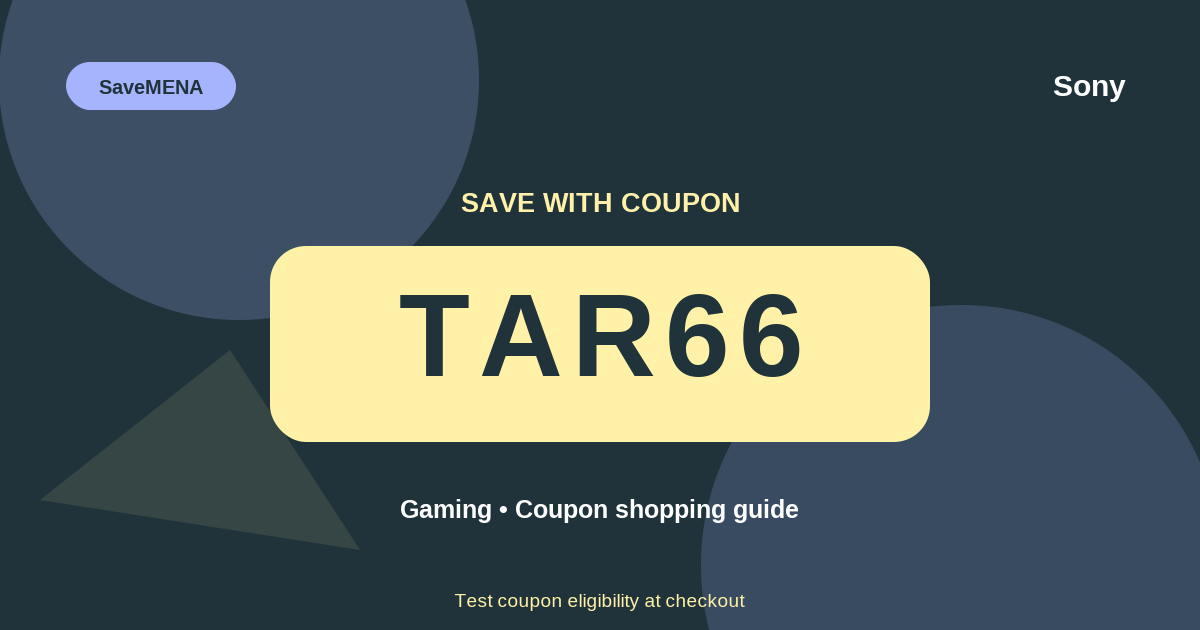
Codes available to try while comparing
These codes are not guaranteed for the article topic or listed brands; test them at checkout and use the live result.
Step 1: Scan the Home Page for Visible Deals
Start on Noon’s gaming section and note every flash promotion—highlighted price drops, limited‑time bundles, or free‑shipping badges. These deals reduce the base price before any coupon is applied; however, the platform’s algorithm will still show the original price before the discount. Keep a quick note of the resultant price in a spreadsheet or phone note, so you have a reference when you see the checkout total.
When you pick a Sony game or console, confirm that the visible discount is applied by refreshing the item page and watching for a green “$X off” tag. If the tag disappears upon page reload, a dynamic pricing glitch may be hiding a deal. Ensure you take screenshots before you add the item to your cart to avoid missing “mid‑cart” adjustments.
Step 2: Add Items to Cart Before Applying TAR66
After confirming visible discounts, add each desired item to your cart. Avoid applying any coupons before items are settled; that sequence can lock the coupon’s applicability. In Noon’s cart view, you’ll see each product’s discounted price and the cumulative total, excluding shipping. Record the pre-coupon total so you can later see the difference after applying TAR66.
At this point verify that the cart retains the discount tags. Check for any “Save” or “Deal” stickers that match the original price displayed on the product listing. If an item has multiple discounts, Noon typically stacks them automatically—yet not all coupons participate in stacking, so observe how the product total changes when you proceed to checkout.
Step 3: Enter TAR66 in the Coupon Field
On the cart or checkout page, locate the “Enter coupon code” field. Input TAR66 precisely as shown, observing case sensitivity. Notice whether the platform accepts the code immediately; it may show a “Coupon applied” banner or increase in the price bar. If the coupon does not register, check for hidden characters or spaces, then re-enter.
Remember: Noon will only apply the code if it is eligible for the selected product. Verify that the SAR or AED coupon value (if any) is displayed, and note whether the savings are listed next to each item or aggregated to the overall total. This mental note will help determine if the coupon interacted with any visible promotions.
Step 4: Observe Coupon Interaction with Visible Promotions
After applying TAR66, compare the new total with your pre‑coupon figure. If the difference equals the coupon value, the interaction succeeded; otherwise, you may have encountered a non‑stackable promotion. Noon usually reserves the coupon for the final price, irrespective of earlier discounts, but sometimes a larger promotional reduction can claim the discount spot.
If you observe the coupon’s value absorbed into the item price rather than the final sale price, you have a stacking conflict. In such cases, the coupon may still provide savings, but the actual amount saved will be less than the advertised potential. Verify whether the coupon savings section states “applied to final total” or simply lists a subtraction, and factor this into your purchase decision.
Step 5: Review Shipping and Handling in the Presence of Coupons
Next, ensure that shipping fees are still showing in the cart. Many coupons do not apply to delivery charges, so the final payable amount may include free‑shipping waivers only if clearly stated. Check that Noon lists any active delivery coupon or “Free Shipping” badge separate from the product discounts.
If you see a fee that remains unchanged after the coupon is applied, confirm whether the fee is already exempt due to a visible promotion (e.g., a “Free Shipping for orders over SAR 200”). This deeper audit confirms that you are not double counting savings in your mind.
Step 6: Log Into Your Noon Account for Potential Loyalty Savings
For members, Noon may offer additional loyalty points or account‑specific discounts that run concurrently with coupon usage. Log into your account before final checkout to see if any status‑based savings appear in the cart summary. These savings often appear under “Loyalty Points” or “Member Discount” bars, separate from coupon application.
Confirm that each loyalty discount is clearly indicated and that the total amount reflects the cumulative effect of all applied offers. If an overlap occurs—such as a coupon offering the same benefit as a member discount—Noon’s system usually suppresses one of the discounts; note which one is dropped by checking the final breakdown on the order summary.
Step 7: Check Payment Method and Any Additional Savings
Select your payment method—card, NetBanking, or PayPal—and verify whether the platform offers any card‑specific or partner‑card promotions. Some payment options come with extra cashback or discount parts that function only at the payment stage. These savings are usually displayed as a separate coupon after the cart is processed.
If the payment method offers a direct discount, ensure it is applied before proceeding to finalize purchase. In many cases, this final discount will appear next to the summary of the items and shipping, but it will not alter the previously calculated coupon savings. Keep track of all such adjustments manually to double‑check the final amount.
Step 8: Verify the Final Total Before Settlement
Scroll to the bottom of the checkout page to see the final total, including all product discounts, the TAR66 coupon, loyalty or member discounts, shipping, and any payment‑method savings. Confirm that the sum matches your earlier calculations, factoring in any visible promotions. If discrepancies arise, locate the “Review Order” page to view detailed line‑by‑line adjustments.
Once satisfied, proceed to submit the order. Pay special attention to any post‑purchase overlays that may notify you if the coupon step failed—occasionally, coupons applied in the cart may be rejected at checkout. If this occurs, you must re‑enter TAR66 or contact Noon’s customer support for clarification on the eligibility of the code.
Related SaveMENA pages
Related articles
Official sources to check
Frequently asked questions
How do I know if TAR66 was applied successfully?
A successful application shows a positive discount in your cart summary, typically highlighted in green. If the coupon isn’t listed, or the discount field remains empty, the code failed to apply, and you may need to check for eligibility restrictions or re‑enter the code carefully.
Does Noon apply coupons on top of existing “Buy One Get One” deals?
Noon generally applies coupons after existing promotional discounts. However, not all coupons stack with “BOGO” offers; if the item is already part of a free bundle, the coupon may be ignored or partially applied depending on the promotion terms.
Will my card‑specific discount be applied after using TAR66?
Yes, card or payment‑method discounts usually apply after all product and coupon discounts. They appear as a separate line item in the final total and cannot be combined with the same coupon for extra benefit.
Can I use TAR66 in a flash sale that also offers free shipping?
Flash sale shipping offers are separate from coupon codes. TAR66 will typically apply only to the item price, and free shipping will reduce or eliminate the delivery fee independently, unless the sale states that coupons are excluded.