Apple Laptops on Noon UAE: size and quantity — buyer checklist
Noon UAE deals Laptops Apple quantity and size: This guide helps UAE shoppers navigate Noon UAE deals on Apple laptops, focusing on the practical decision of
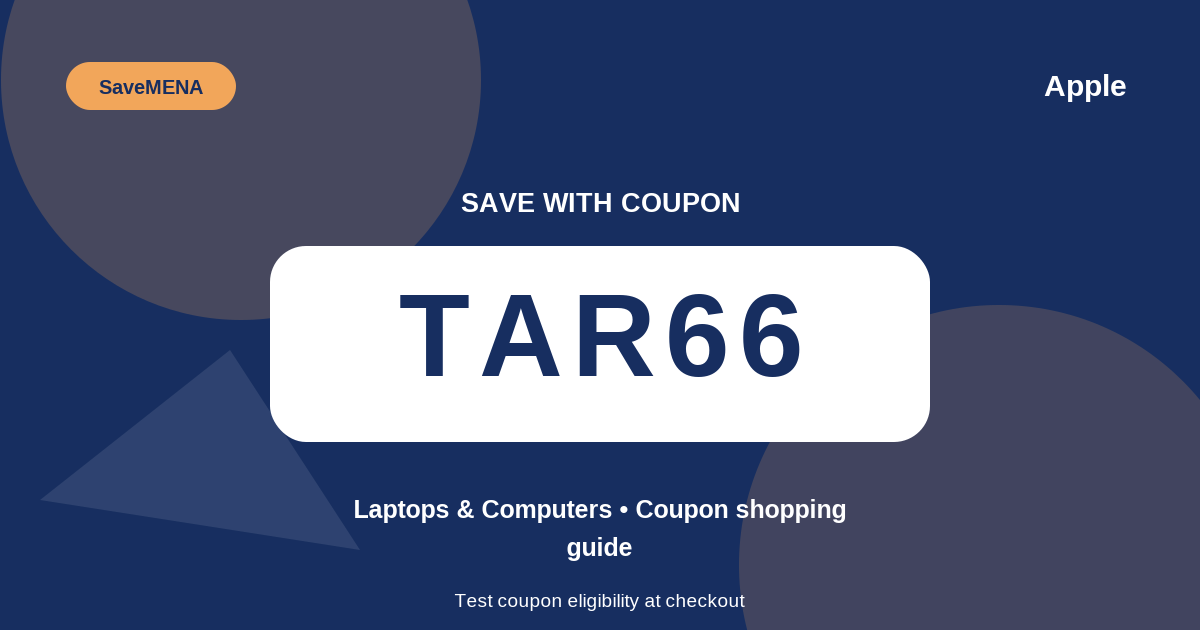
Codes available to try while comparing
These codes are not guaranteed for the article topic or listed brands; test them at checkout and use the live result.
Picking the Right Laptop Size for Your Workflow
When deciding to purchase an Apple laptop on Noon, quantity and size are the cornerstone factors that determine both your experience and value. Start by defining your main tasks: a 13‑inch model offers portability for travel and note‑taking, whereas a 15‑inch or larger machine delivers a bigger screen for multitasking, graphic design, or video editing. Consider whether you’ll carry the laptop daily or keep it in one place, and identify the peripheral setup you’ll use. Measuring the tablet‑like feel versus the desktop feel helps ensure the laptop size matches your work rhythm without feeling cramped or cumbersome.
Next, match the size to your physical space and ergonomic habits. A smaller form factor reduces desk clutter and footprint, but a larger screen can improve visibility for detailed tasks. If you frequently load multiple windows, a bigger display may reduce eye strain. Conversely, if you prefer a minimalist workspace, a smaller model can keep your desk tidy. Revisiting this balance before finalizing your quantity ensures you purchase the right size for your environment and avoid returning a device just because it doesn’t fit your workflow.
Understanding Quantity Discounts vs Single Units
When you add more than one laptop to your Noon cart, be sure to check if the platform offers a free or discounted shipping threshold that applies to the total quantity. Some sellers list a “free delivery” icon for orders over a certain amount, while others may have tiered shipping rates. Verify the checkout subtotal, including any separate shipping line, to confirm whether the discount kicks in. Keep the quantity in mind because if you plan to distribute laptops to teammates or a family, the savings on shipping can accumulate quickly, offsetting a higher per‑unit cost.
Also, inspect whether the seller allows bundle purchases or bulk deals. Occasionally, an individual seller may list a slight price reduction for purchasing two or more laptops, but this is not guaranteed by Noon itself. To be certain, scroll to the product page details or contact the seller for confirmation. The key is to confirm once you add only one laptop that there isn’t an automatic discount for quantity, then decide if adding another unit yields a cheaper overall price. This confirms that you’re making the most of your quantity decision.
Comparing Apple Laptop Configurations on Noon
When comparing Apple laptops, focus on the differences in processor class, RAM sticks, and internal storage options. Apple usually offers multiple configuration tiers in a single model, and a higher count of gigabytes does not always translate to a proportionate increase in price. Check each variant’s listing to view the technical specifications, as the performance leap can be subtle for light users and pronounced for heavier workloads.
To evaluate quantity, keep a spreadsheet or digital note of each configuration’s key specs. Snap a screenshot of the units with the desired size and input the quantity you intend to buy. Once you have a clear view of the improvement trade‑offs, you’ll know whether adding extra memory or storage justifies the extra cost compared to buying a single, smaller device. This step ensures that the quantity you order aligns with your productivity requirements.
Assessing Storage Size for Long‑Term Use
Storage capacity directly affects how much data you can keep on the device without external backup solutions. If you plan to store large media libraries or frequently work offline, a larger SSD can save you the hassle of external drives. On the other hand, a moderate storage size might be sufficient for casual use and cloud‑centric workflows, and it can lower the upfront cost.
During checkout, review the final product description for the storage size, and note any available upgrades. Confirm that the seller’s listing accurately reflects the storage capacity you want; some variants might list “256GB” but actually provide “512GB” under specific conditions. Because the exact storage size is a critical part of the device’s usability, taking a moment to verify at spending time ensures the quantity of internal storage matches your long‑term data needs.
Evaluating Memory and Processing Power for Productivity
Memory (RAM) and CPU choice heavily influence multitasking smoothness. For basic office work, 8GB can suffice, but creative professionals or multitaskers may benefit from 16GB or more. Notice how the processor generation and core count progress; newer CPUs often yield better performance per watt, especially under load.
On Noon, inspect the product tab for processor name and clock speeds, as well as any mention of thermals or performance benchmarks. When adding to cart, double‑check that the memory size remains unchanged—some sellers allow you to upgrade during checkout. Confirming the quantity here prevents accidentally selecting a lighter variant and missing out on the performance boost necessary for your tasks.
Checking Warranty and Return Policies for Apple Laptops
Apple provides a standard warranty period, but sellers on Noon may offer additional coverage or return windows. Verify the warranty length and what it covers—including accidental damage—by referring to the product page’s “Warranty and Returns” section. Knowing whether the warranty is extended or limited helps balance your decision about quantity, as buying multiple units may increase exposure to potential defects.
During checkout, ensure the seller’s return policy is listed next to the order summary. If you’re buying a laptop for a team, a consistent return window across all units simplifies logistics. Also, keep an eye out for any free return shipping labels or prepaid options on the seller’s profile. These details are part of the quantity consideration: more laptops mean more potential return cases, so confirm the policy upfront to avoid surprises.
Applying the TAR66 Coupon and Potential Savings
The TAR66 coupon can be entered in the checkout’s promo code field. It applies only if the cart meets the coupon’s eligibility rules, which are disclosed only at checkout. To use the coupon, type “TAR66” and click apply; the system will automatically adjust the price if the coupon is valid. Remember, coupon eligibility varies by seller and product type, so the discount may not trigger in all scenarios.
After applying, the checkout will display any deduction and the new total. If the code does not reduce the price, re‑check the cart items or review the coupon’s terms in the promotion section of the listing. Because the discount is contingent on checkout verification, never rely on the presence of the code alone—always confirm the final amount reflects the applied savings before confirming.
Finalizing Your Order: What to Verify at Checkout
When you reach the payment page, double‑check the list of items in your cart. This includes confirming the selected size, memory, storage, and the quantity of each item. Any change—such as mis‑selected configuration or a missing variant—will be reflected in the subtotal and can affect shipping fees, coupon eligibility, and total savings.
Also review the shipping address, delivery time estimated, and payment method options. Ensure the selected courier supports delivery within your desired timeframe and that the shipping fee aligns with the quantity that you’ve added. Once everything matches your expectations, finalize the purchase. Completing the checkout accurately guarantees you’ll receive the products in the size, quantity, and configuration you intended, with any applicable savings applied.
Related SaveMENA pages
Related articles
Official sources to check
Frequently asked questions
How does the TAR66 coupon affect my total when I buy multiple Apple laptops?
When you add more than one Apple laptop to your Noon cart, the TAR66 coupon will apply only if the combined cart value and chosen items meet the coupon’s eligibility. The reduction appears in the promo code section after you enter the code, so confirm the final total reflects the discount before confirming.
Will a larger laptop size automatically cost more on Noon?
A larger laptop size may carry a higher price due to increased screen area and potentially better specs. However, price differences are specific to each model variant. Verify the price listed on the product page before adding to cart to confirm your chosen size’s cost.
What should I check about warranty when buying a bulk quantity of Apple laptops?
For each laptop, review the warranty length, coverage details, and return conditions displayed on its product page. In bulk purchases, ensure all units share the same warranty terms to simplify service and potential returns across quantities.
Can I change my laptop’s configuration after adding it to the cart?
Some sellers allow you to modify RAM, storage, or other specs during checkout. If you need to adjust configuration, do it before finalizing payment; once the order is confirmed, changes are typically not permitted, so double‑check the details first.