ASUS Computer Accessories on Noon UAE: seller comparison — buyer checklist
Begin by listing the specific accessory you require—mouse, keyboard, docking station, or cable—aligned with your system’s configuration.
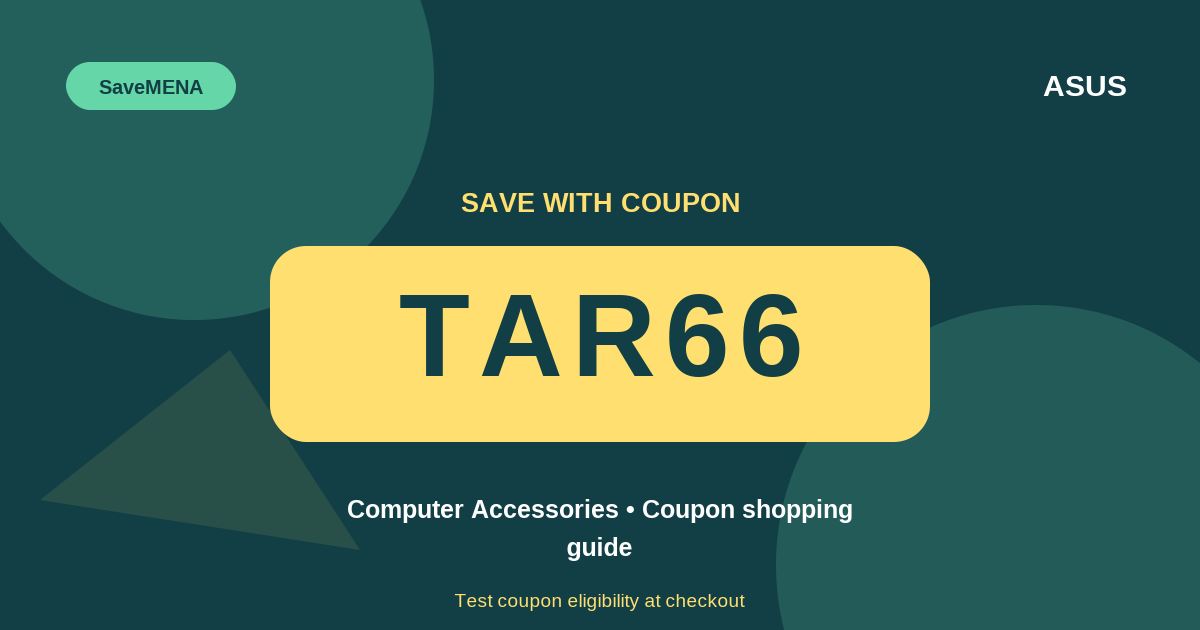
Codes available to try while comparing
These codes are not guaranteed for the article topic or listed brands; test them at checkout and use the live result.
1. Identify Your Computer Accessory Needs
Begin by listing the specific accessory you require—mouse, keyboard, docking station, or cable—aligned with your system’s configuration. Capture essential compatibility data such as port types, supported resolutions, or additional software. This step ensures every product you compare fulfills your use‑case; otherwise you risk an incomplete review. It also provides a baseline for filtering Noon listings and focusing on ASUS offerings or other brands without unnecessary clutter.
For ASUS users, note any pre‑configured accessories that accompany your laptop or desktop models. ASUS typically supports specific docking ports or keyboard layouts; verifying these details before comparing sellers saves time and guarantees that the accessory will work seamlessly. A clear checklist lets you skim listings quickly and eliminates later surprises in compatibility or hidden specifications.
2. Compare ASUS‑related Accessories Across Sellers
On Noon, search for your accessory and apply the filter for ASUS or compatible brands. Each seller’s listing is independently managed, so prices may fluctuate. Review the unit price, the seller’s brand claim, and whether the item is listed as "Asus Original" or a third‑party variant. This contextual flag helps you assess authenticity before a stricter comparison of seller ratings or customer reviews.
Take note of how long the listing has been active; new listings may lack a full review history yet. Map the range of sellers’ freight responsibilities across the same accessory. A comparison of “Free Delivery” versus “Paid Shipping” can be vital, especially when you’re factoring cost by the courier or the store’s own dispatch practices. Record these variables in a simple spreadsheet or note for later cross‑checking.
3. Check Seller Rating, Return Policies, and Warranty Details
Sellers on Noon publish overall star ratings and review counts. Reach beyond the average scores: inspect recent buyer feedback for mention of delivery accuracy, packaging quality, and responsiveness to inquiries. A seller with a high rating and recent positive comments typically indicates reliable order fulfilment and post‑sale communication.
Read the return policy carefully. Some sellers allow returns only to original seller or provide a limited window for reversals. Ensure the policy covers the accessory’s condition after a change of mind, warranty coverage, and whether a restocking fee applies. Filing a return without understanding these constraints can delay resolution or incur extra costs.
4. Evaluate Item Specifics: Build Quality, Compatibility, Features
Examine each listing’s product description and images for manufacturing cues—metal vs. plastic chassis, cable shielding, and port clarity. Look for mention of compliance standards such as “ISO certified” or “ANSI‑rated.” These details can indicate durability and user safety, especially for high‑balloonied peripherals like gaming keyboards or charging docks.
Check the feature list for any “special modules” like RGB lighting, waterproof printed circuits, or Bluetooth pairing. Compare the data against your needs: if you need a USB‑C hub, confirm the hub’s port arrangement meets your workflow. Knowing exactly which features are present or omitted helps avoid picking a cheaper alternative that skips the functionalities you rely on.
5. Verify Delivery Options, Timeframes, and Fees
The seller’s delivery responsibility statement—“Free Delivery” or “Courier Charges”—is crucial before settlement. Vans typically apply varying shipping zones: city centres often enjoy same‑day flight, while interior locations require 3‑5 days. Understanding the delivery window allows you to gauge time-to‑use and forecast cost after you add freight to the cart.
Some sellers offer “Fast‑Delivery” for an extra fee; evaluate your budget and urgency against this upgrade. While you see the shipping cost pre‑checkout, confirm that the fee remains unchanged at the final payment stage. A last‑minute increase can eclipse an expected savings and impact your overall expenditure.
6. Use the TAR66 Coupon Effectively – Eligibility Checklist
At checkout, you can input the coupon code TAR66 to attempt a discount. Before submitting the code, ensure your total meets any possible minimum spend threshold inferred by the platform. While we can’t confirm an exact requirement, many coupons are tied to a minimum value, so add a second accessory if the total is too low.
In addition, verify that the coupon is not restricted to a specific seller or product line. The coupon’s general applicability might still depend on the item’s inclusion in the platform’s “coupon‑eligible” set. If you face a rejection, double‑check your basket for unintended items or try re‑entering the code after clearing the cart.
7. Add to Cart and Review Checkout for Final Price, Delivery, and Coupons
When your chosen seller is loaded into the cart, cross‑check the listed price, applicable taxes, and the indicated shipping cost. Notice that the platform differentiates the seller’s shipping destination and ensures the fee displayed here is accurate. Any discrepancy between the cart and the final payment screen should be resolved before payment.
Confirm whether the TAR66 coupon was applied. If it shows a reduction, record the new payable amount. If the coupon is missing or offered a null value, test again or check if a different seller version of the product might be eligible. Only after confirming the subtotal matches the vendor’s advertised price should you proceed to choose payment and finalize.
8. Post‑Purchase Steps: Tracking, Feedback, and Support
Once payment is confirmed, Noon's platform generates a tracking link. Use it to monitor the courier’s progress and anticipate delivery. If the expected arrival shifts, contact the seller via Noon’s messaging to inquire. Sellers often respond within one business day relative to the shipping method.
After receipt, activate or claim any registered warranty by logging into your Noon account or the local support portal, if provided. Submit a review detailing the product’s performance, seller communication, and delivery. Providing honest feedback supports future shoppers and can influence seller ratings, maintaining a cycle of quality assurance.
Related SaveMENA pages
Related articles
Official sources to check
Frequently asked questions
What if the TAR66 coupon does not apply to my selected ASUS accessory?
The coupon may be limited to certain products or seller offerings. Verify eligibility during checkout and verify that the item meets the platform’s coupon terms. If it fails, try a different ASUS accessory listed by a seller that explicitly accepts coupons.
How do I confirm a seller’s return policy on Noon?
On the product page, scroll to the “Return Policy” section. It outlines the timeframe, conditions, and steps for returns. For detailed queries, contact the seller directly through Noon’s in‑app messaging before confirming your purchase.
Can I change my delivery address after the order is placed?
Once the order is confirmed, the address is locked. If you need a different address, contact Noon support immediately to check whether a change is permissible before shipment initiates.
Will buying from a higher‑rated seller guarantee better shipping speed?
Not necessarily. While a higher rating indicates reliability in general, shipping times depend on the seller’s logistics partner and local courier schedules. Always verify the promised delivery window listed in the order summary.