Braun Kitchen on Noon UAE: warranty and support — buyer checklist
Each Braun kitchen appliance listed on Noon carries a printed warranty summary on its detail page. This summary tells you the duration, what parts are covered, and
Codes available to try while comparing
These codes are not guaranteed for the article topic or listed brands; test them at checkout and use the live result.
Step One – Validate the Warranty Offer on the Product Page
Each Braun kitchen appliance listed on Noon carries a printed warranty summary on its detail page. This summary tells you the duration, what parts are covered, and whether standard or extended coverage is available. You should verify the listed period against the most recent Braun warranty policy, which can be found on Braun’s official UAE website or through local dealer documentation. A paragraph of reassurance is that a typical Braun appliance comes with a three‑year parts and labor warranty, but variations exist for premium models. Checking before purchase eliminates surprises about service eligibility later on.
Warranty terms on Noon are usually displayed in a dedicated customer help panel that updates automatically when the seller changes the offer. For example, a “3‑year local coverage” label appears alongside delivery notes. It is advisable to scroll to the bottom of the product description, where support and service contacts are often listed. Always memorize the warranty start date—since the coverage bases its active period on the first service date or the purchase date—so you can reference it when booking a repair. In short, the first decision step is to confirm that the listed warranty aligns with Braun’s model‑specific policy before proceeding to checkout.
Step Two – Cross‑Check the Post‑Purchase Support Network
Braun’s post‑purchase support network in the UAE consists of authorized dealers and service centers. Noon articles often mention whether the listing is supplied by a dealer or a private seller; the former generally offers faster, authorized service. Look for an icon or phrase such as “Dealer‑supplied” on the product page; this indicates that the item will travel through Braun’s official channel. In case it’s a private listing, you need to confirm that the seller is an approved distributor, as this affects the integrity of the support chain.
You can introduce a quick check in the “Seller Information” tab: the seller’s profile should list “Authorized Dealer” or “Official Service Center” in their business description. If the description is vague, photograph or copy the field and save it for future reference when contacting customer support. This precaution ensures that the appliance will enter the Braun service system seamlessly, rather than being routed to an unverified technician. In short, verify the support chain early to guarantee that future warranty claims are processed without friction.
Step Three – Apply the TAR66 Coupon to Your Cart
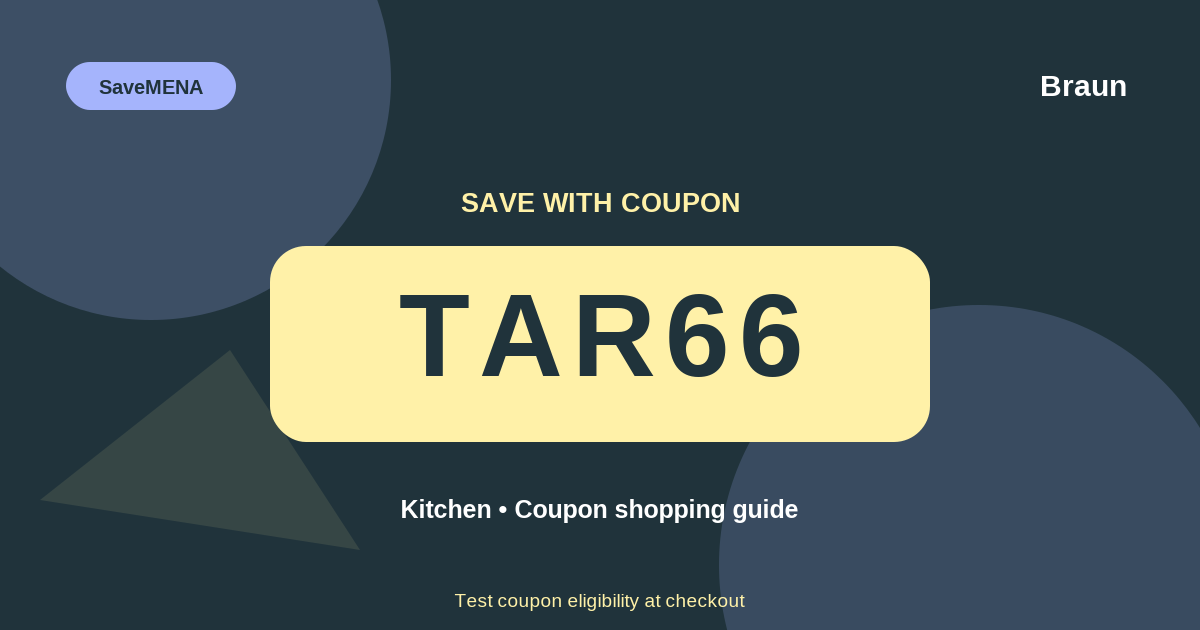
The TAR66 coupon offers a discount on selected Noon categories and is trial‑available. Inspect the checkout page for a coupon field; paste “TAR66” and click “Apply.” This function will refresh your cart total and may adjust shipping or handling charges automatically if applicable. The coupon’s effect is at checkout; it does not alter the warranty or support terms, but saves you money right before the final payment point.
Because the coupon is trial‑available, there is no guarantee it will apply every time. This is a common practice on large e‑commerce platforms where promotional code eligibility can vary by region, seller, or payment method. If the code fails, you can still trust that the Braun warranty and support remain intact, and you simply forgo a potential saving. Additionally, there is no extra fee for using this coupon—check the final fees at the payment gateway before completing the purchase to confirm what is included and what is not.
Step Four – Confirm Delivery Terms and Shipping Charges
When you add a Braun kitchen appliance to your cart, Noon will calculate shipping fees based on the seller’s location, the item’s weight, and your delivery address. The delivery period is often split into “standard” and “express” options; the latter generally costs more but offers faster arrival. It is vital to choose the option that best aligns with your kitchen renovation timeline, especially if you plan to install the appliance immediately after it arrives. The delivery fee details are visible before you hit “Place Order.”
These shipping conditions have no impact on the Braun warranty; however, if the appliance is damaged during transit, contact Noon’s customer support before the warranty period expires. Report the issue early, because some carriers may require proof of damage. keeping a photo of the delivery packaging is advisable. While the shipping fee is a separate purchase by definition, it can be an opportunity to negotiate discounted rates with the seller if you find a deal that fits your budget. Always double-check the logistics section for any hidden fees like handling or mandatory insurance that may be charged by the seller.
Step Five – Track Order Status and Coordinate with Your Supplier
Noon provides a real‑time order tracking dashboard after checkout. The tracker shows stages such as “Order Confirmed,” “Shipped,” and “Out for Delivery.” Use this data to make sure the appliance arrives on or before your scheduled kitchen timeline. Additionally, if the seller is an authorized dealer, they should provide a point of contact for post‑purchase support. Store their phone number or email in a secure place for swift communication.
Having a clear order status is critical because it allows you to plan the next phases: professional installation, cleaning, and registration of warranty. When the appliance is in hand, many Braun dealers schedule an on‑site inspection to confirm the tool’s condition before activation. If the dealer needs to verify the product, having the tracking proof handy speeds the process. This early coordination reduces the chance of missing warranty rollout windows and ensures the post‑purchase support network is active as soon as the appliance is on your countertop.
Step Six – Register Your Product for Full Warranty Coverage
After receipt of the Braun appliance, most brands require product registration to activate the full warranty. Noon’s product page will often include a link or QR code that forwards you to Braun’s official registration portal. This portal needs data such as serial number, purchase date, and sometimes a copy of the invoice or confirmation email. Make sure to submit all completed fields before the warranty period commences.
Registering online not only confirms warranty validity but also grants you access to the Braun service‑center locator. This locator is vital if you need a technician for repairs or maintenance. Some Braun products come with an extended warranty option that can be purchased separately; be sure to read through the add‑on’s terms regarding coverage, duration, and specific parts included. The registration stage is where the final legal confirmation of your warranty takes place, so maintain the original receipt in a safe location both for future reference and to verify return or repair eligibility.
Step Seven – Understand Your Return Window and Refund Policy
Noon offers a return window that is contingent on the seller’s policy and the type of product. For high‑value kitchen appliances, the default window may be limited to a few days after delivery, but authorized dealers sometimes extend this period. The return conditions will be outlined in a dedicated “Return Policy” section on the product page. As a buyer, take thorough notes of the specific time frame, acceptable reasons for return, and whether a restocking fee applies.
Accurately recording these details helps in case you discover a defect or mismatch with your Braun product’s specifications. A return due to a manufacturing fault is covered, but returns driven by styling preference are subject to the seller’s reluctance. If your appliance is malfunctioning within the warranty, the return and repair process may be handled directly by Braun through its network; this too will be reflected in the support details on the order confirmation. A clear understanding of the return policy prevents misunderstanding and guarantees that you can leverage both Braun warranty and Noon’s customer service to the fullest.
Step Eight – Maintain Service Records for Long‑Term Support
Once your Braun appliance is installed, maintain a simple log of all service interactions. Every time you summon a technician or perform routine maintenance, jot down the date, technician name, and any remarks. This record can be invaluable if a warranty claim is later needed, as you will have incontrovertible proof of service history. Braun’s support portal may request this information before authorising repairs, especially for complex or expensive units.
Preserving these logs also helps you monitor warranty usage. Many customers overlooking this habit often find themselves exceeding the free service limit unknowingly. By keeping a folder—physical or digital—containing repair receipts, warranty extensions, and dealer correspondence, you build a reference tool that protects your investment over the appliance’s lifecycle. Documenting these interactions should be part of the routine maintenance plan you develop once you understand the full scope of the Braun warranty and the Noon platform’s service processes.
Related SaveMENA pages
Related articles
Official sources to check
Frequently asked questions
How does the TAR66 coupon apply to a Braun kitchen appliance purchase?
The TAR66 code allows you to enter a discount during checkout on Noon UAE, but coupon applicability depends on the product’s eligibility and confirmed offer status at that moment. Check the final checkout screen to confirm the discount has been applied before completing payment.
Will the warranty for a Braun appliance bought on Noon be fully serviced by Braun in the UAE?
Yes, as long as the appliance is purchased from an authorized dealer or a listing that specifies “Dealer‑supplied.” The Braun warranty remains intact, and the device can be serviced at Braun‑approved service centers throughout the UAE.
What if the Braun appliance arrives damaged in the delivery shipment?
Report damage immediately to Noon’s customer support and provide photographic evidence. Prompt reporting is essential because warranty coverage for transit damage may have a limited claim window, and documentation can expedite replacement or repair claims.
Is there a difference between Noon’s return window and Braun’s service warranty?
Noon’s return window is the period during which you can return the appliance for a refund or exchange, usually a few days after delivery. Braun’s warranty covers defects and functional failures for a longer period, often up to three years, and is independent of the return policy.