Adidas Men’s Fashion on Noon UAE: warranty and support — buyer checklist
Noon UAE deals Men’s Fashion Adidas warranty and post-purchase support: This guide helps you navigate the Noon UAE deals for Men’s Fashion while focusing on Adidas
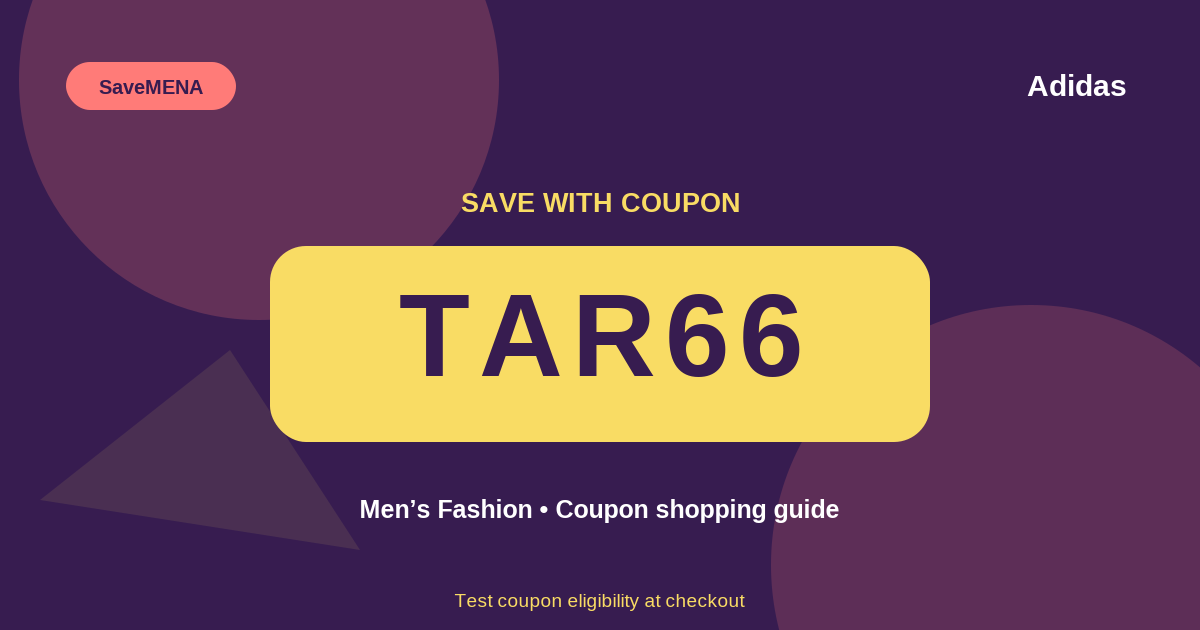
Codes available to try while comparing
These codes are not guaranteed for the article topic or listed brands; test them at checkout and use the live result.
Step 1: Confirm Product Category and Brand
Before you even open the Noon app, decide which segment of Men’s Fashion you’re after—sportswear, footwear, or formal wear—and confirm that the items list Adidas as a brand if that’s your the coupon code. Checking the brand field in the product description helps avoid mis‑labelled items. A quick model search can reveal whether the variant you want is truly an Adidas release or a knock‑off, ensuring that all subsequent warranty claims will be honored by the official manufacturer.
While browsing, keep an eye on the product title for phrases like “Authentic” or “Official” that usually mark genuine Adidas merchandise. Products that lack such labels may still carry a retailer warranty, but it won’t be backed by the global brand’s terms. Identifying the correct category also narrows down the type of warranty that applies—e.g., wear and tear for shoes versus fabric defects for clothing—so that your expectations match the product’s protection plan.
Step 2: Inspect Warranty Disclosure
Once you’re in the product page, scroll past the photos to the detailed description, where any warranty information should appear. Look for phrases such as “Manufacturer Warranty” or “Noon Warranty” to see who holds responsibility. The length of the warranty period—often expressed in months—is critical, and knowing whether it covers manufacturing defects only or extends to usage loss guarantees can affect your return strategy.
If no warranty details are visible, use the search bar to find “Warranty” plus the product name, or choose “Customer Service” tabs if Noon offers an FAQ on the topic. It’s also wise to compare warranty terms across similar models to see if any deviations exist—particularly if a model lacks an explicit warranty, it may rely solely on retailer return policies.
Step 3: Evaluate Return and Exchange Policies
A solid warranty often comes with a return or exchange window. Locate the policy section following the warranty disclosure and read the conditions under which a return is accepted. Pay attention to whether the policy addresses damaged goods, wrong sizes, or simply plaintiff dissatisfaction, as each scenario can trigger a different support route.
Verify that the return window aligns with your purchase schedule—some policies allow returns within 14 or 30 days, but this can vary by category or seller. Note any restocking fees or shipping responsibilities; a missing policy could leave you with less flexible options. Confirming these details ensures that if a defect arises later, you’ll know how to initiate a claim under the warranty, not just return for a refund.
Step 4: Check Post‑Purchase Support Options
Beyond the return window, it’s crucial to know how to contact support if a product issue surfaces after use. Login to the Noon app, navigate to the purchase history, and open the specific order to locate the “Contact Support” or “Help” button. Notice whether the support channel requires a phone call, chat, or email, and whether response times are listed.
If available, inspect whether an official support center or service locator for Adidas is linked, as that can streamline repair or replacement processes. Some sellers may provide their own service hotline. Knowing the primary point of contact reduces frustration during fault resolution, and a clearly documented support path is a core part of a trustworthy warranty environment.
Step 5: Secure Your Coupon Code
The TAR66 coupon can offer price relief on Noon UAE deals, but remember that it is “available to try” only. Enter the code during the checkout process in the “Promo Code” field to view its effect before placing the order. The code’s applicability will show in the order summary if it works; otherwise, proceed without it or seek an alternate discount.
Because there are no guaranteed expiry or minimum spend details, it’s best to experiment at checkout with a minimal order first. Once the code is acknowledged, you’ll know if it’s truly functional, and you can add more items to the cart to see if the discount scales proportionally. Always double‑check that the coupon does not conflict with other active savings or promotional offers.
Step 6: Verify Seller Credentials
Even if Noon lists a product under your chosen retailer, confirming the seller’s reliability can safeguard warranty claims. Look for seller ratings and the number of completed transactions available in the product page’s vendor information. A reputable seller often offers better after‑sales support, especially for warranty disputes or returns.
In addition, note whether the seller explicitly states “Manufacturer Authenticated” or “Certified Seller.” While a positive rating signals past customer satisfaction, it doesn’t guarantee that the seller follows the same warranty processes that the manufacturer specifies. Some sellers may have local stock, which can mean quicker returns but might lack official support channels for product defects.
Step 7: Review Shipping and Handling Details
Shipping logistics can impact warranty service. Check the estimated delivery time and whether the seller or Noon expects to deliver the package through a trusted courier. Detailed shipping information—such as tracking availability—helps you monitor the item’s arrival and initiate any warranty claim before the product is fully released.
If the item arrives damaged, you have limited time to report it. Confirm whether lost‑in‑transit claims are covered and what evidence, such as photos, is required. A clear shipping policy reduces ambiguity when you need to file a post‑purchased support request tied to delivery damage rather than a manufacturing flaw.
Step 8: Final Checkout Verification
Before hitting “Place Order,” review the final order summary: product, quantity, price, applied discounts, and subtotal. Double‑check that the TAR66 coupon is listed, and that the order reflects the intended warranty details you’ve verified earlier. A simple mis‑click can change the item variant and, unintentionally, the warranty.
If any of the warranty terms or support options change—perhaps a seller updates their policy during the booking window—contact Noon’s support or the seller directly before completing the purchase. Ensuring every detail is correct at this final stage locks in your protections and gives you confidence that you’re protected for the duration its term promises.
Related SaveMENA pages
Related articles
Official sources to check
Frequently asked questions
How do I verify the authenticity of an Adidas product on Noon?
Check the product title for “Official” or “Authentic,” read the detailed description for manufacturer tags, and compare model information against Adidas’ own catalog or an official retailer’s listings.
What happens if my product arrives with a defect after the warranty period?
If the defect occurs outside the warranty window but the seller accepts returns, you may still lodge a claim under the seller’s return policy, but coverage for a defect will likely be limited to a refund rather than repair.
Can I use the TAR66 coupon if I have already entered another promo code?
The coupon can only be applied if no other code is active. If the first code is still applied after checkout, retry by removing it before entering TAR66.
Where can I find the contact details for post‑purchase support?
Open your order history in the Noon app, select the specific purchase, and click the “Contact Support” or “Help” option to access the designated support channel for that seller or manufacturer.