Puma Men’s Fashion on Noon UAE: warranty and support — buyer checklist
Noon UAE actively promotes a wide range of men’s fashion items, including Puma’s latest sportswear and apparel, through periodic discounts and bundle offers.
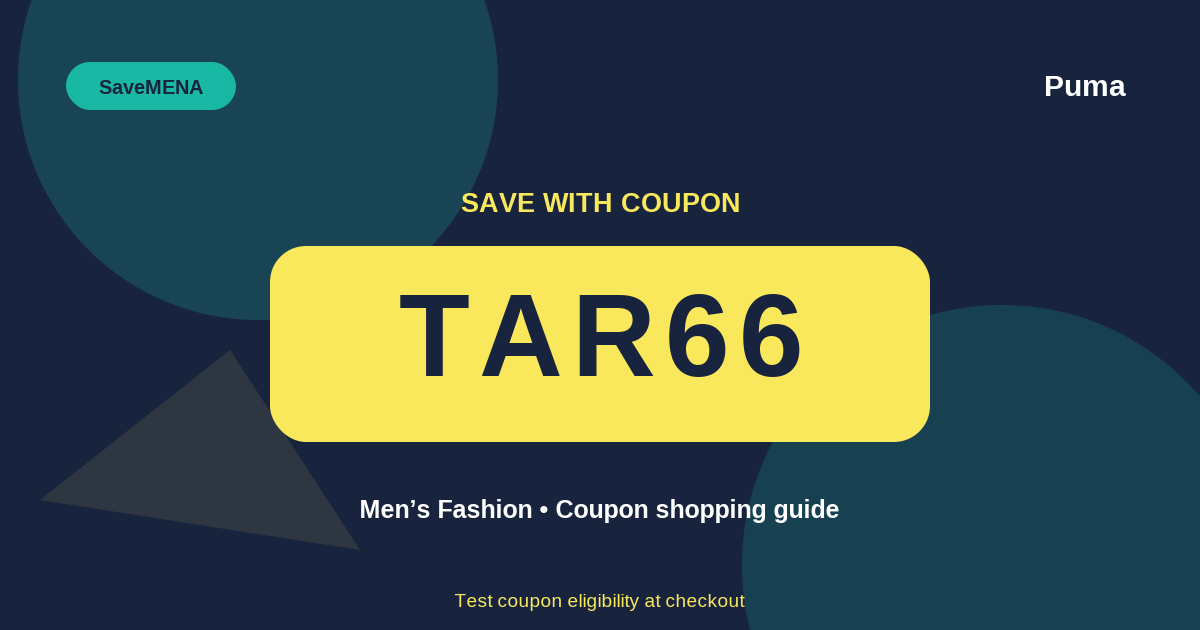
Codes available to try while comparing
These codes are not guaranteed for the article topic or listed brands; test them at checkout and use the live result.
1. Demystifying Noon UAE Deals for Men’s Fashion
Noon UAE actively promotes a wide range of men’s fashion items, including Puma’s latest sportswear and apparel, through periodic discounts and bundle offers. When searching for a specific model or collection, filter the results by “Puma” and “Men” to narrow the field. Pay close attention to the price displayed on the product page; it reflects the most current pricing after any applied marketplace promotions, but may not include the TAR66 coupon. The listed price should always be combined with your own verification during checkout to confirm any additional offer.
Once you’ve shortlisted a few options, note the seller’s rating and item condition. The seller rating offers a quick glimpse of past buyer satisfaction, while the condition indicator tells you whether the item is new, pre‑used, or refurbished. These details will help you compare value across sellers and ensure that your chosen item meets your quality expectations. Save your preferred choices and move on to evaluate warranty and support information before proceeding.
2. Interpreting Puma’s Warranty Terms via Noon
Puma typically provides a limited warranty that covers defects in manufacturing for a specific period, usually ranging from six months to two years, depending on the product type. When the warranty information is present in the product description on Noon, it will detail the coverage duration and the conditions under which the warranty is valid. Remember that this warranty is not a guarantee of usage duration but rather a protection against defects that arise under normal use.
It is essential to confirm that the warranty period listed applies to the exact variant you are purchasing—size, color, or any special edition. Verify this by reading the “Warranty” section on the product page. At checkout, you may be prompted to accept the warranty terms; ensure you read them thoroughly before confirming your order.
3. Understanding Noon’s Post‑Purchase Support for Men’s Apparel
Noon offers a standard returns policy that generally allows returns within a set number of days after delivery, provided the item is in its original condition and packaging. For men’s fashion, the return window is usually 15 days, but this can vary by seller. The support crew often assists with return shipments and can provide shipping labels if the item falls under a warranty claim.
If you encounter a defect covered by Puma’s warranty, contact Noon’s customer support to initiate a warranty claim. The process typically requires you to describe the issue, provide photos, and submit any relevant documentation requested. Once approved, Noon will guide you through repair, replacement, or refund options in line with Puma’s warranty policies.
4. Applying the TAR66 Coupon Code – What to Expect
The TAR66 coupon code is a promotional offer available to try during the checkout process. It’s important to understand that attempting to apply the code may or may not yield a discount; the availability is contingent on Noon’s current promotional calendar and your eligibility. No guarantee is made that the code will work, and its effect will only be confirmed after you add the item to your cart and proceed to payment.
To use the code, enter “TAR66” in the promo code field before clicking “Apply.” If the code is valid, a visual cue such as a discounted amount or percentage may appear. If it is not applicable, Noon will inform you at that stage. Always double‑check the final amount before confirming the purchase.
5. Verifying Return Eligibility at Checkout
During checkout, Noon displays a summary of return and refund conditions that apply to your order. Read these statements carefully, as they outline the exact window for returns, restocking fees (if any), and the condition required for eligibility. This summary will also indicate whether the return is free or if a shipping fee is charged, providing transparency before the transaction is finalized.
Make sure that if you plan to rely on Puma’s warranty, the returned item meets the seller’s condition requirement for warranty claims. This often includes providing original packaging and proof of purchase. If you have any doubts, contact Noon’s support team for clarification before completing payment.
6. Tracking Warranty Claims Through Noon’s Dashboard
Noon provides a dedicated order dashboard where customers can view the status of ongoing warranty claims. Once you file a claim, the dashboard updates with stages such as “Under Review,” “Awaiting Customer Response,” or “Resolved.” Monitoring these updates helps you stay informed and reduces the need to repeatedly reach out to customer support.
If the claim is approved, the dashboard will show the next steps—whether a return is required, a replacement is dispatched, or a refund is issued. Be sure to keep any communication from Noon and the seller handy should you need to reference them later. The dashboard is also the primary place to view any refunded amounts that are applied to your Noon wallet or credited to your original payment method.
7. Comparing Puma’s Warranty With Competitors
Puma’s warranty on Noon typically aligns with its global policies, offering coverage against manufacturing defects for a set period. When comparing it to other brands available on Noon, note that some may provide longer warranty periods or more inclusive service clauses, such as repairs in local facilities. However, the key variable across brands is the specific products; therefore, always check the warranty details for the exact item you plan to buy.
In addition to the written warranty, certain sellers may offer extended protection plans purchasable at the point of sale. Pay attention to any such offers, but verify their terms and whether they can be redeemed against the Noon order. Those plans may or may not work with the TAR66 promo, so confirm all details at checkout.
8. Final Checklist to Secure Warranty‑Enriched Deals
Before finalizing your order, review the product’s warranty period, return policy, and any seller‑specific instructions on the confirmation screen. Confirm that the screen lists the total amount payable, including any applied coupons or promotions. If you have applied the TAR66 code, double‑check that the discount was reflected before you hit “Place Order.”
After confirming the order, keep an eye on the order status in Noon’s dashboard and retain any documentation sent via email. This practice ensures that you’re prepared to proceed with any warranty claim swiftly if a defect arises. By following these steps, you combine the best of Noon’s deals with the assurance of Puma’s warranty and Noon’s post‑purchase support.
Related SaveMENA pages
Related articles
Official sources to check
Frequently asked questions
What steps should I take if the TAR66 coupon does not apply at checkout?
When the coupon code does not apply, Noon will notify you during the payment stage. In that case, proceed with the standard price and keep an eye on future promotional periods or alternative codes that might be available on the platform.
How long does a Puma warranty cover defects for my Nike apparel?
Puma’s warranty only applies to Puma products, not Nike apparel. For Nike items, refer to Nike’s own warranty policy or the seller’s warranty terms listed on Noon.
Can I cancel my order after it has entered the return process for warranty reasons?
If you have initiated a warranty claim, you typically cannot cancel the order. Instead, follow the return and repair procedure outlined by Noon and the manufacturer. Contact support if you need clarification.
What should I do if I need to claim warranty after the return window has closed?
Even after the return window, you can still file a warranty claim if the issue falls under the product’s warranty terms. Provide documentation and photo evidence, then submit the claim via Noon’s dashboard. Support will review and decide on repair or replacement.