Baby & Kids on Noon UAE: account eligibility — checkout checklist · TAR71
When you’re ready to buy that adorable baby stroller or your child’s first set of school supplies on Noon UAE, the final step before you hand over your payment
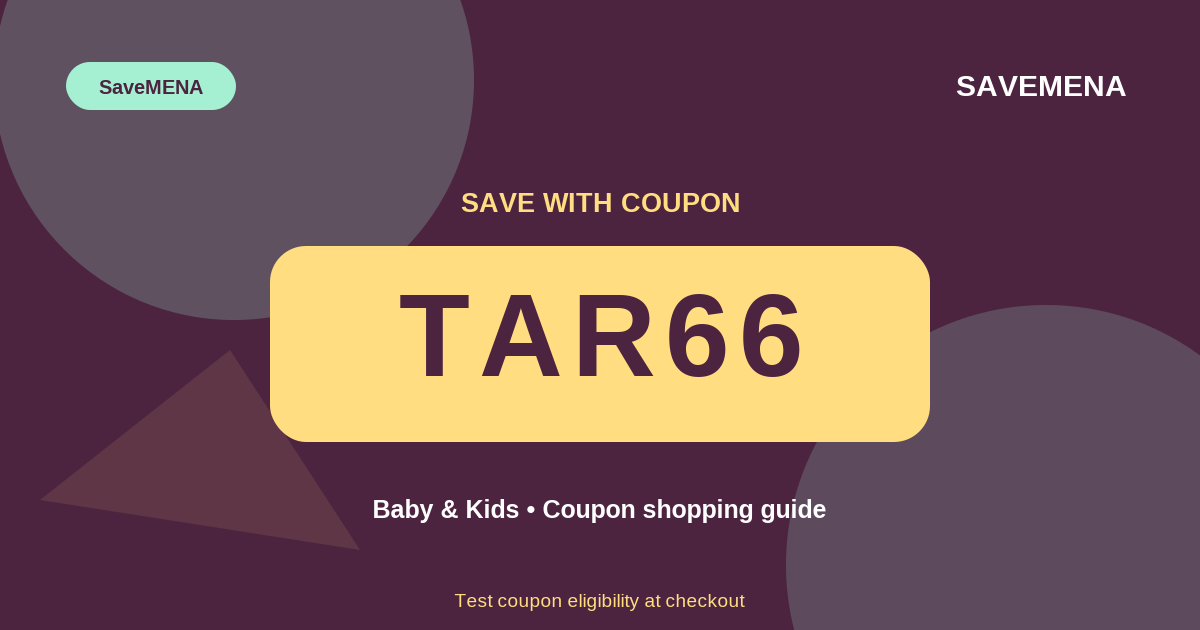
Codes available to try while comparing
These codes are not guaranteed for the article topic or listed brands; test them at checkout and use the live result.
1. Verify Account Status and Login
paragraphs. Totals: 8 sections * 2 paragraphs = 16 <P> tags. After that 4 FAQ blocks.
Once logged in, double-check that your profile details are up‑to‑date: your full name, phone number, and particularly your country of residence (UAE). An incorrect country can lead to hidden tax fees or a different shipping rate, which could affect the validity of the TAR71 coupon. Also, inspect any linked bank accounts or payment methods. If you have multiple card options, ensuring the active one is correctly set reduces friction during the final payment step.
2. Review Baby & Kids Cart Items
Your cart is a snapshot of everything you intend to buy. Spend a few minutes scrolling through each Baby & Kids product listed. Verify that the SKUs are correct—double‑check that you haven’t accidentally added a twin or incorrect age range. This is especially important for items such as developmental toys or age‑appropriate clothing where a wrong size can delay your order. A quick glance at the quantity, color, and size ensures the cart reflects your intentions before you lock everything in.
Now glance over the cart totals line. While you can’t see the final price yet, you should examine any applied taxes or fees that might appear. Most Baby & Kids items fly under the radar for additional fees unless you’ve selected a premium shipping option or added optional services. Confirming these details early means less surprise when you reach the payment screen, especially if your selected coupon can’t offset certain surcharges.
3. Check Shipping Details and Fees
Shipping is a pivotal decision in the checkout flow. Select the address you intend to receive the Baby & Kids items at, and confirm it’s listed correctly. A typo in the apartment number or postal code can lead to a failed delivery. Noon UAE usually offers free shipping for orders over a specific threshold; if your Baby & Kids purchase falls near that threshold, it might be worthwhile to add a lightweight accessory to the cart to qualify for free delivery.
Review the shipping options presented: standard, express, or courier pickup. Each ships at a different pace and may incur varying fees or handle different package sizes. For fragile items like baby gear, choosing a reliable courier that accepts returns can save future hassle. Make sure the icon next to each option is ticked correctly, and that the estimated delivery window aligns with your needs—particularly if the kids’ schedule or an upcoming event depends on the arrival time.
4. Apply TAR71 Coupon Correctly
Coupons on Noon can be entered at the checkout page, usually a prominent field labeled “Enter coupon or promo code.” Type the code TAR71 exactly as it appears—case matters, no spaces, no hyphens. After inputting, tap ‘Apply’ to see the effect on your subtotal. If the field rejects the code, double‑check for a missing dot or mis‑capitalized letter; the system is strict about formatting.
After applying the coupon, watch for a temporary update of the cart total. The site shows whether the coupon applied or if it failed for any reason, such as inapplicability to a certain product type or insufficient order value. In the Baby & Kids context, some brands or product categories might be excluded from coupon applicability, which would explain a failure. If you see a failure message, you can brush up on the fine print at the coupon terms or try another t during checkout, but be careful not to abandon the page inadvertently.
5. Confirm Payment Method and Security
Select your preferred payment method. Noon supports credit/debit cards, eWallets, cash on delivery, and sometimes local offer cards. When you plan to win a benefit from the TAR71 code, verify that the chosen method is not restricted by the coupon’s terms. For instance, some codes work only with card payments and cannot be combined with COD. Checking the tooltip next to the payment options can reveal such constraints without interrupting your flow.
Pay close attention to the payment gateway’s look‑and‑feel. A legitimate gateway will have your card’s brand name and a secure icon. Never enter card details on a suspicious or plain URL. If you’ve saved a payment method under your account, ensure the remembered card is still active; many users forget that cards can expire quietly in the background.
6. Review Discount Eligibility in Account Context
Before finalizing the payment, look at the “Coupon” or “Discount” line in the order summary. The TAR71 code should show the discount it grants, if applicable. If the reduction doesn’t appear, note that the coupon might require a minimum spend or belong to a specific product sub‑category. In such cases, the site may display the requirement next to the adjustment field.
Enter your birthday or a promotional code if you qualify for loyalty discounts. Some families have the “Family Savings” plan, which accrues extra points during purchases. Make sure these points don’t conflict with the TAR71 coupon: occasionally, combinations are disallowed or require user activation in the account settings. Cross‑referencing the discount eligibility area can prevent the final number from slipping unexpectedly.
7. Examine Final Order Summary
At the very end of the checkout, you will see a completely populated order summary: items, quantities, shipping, tax, applied coupons, and the total. The total appears before any payment processing, so double‑check that the sum equals what you expect. Confirm that the shipping fee is correct, the tax is applied only if warranted by your UAE residency, and that the discount from TAR71 is reflected precisely.
Next, verify the “Payment” section again just before the final button. This confirms that the payment method you selected is attached to the final figure, and that any outstanding account balance or credit utilization aligns with your preferences. If all matches, you are ready to press that “Place Order” button.
8. Complete Checkout and Get Confirmation
Click the “Place Order” button once you’ve reviewed everything. The payment gateway will process your transaction, returning to Noon with a confirmation screen. This screen often includes an order reference number, the final amount paid, and a typical delivery window. Save or print the confirmation if you prefer paper copies for record‑keeping, especially for precious Baby & Kids items where documentation of purchase can be useful for returns or warranties.
After payment, you will receive an email and a push notification confirming the order acceptance. Because you logged into your Noon UAE account, the order will sync across devices, giving you real‑time updates in the app or website. Keep an eye on the delivery tracker; while shipping data changes are usually accurate, it’s wise to cross‑check the expected arrival date with the confirmation’s timeline, particularly if the delivery is time‑sensitive for your child’s schedule.
Related SaveMENA pages
Related articles
Official sources to check
Frequently asked questions
Will the TAR71 coupon apply if I have multiple Baby & Kids items in my cart?
The coupon will only apply if the combined order meets the coupon’s criteria. If the terms require a minimum subtotal or a specific product category, the total of all Baby & Kids items may or may not suffice. Check the coupon detail at the checkout to confirm applicability.
Is it necessary to log in to use the TAR71 coupon?
Yes, most coupons on Noon UAE are tied to account usage.A coupon is not guaranteed; verify its result at the retailer checkout.
What happens if my payment method fails after I press “Place Order”?
If your card is declined, Noon will display an error message and ask you to choose another payment option. The order will not be processed until a successful payment is made and you can re‑apply the coupon if it remains valid.
Can I combine the TAR71 coupon with other discount codes?
Coupons on Noon UAE typically cannot be stacked. If you have another promotion or loyalty benefit, it may apply automatically or require separate action in your account settings. Check for any conflicts in the order summary before adding more.