Dyson Beauty on Noon UAE: account eligibility — checkout checklist · TAR71
When you’re ready to add a beauty item to your cart on Noon UAE, the moment you click “checkout” is the time to pause and verify every detail.
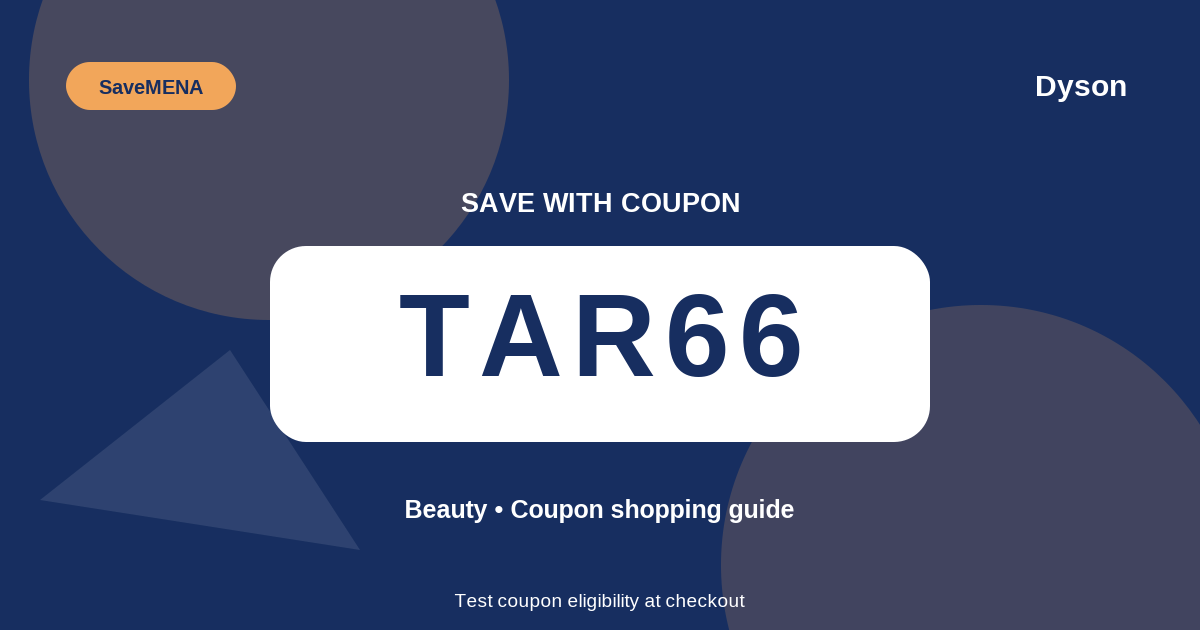
Codes available to try while comparing
These codes are not guaranteed for the article topic or listed brands; test them at checkout and use the live result.
Understanding Your Beauty Wishlist on Noon UAE
Focus begins with a clear vision of your beauty package: cleanse, tone, moisturise, or specific shampoo‑product sets. Ensuring your selected items are from the Dash8 or other beauty categories on Noon provides a built‑in quality check. When you view the catalogue, double‑check that each product meets your needs – fragrance, ingredients, brand, and size – before adding to the cart, because once the checkout page appears, reversing choices can be cumbersome. Keep your list aligned with your skincare routine or make‑up goals to avoid later edits that might alter your cart’s weight and, consequently, shipping costs.
It also pays to filter items that come from reputable sellers, especially when you’re purchasing beauty products that could have delicate packaging. Choosing a seller with a strong rating adds an extra layer of safety for your transaction. Review customer return policies as well; some sellers offer free returns for cosmetics that don’t arrive as described. By refining your selections early, you reduce surprises at the final stage of checkout, ensuring each beauty item you add to the cart is definitively what you want.
Why Account Context Matters in the Checkout Process
Every checkout step on Noon UAE is contextualised by the account you’re using. Whether you’re a member of Noon Rewards, have saved preferences, or prefer a particular email address for shipping confirmations, these settings define the amount you will pay. Account status can affect how coupons are applied; you may need to sign in to see all discount options.A coupon is not guaranteed; verify its result at the retailer checkout.
In addition, account-based data includes your saved payment methods, address history, and subscribed notifications. These records influence loading times, security checks, and the final transaction value. By confirming that your account is active, and that you have the correct details entered, you minimise the likelihood that a checkout hiccup will cause a refund question or a delayed delivery. Checking the account context early ensures that the buyer experience will match the loyalty rewards you anticipate.
Step 1: Review Your Shopping Cart Before Applying the Coupon
Open the cart page and confirm each beauty item’s quantity, size, and seller before proceeding. The cart summary shows the pre‑coupon total which is the amount your account will normally be charged. At this point, you can rearrange items or remove duplicates without incurring extra shipping fees, which often apply per order rather than per product. If you spot a different version of a beauty product, do the swap now; it will reduce hassle when the checkout window opens.
This is also the right time to check for any pre‑applied discounts, such as manufacturer vouchers or free shipping thresholds. Because Noon can combine these with coupon codes, unsure‑about‑your‑cart items can cause a delay in final price calculation. Take a moment here to verify that everything, from the label to the description, matches the product you genuinely desire. Sticking to a clear list means the valet at the payment screen will recognise the intended purchase with minimal friction.
Step 2: Confirm Delivery Details and Associated Fees
Delivery preferences influence total cost. You may choose express, standard, or pickup options on Noon UAE. Verify each beauty item’s destination, ensuring that at least one address is stored in your account. Since Noon can have a separate coding for fragile items, confirm that the correct delivery method is selected to guarantee that a delicate beauty bottle or tube arrives intact. Incorrect address data is a frequent source of delayed shipments and will show a mis‑delivery fee if adjusted at this stage.
Before you proceed, note how the selected shipping method displays its subtotals. They include any charges for temperature‑controlled shipping or for premium handling required for glass or other breakable containers. If you eventually decide to choose free shipping, ensure that the threshold of your impressive beauty bundle meets the required minimum. After finalising delivery details, proceed to the payment step, where you will be able to see any due fees that have been added. Confirm that the total figure lines up with the cart’s summary, but still keep an eye out for any extra shipping costs.
Step 3: Verify Payment Options & Secure Your Account
On the payment screen, your account context reveals whether you can use stored cards, PayPal, or your Noon credit line. Make certain your chosen payment method has recent transaction history and is verified. In cases where you use a prepaid card or a new card, the checkout page will request the last four digits and the CVV code. Ensure that your payment credentials are up to date in your profile to avoid a failed payment or retry prompt.
Savings apply after total fees are calculated, so any invalidated payment method may prevent the nomination of coupon codes. When a payment gateway feels unsafe, you might see a glitch that redraws the page and resets your choice. By double‑checking available payment options before entering the coupon field, you keep your transaction at its most fluid state. If you experience any warning messages from the payment provider, review them for any required clarifications, like a verification step or a consigned card balance warning.
Step 4: Enter the Noon Coupon and Observe Its Effect
The coupon entry is a straightforward field labeled “Coupon Code”. Input `TAR71` in the prompt. Unlike e‑voucher codes attached to a specific product, this coupon is entered globally across the cart. Upon entry, the checkout will re‑calculate the total, displaying the new payable amount, including any discount that might have been applied. Because Noon’s interface will illuminate the change, you’ll see an updated price line; this proves that the coupon was recognised within your account context.
It is vital to observe how the system treats the coupon, especially when a product from the beauty segment is set to a different category or is part of a bundled deal. Should the platform reject the code, the page will generally display an error, permitting you to correct or proceed without the discount.A coupon is not guaranteed; verify its result at the retailer checkout. Since the coupon is a trial option, do not presume a guaranteed engine for the discount; it simply provides a conditional option that will be validated at checkout.
Step 5: Final Review – Is Now the Right Time to Pay?
Your last checkpoint is a confirmation screen that reiterates the final payable total, itemized costs, shipping fees, and the impact of the coupon. Confirm once more that your address, payment method, and coupon details remain consistent. Since the coupon is trial‑based, you should also double‑check for any possible deductions or additional features that might trigger after payment, such as loyalty points earned or partial tax deductions. The checkout system will display a "Total Payable" field that must match what you see in the cart view.
Once everything is verified, you are ready to click the final “Place Order” or “Pay Now” button. At that point your account context will lock the transaction, ensuring that the payment method and shipping address used are the ones you have just confirmed. Keep the confirmation screen handy; a printed or downloaded copy may prove useful if you encounter any post‑purchase questions from Noon or your bank. The final payment completes the purchase of your chosen beauty staples, and the receipt will go to the email address associated with your Noon profile.
Common Pitfalls and How to Avoid Them
Some shoppers forget that an account must be signed in to use the coupon effectively. If you are a guest user, the code `TAR71` may not be applied, or you might be prompted to create an account. Also be wary of items that are not eligible for discount due to limitations on certain sellers or product types. Check for any “excluded products” notices near the coupon field to avoid surprise charges. When the coupon is applied, if the new total shows no change, the code might have been rejected by the system – double‑check the typing or try again later, because for a trial coupon a fallback is common practice.
Older payment methods registered in your profile can sometimes cause confirmation delays because the gateway needs to verify card active status. Ensure that the billing address matches the one on the card, otherwise the transaction may fail at the step after clicking “Place Order”. Finally, uploading a QR‑code or scanner for a loyalty program can inadvertently override the coupon if it’s tied to a higher discount. Keep your coupon typed separately from any other promotional codes to maintain the integrity of your purchase.
Related SaveMENA pages
Related articles
Official sources to check
Frequently asked questions
Can I use the coupon `TAR71` with any beauty product on Noon UAE?
Yes, you can enter the coupon during checkout on the Noon UAE platform for any beauty item. Successful application is determined by Noon’s current promotional terms, and the coupon may or may not be applied depending on the system’s evaluation at that time. The coupon is not guaranteed to work on all items.
Will using the coupon affect the delivery fees for my beauty products?
Not directly. Delivery fees are calculated independently of the coupon. However, if the coupon reduces your cart subtotal enough to qualify for a free‑shipping threshold, you will see the delivery fee adjust accordingly during final checkout.
Do I need a Noon Rewards membership to use the coupon?
No, you can use the coupon as a guest or with any Noon account. Coupon application relies on the code you input; account status does not prohibit its use, though account login may help confirm the discount at checkout.
What if my payment fails after I applied the coupon?
If your payment fails, the coupon de‑activates and the order remains incomplete. You can review the error message; if it mentions a coupon issue, repeating the checkout after confirming code entry might resolve the problem. If issues persist, contacting Noon support for assistance is recommended.