Anker Computer Accessories on Noon UAE: account eligibility — checkout checklist · TAR73
When you reach the checkout page for your computer accessories on Noon UAE, the first thing you do is double‑check the cart contents.
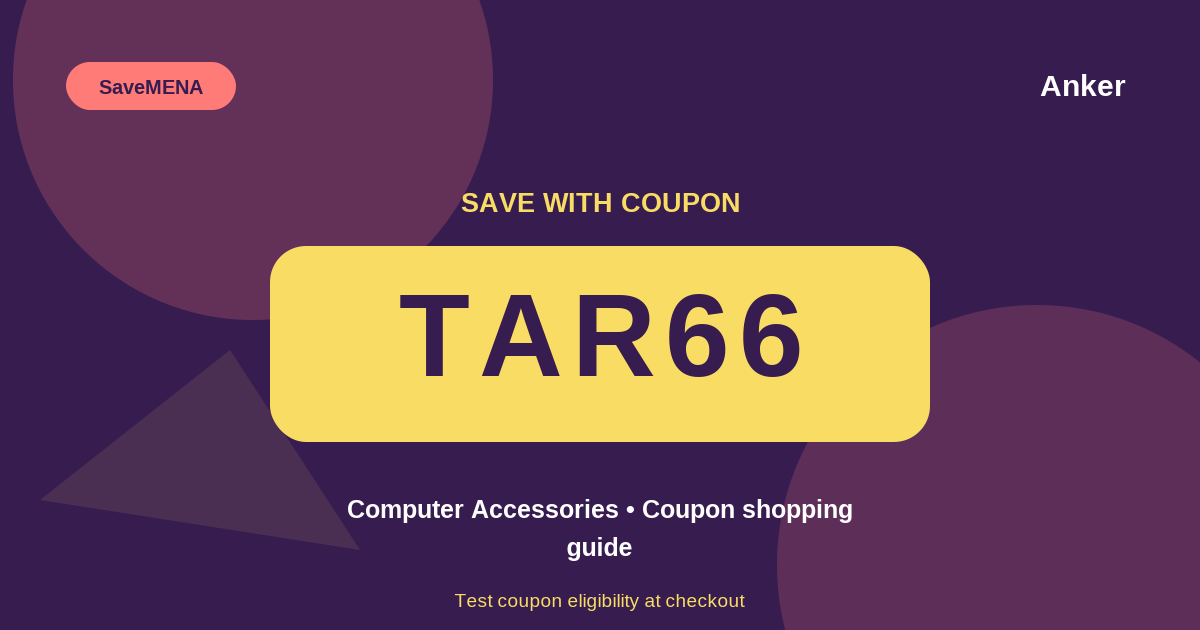
Codes available to try while comparing
These codes are not guaranteed for the article topic or listed brands; test them at checkout and use the live result.
Overview of Your Computer Accessories Cart
Your cart is the first checkpoint in the checkout journey. Ensure that every computer accessory, from Anker power banks to USB-C hubs, is correctly listed with the appropriate quantity and model details. A quick glance can catch incorrect selections—such as a wrong colour or a mis‑entered model number—before the item appears in the final total.
After confirming the items, check for any auto‑applied promotions that have already been applied. Some sellers automatically apply standard discount tags, but these may not interact with the TAR73 coupon. Verifying this lets you decide which discount strategy will be most effective for your purchase.
Preparing Your Noon UAE Account for Checkout
Your Noon UAE account is a crucial part of the decision lens. Log in at the top of the page and verify that your profile reflects the correct shipping address, phone number, and preferred language. A correct address reduces the risk of shipping delays and helps your order match the coupon’s terms, which can be tied to delivery regions.
Check that your payment information—whether a credit card or a digital wallet—is up to date. An account with an expired payment method may lead to a failed checkout, regardless of coupon eligibility. Update any saved payment methods, and confirm that your account is active, with no pending verification steps that might hinder the payment process.
Applying the TAR73 Coupon Strategically
Once your cart and account are ready, locate the discount code field on the checkout page. Type TAR73 carefully and hit apply. The interface will show whether the coupon has been accepted and how it affects the cart total.
Because you cannot rely on a guaranteed discount percentage, it’s wise to verify the new subtotal after applying the code. Watch for any notification that the coupon is not valid for certain items or that there are minimum spend requirements—we do not prescribe them, but checking at this stage ensures you’re not surprised by a “code does not apply” message later.
Verifying Shipping Options and Fees
The next step in the checkout checklist is to review shipping options. Noon UAE may offer different delivery speeds, each with its own fee. Selecting the fastest option could add a small amount, while standard shipping may keep the cost lower but extend delivery time.
Consult the shipping fee row beneath the payment section to confirm that it’s what you expect. Some sellers include free shipping on certain models or bundles, while others may charge separately, especially for premium accessories from Anker. Comparing these options before confirming payment helps you avoid unexpected charges.
Payment Methods and Currency Handling
When you reach the payment method choice, confirm that the currency displayed is returned correctly in AED. Noon UAE typically auto‑detects your location, but double‑checking ensures the per‑item price matches the screenshot of the cart.
Select your preferred payment gateway, such as a credit card or an in‑app payment method. Make sure the total displayed includes any applied discount, shipping fee, and taxes. If the totals mismatch, you’ll see an error notification that will require a re‑check of the applied coupons or shipping selections.
Confirming Final Price on the Checkout Page
Before proceeding, read the final price summary carefully. The checkout page lists item subtotals, applied discount, shipping, and tax. At least three separate elements should be present: a line for the cart items, a line for the discount code, and a line for shipping charges.
If the TAR73 coupon is valid, you’ll see a reduction rectangle next to the subtotal. If it’s not applied, there will be no change. This final glance ensures that the total you see and the amount that will be debited from your account match your expectations.
Tracking Your Order After Checkout
Once your payment is confirmed, Noon UAE will provide an order confirmation number. Keep this number handy; it is key to tracking the shipment status through the Noon tracking interface. You usually receive an email or app notification with updates.
Some times a coupon verification might trigger a delayed shipment, as the system double‑checks the discount validity for high‑value items. Look for a “Shipping Update” section that states the expected dispatch date, especially for Anker accessories that may be on high demand.
Common Pitfalls to Avoid When Using Coupons
A frequent mistake is applying a coupon after the checkout button is pressed. Even if you know the coupon code in advance, double‑test it on the coupon field before clicking the “Pay” or “Proceed” button. An applied discount after payment has no effect and can trigger a refund cycle.
Another pitfall is overlooking account settings that influence eligibility. If your account type is new or flagged for fraud checks, certain codes may not be accepted. These situations often surface only during the final payment confirmation, so keeping your account verified reduces the risk of a failed transaction.
Related SaveMENA pages
Related articles
Official sources to check
Frequently asked questions
Can I use the TAR73 coupon for all Anker devices on Noon UAE?
It depends on the specific product and the seller’s coupon rules. Check the discount code field before final payment to see if the coupon is accepted for each item.
Will the coupon affect my shipping fee?
The cargo fee is separate from the discount. If you apply the coupon, it will reduce only the item total, not the shipping cost. Verify after applying the code to confirm the final charges.
What if the discount code is not applied at checkout?
Double‑check that the code is entered correctly in the discount field before you hit the payment button. If it still doesn’t apply, contact Noon support for clarification on eligibility.
Do I need to log in before applying the coupon?
Yes. Some discounts are tied to user accounts. Make sure you are signed into your Noon UAE account before entering the coupon code to ensure it is evaluated correctly.