Sony Electronics on Noon UAE: account eligibility — checkout checklist · TAR73
can transform a routine purchase into a savvy shopping experience, especially when you’re closing the final steps before payment.
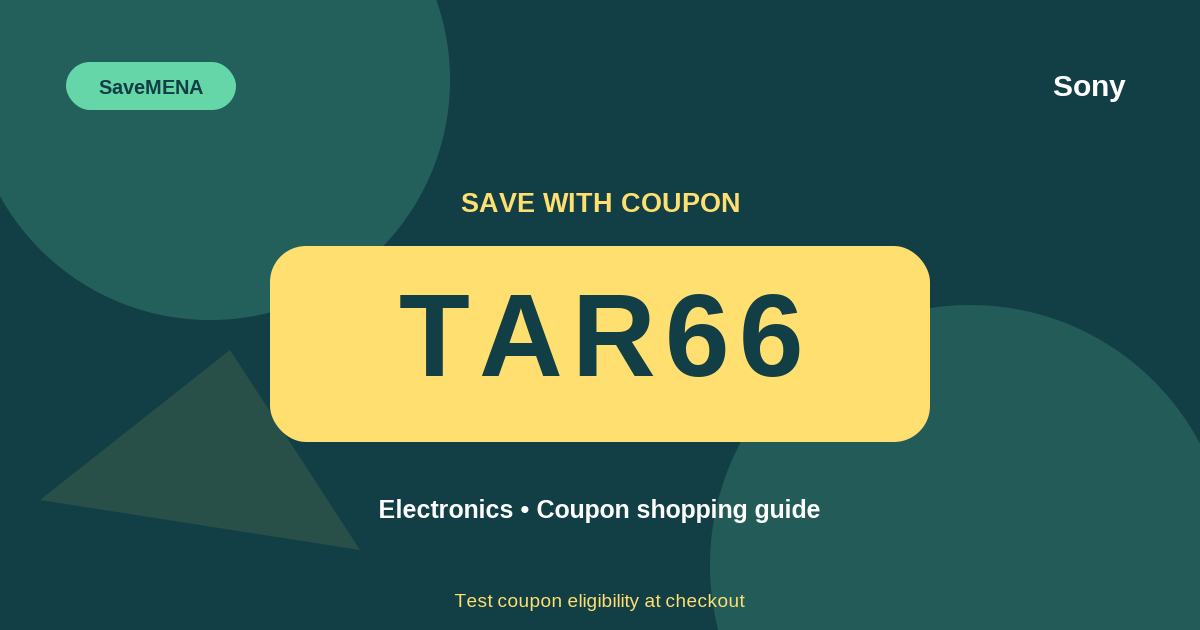
Codes available to try while comparing
These codes are not guaranteed for the article topic or listed brands; test them at checkout and use the live result.
1. Aligning Sony Electronics with Your Needs
Before you even reach the cart, think about the exact Sony device you want. Verify the model number, series, and features such as connectivity options, battery life, and supported formats. This guarantees the item satisfies your system requirements, whether you’re a home entertainment enthusiast or a mobile gamer. If you have a particular Sony sound system or camera in mind, double‑check compatibility against your existing gear and software to confirm seamless integration.
Also review user reviews and video demonstrations that showcase real-world performance. This reference point helps confirm that the Sony product meets the described specifications before you add it to your order. Ensuring the exact variant—be it storage capacity, color, or special edition—reduces the risk of post‑purchase exchange hassles, which is crucial when you’ll be using an account‑based checkout.
2. Seller Credibility and Offer Validity
After choosing the Sony model, compare multiple sellers listed on the platform. Look for high seller ratings, positive feedback, and verified vendor status. This helps eliminate the risk of counterfeit or refurbished items posing as new models. Sellers with clear return policies indicate a level of confidence in the product’s quality.
Check the shipping times and logistics support each seller offers, especially if you rely on expedited or next‑day delivery. A reputable seller will provide accurate tracking details and reliable courier handling, ensuring your Sony device arrives on schedule and in perfect condition.
3. Account Settings: Shipping and Payment Controls
Before proceeding to checkout, confirm your profile contains the correct shipping address. A typo or outdated location can trigger delays or additional handling charges. Confirm the address against your current residence or office details, as in‑person pickup options may also be available based on your profile.
Next, review saved payment methods stored in your account. Ensure your debit, credit, or mobile wallet details are up to date, and verify that the chosen method is supported for large purchases. A well‑aligned payment profile aids in a smooth authorization and faster checkout.
4. Applying Coupons and Promo Codes
When you reach the order summary, locate the “Apply Coupon” field. Enter the code TAR73 to try it. While this promo is available for selection, it is not guaranteed for receipt or companionship, so treat it as an option rather than a promised benefit.
After entering the code, review that no random deduction or fee appears. Even if the promo doesn’t activate, the system will still reflect any standard coupons or loyalty points that apply. This step gives you clarity on your final payable amount.
5. Checking the Final Order Summary
At the order confirmation screen, double‑check item quantities, chosen model, and the seller’s name. Small mis‑entries here can result in unwanted replacements or longer wait times.
Verify that all shipping, handling, and potential customs fees display accurately. The total amount presented should match the sum of product, seller, and delivery charges, excluding any operating costs your account may be absent from. Confirm that the final price reflects any applied coupon or discount for transparency.
6. Payment Options and Security
When you choose a payment method, look for authentication steps such as OTP, 3D Secure, or biometric verification linked to your account. These safeguards protect the payment process and add confidence that your transaction will not be compromised.
After payment authorization, ensure a digital receipt appears in your account inbox and on the order page, including the transaction ID. This provides a reference for any future disputes or tracking.
7. Tracking, Delivery, and Account Notification
Once the order finalizes, the system should link a tracking number to your account. Monitor the shipment through the courier tracking portal or via your profile’s shipment dashboard to anticipate arrival windows.
Additionally, confirm your account is set to receive real‑time notifications about shipping status changes. In case the delivery date shifts or the courier requires a signature, having updated contact details in your profile helps manage expectations.
8. Post‑Purchase Support: Returns and Warranty
If the Sony product arrives incomplete or defective, the return process should be initiated from your account. Open a return ticket, attach images, and follow the return shipping instructions to get a replacement or refund.
Also record the warranty registration details via the brand’s website using the serial number and purchase confirmation from your account. Linking warranty coverage to your purchase ensures any future service requests are processed under the active period tied to your checkout record.
Related SaveMENA pages
Related articles
Official sources to check
Frequently asked questions
How do I apply the TAR73 coupon code during checkout?
You can enter the code TAR73 in the “Apply Coupon” field on the order summary page. If it activates, the discount will apply before payment. If it doesn’t, you will still see the standard price. Always confirm the final amount after applying it.
What happens if TAR73 is not accepted?
The checkout will proceed without the discount. You’ll still pay the full price, but all other account‑linked promos or loyalty points will apply. Verify the final amount before confirming payment.
Do I need a Noon UAE account to use the coupon?
A Noon UAE coupon can generally be applied once the user is logged in, which attaches the discount to the account for transaction validation. Confirm your account is active and updated before using the code.
Can I change my shipping address after the order is placed?
Changing a shipping address post‑placement is possible only in the order tracking page if the item hasn’t shipped yet. Updating the address sooner prevents delayed delivery. Access this via your account’s order details.