Sony Gaming on Noon UAE: account eligibility — checkout checklist · TAR73
When you reach the final step in your gaming haul on Noon UAE, having a solid checkout checklist is crucial.
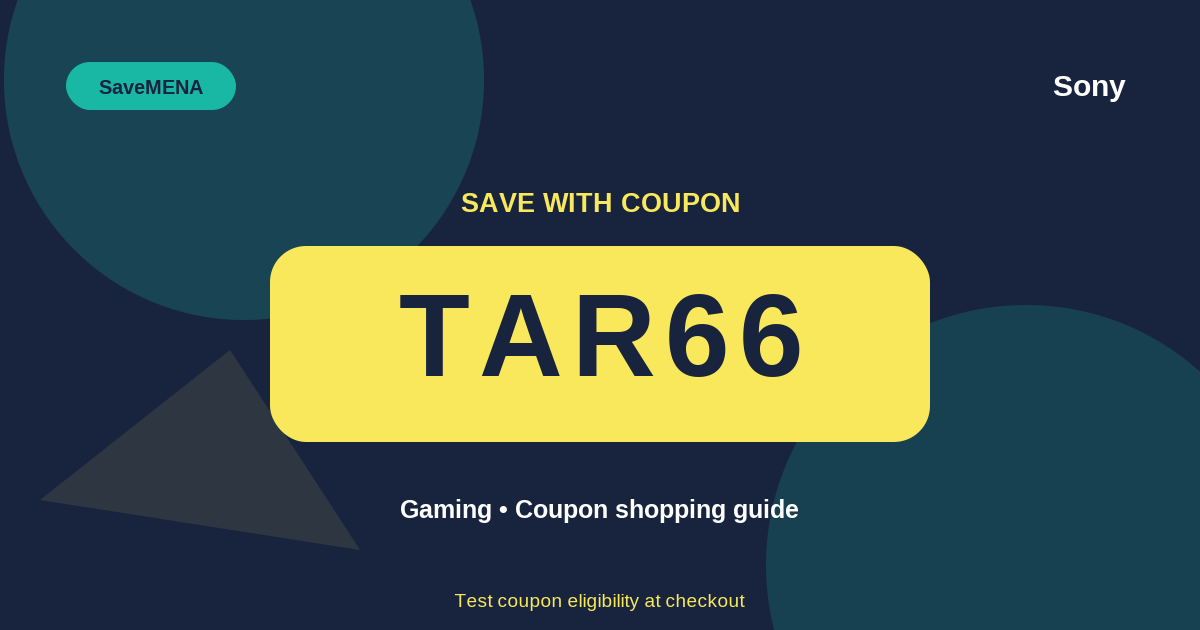
Codes available to try while comparing
These codes are not guaranteed for the article topic or listed brands; test them at checkout and use the live result.
Step 1: Verify Sony Gaming Item Availability
Before adding a Sony gaming title, controller, or accessory to your cart, double-check the product page for seller information. This ensures that the item is in stock and that the seller is reputable within the Noon UAE marketplace. An accurate listing will display the expected delivery timeframe and any available shipping options. Confirming availability early saves time and prevents surprises if the item runs out during the checkout process.
While browsing, observe any reported refund or return policies tied specifically to Sony gaming gear. Some sellers may have distinct conditions for video game products, such as firmware updates or pre-owned variations. Verifying these details early lets you decide if the seller aligns with your return preferences, which is a key part of the account context decision lens.
Step 2: Confirm Audi‑Quality Shipping Details
Shipping cost and delivery estimation are often displayed near the price tag, but always re‑check the shipping section after adding items to the cart. This confirms the final shipping fee will apply to your Sony gaming gear, especially if you choose a specific delivery window or are located in a remote emirate.
Keep in mind that shipping can sometimes vary based on payment method or account type. If you have a Noon UAE VIP membership or a Sony gaming loyalty program, double‑check whether those benefits influence shipping. This verification falls under the checkout checklist before payment, ensuring you remain within your budget while confirming cost certainty.
Step 3: Review Your Sony Account Integration
Many gaming users link their Sony account for game library synchronization or access to exclusive content. Prior to finalizing your purchase, verify that your Sony account details (such as email or redeemed licenses) are linked correctly in the Noon app. A mis‑linked account might prevent you from receiving digital codes or post‑purchase updates.
When reviewing the account context, ensure the device you’re using to log into Noon matches the one registered on your Sony account. This avoids any future technical issues, such as unrecognized devices or security prompts that might interrupt the checkout flow.
Step 4: Apply the Noon UAE Coupon – TAR73
Once all items are added to the cart, locate the coupon or promo code field on the checkout page. Input the code TAR73 to test its eligibility for your Sony gaming selection. The coupon may need confirmation of application before proceeding, so watch for a subtle visual cue like a discount line or a tick mark.
It’s important to read the user’s comment that the coupon is available to try. No guarantee is offered that the coupon will be accepted, so monitor for any confirmation error messages. If the coupon can’t be applied, the system will usually display why it’s ineligible, so you can decide whether to proceed without it.
Step 5: Double‑Check Payment Method Accuracy
Verify that the payment method selected (credit card, debit card, or e‑wallet) is correctly linked to your Noon user profile and that the card is valid for international transactions if applicable. This ensures that the Sony game credits will load onto your account without delay after payment.
While reviewing payment details, confirm whether your Sony account or Noon membership has any outstanding holds or for future purchases. If your card holds a limit for online gaming, check the balance to avoid a payment failure that could delay your gaming experience.
Step 6: Inspect Final Checkout Summary
The checkout summary provides a final breakdown of item totals, shipping, applied coupons, and the account balance. Review each line to ensure no hidden fees or misapplied coupons have altered the expected payment amount.
In this step, confirm that the coupon line has updated the total appropriately, even if the discount isn’t guaranteed. Verify that the Sony gaming items appear in the list without missing attributes such as edition or model. This compliance audit supports reliability in your purchase plan.
Step 7: Proceed to Confirmation and Collect Order ID
After the final review, proceed by pressing the confirmation button to place your order. Pay close attention to the phone or web notification that includes an order ID, which you’ll use for tracking delivery updates or potential reshipments if a Sony product is misplaced.
In the Singapore e‑commerce world, the order ID also ensures that any customer support interactions are seamless when verifying Sony account connections or coupon usage afterward. Store this number securely for reference.
Step 8: Post‑Purchase Tracking and Sony Account Sync
Following order confirmation, monitor the tracking pane in the Noon app for delivery status updates. Once the package arrives, connect the physical item to your Sony account to authenticate the device or game and test any pre‑installed software.
Finally, venture back into your Sony account to ensure that the purchased titles or accessories register without issues. If you encounter discrepancies, the order ID will serve as proof of purchase for both Noon customer service and Sony support to facilitate a smooth resolution.
Related SaveMENA pages
Related articles
Official sources to check
Frequently asked questions
Does the TAR73 coupon work on all Sony gaming items?
The coupon is available to try, so it may apply to some Sony products. However, No official guarantee ensures it works on every Sony gaming item. Validation occurs during checkout.
Will the coupon affect shipping fees for Sony gaming gear?
Coupons typically influence product price only. Shipping fees remain separate unless explicitly stated by Noon at checkout. Confirm shipping remain unchanged after applying the coupon.
Do I need a Noon UAE membership to use the TAR73 coupon?
No membership is required for coupon usage. However, a membership might provide additional discount options or benefits outside of the used coupon during the final payment step.
How long will my Sony account sync after purchasing?
After verifying receipt and entering authenticity details, sync can take a few minutes to a few days. Monitor your Sony account dashboard for confirmation once the product is fully linked.