Gifts on Noon UAE: account eligibility — checkout checklist · TAR73
A successful gift purchase hinges on a meticulous checkout checklist that ensures every detail aligns with your needs.
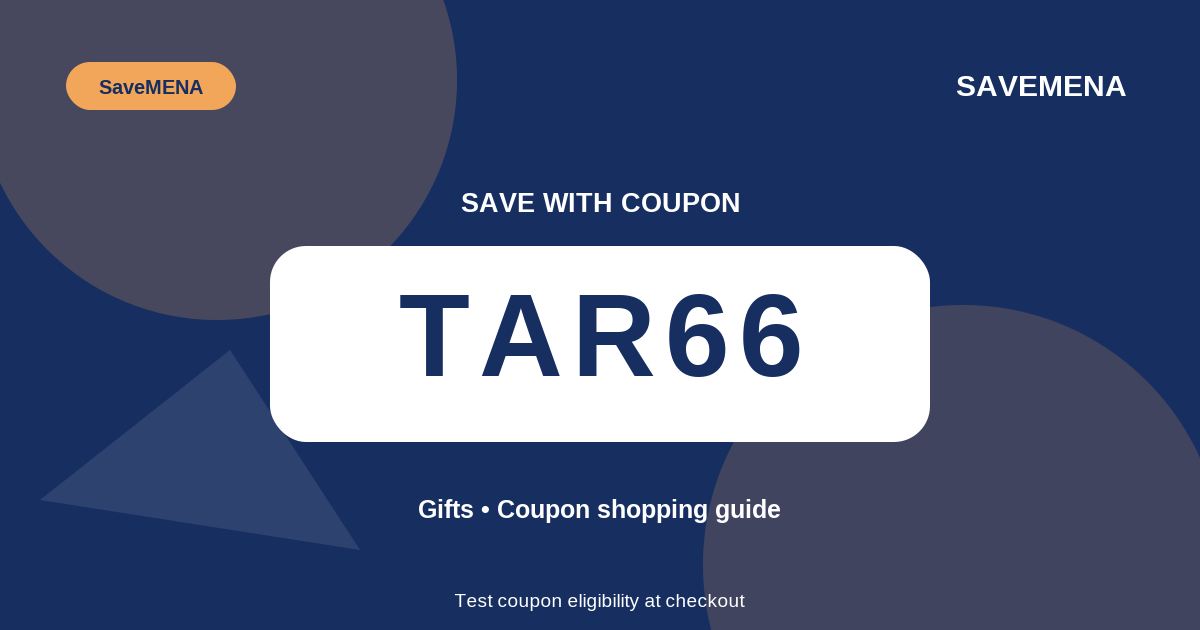
Codes available to try while comparing
These codes are not guaranteed for the article topic or listed brands; test them at checkout and use the live result.
1. Verify Item Details and Quantity for the Gifts Collection
Before you even open the cart, double‑check that each gift item is the right variant, size, and color. The UAE market offers many bespoke options, and what you add to the basket should match the recipient’s preferences. Use the product page’s detail section to confirm that the item, especially if it’s a limited‑edition or personalized piece, appears correctly in your order list. Precise description checking eliminates the risk of receiving the wrong item after you’ve already paid.
Next, confirm the quantities of each gift. If you’re buying a set of paperweights or a bundle of perfumes, the shopping cart often allows quantity adjustments. Keep in mind that buying in bulk may affect shipping charges or packaging. Make sure the numbers you see in the cart match the size or quantity you actually want. A quick review here saves time and avoids the need for returns later.
2. Assess Delivery Options and Timing for Gift Orders
Gift delivery is a critical element in checkout. In the UAE, delivery windows are often date‑specific, which is essential if your gift is intended for a particular occasion. Prior to proceeding, review the available shipping methods: standard courier, express, or delivery onto a designated address.A coupon is not guaranteed; verify its result at the retailer checkout. Verify that the estimated delivery time displayed matches your personal schedule.
Consider also the international shipping rules if you’re sending a gift to a neighbor country. Some items may not be eligible for cross‑border delivery, or may incur customs duties. The cart’s shipping calculator will list any extra fees, and you can adjust the destination or product selection accordingly to keep the cost within your budget.
3. Choose a Payment Method that Supports Noon Promotions
Select a payment method that aligns with Noon’s campaign eligibility. Credit and debit cards, along with the Noon wallet, typically carry the highest promotion rate for coupon usage. If you prefer to pay later, check whether your chosen option still enables you to apply the TAR73 code during the checkout process. Certain payment methods might require entering the coupon before selecting payment, so plan the sequence carefully.
Also, verify whether any loyalty points or store‑credit balances are available in your account. These can be combined with the coupon to maximize savings. Make sure to read the prompt that appears when you click the “Apply coupon” button; it will confirm whether the voucher is accepted for the items in your cart. Keeping a clear view of the final payable total before confirming shipment is crucial.
4. Optimize Your Noon Account Settings for Gift Purchases
Account context extends beyond login status; it includes saved addresses, preferred payment options, and notification settings. Ensure that your primary address on file is the correct location for gift delivery. If you have multiple shipping addresses, selecting the right one prevents delays or misdelivery. Likewise, double‑check the default address used for returns or exchanges.
Additionally, review the email subscription preferences in your account. Many sellers offer exclusive discount codes to newsletter subscribers and loyalty members. Confirm that you’ve opted into these communications so you’ll be aware of future savings opportunities and can apply them during subsequent gift purchases.
5. Apply the Noon UAE Coupon TAR73 to Your Gift Order
When ready to apply the coupon, locate the “Enter Promo Code” field in the cart summary. Input TAR73 exactly as it appears, ensuring no preceding or trailing spaces. The coupon system will process the code before the final total is displayed. If the voucher does not appear valid, re‑check the spelling or try a known friendly copy of the button to re‑initiate the validation.
After applying the code, watch the cart summary for the reduction in the subtotal. Since the coupon is available to try, confirm that the discount is reflected. If the amount does not change, verify that your cart contains items eligible for the coupon and that the amount meets any prerequisites that might exist at checkout.
6. Scrutinize the Checkout Summary and Extra Fees
Beyond the subtotal and discount, review other charges that might affect the overall cost. Shipping fees, handling allowances, or exceptional packaging for gift items carry over to the final payable total. Ensure that the listed shipping fee matches the rate displayed earlier in the delivery options section, as discrepancies can arise if you change the selected shipping method after adding the coupon.
Also, double‑check any tax calculations. In the UAE, VAT is typically added automatically; confirm that the tax displayed reflects the most recent applicable rate. If you see unexpected charges, compare the VAT inclusion policy to the earlier product detail pages for consistency.
7. Confirm Security, Return Policies, and Gift Wrapping Options
Security is non‑negotiable at checkout. Verify that the payment screen displays the padlock icon and HTTPS URL to confirm a secure transaction. Even if you have previously used the site, reminding yourself of the safety checks prevents phishing errors. For gift items, especially electronics or jewelry, confirm the return policy is suited to gifts—some sellers offer gift‑return waivers that ease the process if a recipient changes their mind.
Check the availability of gift‑wrapping services. The UAE market offers free or paid wrappers that can be added at checkout. This service is often optional, so ensure that if you prefer a wrapped present, you enable it before finalizing the order. Keep a record of any additional packaging fees in the order summary.
8. Final Walkthrough: From Cart to Confirmation
At the final step, inspect the order preview one more time. Confirm that all items, quantities, delivery dates, applied coupons, shipping fees, and payment method match your earlier selections. Any discrepancy at this stage will delay your gift’s arrival or increase your spend.
Once satisfied, click “Place Order” or its regional equivalent. You will receive an order confirmation via email and possibly a mobile notification. Store the confirmation number, and if you have a tracking link, monitor the shipment’s progress until it reaches the recipient. A thorough review ensures that both you and the gift recipient benefit from a smooth, satisfactory experience.
Related SaveMENA pages
Related articles
Official sources to check
Frequently asked questions
What should I do if the TAR73 coupon doesn’t apply during checkout?
If the coupon fails to apply, double‑check that you entered it correctly and that your cart contains eligible gift items. Verify that there are no additional restrictions such as minimum spend at the final checkout stage. If the issue persists, contact Noon customer support for clarification.
Can I use other promotional codes along with TAR73?
It depends on Noon’s policy for each campaign. The cart summary will display whether multiple codes are accepted. Generally, one voucher per transaction is permitted, but a loyalty point balance can often be combined if your account has accumulated points.
Will the gift wrap add extra cost, and can I choose a free wrap?
Gift‑wrapping fees vary by seller. Some gifts include free packaging, while others charge a small fee. Review the gift‑wrap section of the order summary before finalizing; you can save the cost by opting out if the default is a paid option.
Is the VAT included in the displayed final price?
Yes, the final price shown after applying the coupon and adding shipping fees includes the applicable VAT. The VAT amount is calculated automatically by the checkout system and shown in the order summary for transparency.