Grocery on Noon UAE: account eligibility — checkout checklist · TAR71
Before you hit “Pay,” check a quick list of essentials so your grocery order from Noon goes smoothly.
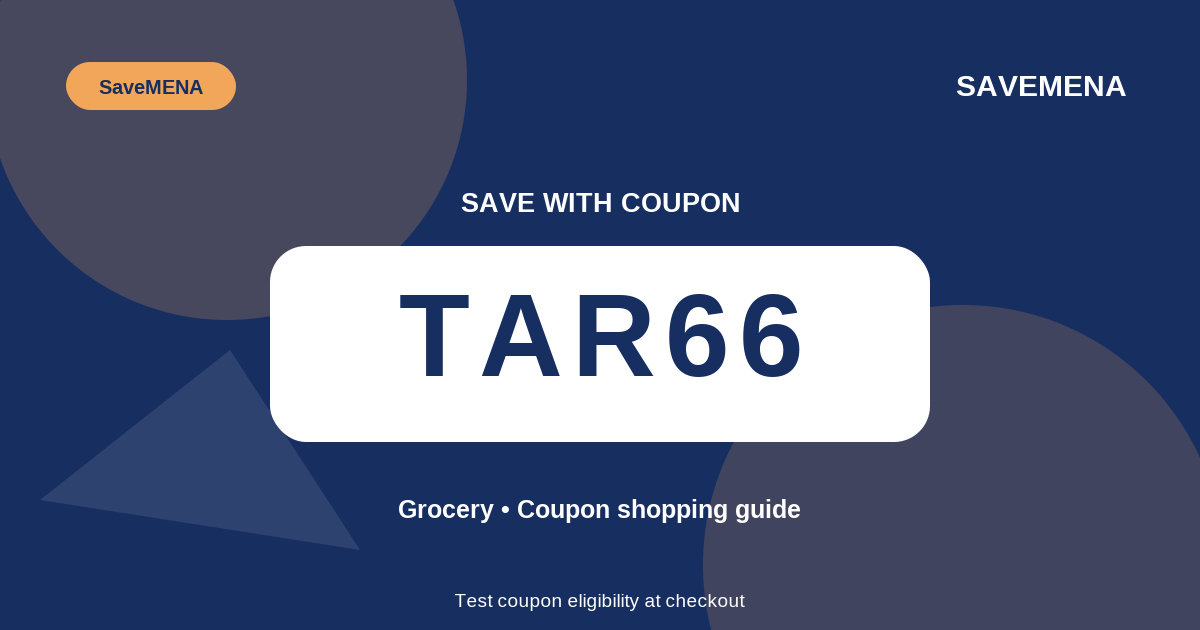
Codes available to try while comparing
These codes are not guaranteed for the article topic or listed brands; test them at checkout and use the live result.
Verify Cart Contents and Totals
Start by reviewing the items listed in your cart. Ensure that each product’s quantity, variant and seller match what you intend to purchase. Watch for subtle changes such as portion size or brand reshuffling that can distort the expected total. While grocery items fluctuate in price, Noon typically updates the cart subtotal in real time; confirm that the displayed subtotal reflects the actual sum of prices before any discounts or fees are applied. A quick glance here can catch misplaced groceries or accidental double‑entries that would otherwise inflate the final bill.
After confirming the items, scroll to the summary section where you can see the subtotal and any added taxes or service fees. Notice that these amounts are calculated automatically based on your delivery address and selected items. If an item’s price looks significantly different, double‑check its product page to verify current pricing. By ensuring every line item is accurate now, you prevent surprises later in the checkout flow when the wallet closes.\
Check Account and Delivery Settings
Your Noon profile holds key information that can affect the checkout. Verify that your delivery address is correct and up to date; an outdated address can lead to missed deliveries or additional fees at the last minute. Noon’s system pulls the address you last used, but you can always edit it before finalizing the order. Make sure you’re logged into the account you intend to use—especially if you have multiple profiles or loyalty cards linked to separate accounts.
Next, inspect the selected delivery slot. Noon’s system often offers multiple options such as lunch, dinner, or overnight delivery. Delivery availability can vary by region and product type; ensure the chosen slot aligns with your schedule. If you see a message that a particular time or window isn’t available, change it before proceeding to the payment section to avoid being stuck on a unavailable slot at the checkout screen.\
Apply the TAR71 Coupon Wisely
Now that your cart and account are verified, you can enter the coupon code TAR71. Noon’s coupon input field is usually located just below the subtotal or in a dedicated “Discount” section. Type the code exactly as shown—including any capitalization needed—to avoid errors. If you’re using a Noon UAE coupon Grocery account context, ensure that the code is active for your account type; some coupons are manually approved, while others are auto‑applied.
Observe the immediate impact of the coupon. Noon refreshes the total and shows a “Discount applied” message if the coupon is accepted. Should it fail, the system will either display an error or prompt you to retry. Do not switch accounts or login after this step, as it may invalidate the coupon. By capturing this change early, you can confirm that the coupon is indeed active before moving on to payment.\
Review Payment Methods and Availability
Switch to the payment method selection screen. Noon supports several options such as credit/debit cards, stored payment methods, and digital wallets. Look at the list of active cards tied to your account; confirm the card’s expiry date and that you authorize this transaction. If you prefer cash on delivery, verify that this option is available in your region for groceries, as some delivery points may not support it. The payment section will also display any cashback or reward points candidates; note them for later review.
Check for any restrictions that may apply to your chosen method. For example, certain cards may require a 3DS authentication step, while digital wallets might need an additional verification. If a method shows a warning or error, choose an alternative. Confirm that your card has sufficient balance or credit, because an abrupt decline usually happens only at the final step, which can lead to frustration if your cart is preparing to be shipped.\
Confirm Shipping Fees and Delivery Options
On the checkout page, scroll to the shipping and handling details. Noon typically lists a flat delivery fee or an optional expedite charge. Grocery items often weigh differently; the system may adjust the fee depending on total weight or distance. Ensure the displayed shipping fee matches what you expect. If the fee appears higher than usual, double‑check that no oversized items or a “special handling” request is attached to the order.
Additionally, review the delivery instructions box. A simple note like “Leave at doorstep” can save you unnecessary courier contacts. Some grocery items require special temperature control; Noon may recommend a specific slot or notify you of “fridge‑suitable” deliveries. By confirming these preferences now, you can avoid post‑payment alterations that cause the courier to reschedule or the order to cancel.\
Inspect Loyalty or Reward Points
If your Noon account is linked to a loyalty program or reward points, those points may automatically apply to your grocery order. Near the bottom of the checkout summary, look for a section titled “Points" or “Rewards". The system usually indicates how many points will be deducted or earned from this purchase. Verify that the points deduction matches what you anticipate, especially if you've recently earned a bonus or received an extra promo.
Note that some points may not be combinable with coupon discounts. If you plan to use TAR71, ensure the loyalty program's terms allow both to be active simultaneously. An overlap can result in a final bill that reflects only one discount, depending on Noon’s rule set. Adjust your strategy accordingly, choosing the most beneficial option for your budget before locking in the transaction.\
Review Final Summary Before Paying
At the end of the checkout flow, Noon presents a last‑minute confirmation screen that restates the total amount to be charged. Carefully read through each line item: subtotal, discount, shipping fee, tax, loyalty points, and the final amount. If any figure seems incorrect, you can usually go back to the relevant section to make changes before confirming. This is the final chance to adjust any mis‑entered data or add a missing coupon.
Check the order date, expected delivery time and the courier company listed. Some grocery deliveries, particularly perishable items, are time‑sensitive; ensure the courier’s arrival window aligns with your schedule. When all numbers match your expectations, tap “Proceed to Pay” to complete the transaction and lock in your grocery order.\
Common Pitfalls & Quick Tips
Even with meticulous preparation, issues can surface. A frequent error is mis-entering the coupon code or selecting a different account after applying it, which can invalidate the discount. Keep the coupon code TAR71 hidden or remembered until after the final payment to avoid accidental clearing. Another pitfall is underestimating delivery fees for large orders; some groceries trigger higher shipping costs due to weight or refrigeration needs. Double‑check the shipping fee before confirming.\
Lastly, maintain a backup payment method on your account. If your first card declines, Noon often automatically falls back to a secondary option without prompting. This ensures that a temporary issue won’t derail your entire grocery order. By staying vigilant during the final stages of checkout, you’ll protect yourself against the most common glitches and secure a smooth, satisfied delivery.\
Related SaveMENA pages
Related articles
Official sources to check
Frequently asked questions
Do I need to verify my Noon account before using the TAR71 coupon?
Yes. The coupon may apply only to the account you’re logged into, especially if you have multiple profiles. Confirm that your logged‑in account matches the one you plan to use for the grocery order to avoid the discount being rejected at checkout.
Will the TAR71 coupon automatically apply to all groceries?
Not guaranteed. The coupon code may work only on selected items or brands. If the system does not apply the discount, try logging out and back in, or check that the specific groceries are eligible at the checkout screen.
Can I use multiple coupons or loyalty points on the same order?
The system may restrict combining multiple discounts. If you want to use both a coupon and loyalty points, confirm on the final summary that both are applied. If only one appears, it may reflect Noon’s policy for that transaction.
What should I do if the shipping fee changes after I have entered the coupon?
Revisit the shipping section. Sometimes different delivery windows or cart weights affect the fee. Adjust your delivery slot or remove heavy items before reviewing the final amount again to keep the fee stable and the total accurate.