Apple Headphones on Noon UAE: account eligibility — checkout checklist · TAR71
We need to produce article 1,250-1,650 words before FAQs. 8 sections, each 2 paragraphs 80-100 words each: so each section ~160-200 words.
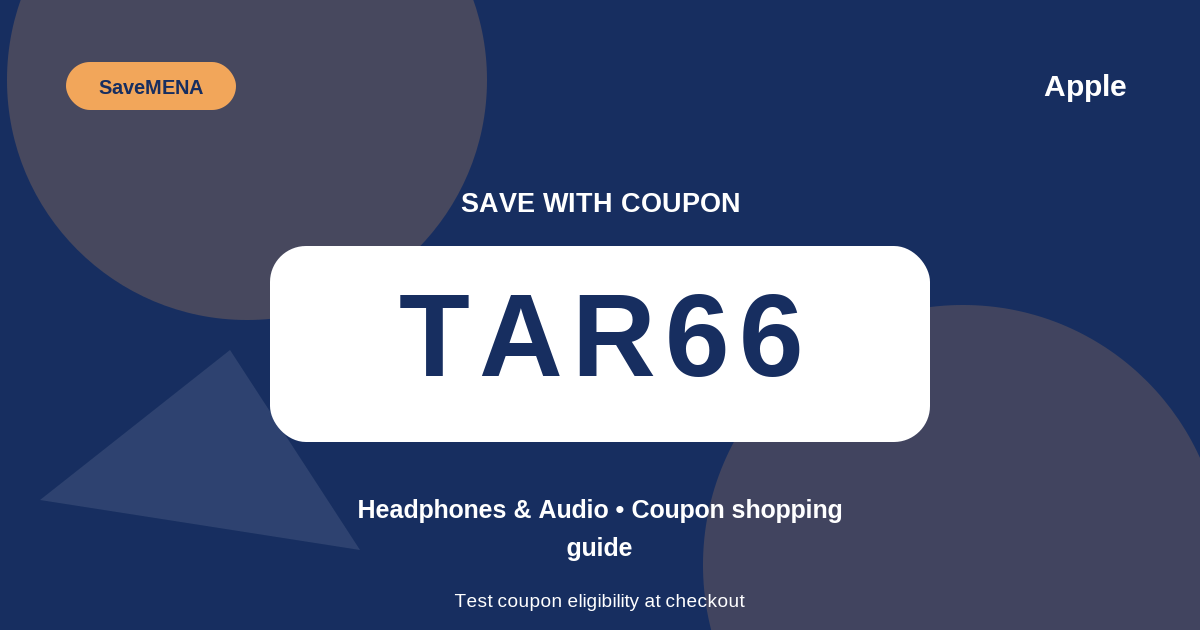
Codes available to try while comparing
These codes are not guaranteed for the article topic or listed brands; test them at checkout and use the live result.
90+90
But we need between 1250-1650. We'll aim 1400-1500 words. We'll produce; approximate.
Before you hit the final payment button for your new Apple headphones on Noon UAE, carry out a brief but thorough checkout checklist. This guide walks you through every critical step—starting with your Apple account settings, moving through product specification checks, and ending with a step‑by‑step verification of refundable fees, shipping details, and coupon application. By aligning your electronic lifestyle with the best possible savings, you’ll ensure that the purchase process is smooth, secure and genuinely cost‑effective. Follow this organized workflow and you’ll arrive at the “Place Order” screen with confidence and clarity.
Account Your Apple ID & Device Compatibility
Before opening Noon’s website, retrieve your Apple ID credentials and verify that the headphones you plan to buy match your current ecosystem. Apple offers several models—some pairing best with iPhones, others with AirPods, and the latest wired models with MacBooks. A quick check of your device’s Bluetooth version, firmware, and any pending updates will help avoid future connectivity hiccups. Confirm that your iOS or macOS version supports the newest biometric or sensor features that may be part of newer headphones, ensuring a seamless integration upon delivery.
Having verified hardware compatibility, log into Noon in a separate browser tab or incognito mode. Use a consistent Apple ID across all devices so that any linked content—including music, podcasts, or Apple Services—remains accessible. This separation guarantees that coupon application, warranty registration, and return eligibility remain tied to your primary user profile without cross‑talk interference. It’s a simple but crucial step that saves yourself from later account‑related headaches.
Review Headphone Specs and Model Variants
Dive into the product description on Noon to understand the technical details of each headphone variant. Look closely at factors like driver size, impedance, frequency response, battery life, and noise‑cancelling capability. Compare these statistics against your personal usage patterns—whether commuting, studio editing, or casual listening. The finer nuances, such as surface material or cable length, might influence comfort and durability, changing the overall value proposition.
Notice the available colors, finishes, and any bundle options that appear on the product page. Some headphones may come with extra ear tips, a carrying case, or even a travel pouch. Do you need those extras? Decide whether they justify an incremental price change before adding the item to your cart, as these extras can affect the final payable total during checkout.
Add to Cart and Verify Stock Availability
Add your chosen headphone variant to your Noon cart. Once the item appears, double‑check the quantity slider, ensuring you have selected the exact number intended—often just one for a personal purchase. Noon typically indicates immediate stock status; if the product shows “Out of stock,” explore alternative sellers or reserve the item if possible. This step eliminates the risk of delayed shipping that could disrupt your album‑lyric listening schedule.
Next, confirm that the seller’s rating and feedback are appropriate for high‑end audio gear. Look for recent customers who mention “sound quality” or “build durability” in reviews. These insights help you assess whether the headphone’s performance stands up in real-world usage, beyond the factory specifications highlighted earlier.
Apply Noon UAE Coupon Code
Proceed to the cart review page and tap “Apply Coupon.” In the coupon input field, type “TAR71” and submit. Since the coupon is listed as available to try, you should monitor the discount offer carefully; it may or may not trigger a price reduction. This is the moment to verify whether the coupon requirement—such as minimum order value or exclusive seller—is met, as the final payable total is displayed only at checkout.
Be aware that Noon’s cart interface updates the cart totals immediately after coupon application. If the discount appears logged but the subtotal remains unchanged, the coupon might not be eligible for this particular product. In that case, procede to checkout to see the precise effect—or lack thereof—on the final price, including any taxes or supply chain fees.
Review Checkout Summary and Payment Options
Now it’s time for the checkout screen. Check the “Order Summary” for a clear breakdown: product price, applied coupon deduction (if any), local tax, and the total payable amount.A coupon is not guaranteed; verify its result at the retailer checkout. No discount should be shown if the coupon fails eligibility, so verify that the disclosure remains transparent.
Pause to examine available payment methods. Noon UAE often lists multiple options—credit card, debit card, PayPal, or installments. Decide if you prefer a protected payment method that offers seller protection or perhaps a financing plan. Note that certain carriers might affect the approval of PayPal or installment options; cross-check any OTP or Visa‑Protect terms before choosing.
Confirm Apple Account Alignment & Digital Warranty</HEACHADING>
Before finalizing the purchase, confirm that your Apple account is correctly linked to the headphones’ future warranty registration. Many Apple products reward owners with a one‑year service plan tied to the Apple ID used at purchase. If Noon allows you to input Apple account details during checkout, do so now. This will let Apple verify serial numbers and lock the product to your profile, giving you deeper eligibility for future support.
Cart the warranty confirmation into check next; some sellers also offer extended service plans that might feel redundant with Apple’s coverage. Sometimes, it’s more cost‑effective to rely on Apple’s free warranty, especially for premium models. Verify whether purchase adds any “Premium Protection” that exceeds the 12‑month baseline, clarifying the value proposition before hitting confirm.
Related SaveMENA pages
Related articles
Official sources to check
Frequently asked questions
How do I know if the TAR71 coupon is valid for my headphones?
During checkout, after you apply the code, the cart summary will update instantly. If the coupon is not eligible, the total will remain unchanged. Only look for a discount line next to the total to confirm success.
Will my Apple account automatically register the warranty after purchase?
Apple often links the warranty to the Apple ID used at purchase. If Noon allows Apple account input, enter it during checkout; otherwise, register the serial number in your Apple account post‑delivery.
Can I cancel my order after confirming payment?
Cancellation policies vary by seller and product type. Review Noon UAE’s return policy on the order summary page before confirming. If cancellations are permitted, you’ll find the process and timeframe listed there.
What happens if the headphones arrive damaged?
Report the damage via Noon UAE’s return portal within the seller’s stated return window. You'll need to provide photos, order details, and postcode. The seller will guide you on repair or replacement procedures.