Sony Headphones on Noon UAE: account eligibility — checkout checklist · TAR71
Before you hit the final Pay button, a quick, systematic checkout checklist can save you time, money, and hassle.
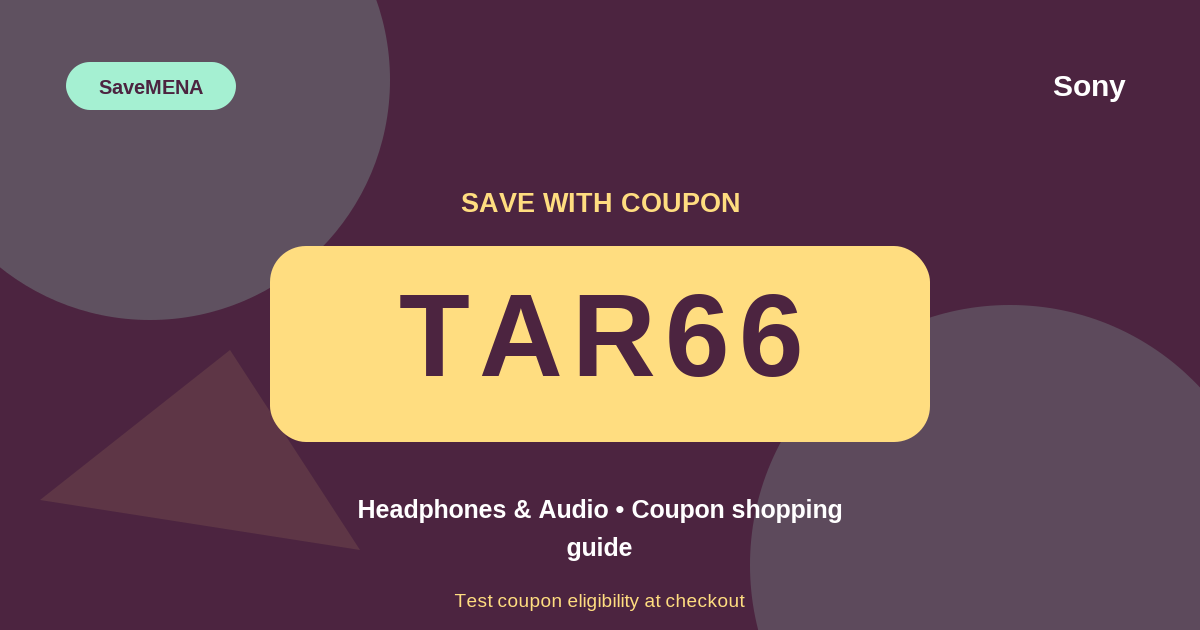
Codes available to try while comparing
These codes are not guaranteed for the article topic or listed brands; test them at checkout and use the live result.
1. Verify Product Eligibility & Seller Credibility
When starting your Sony headphone search, the first checkpoint is checking if the product is eligible for a coupon. Noon’s website will display whether a particular Sony model supports the TAR71 coupon; this information typically appears in the product description or coupon eligibility section. If the coupon isn’t listed, the seller’s details can be found under “Seller information”. A reputable seller often has higher ratings and a substantial number of purchases, which can reduce the risk of a faulty item reaching you.
Account context is also crucial here. If you’re not logged into a Noon account, coupon codes might not apply, or you may be redirected to create an account.A coupon is not guaranteed; verify its result at the retailer checkout. Don’t skip this step; a logged‑in session ties the discount to your order history and prevents mismatch during checkout.
2. Confirm Vendor Requirements & Stock Status
Even if the product is advertised as coupon‑eligible, stock levels and vendor policies can affect availability. The “Stock” indicator on the product page tells you if the headphone is ready for shipping. If it shows “Out of stock,” you’ll need to wait until it restocks or look for an alternative model that meets the same criteria. A real‑time stock check can prevent the frustration of finding a coupon that you never actually can use.
Some vendors enforce minimum order values on discounted items. Checking the vendor’s policies in the “Return & Warranty” or “Shipping” sections provides clarity on whether the TAR71 coupon requires a minimum spend. Since the coupon is “available to try,” it’s important to confirm any such conditions at this stage to avoid surprises later. Your Noon account can often reveal these minimum requirements under your order summary before final payment.
3. Use a Noon UAE Coupon on Sony Headphones – Practical Steps
Once you’re confident the Sony headphone is both coupon‑eligible and in stock, it’s time to enter the the coupon code code. In the cart, locate the “Promo code” field and type TAR71 exactly as shown. Noon’s system will instantly validate whether the code applies to the selected item and adjust the subtotal accordingly. If the discount does not appear, double‑check for any hidden characters or missing hyphens that could invalidate it.
Your account context plays a role: certain coupons may be restricted to first‑time users or specific loyalty tiers. Noon’s account dashboard flags such restrictions in the “Coupons & Offers” section. If your account has a status that disallows the TAR71 code, you’ll see a notification after entry. Verify that your account level matches the coupon’s terms before proceeding to avoid a late‑stage cancellation.
4. Double‑Check Address & Delivery Options
After the coupon is applied, review the delivery address for accuracy. Noon verifies the address to authorize the shipping method and calculate any applicable shipping cost or fee. In UAE, delivery fees can vary by emirate and for specific product sizes. Your account settings can auto‑populate the address, but manual confirmation ensures no misdelivery occurs.
Delivery options such as “Standard” or “Express” might be affected by coupon eligibility. Some high‑value headphones may qualify for free or reduced shipping if a coupon is used. Check the “Delivery & Billing” section for any modifications in cost, and adjust your selection if needed. Ensure your chosen method aligns with the timeline you expect for pickup or replacement.
5. Review Payment Methods & Account Deduction Rules
When you reach the payment section, read the breakdown of costs, including product price, discount, shipping, taxes, and total. Noon typically lists these in a clear order, letting you see the effect of the TAR71 coupon before committing. If the coupon does not show up in the final total, understand it may not apply to this purchase and look for an alternative discount.
Your Noon account could be linked to certain payment methods, such as stored credit cards or bank accounts. Some coupons apply only to specific payment types. Standalone credit cards can bypass potential order restrictions but check the “Payment Options” panel. Confirm that the coupon is accepted for your chosen method to avoid a payment decline after completion.
6. Final Price Check – Confirm Coupon Application
Once all costs are displayed, pay close attention to the subtotal after discount. Noon’s checkout will recalculate any taxes or shipping fees post‑discount. If the final figure reflects the coupon, the discount has applied. Should the discount not be visible, scroll to the “Coupon Summary” on the right panel to see why it might have been rejected – common reasons include mis‑typing the code or account restrictions.
At this point, use the “Back” button to return to the cart if you see an inconsistency. Double‑checking ensures you’re not overpaying or missing a discount. Once satisfied, keep the calculator handy in case you need to cross‑verify the final amount with a different device or browser. This extra step mitigates the risk of sudden amount changes close to payment.
7. Manage Account Settings & Loyalty Points
Many Noon users accumulate loyalty points that can be redeemed in subsequent purchases. However, points are typically applied after all coupon discounts. At the checkout, look for an “Apply Points” toggle; select it only after confirming the coupon’s status. This sequencing keeps your savings additive rather than competing. If your account is topped up with loyalty credits, the final payable amount should reflect all reductions.
Always review the updated total once you apply points. If the combined discount pushes the price below your initial estimate, cross‑check the “Order Summary” for accuracy. Also, verify that the loyalty points you expect to use are available in your wallet; Noon may show a shortage if the points are otherwise allocated. Ensuring account settings align with desired redemption protects against losing unspent points.
8. Pre‑Payment Checklist Recap & Common Pitfalls
Before you hit “Pay Now,” run a final run‑through: confirm the Sony headphone model, voucher code TAR71, stock status, delivery address, shipping option, payment method, and loyalty point usage. Each step should be verified within your Noon account to capture real‑time eligibility. A small oversight at any stage can lead to coupon rejections or unexpected shipping charges after payment. Checking these details now saves a costly return or replacement process.
Common pitfalls include letting the cart time out before the coupon is applied, using a coupon that has expired, or confusing an auto‑applied discount with the TAR71 code. Additionally, some sellers have delay in reflecting stock changes; refreshing the page ensures that the item is genuinely available. Taking a final look in the checkout window underlines that you’re about to cope with no soft‑wide retrieval.
Related SaveMENA pages
Related articles
Official sources to check
Frequently asked questions
Will the TAR71 coupon reduce taxes or shipping fees on my Sony headphones?
The coupon typically applies only to the advertised product price. Taxes and shipping fees are computed separately after the discount. Verify the final figures in the checkout summary before payment.
Can I use the TAR71 coupon together with Noon loyalty points?
Yes, you can apply loyalty points after the coupon. The points are deducted from the final payable amount, but they don’t combine directly with the coupon; the coupon is applied first.
What if my Noon account is new—does that affect the coupon?
A new Noon account might have certain restrictions, like pending promotions for first‑time users. If the coupon does not apply, check your account “Offers” section for any eligibility criteria or other available promotions.
Where can I find out if my Sony headphones are compatible with the TAR71 coupon?
In the product listing, look for a note about coupon eligibility. If unavailable, the seller’s page will indicate whether the headphone supports coupon codes. Contact Noon support for further clarification.