Braun Kitchen on Noon UAE: account eligibility — checkout checklist · TAR71
Here’s a practical checkout checklist before payment when you’re ready to use a Noon UAE coupon Kitchen Braun account context: verify your account details, confirm
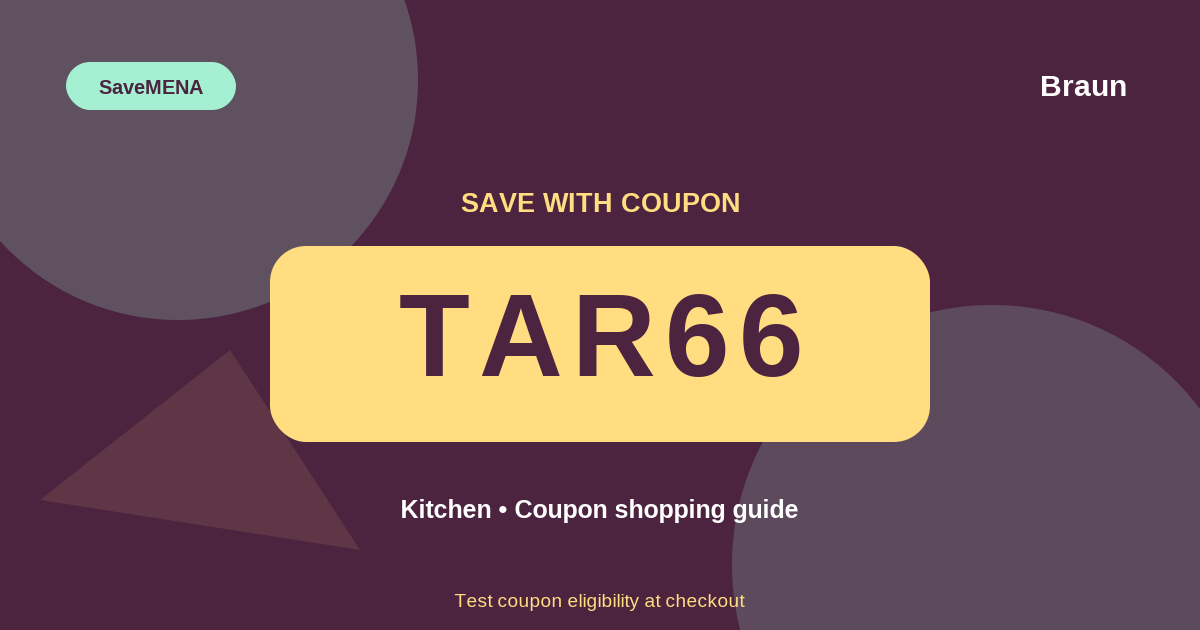
Codes available to try while comparing
These codes are not guaranteed for the article topic or listed brands; test them at checkout and use the live result.
Verify Your Noon Account Setup
Before you add any Braun kitchen appliance to your cart, ensure your Noon account is fully functional. Log in and verify your registered email address and phone number; these are used for order updates and refunds. A mismatched or expired contact detail can delay notifications and cause confusion later in the process.
Next, review your saved shipping addresses. If you have multiple addresses for delivery, confirm the destination chosen for the Braun product is correct and that the address is complete—street, building, floor, and apartment number all matter for precise delivery. An inaccurate address can mean delayed delivery or an entire return. Double‑check each field before proceeding to cart.
Pinpoint Your Braun Kitchen Picks
Now that your account is verified, explore Noon’s kitchen appliances section and narrow the selection to Braun. Filter by category (blenders, ovens, coffee machines) so the listings are relevant and easier to compare. Pay close attention to model numbers and available specifications, as Braun offers variations in capacity, color, and feature sets.
Once you choose a product, inspect the product page for SKU, manufacturer details, power consumption, and any included accessories. Reading the description and user reviews confirms you’re buying the exact feature set you need. Add the item to your cart only after you’ve verified the model matches your kitchen needs and has sufficient stock information displayed.
Apply the TAR71 Coupon at Checkout
Proceed to the cart and confirm all desired items are present with their correct quantities. When you’re ready to checkout, look for the “Use Coupon” field. Enter TAR71 exactly as it appears; Noon’s system will confirm if the coupon is valid for your current cart and account context. The rule is simple: the coupon is available to try, but no guarantee of acceptance is promised.
If the coupon is applied successfully, you’ll see a notice that the code has been added. The discount will reflect only at the final payment summary, ensuring it uses the most accurate totals. If the coupon does not apply, double‑check that the product category or total amount meets any potential threshold—should you need to add or remove items.
Assess Delivery Options and Fees
Before finalizing your order, review the delivery options presented by Noon. Choose the service type that aligns with your schedule: same‑day delivery, next‑day delivery, or standard. Each option may have a different fee or carrier, and the fee is shown on the checkout before payment. Selecting an option that fits your time preference keeps the process transparent.
Also confirm the delivery address one last time. Even if it was checked earlier, a change in shipping terms could affect timing or cost. If the chosen address is in a remote area, Noon may add a small surcharge. This final check ensures the fee shown matches what you expect before you hit “Place Order.”
Double‑Check Payment Methods and Security
Choose a payment method that suits your convenience—credit/debit card, PayPal, or any available Wallet option. Noon requires that the chosen card is active and has sufficient funds, so double‑checking the card details (number, expiry, CVV) prevents a declined transaction. If you’re using a saved card, verify that the card type matches the network accepted for checkout.
Once the card information is entered, review the payment summary. Notice the order total, the applied coupon, any selected delivery fee, and the tax amount. Noon displays these figures in real time, giving you a chance to identify any miscalculation before proceeding. Secure payment gateways encrypt your data, so you have no need to worry about information exposure.
Review the Final Checkout Summary
At the top of the payment screen, Noon presents a consolidated summary: product list, quantities, unit prices, subtotal, taxes, coupon discount, delivery cost, and final payable amount.A coupon is not guaranteed; verify its result at the retailer checkout. If anything seems odd, use the “Edit” option to correct the cart or discount early.
Use the “Place Order” button only after every figure and detail is verified. Once tapped, Noon will send you a confirmation email containing all order details and a unique reference number. This proof is crucial if you need to track the shipment or claim a refund later.
Never Miss a Future SaveMENA Insight
After your Braun kitchen appliance arrives and settles into your home, keep an eye on future SaveMENA insights. We focus on timing savings, coupon applicability, and Noon account updates to help UAE shoppers like you continue exploring kitchen upgrades efficiently. Following these recurring tips keeps your shopping experience smooth and cost‑effective.
Regularly verify your Noon account profile for new update announcements or additional coupon codes that Noon may push. By staying informed, you catch opportunities to apply valid coupons—such as TAR71—in future purchases, ensuring each checkout remains a well‑managed, low‑risk process.
Compare alternatives without guessing
When you compare another option in braun, keep the specifications, quantity and seller as consistent as possible and compare the total shown at checkout. A different coupon does not automatically make a deal better because delivery, fees and the live basket context can change the outcome. Use the final payable total as the practical comparison point.
If the retailer shows a specific condition, rely on that visible message; if it does not, do not turn an assumption into a general rule. Test available options one at a time and note any real change in the total or eligibility message. That creates a verifiable shopping comparison instead of a recommendation built on an unsupported marketing claim.
Related SaveMENA pages
Related articles
Official sources to check
Frequently asked questions
What should I do if TAR71 doesn’t apply to my cart?
First, confirm that all items in the cart are from the categories that NOKON accepts. If they are, double‑check whether the total cart value meets any potential minimum spend. If the coupon still doesn’t apply, contact Noon’s customer support for clarification.
How can I verify that my Braun appliance’s SKU is correct?
Inspect the product page on Noon for the SKU and cross‑check it against what appears in your cart. If there’s a discrepancy, remove the item and re‑add it, making sure the correct version appears before proceeding to checkout.
Should I use a saved card or enter a new card at checkout?
Using a saved card speeds up the process, but ensure the card is still active and has enough balance. If the card expires or is about to, enter new card details to avoid a payment decline after confirming the order.