Apple Laptops on Noon UAE: account eligibility — checkout checklist · TAR73
When you decide to buy the latest laptop that fits your Apple account habits, you’ll want to know exactly what to check before you hit payment.
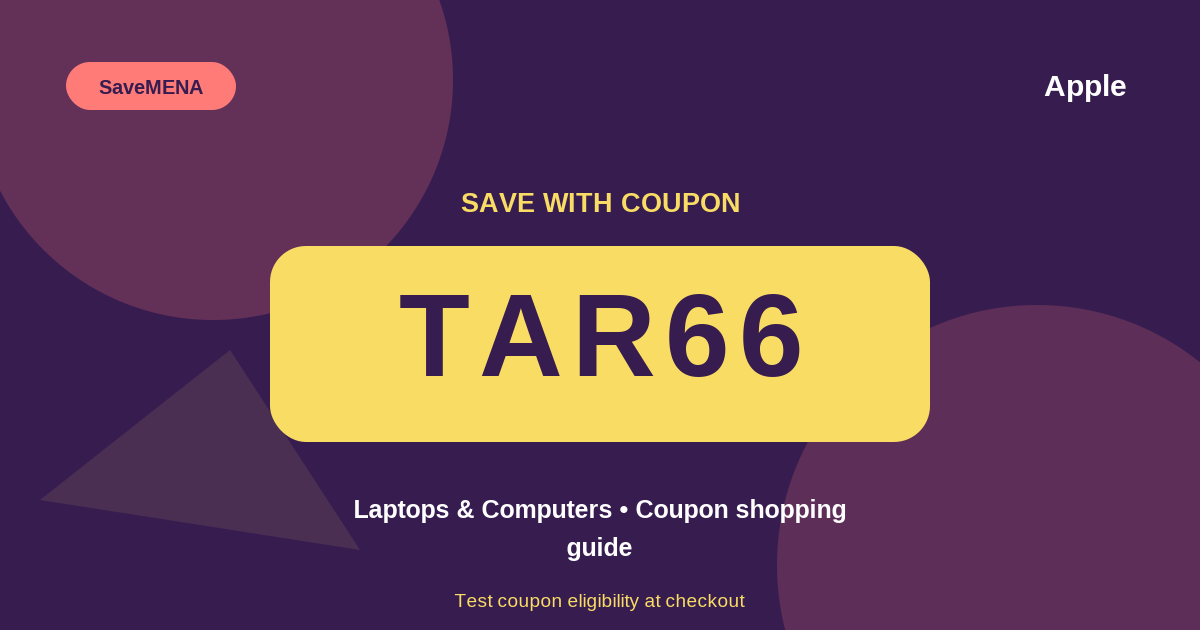
Codes available to try while comparing
These codes are not guaranteed for the article topic or listed brands; test them at checkout and use the live result.
Start With Your Apple Account Verification
Before adding a laptop to your Noon cart, log into your Apple account within the Noon app or website. This ensures that any device you purchase aligns with your iCloud, Apple Pay, and App Store settings. The verification step confirms that the latest firmware updates and security patches are compatible with your Apple ecosystem, saving you future support issues.
Check that your account email and phone number match across Apple and Noon profiles. A mismatch can delay personalization options, such as your preferred keyboard layout or color theme. Confirm your Apple ID is active and linked to a payment method that Noon accepts; otherwise, you may face checkout declines.
Build Your Laptop Wishlist for Noon UAE
Select the model that best matches your work or entertainment needs—whether it’s a high‑performance MacBook for development or a lighter MacBook Air for everyday use. When adding products, save them in a dedicated wishlist or cart group that ties back to your Apple account. This grouping helps you maintain a clear view of which laptops you’ll ultimately purchase.
In the wishlist, note key specs: processor speed, RAM, storage, and screen resolution. These details ensure the laptop will support your Apple productivity tools, such as Xcode or Final Cut Pro. Keep track of any accessorial requests, like a lightweight keyboard or a larger external display, which might affect shipping size and cost.
Apply the TAR73 Coupon Smartly
When you reach the payment screen, look for the coupon field. Enter the code TAR73 to see if it applies to your Apple‑configured laptop. The result will replace or add a discount to your subtotal, but the exact save and rules can differ between items. Don’t assume it always works—only test it.
If the coupon does not apply, review the items again. Noon may refuse it on certain laptops or if a different brand is selected. If you can’t use it, proceed without the coupon; the checkout checklist remains the same, just without this potential reduction.
Understand the Checkout Checklist Before Payment
Before finalizing, verify that the laptop appears correctly in your cart, matching the model tied to your Apple account. The product title, serial number, and shipping address must line up. A mismatch can trigger return or refund delays.
Double‑check the product subtotal, any applied coupons, and shipping fees displayed in the summary. This ensures you see the correct amount you’ll pay, accounting for any fee changes at the last moment. If anything is off, contact Noon customer support before proceeding to avoid unexpected charges.
Review Delivery Options and Fees
Choose a delivery slot that fits your schedule. Noon offers flexible delivery windows, but some may carry a small fee. For laptops, confirm that the chosen slot allows a secure hand‑off and a signed receipt if required.
Inspect the delivery fee line. While Noon may waive fees for high‑value items, it is wise to note whether the fee is tied to the laptop’s size or the speed of delivery. Verify the estimated arrival date; if you need the device by a specific time, choose the earliest available slot.
Confirm Payment Methods and Security
Ensure your preferred payment method is selected—credit card, debit card, or Apple Pay. Noon accepts all major UAE payment options, and selecting Apple Pay directly links your Apple account’s security tokens, safeguarding your transaction.
When you authorize the payment, check the final amount displayed after the coupon’s application. Coolly read the payment confirmation screen; any discrepancy here can result in a charge‑back or an adjustment that delays receipt of your laptop.
Track Order Status and Estimated Arrival
After payment, an order confirmation appears specifying the laptop’s expected delivery window. Noon’s tracking feature offers real‑time updates via the app and email, letting you monitor when the courier will arrive.
Use the tracking number to locate the package at every step—especially if the courier holds it at a local collection point. If the estimated arrival passes without receipt, use the tracking log to issue a quick inquiry through Noon’s support channel.
Leverage Noon UAE Customer Support When Needed
Should any part of the order process feel unclear, don’t hesitate to contact Noon’s customer support via chat or phone. Having your Apple account context prepared allows the support agent to locate your order swiftly and advise on any laptop‑specific questions.
Keep records of any coupon use inquiry and the response you receive. If the TAR73 code was applied, the support team can confirm the discount reflects in the final price. This record protects you from unexpected billing errors down the line.
Related SaveMENA pages
Related articles
Official sources to check
Frequently asked questions
Can I use the TAR73 coupon on all laptops?
The coupon can be tested at checkout, but it may not apply to every laptop. Verify each time before final payment.
Will using Apple Pay change the checkout steps on Noon?
Noon’s Apple Pay integration streams the payment directly from your device, but the overall checkout flow—cart review, coupon entry, delivery selection—remains the same.
What if the laptop I want isn’t available at Noon UAE?
Check the “In Stock” status in the product detail. If unavailable, consider alternate sellers in Noon’s marketplace or note the back‑order period in the checkout screen.
Do I need a separate Apple account to use Noon UAE?
A Noon account is required for purchase, while your Apple ID is used for device personalization. Both can exist independently; the Mono account just facilitates the checkout.