Apple Mobile Accessories on Noon UAE: account eligibility — checkout checklist · TAR73
Before you hit that final “Pay” button, pause for a quick review that centers on your Noon UAE account and the “use a Noon UAE coupon” you’re eager to apply.
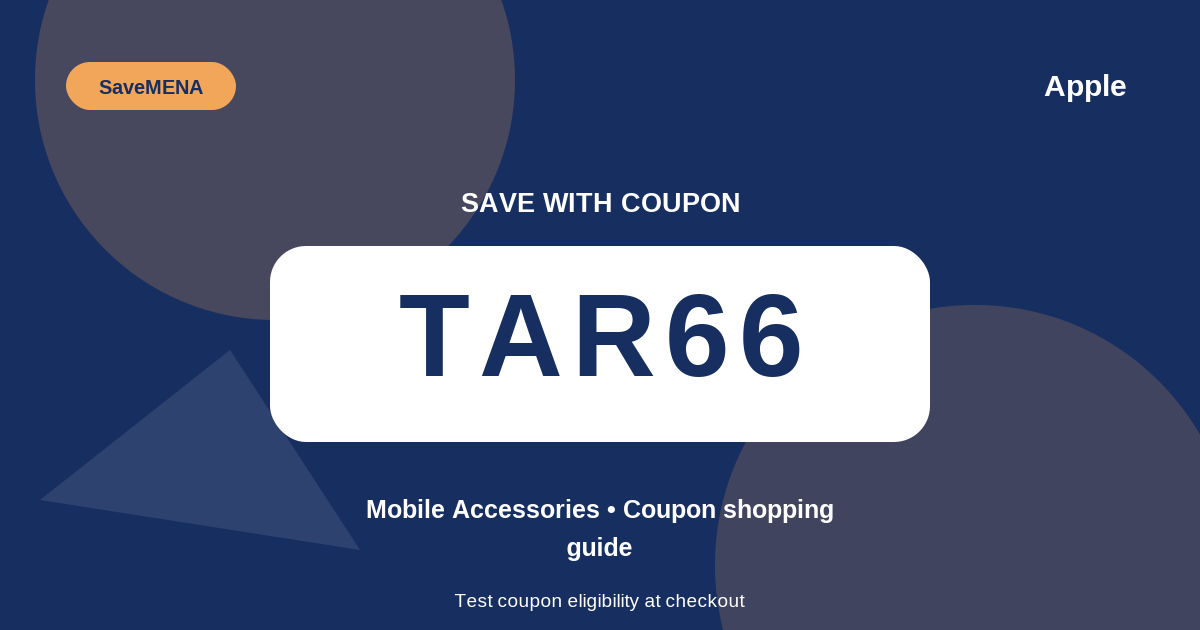
Codes available to try while comparing
These codes are not guaranteed for the article topic or listed brands; test them at checkout and use the live result.
Confirm Your Apple Mobile Accessories Selection
When you browse Noon UAE for iPhone cases, MagSafe chargers, Apple Watch bands, or AirPods covers, review the product descriptions and seller information closely. Ensure each item’s specifications match your device model and that the entry in your cart reflects the correct quantity and variant. Even a single misplaced accessory can disturb your final payable total.
At this stage, it is useful to double-check that each accessory is indeed part of the Apple family of products, as non‑Apple items will not be eligible for the TAR73 coupon. Confirm the presence of the Apple logo on each listing, verify the compatibility details, and see that the seller’s reputation meets your standards before proceeding to the next phase.
Review Your Noon UAE Account Settings
Staying attuned to your Noon UAE account is critical; only with a verified profile will the platform reliably process payments and apply coupons. Open the “My Account” section and verify that your email, phone number, and address data are current. A mismatch in these details can cause shipment delays and hamper coupon redemption.
Also, glance through your saved payment methods and favored delivery addresses. By ensuring they match the information you intend to use for this purchase, you minimize the risk that the TAR73 code will be ignored during the final calculation. Account integrity is the foundation that supports the entire checkout workflow.
Verify Wish List and Cart Accuracy
Before the coupon enters the equation, check the integrity of the cart. If you’ve moved items between your wish list and your cart, make sure each product is still listed under the correct category and quantity. Any stray items from another category might disrupt how the coupon is applied.
This step also includes confirming that any promotional bundles or bundles with other brands are still relevant to your purchase. By proactively striking out removed or unwanted items, you avoid surprises at checkout and ensure the final amount matches your expectations.
Apply the TAR73 Coupon Code Correctly
Once all your accessories are locked into the cart and your account details are verified, locate the “Apply Coupon” field on the checkout page. Type the code exactly as it is presented: TAR73, and then click “Apply.” The system will flag the coupon’s status immediately, indicating success or failure.
Remember that the coupon is only “available to try.” If the system indicates the code is invalid, double-check the spelling and your account status. Should the code fail, avoid proceeding to payment; otherwise, chain the next step toward your final payable total.
Check the Final Payable Amount and Fees
At the payment screen, the breakdown of your order should now include the original cost of Apple accessories, any applicable tax, delivery fees, and the discount (if the coupon was accepted). The total payable amount appears as a single line item, and this is the figure that will be charged.
Re‑examine each component for accuracy. Confirm that the delivery fee aligns with your chosen shipping speed, that no extra fees unintentionally appear, and that the amount after the coupon’s influence truly represents what you intend to pay. This is the point where the account context manifests in the final price.
Ensure Preferred Delivery Options for Apple Accessories
Apple accessories are often delicate, so selecting the right shipping method is paramount. Review the available delivery options presented during checkout: standard, express, or pickup point. Verify that the chosen method satisfies your urgency and that the pickup location, if chosen, is within your vicinity.
Also, double‑check that the shipping address matches the one listed in your Noon UAE account. A mismatch here can trigger delivery delays, which in turn can affect the consent for card payment processing. A precise address setup ensures the package lands securely and on time.
Confirm Accepted Payment Methods and Security
Once the final amount is confirmed, revisit the payment section. Choose a method—credit card, debit card, or any other accepted digital wallet—and ensure the card details are up‑to‑date and sufficient funds or credit are available. Noon UAE typically requires the card’s CVV and the billing address to match the cardholder details.
It is also wise to check for any transaction limits that might apply to the amount being paid. If your account has special conditions, read the prompts or messages that appear. A secure, validated payment routine completes the brokered connection between account, coupon, and final payment.
Final Checklist Before Completing the Purchase
Pause and verify the four core categories: product selection, account details, coupon application, and payment alignment. Double‑check that the Apple accessories you expect are listed, that your address and payment method match your Noon UAE profile, that the TAR73 coupon has been accepted, and that the total payable amount matches your expectations.
When all these elements are in sync, you can confidently click the “Place Order” or equivalent button. This final act triggers the order confirmation email and the shipping timeline, letting you relax knowing that the process has been thoroughly vetted from start to finish.
Related SaveMENA pages
Related articles
Official sources to check
Frequently asked questions
What if the TAR73 coupon is not accepted during checkout?
If the coupon isn’t accepted, it often means there’s a typo, the code is expired, or account eligibility requirements aren’t met. Double‑check the spelling and try again. If it still fails, proceed with the order without the coupon and revisit Noon UAE support for clarification.
Does using the TAR73 code affect my delivery fee or shipping options?
The coupon code is applied only to the product subtotal. Delivery fees remain unaffected, as they are calculated separately after the coupon. You can still choose any shipping option available at checkout.
Can I change my payment method after applying the TAR73 coupon?
You can switch payment methods before completing the purchase. The coupon application is tied to the cart totals and will stay active as long as you keep the same order items and quantities. Just confirm the payment method at the final step.
Will the TAR73 coupon apply to bundled Apple accessory sets?
The coupon may or may not apply to bundled items. Check the promotion description at checkout. If it’s unclear, proceed with the order as is, and if the coupon isn’t reflected, contact Noon UAE support for more detail.