Mobile Accessories on Noon UAE: account eligibility — checkout checklist · TAR73
When browsing mobile accessories, double‑check that each item is compatible with your device’s specifications.
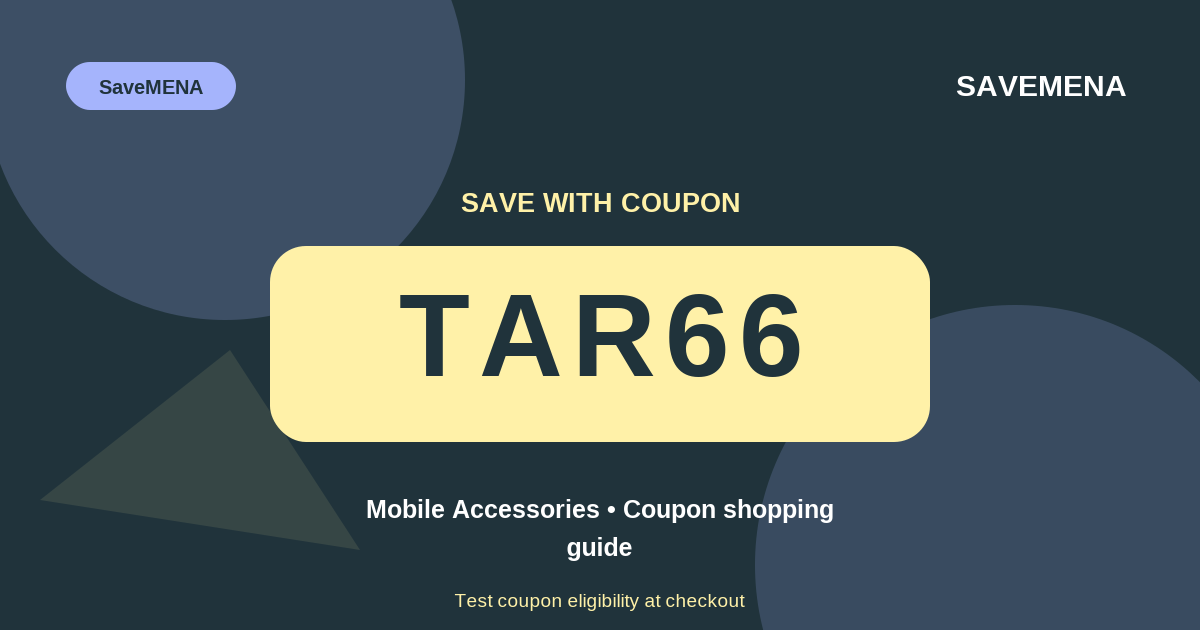
Codes available to try while comparing
These codes are not guaranteed for the article topic or listed brands; test them at checkout and use the live result.
2. Product Selection & Review: Ensuring Compatibility
When browsing mobile accessories, double‑check that each item is compatible with your device’s specifications. For example, a case designed for model X may not fit model Y, and a charger’s voltage rating must align with your phone’s power input. The Noon product page typically lists supported models, so review the description carefully before adding the item to your cart. Compatibility errors are one of the most common causes of returns, so this extra vigilance pays off in the long run.
Also consider delivery timing: many accessories are stocked in multiple warehouses across the UAE. The product page displays estimated delivery dates depending on the chosen seller. If timing is critical—such as a phone repair deadline—make sure your selection includes the fastest delivery option to prevent delays. By sorting items based on compatibility and urgency, you reduce the likelihood of last‑minute changes before checkout.
3. Cart Analysis: Quantity, Seller, and Delivery Options
Once all desired accessories are in the cart, review the quantity each entry. A simple oversight—such as ordering two of the same item—can affect shipping fees or taxes. Confirm that the right numbers appear for every product, and adjust if necessary. Cart accuracy directly influences the final payable total, so take the time to verify.
Next, review the seller’s reputation. Noon typically offers free shipping from Prime sellers, while third‑party sellers may charge delivery fees. Check the seller rating and read any available buyer feedback on each item. If you have a preference for a particular seller for reasons of reliability or customer service, move the product there before proceeding. Accuracy and preference together reinforce a smooth transaction.
4. Coupon Verification: Using TAR73 and Its Constraints
Enter the coupon code TAR73 into the dedicated field near the total price. While the coupon is available to try, the application will confirm its eligibility in real time. If the code is accepted, the screen will update, but if the coupon is inapplicable, Noon will display a clear message explaining why. Do not rely on assumption; follow the interface feedback exactly before proceeding.
Because the coupon validity can depend on the cart total, purchase history, or specific product eligibility, double‑check any prompts or alerts that appear after applying it. If the coupon fails, quickly note the reason displayed; this information is useful if you wish to contact customer support. The coupon’s success—or lack thereof—will be reflected in the final order summary, ensuring you are not surprised after payment.
5. Payment Method Confirmation: Stored Instruments and Security
Review the payment method selected for this transaction. Noon supports a variety of options, including credit/debit cards, Apple Pay, and stored payment preferences. If you use a card saved in the app, confirm that the card details displayed match your current card to avoid unauthorized cancellations.
Check that your card is authorized for online purchases in the UAE and that your bank has not flagged your account for suspicious activity. In case of a pre‑authorization hold, the final payment might downgrade if the hold is not released; verify that your card has sufficient available credit. These steps minimize the chance of payment failure once you hit “Confirm Payment.”
6. Order Summary & Taxes: Checking Final Payable
On the order summary page, confirm that the total displayed includes the product prices, verified shipping fee, applicable VAT, and any adjustments such as coupon savings. The interface will typically separate each component to make the total transparent, so cross‑check each line item against the earlier cart view. Any discrepancy may require you to return to previous steps to correct.
Keep in mind that Noon may apply a local tax or handling fee after coupon application. If you notice a change in price after the coupon has been applied, verify that the interface reflects the new total before proceeding. This re‑check is crucial because fees can change if your cart crosses certain thresholds or if the coupon has a minimum spend.
7. Post‑Checkout Confirmation: Order Tracking from Noon
After successful payment, Noon will display a confirmation screen with an order number. Verify that this number is correct and that it appears in your account under “My Orders.” This order ID is essential for any future queries, such as tracking or returns. If the order number is missing or out of sequence, it indicates a potential technical glitch, and you should contact Noon’s help center immediately.
Also, review the estimated delivery window again. Noon usually provides a date range based on the chosen seller and shipping method. Note the expected arrival and keep the estimated dates handy for any unforeseen delays. Having this information at your fingertips helps you monitor the package status via the Noon app or messaging notifications.
8. Troubleshooting & Support: What to Do If Issues Arise
If the coupon shows as inapplicable or the payment fails at the final steps, don’t panic. Begin by ensuring an active internet connection and that your phone’s date/time settings are correct. If the problem persists, use Noon’s in‑app chat or the help center. When contacting support, provide your order number, the coupon code attempted, and any error message displayed.
Should you encounter a delivery issue or a discrepancy between the expected and actual item shipped, open a “Return” or “Issue” ticket within your account. Noon’s customer service typically responds within hours; whenever possible, reference the exact seller and product SKU for faster resolution. Consistent record‑keeping of each step keeps communication clear and speeds up the troubleshooting process.
Related SaveMENA pages
Related articles
Official sources to check
Frequently asked questions
Is there a minimum purchase requirement to use the TAR73 coupon?
If there is a minimum threshold, this will be stated during the coupon application. You’ll receive a message explaining any non‑compliance. Until the condition is met, the code will not reflect savings.
Will the coupon affect the shipping fee?
Coupons normally apply only to product prices. Shipping fees are calculated separately. However, certain promotions might waive delivery charges; check the real‑time summary after entering TAR73.
Can I combine the TAR73 coupon with other discounts or promotions?
Coupon stacking depends on Noon’s policy for that transaction. If additional discounts are available, the interface will indicate whether they can be combined. Otherwise, you will only receive the savings associated with TAR73.