Mobiles on Noon UAE: account eligibility — checkout checklist · TAR71
Choosing a new mobile phone online is a step many UAE shoppers approach with excitement and a few apprehensions.
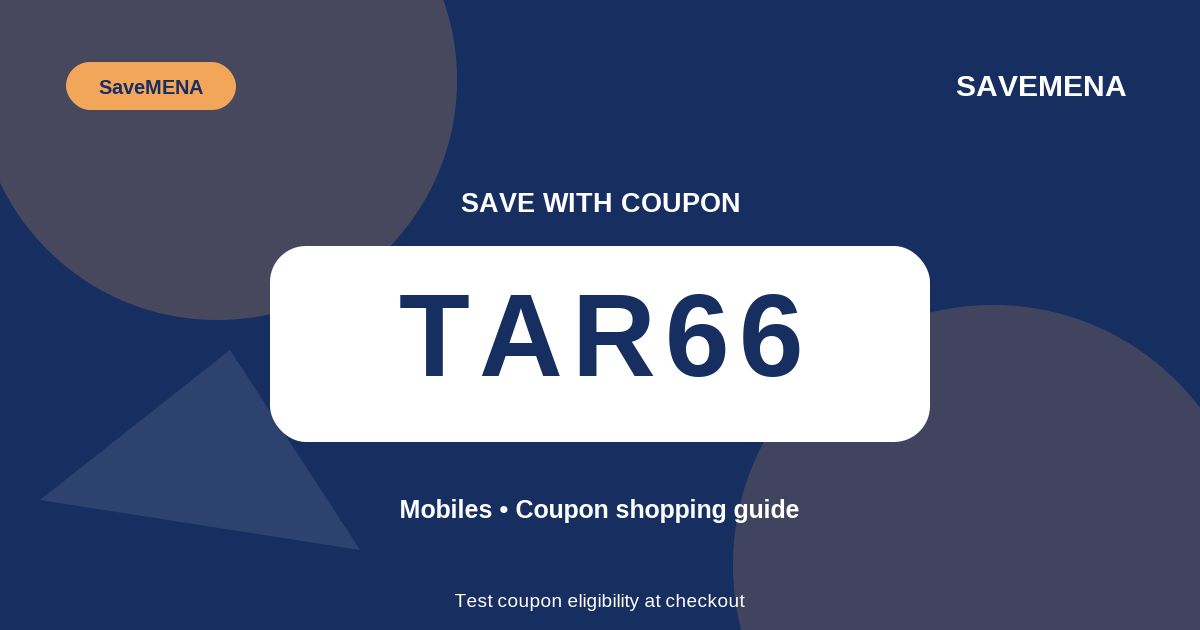
Codes available to try while comparing
These codes are not guaranteed for the article topic or listed brands; test them at checkout and use the live result.
1. Secure Your Noon Account Before Adding a Mobile to Your Cart
For every online transaction, the first decision point is whether you’re logged into a valid Noon UAE account. Your account serves as the bridge between your chosen mobile device and all subsequent steps—coupon application, shipping calculations, and payment methods. Double‑check that you can access the account dashboard, verify that the email linked matches your preferred contact, and confirm that your password is up‑to‑date. Without a fully authenticated session, any attempted coupon code like TAR71 will fail to register, meaning you may lose out on potential savings.
Furthermore, ensure your account’s regional settings reflect the UAE market. Some international features may trigger different shipping rates or currency displays. If you recently migrated from a different regional store, revisit the “Preferences” section to align your session with the UAE locale. This small step prevents mismatches in product availability and guarantees that mobil e coupons valid only in the UAE will apply without error during checkout.
2. Curate Your Mobile Selection and Confirm Cart Accuracy
Once logged in, navigate to the Mobiles category to explore the full range of handset options. Pay close attention to each phone’s specifications—screen size, camera sensors, processor, and battery life—since these details dictate eligibility for certain promotions. Add only the intended device to the cart; avoid “saves for later” actions that might confuse the final cost breakdown. Keep an eye on the cart counter and subtotals to detect any inadvertent additions or pricing anomalies before proceeding.
For shopping lists containing multiple phones, verify each unit’s SKU and quantity. A single mis‑entered item can later trigger a service disruption, especially if the product’s shipping fees differ from your usual selections. At this point, your account context is checked: the cart should reflect items that belong to the same store region (UAE) and that comply with the merchant’s eligibility for Noon UAE coupons. A clean cart sets the foundation for smooth coupon application.
3. Apply the TAR71 Coupon Within Your Account‑Based Cart
With the cart populated, the next action is to input the coupon code. In the cart’s payment summary, locate the “Enter coupon” field; type TAR71 in uppercase, as a case‑sensitive entry. Some users inadvertently fall into the habit of adding spaces or hyphens, which would invalidly reject the code. Because the coupon is a discount instrument tied to your Noon UAE account, the system will cross‑reference the code against your shopper profile before accepting it.
Should the coupon fail to apply, double‑check the account region and verify that it is recorded as a UAE-based profile. Noon’s coupon engine often requires the user’s region to match the exclusive market of the promotion. Once the TAM71 is successfully recognized, observe the updated order total—without seeing any specific discount amount, the system may still adjust the subtotal. If you’re unsure whether the code was applied, review the summary for a “Coupon Applied” flag; skip to the next section only after confirmation.
4. Validate Shipping Options and Delivery Fees With Your Account Preferences
Shipping details are heavily influenced by your account location and saved addresses. In UAE, different Emirates might carry varied delivery fees, especially for high‑value items like mobiles that require secure courier handling. Within the account settings, confirm the default shipping address; ensure the pin code aligns with the logistics network’s coverage. If you have multiple saved addresses, select the one you intend to use for this purchase to avoid a surprise change later.
After confirming the address, the portal will recalculate any applicable delivery cost. Your account context may affect eligibility for free shipping thresholds, sometimes tied to total spend or specific categories. If a free‑shipping promo window opens during checkout, remember to lock in the selected shipping method before finalizing payment, as choosing a different carrier post‑payment can lead to additional steps and delays.
5. Select a Payment Method That Supports Coupon Usage
Payment options on Noon UAE cover credit cards, debit cards, and PayPal. While most payment methods are holistic, some vendors restrict coupon application to certain card types. Review your account’s saved payment instruments, ensuring that the selected method permits coupon usage at the point of sale. For example, PayPal’s “Noon wallet” might handle uncapped discounts differently than a Visa card; verify the payment terms in the “Payments” subsection of your account settings.
Before finalizing your choice, double‑check the card’s expiry date and available credit. A mismatch here can trigger an unauthorized transaction warning, and the platform may not process the coupon if the payment fails. After selecting the preferred payment method, proceed to review the “payment details” page. The last figure visible there must mirror the subtotal that already includes your coupon discount; if not, pause to reconfirm coupon validity and shipping accuracy.
6. Thoroughly Review the Final Order Summary Before Checkout
At this juncture, you should be presented with a comprehensive order summary: item list, quantity, price, applied coupon (TAR71), shipping cost, taxes, and the final payable amount. Because the coupon’s impact is not publicly disclosed, the difference between pre‑ and post‑coupon totals provides a visual cue—you might see a rounded figure or slight variance for conversion. If any figure looks inconsistent, revisit the preceding steps to verify cart items, coupon code entry, and shipping calculation.
Also cross‑check the product name and model number against the original listing to ensure you are not at risk for a wrong configuration (e.g., 8GB RAM vs. 32GB). Confirmation of warranties and return policy should coincide with account terms and the publisher’s specifications. Once satisfied, click the “Continue to payment” option, keeping in mind that any new coupon entry or address change after this step can disrupt the finishing process.
7. Common Account‑Related Pitfalls to Avoid at Checkout
Many UAE shoppers overlook the fact that a dropped connection during payment can trigger a rollback of applied coupons. If you experience a session timeout before completing the transaction, simply re‑login using the same Noon UAE account credentials and resume the checkout. Since the session is tied to your account, the layer of authentication will repopulate cart data, preserving the coupon code you applied earlier.
Another frequent mistake is introducing a new shipping address mid‑checkout. Once an address is confirmed, the system may recalculate fees; if the new address isn’t exactly the same as the one stored in your account profile, the discount may not carry over. Instead, edit the address section in advance, ensuring that it matches the saved profile or add it as a primary address before you push to payment.
8. Post‑Purchase Tracking and Account Maintenance
After confirming payment, keep an eye on the order status updates in your Noon UAE account. The courier tracking number, once visible, should be cross‑referenced with the local carrier’s portal. A timely shipment is especially critical for mobiles, which may require insurance or specialty packaging. If the tracking stuck beyond 72 hours, use your account’s “Contact Seller” feature to resolve any delays.
Maintain your account information to partner effectively with future purchases. Update card details before expiration, add new shipping addresses as you relocate, and regularly review your login credentials for security. By staying current, you’ll simplify the entire checkout process every time you look to apply a Noon UAE coupon like TAR71 to your next mobile device purchase.
Related SaveMENA pages
Related articles
Official sources to check
Frequently asked questions
Is the TAR71 coupon valid for all mobile models available on Noon UAE?
Coupon applicability depends on the merchant’s current promotion rules and the phone’s specific SKU. While TAR71 is a general coupon, confirm its eligibility in your cart’s summary before payment; if not applicable, the system will not reflect the discount.
What happens if my account logs out during the checkout?
Re‑login to the same Noon UAE account, then resume your order from the cart page. All previously applied coupons, addresses, and payment options should be restored, allowing you to finish the transaction without re‑entering details.
Can I combine the TAR71 coupon with other discount offers or loyalty points?
Coupon stacking is governed by Noon UAE’s policy. Some promotions may not allow additional discounts once a coupon is applied. Review the “Promotions” section for any conflicts before adding more offers.
Will the coupon be honored if I change the shipping address after selecting it?
Changing the shipping address mid‑checkout may trigger a recalculation that can affect coupon validity. To keep the coupon, ensure the new address aligns with your account’s previously saved shipping preferences before proceeding to payment.