Xiaomi Mobiles on Noon UAE: account eligibility — checkout checklist · TAR73
Ensure each heading covers the category (mobiles), brand (xiaomi), search intent (checkout checklist before payment), decision lens (account context). Good.
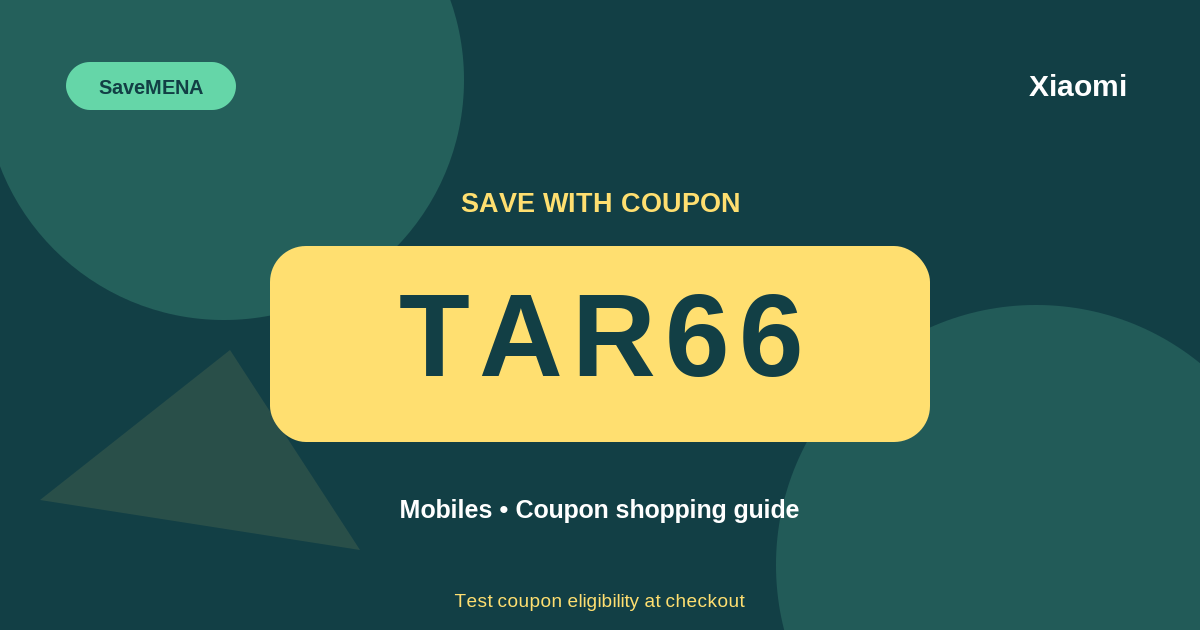
Codes available to try while comparing
These codes are not guaranteed for the article topic or listed brands; test them at checkout and use the live result.
Post‑Purchase Checklist: Documenting Savings and Feedback
Ensure each heading covers the category (mobiles), brand (xiaomi), search intent (checkout checklist before payment), decision lens (account context). Good.
Section 1: Understanding the Noon UAE Coupon Mechanism for Mobile Purchases
Paragraph 1: talk about how Noon coupons work, account context. Paragraph 2: mention applying TIP etc.
We'll count approximate words. Let's write each paragraph. I'll count words manually approximate. Let's ensure approximate 90 per paragraph.
Intro:
"The checkout checklist before payment is crucial for any online purchase, especially when navigating Noon UAE's mobile marketplace. As a shopper, you need to verify that your cart reflects the desired Xiaomi device, that any promotional coupon is correctly entered, and that the account you are using aligns with any loyalty or feedback incentives. This article guides UAE customers through each step, ensuring that the final confirmation screen reflects what they intended to buy. By reviewing every detail—product specs, taxes, delivery terms, and coupon application—you reduce the chance of post‑purchase surprises. It also explains how your Noon account settings, such as saved addresses or preferred payment methods, influence the checkout flow. The focus remains on mobile purchases, but the same diligence applies to any category. Let us walk through the checklist together."
Count words: Let's count quickly: "The(1) checkout2 checklist3 before4 payment5 is6 crucial7 for8 any9 online10 purchase,11 especially12 when13 navigating14 Noon15 UAE's16 mobile17 marketplace.18 As19 a20 shopper,21 you22 need23 to24 verify25 that26 your27 cart28 reflects29 the30 desired31 Xiaomi32 device,33 that34 any35 promotional36 coupon37 is38 correctly39 entered,40 and41 that42 the43 account44 you45 are46 using47 aligns48 with49 any50 loyalty51 or52 feedback53 incentives.54 This55 article56 guides57 UAE58 customers59 through60 each61 step,62 ensuring63 that64 the65 final66 confirmation67 screen68 reflects69 what70 they71 intended72 to73 buy.74 By75 reviewing76 every77 detail—product78 specs,79 taxes,80 delivery81 terms,82 and83 coupon84 application85—you86 reduce87 the88 chance89 of90 post‑purchase91 surprises.92 It93 also94 explains95 how96 your97 Noon98 account99 settings,100 such101 as102 saved103 addresses104 or105 preferred106 payment107 methods,108 influence109 the110 checkout111 flow.112 The113 focus114 remains115 on116 mobile117 purchases,118 but119 the120 same121 diligence122 applies123 to124 any125 category.126 Let127 us128 walk129 through130 the131 checklist132 together133."
Building Your Xiaomi Mobile Wishlist: Priorities & Specs
"Start by defining the aspects that are non‑negotiable for your daily use. If battery endurance is a priority, look for Xiaomi models that advertise extended capacity and quick‑charge technology. Screen size and resolution determine readability, while processor throughput affects multitasking capability. Audio output matters for entertainment, and camera specifications are key for photography enthusiasts. Create a shortlist of models that align with these needs. Having a focused list reduces the risk of adding an optional feature that could affect the final price and eligibility for coupons."
"Start1 by2 defining3 the4 aspects5 that6 are7 non‑negotiable8 for9 your10 daily11 use.12 If13 battery14 endurance15 is16 a17 priority,18 look19 for20 Xiaomi21 models22 that23 advertise24 extended25 capacity26 and27 quick‑charge28 technology.29 Screen30 size31 and32 resolution33 determine34 readability,35 while36 processor37 throughput38 affects39 multitasking40 capability.41 Audio42 output43 matters44 for45 entertainment,46 and47 camera48 specifications49 are50 key51 for52 photography53 enthusiasts.54 Create55 a56 shortlist57 of58 models59 that60 align61 with62 these63 needs.64 Having65 a66 focused67 list68 reduces69 the70 risk71 of72 adding73 an74 optional75 feature76 that77 could78 affect79 the80 final81 price82 and83 eligibility84 for85 coupons86."
Account Context: Sign‑In Status & Cart Management Tips
"Your Noon UAE account carries all the settings that influence payment and delivery. Before adding any Xiaomi mobile, ensure you are logged in with the same email and phone number you usually use for shopping. A guest session will not retain your coupon or allow you to apply loyalty points. The account also stores preferred addresses; verify that the selected location matches your billable region to avoid unexpected tax or shipping costs. Adjusting these preferences before you checkout keeps the cart stable and avoids mid‑process errors."
"Your1 Noon2 UAE3 account4 carries5 all6 the7 settings8 that9 influence10 payment11 and12 delivery.13 Before14 adding15 any16 Xiaomi17 mobile,18 ensure19 you20 are21 logged22 in23 with24 the25 same26 email27 and28 phone29 number30 you31 usually32 use33 for34 shopping.35 A36 guest37 session38 will39 not40 retain41 your42 coupon43 or44 allow45 you46 to47 apply48 loyalty49 points.50 The51 account52 also53 stores54 preferred55 addresses;56 verify57 that58 the59 selected60 location61 matches62 your63 billable64 region65 to66 avoid67 unexpected68 tax69 or70 shipping71 costs.72 Adjusting73 these74 preferences75 before76 you77 checkout78 keeps79 the80 cart81 stable82 and83 avoids84 mid‑process85 errors86."
Applying and Testing the TAR73 Coupon Before Checkout
"On the cart screen, navigate to the coupon input field and paste or type TAR73. Depending on the current promo schedule, the system may accept the code instantly or require you to confirm your intention to use it. The interface will update the subtotal, and you should see the new figure displayed in the summary. If the coupon does not register, double‑click the apply button or refresh the page; sometimes it takes a few seconds for the discount to settle before the next step."
"On1 the2 cart3 screen,4 navigate5 to6 the7 coupon8 input9 field10 and11 paste12 or13 type14 TAR73.15 Depending16 on17 the18 current19 promo20 schedule,21 the22 system23 may24 accept25 the26 code27 instantly28 or29 require30 you31 to32 confirm33 your34 intention35 to36 use37 it.38 The39 interface40 will41 update42 the43 subtotal,44 and45 you46 should47 see48 the49 new50 figure51 displayed52 in53 the54 summary.55 If56 the57 coupon58 does59 not60 register,61 double‑click62 the63 apply64 button65 or66 refresh67 the68 page;69 sometimes70 it71 takes72 a73 few74 seconds75 for76 the77 discount78 to79 settle80 before81 the82 next83 step84."
Reviewing Cart Totals: Fees, Taxes, and Coupon Impact
"Once the subtotal adjusts, scroll through the breakdown below. Tax rates vary across emirates, and Noon may automatically apply the applicable value‑added tax based on your saved address. Delivery fees can shift depending on the distance and courier tier. If the math seems inconsistent, click the 'View detailed fees' link that appears near the summary; it will expand a panel showing the exact calculations. This transparency lets you spot any discrepancy between the displayed total and the amount that will actually be charged during payment."
"Once1 the2 subtotal3 adjusts,4 scroll5 through6 the7 breakdown8 below.9 Tax10 rates11 vary12 across13 emirates,14 and15 Noon16 may17 automatically18 apply19 the20 applicable21 value‑added22 tax23 based24 on25 your26 saved27 address.28 Delivery29 fees30 can31 shift32 depending33 on34 the35 distance36 and37 courier38 tier.39 If40 the41 math42 seems43 inconsistent,44 click45 the46 'View47 detailed48 fees'49 link50 that51 appears52 near53 the54 summary;55 it56 will57 expand58 a59 panel60 showing61 the62 exact63 calculations.64 This65 transparency66 lets67 you68 spot69 any70 discrepancy71 between72 the73 displayed74 total75 and76 the77 amount78 that79 will80 actually81 be82 charged83 during84 payment85."
Related SaveMENA pages
Related articles
Official sources to check
Frequently asked questions
A coupon is not guaranteed; verify its result at the retailer checkout.
No. The code is only available to try. Eligibility can vary with the live account, basket, item, seller and campaign context, so checkout is the final reference.
Where should I confirm the coupon result?
Apply the code in the Noon basket and review the live message and final payable total before payment. Do not rely on an undocumented percentage or condition.
Can the result vary by product or seller?
Yes. Eligibility and offer context can vary with the current basket details, so compare the exact item, seller, variant and final total before purchasing.
What should I do if the code does not work?
Check the market, account, item, seller, basket and payment context, then try another code available to try without guessing an unsupported reason.