Nike Shoes on Noon UAE: account eligibility — checkout checklist · TAR71
The first step is to confirm the exact Nike shoes you added to your cart. Check the size, color, and any customizations listed under the product details.
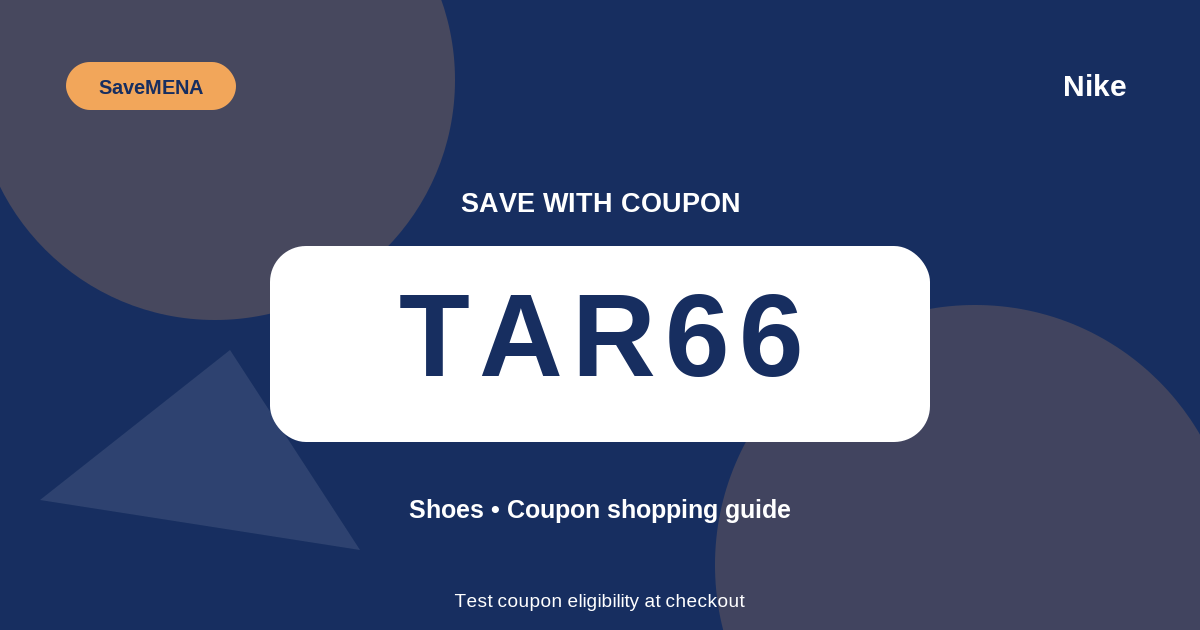
Codes available to try while comparing
These codes are not guaranteed for the article topic or listed brands; test them at checkout and use the live result.
1. Verify Your Shoes Selection
The first step is to confirm the exact Nike shoes you added to your cart. Check the size, color, and any customizations listed under the product details. If you’re confident that the item matches your preferences, you’re ready to look at how the shoes sit with your Noon account. Any mismatch here can lead to returns, so double‑check the description and images before moving forward.
Next, look at the quantity you intend to purchase. If you plan to buy multiple pairs, ensure the stock indicator on Noon shows availability for each item. Keep an eye on any “Out of Stock” alerts that could delay the order. Once you’ve validated every product detail, you can scroll to the cart total with peace of mind that the right items are there.
2. Confirm Your Noon UAE Account Context
Your next checkpoint involves your Noon UAE account. Log in to confirm you’re using the correct profile—this matters when coupons or loyalty perks are tied to a particular account. If you have multiple accounts or recently switched, verify that the account you’re logged into is the one you intend to use for this purchase. This is especially important if you’re trying to apply a coupon that might be restricted to a specific user level.
Also check any account settings that could affect checkout, such as saved addresses and payment methods. A mis‑entered address can lead to unexpected shipping fees or delivery delays. If your account shows an incomplete profile, complete the required fields now before you send the order for processing.
3. Check Shipping Availability to UAE
Even though Noon operates in the UAE, it’s wise to confirm shipping options for your delivery address. In case of seasonal demand or logistical constraints, certain sellers might limit delivery to specific emirates. Look for the “Shipping to” field on the product page and confirm that it reflects your address accurately. If any restrictions appear, you’ll need to address them before proceeding.
Consider the delivery type you prefer: standard, expedited, or store pickup. Some items might not be eligible for pickup, and that can influence your overall timeline. Keep an eye on estimated delivery dates; if they fall outside your acceptable window, you may wish to adjust the order or pick an alternate seller.
4. Review Taxes, Fees, and Total Charges
After the items and shipping are confirmed, scroll to the order summary to see the subtotal, any applicable service fees, and taxes. The Plus‑tax breakdown will appear only after inputting a valid UAE address. Verify that the numbers align with your expectations. If the fee section shows an unknown charge, note it for clarification after checkout.
Do not assume that the total shown here is final—some promotions or coupons may alter the final payable amount. Also remember that online platforms sometimes add small service charges; confirm these remain within acceptable limits for your budget before you jump to payment.
5. Apply the “TAR71” Coupon Code
Now that the invoice is ready, look for the coupon or promo code box in the checkout step. The coupon code you want to try is TAR71. Type or paste it into the space provided, press apply, and watch the discount divide the total. Since this coupon is only available to try, it might not always give a discount. In any case, it won’t alter the shipping or tax calculations.
Make sure you remain in the same Noon account context while applying the code. If the system prompts a login again, confirm that the account you’re logged into is still the same one you verified earlier. After applying TAR71, review the updated total and verify that it reflects only the coupon adjustment, not any other unintended changes.
6. Final Checks for Payment Method
At this point, confirm that your chosen payment method is listed and active. Noon accepts credit cards, debit cards, and various digital wallets. If your card has an expiration date close to the checkout time, confirm that the transaction won’t fail due to this. Check that there is no pending verification for the payment instrument that could delay processing.
Your account context matters again: some payment methods may be locked to a particular account status, like an active VIP tier. Ensure that any such restrictions are satisfied before choosing the method. Once you agree with the payment charges shown, you’re ready for the final endorsement of the order.
7. Inspect Order Confirmation and Tracking
Once the payment is processed, you’ll receive an order confirmation screen. Review all details: the product SKUs, seller names, quantities, shipping address, applied coupons, and the final total. This screen is your last chance to spot discrepancies before the transaction is locked.
Keep the confirmation number and the designations of each delivery method. Noon will also provide a tracking link. Verify that the link opens and directs you to the correct delivery portal. By having the tracking information immediately, you can log the shipment under your Noon account and stay updated on its status.
8. Final Checkout Checklist Recap
For a smooth purchase, loop back through a quick recap: Verify product specs, ensure the correct account is active, confirm shipping eligibility, check all fees, apply the TAR71 coupon, double‑check the chosen payment method, and then confirm the order summary against the final confirmation screen. This systematic review mitigates confusion, prevents oversights, and guarantees that your Nike shoes will reach you without unexpected hiccups.
Remember, the coupon is available to try but not guaranteed; if the discount doesn’t apply, you’ll still pay the full price. By adhering to this account‑centric checklist, you’ll convert your online wish into a physical delivery, all with confidence and minimal post‑purchase setbacks.
Related SaveMENA pages
Related articles
Official sources to check
Frequently asked questions
Is the TAR71 coupon exclusive to Nike shoes?
No, the coupon is not designated for a particular category or brand; it can be applied to any eligible item when attempting at checkout.
What happens if my account is not logged in when I try to apply a coupon?
The coupon will not apply. Until you log into the correct Noon UAE account, the system won’t recognize the promo code during checkout.
Can I use the coupon if I have a pending payment on my account?
It’s best to clear any pending payments to avoid transaction conflicts. Once your account is in good standing, you can try the coupon during checkout.
Will using a coupon change my shipping fee?
No, the shipping fee remains the same regardless of coupon usage; only the item total may be discounted if the coupon applies.