Nike Sports on Noon UAE: account eligibility — checkout checklist · TAR73
Before you hit the checkout button, use a Noon UAE coupon Sports Nike account context to ensure every element of your purchase is perfectly aligned.
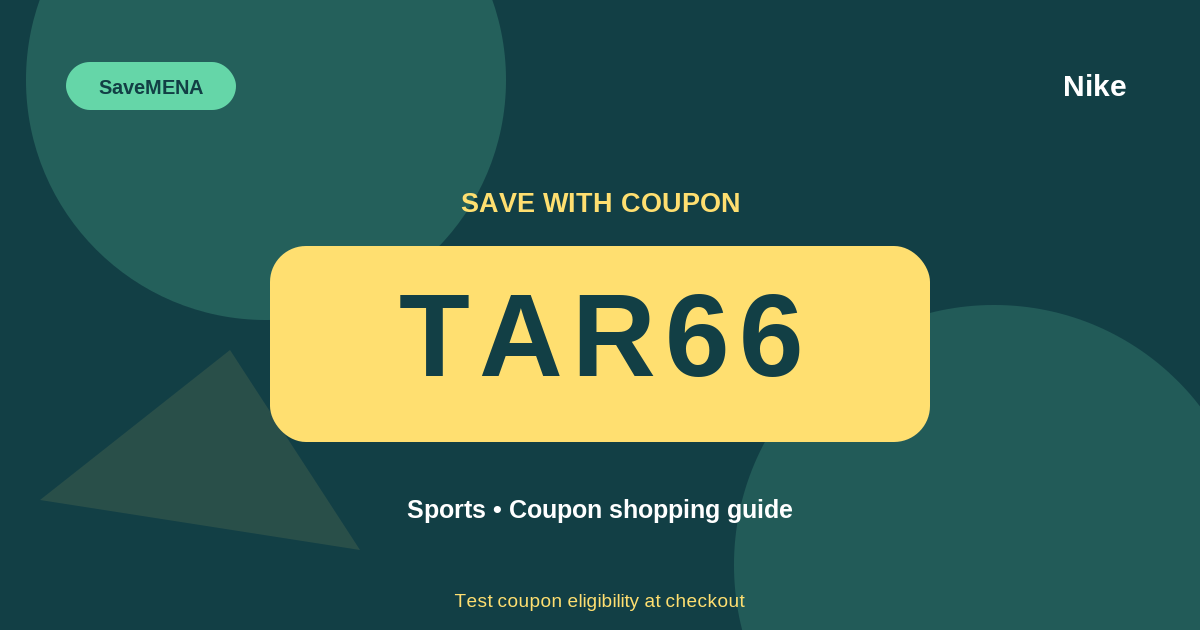
Codes available to try while comparing
These codes are not guaranteed for the article topic or listed brands; test them at checkout and use the live result.
Prepare Your Nike Shopping Cart
Begin by selecting the specific Nike item that meets your performance or style criteria. Pay close attention to details such as size, colorway, and any special edition notes that affect availability. After confirming your selection, add the item to your cart, ensuring the quantity is correct before proceeding. While exploring the cart, verify that each product tag matches your search intent and that the variant chosen (e.g., shoes, apparel, accessories) is consistent with what you plan to purchase. This preliminary step aids in spotting any stray items that might slip through unnoticed during later stages of checkout.
Once the item sits in your cart, click on the cart icon to review the summary. Here, confirm the product description, image, and price. Observe the "Item Conditions" fields—to confirm whether the item is brand new, returned, or refurbished—especially if you’re hunting discounted stock. Also note the seller's details; a reputable vendor often translates to better customer service and reliable shipping. By double‑checking these fundamentals early, you mitigate risks of order mix‑ups that could otherwise surface only at the payment stage.
Verify Your Noon UAE Account Status
Log into your Noon UAE account before proceeding to the final payment screen. Confirm that your registered email address is verified and that your profile reflects accurate contact information, such as your phone number and residential address. Accurate details eliminate the likelihood of misdirected communications or shipping errors. Furthermore, check for any account notifications that might indicate pending verification steps or potential security flags. Clearing these prerequisites ensures smoother processing when you actually finalize the order.
On your account dashboard, look for loyalty program status or any outstanding rewards that could affect your shopping experience. Although the TAR73 coupon does not automatically apply to all loyalty tiers, verifying your status helps you understand whether additional benefits are available. If your account is new, consider creating separate shipping addresses for pickup versus gift delivery; this can bypass unexpected delivery fees that may arise from non‑preferred locations. Keep your account information up to date—especially if you plan to use features like “list at home” or future wish‑lists—to avoid having to re‑enter data at checkout.
Apply the TAR73 Coupon for Potential Savings
After viewing the checkout summary, locate the “Apply Coupon” field typically found beneath the list of items. Enter the code TAR73 precisely as shown, and tap the apply button. The system will process the code and immediately reflect any eligible discount on the final price field. If the coupon does not apply, be sure you have typed it correctly and double‑check whether the code has already reached its usage limit. The coupon’s applicability can vary by item category or seller, so a “not applicable” message simply means the current selections do not qualify under the code’s terms.
Even though the coupon is available to try, it is not guaranteed for every transaction. After applying, scroll through the final price breakdown to see the deducted amount, if any. Sometimes retailers display a “Suggested savings” amount that changes dynamically based on cart contents. If no reduction appears, you may still benefit by exploring comparable items for which the coupon is valid—or consider adding another qualifying product to activate the discount. Either way, this step confirms the coupon’s status before you commit to payment.
Check Shipping and Delivery Fees
Review the list of shipping options presented next to your cart summary. Noon UAE typically offers multiple couriers with varied delivery windows and cost structures. The platform will calculate a delivery fee based on weight, destination, and chosen shipping speed. Confirm that the fee matches your expectation—especially if you selected a specific time slot or a free‑shipping threshold is advertised. If the fee seems higher than anticipated, verify the item’s size or weight metrics; oversized or heavy sports equipment may incur additional charges.
Next, verify the estimated delivery date. Look for any service proposals that offer expedited delivery for an extra fee, or check if the default shipping method aligns with your availability. When possible, opt for a courier that allows real‑time tracking updates; this provides peace of mind and a clear confirmation once the package arrives. Also explore if any local pickup options are available—particularly useful if you prefer to avoid delivery fees entirely. Ensuring shipping logistics are fully understood before payment prevents unexpected delays or costs.
Review Payment Options and Security
On the payment screen, examine the list of available payment methods: credit/debit cards, UAN Pay, or other local e‑wallet services. Each option typically displays a brief icon and the accepted banks, allowing you to select the most convenient gateway. If you prefer “Pay Later” schemes, confirm that the selected method is eligible for the final purchase amount. You should also see a security lock icon, indicating that the transaction will be processed via encrypted PCI‑compliant channels.
Before submitting the payment, double‑check that your billing address matches the one associated with your chosen payment method. Mismatches can trigger a fraud‑prevention hold, delaying fulfillment. If you’re using a store credit or loyalty points, ensure that all available balances are correctly deducted prior to final authorization. Remember that the final price displayed includes all shipping costs, taxes, and any applied coupon deductions, so verify that the figure you see corresponds to your earlier calculations.
Confirm Cart Totals and Final Price
At the bottom of the payment page, review the detailed breakdown: item total, applied coupon savings, shipping fee, taxes, and the overall grand total. This outline is crucial because it consolidates all adjustments made during earlier steps, including the impact of any coupon code. If anything appears inconsistent—such as a higher shipping fee or unexpected tax—contact Noon’s customer support before proceeding. A sudden change in the total implies that a previously accepted discount may no longer apply.
Once you’re satisfied that the sum matches your expectations, locate the “Confirm Order” button. Pressing this finalizes all selections and triggers the payment authorization. At this juncture, nothing can be altered except through a subsequent cancellation policy. If the system notifies you of additional offers or final price adjustments, review them one last time, as they may affect the final amount charged. Completing this attentive review mitigates the risk of overpaying or missing a promotional window.
Double‑Check Special Offers and Terms
Some sellers bundle promotional deals—such as “buy one, get one” or seasonal discounts—that may not automatically trigger the TAR73 coupon. Navigate to the product’s promotional banner, if available, and confirm that these offers are applied before you submit payment. Pay particular attention to the terms and conditions link to ensure eligibility criteria are met, such as minimum spend thresholds or specific brand restrictions. Failing to capture these during checkout could mean lost savings.
After all offers and the coupon have been applied, scroll to the “Terms & Conditions” section of the checkout page. Confirm that the displayed terms align with your expectations, especially regarding return policies, warranty coverage, and potential restocking fees for exchanges. The platform typically lists the seller’s user agreement, which can help clarify any ambiguity about order modifications. Ensure the final display reflects all applied discounts and bonuses before final confirmation to avoid post‑purchase disputes.
Secure Checkout and Confirmation
Click the final “Confirm Order” button to submit your purchase. Noon UAE will generate an order confirmation email and a push notification on the app, both containing your order ID, item list, shipping address, and tracking numbers. Keep these communications handy for reference. A digital receipt is issued shortly after payment is processed, making it easy to review the final price and confirm that any applied coupon code was indeed considered.
Your order tracking dashboard will now display the shipment status in real time. If a discrepancy arises—such as an unexpected delay or a missing item—contact customer support promptly using the provided chat or phone number. Using the support portal guarantees you stay in touch with the seller and the logistics partner for rapid resolution. By closing the loop from payment to delivery, you’ll ensure a seamless experience for future purchases on Noon UAE.
Related SaveMENA pages
Related articles
Official sources to check
Frequently asked questions
Will applying the TAR73 coupon reduce the final price of my Nike cart?
If the coupon is valid for the current cart items, the final price displayed will reflect the discount immediately after you click “Apply Coupon.” If the code does not apply, the system will indicate that the coupon is not eligible for these items.
Can I use the TAR73 coupon if I’m a new Noon UAE account holder?
Account status does not determine the coupon’s eligibility. The code’s applicability is based on the cart contents and current seller offers, not on whether you’re a new or existing user.
What should I do if the shipping fee changes after applying the coupon?
Verify that the shipping method you selected is still compatible with the coupon promotion. If the fee changes, contact Noon customer support to confirm whether the discount applies to the new shipping charge.
Is there a a minimum-spend condition, if the retailer shows one coupon?
Only the in‑store or online terms set by Noon or the seller determine a minimum spend. The checkout screen will display any such requirement before you finalize the payment.