Apple Tablets on Noon UAE: account eligibility — checkout checklist · TAR73
Before you hit the final pay button, it’s essential to run a quick checkout checklist to ensure you’re ready for a smooth transaction.
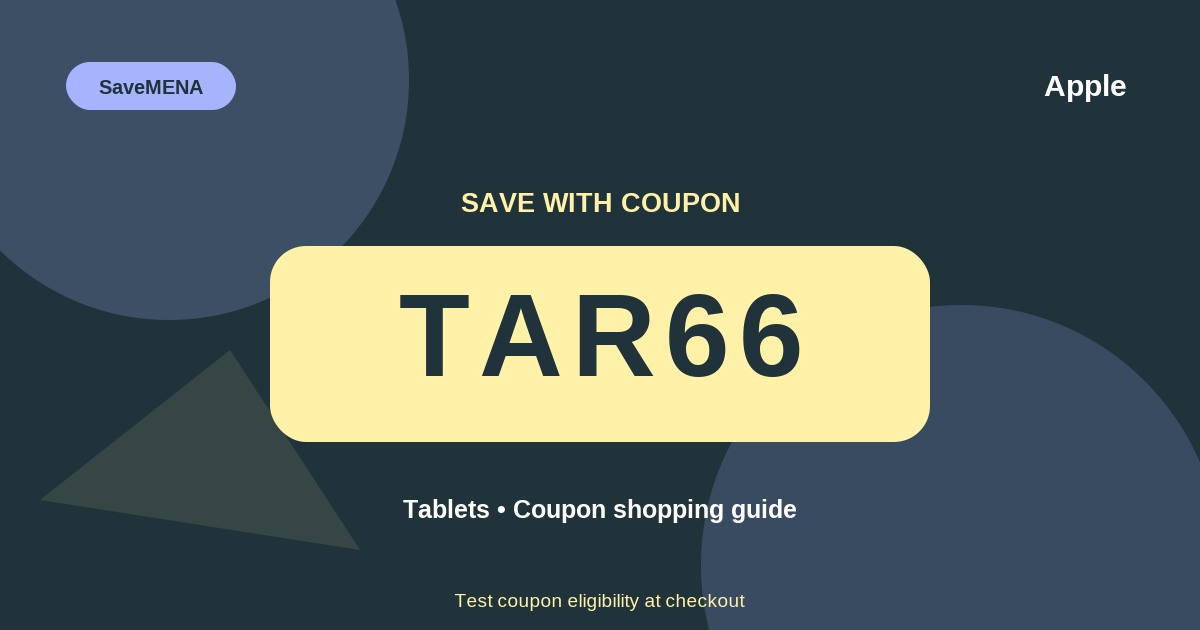
Codes available to try while comparing
These codes are not guaranteed for the article topic or listed brands; test them at checkout and use the live result.
Verify the Apple Tablet Specs and Variant
Start by clicking through the Samsung phone or selected Apple Tablet listing to confirm your chosen model’s specifications. Check the display size, storage capacity, processor, and the exact color or finishing option. Errors in the variant can lead to a mismatch between what you expect and what arrives, especially if a different price point exists.
Make sure the size and storage combination matches any promotional offers you plan to use. Apple tablets often have tiered pricing; a different variant could restrict certain coupon applications or eligibility criteria. Confirming the model early prevents later confusion when you reach the payment screen.
Confirm the Noon UAE Coupon Code Eligibility
Locate the coupon code field on Noon’s checkout page where you can input TAR73. This field typically appears below the total or beside the payment options. The code should be typed exactly as shown to avoid any invisible characters that could invalidate the offer.
During checkout, notice any pop‑up or notification that indicates whether the coupon was applied successfully. If the message mentions “Manual Review” or “Pending,” remember that the coupon is still worth trying, but the final check will occur after you confirm payment. Record the modified total for your reference before proceeding.
Confirm the Noon UAE Coupon Code Eligibility
Navigate to the coupon entry field on Noon’s checkout page—usually located below your order total or adjacent to the payment options. Type the code TAR73 exactly as it appears, respecting capitalization and spacing. This explicit entry triggers the system to validate whether the coupon applies to your cart.
Once the code is accepted, observe the change in the order total if visible. A successful application often displays a “Discount applied” message or a new subtotal. If there is a message indicating the coupon is pending review or requires manual approval, remember that the code is still worth trying, but final confirmation will happen after payment confirmation.
Validate Your Apple Account Status on Noon
Log in to your Noon UAE account before you proceed to payment. Check that the email address and phone number on file match the ones you intend to use for this transaction. Your Apple table purchase may link to a specific region or account balance if you use a Noon wallet or a card from a local bank.
Check the balance of any Noon wallets or bonus points if you plan to use them alongside the coupon code. Each debit alters the payable amount, so ensuring your account has sufficient funds—minus the coupon discount—helps prevent payment failures during the final stage.
Inspect Taxes, Fees, and Shipping Options
On the checkout summary page, review the tax calculation for mainland UAE or free‑zone shipping if your address qualifies. Verify which shipping method you selected, such as standard, express, or Noon Express store pickup. Each method incurs a different fee, which the system will add to your total.
Confirm that the shipping fee matches the one listed under the “Estimated Delivery” section. If you selected a free shipping promotion, ensure that the offer is applied. If not, consider upgrading your order total or adjusting the shipping method before proceeding to payment.
Confirm Payment Method, Currency, and Final Amount
Choose the payment method mapped to your Noon UAE profile—credit/debit card, PayPal, or a local digital wallet. Inspect the displayed currency (AED) and final amount after all discounts, taxes, and shipping have been applied. The number should reflect the combined effect of the TAR73 coupon and any account credits.
Before pressing “Place Order,” double‑check that the total displayed matches the final receipt you will receive. Any discrepancy may point to an incomplete coupon application or a payment method that was declined during processing.
Double‑Check Warranty and Return Policy
Apple tablets typically include a standard one‑year manufacturer warranty, but Noon may offer a different or extended warranty. Review the warranty information listed on the product page and confirm a copy appears on your receipt. This ensures you still have coverage if a technical issue arises.
Additionally, check the return policy stated on Noon when you add the tablet to your cart. Confirm the deadline for returns and any restocking fee that may apply. Having these details recorded avoids confusion should you need to initiate a return or exchange.
Related SaveMENA pages
Related articles
Official sources to check
Frequently asked questions
A coupon is not guaranteed; verify its result at the retailer checkout.
Enter the exact code TAR73 in the coupon field on the checkout page. Watch for an immediate message confirming its application; if a review status appears, record the updated total but remember the final validation happens after payment.
Will my Apple account status affect the Noon purchase?
Yes, your Noon account’s email, phone number, and wallet balance must be accurate. Any mismatch can delay the transaction or prevent the coupon from applying successfully during checkout.
What happens if the shipping fee changes after I apply the coupon?
If the shipping fee updates, your total will reflect the new amount. Verify the final sum exactly on the last review screen before you press “Place Order” to confirm no unexpected surcharge.
Can I return the tablet if I am unhappy after using the Noon coupon?
Check Noon’s return policy at checkout. Typically, you must initiate a return within the specified timeframe and include reason for dissatisfaction; the process will involve a return label and potential restocking fees.