Tablets on Noon UAE: account eligibility — checkout checklist · TAR71
Before you hit the final checkout button for your tablet purchase, this guide walks you through a checklist ensuring you are fully prepared.
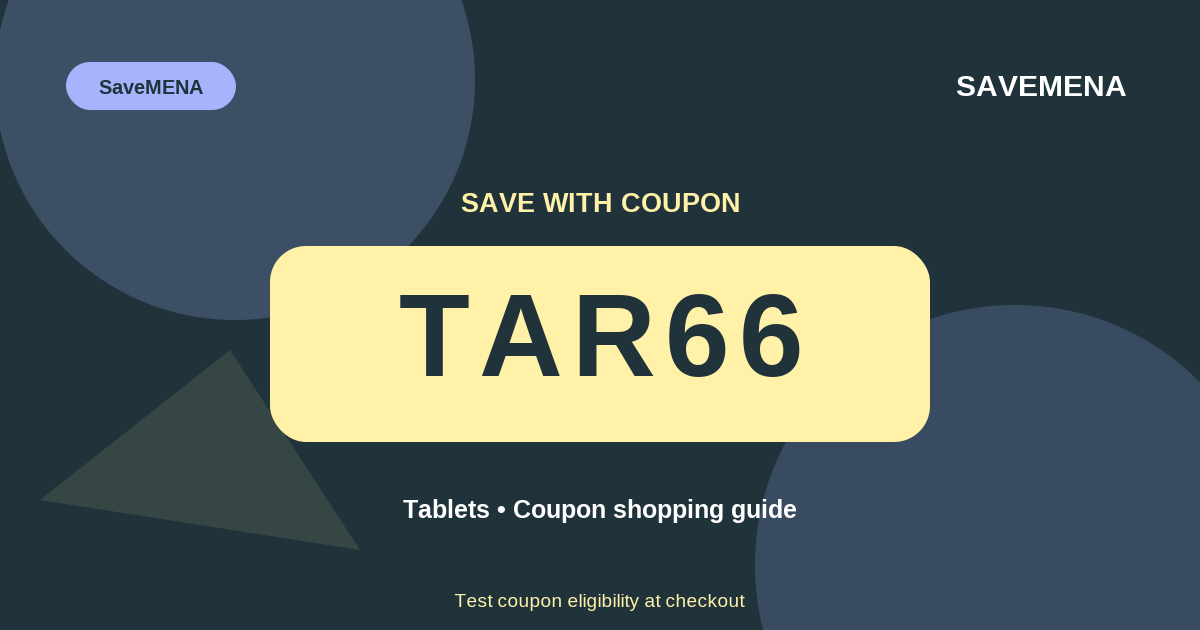
Codes available to try while comparing
These codes are not guaranteed for the article topic or listed brands; test them at checkout and use the live result.
Verify Tablet Specs Match Your Needs
Start by double‑checking the screen size, resolution, and processor details against your daily usage requirements. If you use a tablet for professional design work or high‑definition gaming, larger displays and faster CPUs are essential. Compare the listed specs to your expectations, noting any limitations that could impede performance. This step reduces the risk of post‑purchase regret and ensures you’re choosing a device that truly fits your workflow.
After confirming specs, review battery life claims and build quality. Many tablets tout impressive longevity, but user reviews often reveal real‑world differences. Make note of any concerns and see if the seller offers a warranty or return window that could address potential defects. A clear understanding of these factors helps you make an informed decision before the checkout paperwork.
Confirm Tablet and Accessory Compatibility
Some tablets require specific chargers or protective cases to perform optimally. Check whether the model you select uses a proprietary charger or supports standard USB‑C connections, and whether official accessories are available from reputable sellers. Compatibility issues can cause additional costs if you need to purchase missing items later.
Don’t forget about connectivity. Verify the tablet’s Wi‑Fi capabilities, Bluetooth version, and any available ports. If you rely on a tablet to sync with other smart devices, ensuring seamless connectivity will prevent you from having to buy adapters or signal boosters after delivery.
Check for Return Policy and Warranty
Return policies can vary widely between sellers. Confirm the time frame for returns, whether the original packaging is required, and if restocking fees apply. Knowing these details ahead of purchase will shield you against unexpected hassle if the device has a defect or mismatch issue.
Warranty coverage is equally important. Note the duration, what it includes, and whether coverage extends internationally, especially if you plan to travel with the tablet. Some warranties require a registration step; ensuring it’s possible within your tablet account context will smooth any future claims.
Assess Payment Methods and Security
When ready to check out, examine the available payment methods. Credit/debit cards, prepaid cards, and UPI‑based options are common on Noon UAE. Using a payment method linked to your tablets account context can sometimes prioritize fraud‑prevention features, reducing the chance of delayed or canceled orders.
Verify that your payment method is active and fraud‑protected. Checking your account’s recent statements or recent security updates will ensure your transaction proceeds without interruption and that your personal data remains secure during the checkout process.
Review Delivery Options and Timing
Delivery options on Noon may include standard, express, or warehouse pickup. Review the estimated arrival dates for each option, and compare them against your project deadlines or personal schedule. Adjusting the delivery method can sometimes reduce shipping costs or align the device’s arrival with your availability.
Don’t overlook potential delivery charges. Some sellers impose a fee for out‑of‑zone addresses or non‑standard shipping slots. Confirm all fees in your tablets account context at the checkout, as hidden costs can alter the final payable amount.
Apply Noon UAE Coupon in Tablets Account Context
To use a Noon UAE coupon within your tablets account context, locate the coupon entry field on the checkout page and enter "TAR71" exactly as displayed. The system will validate the code against your current basket and your account status, updating the price accordingly. This step can yield a discount or promotional benefit but will only activate if all eligibility rules are satisfied at checkout.
Remember that applying a coupon does not guarantee a specific discount percentage or a guaranteed usage. The final amount you see at final checkout reflects all active promotions and your basket’s contents.A coupon is not guaranteed; verify its result at the retailer checkout.
Account Verification and Loyalty Points
Verify that your Noon UAE account is fully verified and that any loyalty points or rewards are available to apply. Some sellers may differentiate between new and existing account holders, and loyalty benefits can be contingent on a valid account context. Checking your profile beforehand can help avoid having to navigate this after the checkout step.
In addition to coupons, loyalty points can sometimes subtract from the total amount payable or offer free delivery. Confirm under the account settings whether these points are listed as applicable for your tablet purchase. If any are missing, contacting customer support before finalizing the purchase can avert surprises later.
Final Review & Confirmation at Checkout
Before clicking “Place Order,” meticulously review every section of the summary page. Confirm the tablet model, accessory bundle, delivery date, any applied coupons, and whether loyalty points have been deducted. This final appraisal ensures all variables align with your purchase intent and account context.
Any discrepancy found at this stage should be addressed immediately by editing the cart or reaching out to the seller. Once satisfied, proceed to confirm the payment, knowing that all prior checks have preempted common pitfalls and that the purchase is ready for final processing.
Related SaveMENA pages
Related articles
Official sources to check
Frequently asked questions
What happens if the coupon code TAR71 isn't accepted at checkout?
If the coupon doesn't apply, Noon will indicate the reason—such as incompatibility with the selected product or account restrictions—directly on the checkout page. You can then try a different coupon or proceed without it. The final total will reflect any adjustments accordingly.
Can I use multiple Noon UAE coupons for one tablet order?
Normally, only one coupon can be applied at a time. If you have multiple offers, apply them sequentially by removing the initial coupon before entering another.A coupon is not guaranteed; verify its result at the retailer checkout.
Will applying a coupon change my delivery fee?
Delivery fees are usually calculated based on product weight, destination, and shipping method. Coupons generally affect the product cost but not the delivery fee. Checkout will display the delivery fee separately, so you can confirm it remains unchanged after the discount applies.
Is it necessary to be logged into my Noon account to use a coupon?
Yes, using a Noon UAE coupon typically requires you to be logged into an account to validate eligibility. This login ensures that any account-based benefits, such as loyalty points, can also be applied during checkout.