Xiaomi Tablets on Noon UAE: account eligibility — checkout checklist · TAR73
Use a Noon UAE coupon while exploring tablets, particularly Xiaomi models, and keep your account context in mind for a smooth checkout experience.
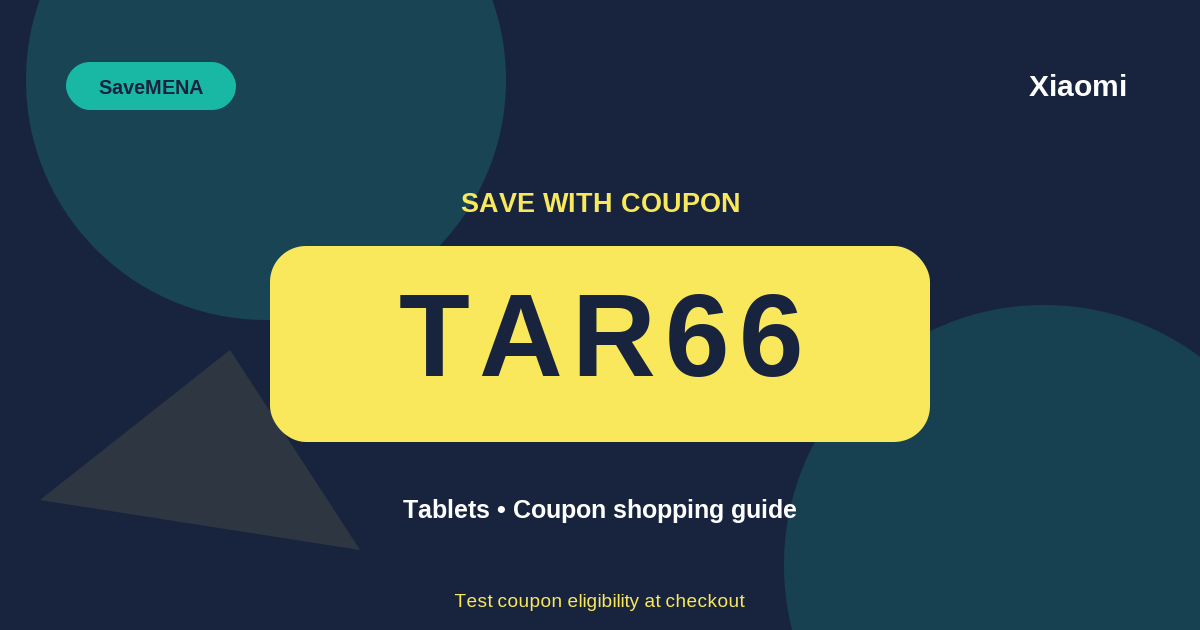
Codes available to try while comparing
These codes are not guaranteed for the article topic or listed brands; test them at checkout and use the live result.
1. Understand Your Noon UAE Account Before Shopping
Before you even browse for tablets, it’s essential to log into your Noon UAE account and confirm its status. Check that your profile is complete, with a verified phone number and an active payment method. The accuracy of this information can affect whether promotions like TAR73 are accepted during checkout. Also, review any existing loyalty points or subscription benefits that might influence the final payable total.
Account context extends beyond login credentials; it includes your preferred shipping address and preferred payment methods. Double‑check that your address is current and that a compatible payment option (Credit Card, Debit Card, or PayPal) is linked. A faulty address can delay delivery, while an unsuitable payment method might necessitate a change mid‑checkout, potentially disrupting the coupon application. By confirming these details upfront, you eliminate unexpected roadblocks.
2. Identify the Right Tablets for Your Needs
Not all tablets suit every user. Begin by listing your core requirements—portability, screen resolution, battery life, or gaming capability. For instance, if you want a lightweight device for reading and streaming, prioritize models with long battery life and high‑resolution displays. Conversely, for professional use, look for robust processors and ample RAM.
Once you have a shortlist, cross‑reference these needs with the specifications offered by various tablets on Noon UAE. Pay special attention to processor type, storage capacity, and whether the tablet supports expandable memory. This step saves you from making a purchase that later feels inadequate or irrelevant to your daily tasks.
3. Selecting Xiaomi Tablets on Noon UAE
Xiaomi offers a range of tablets that blend performance with affordability. When searching on Noon UAE, filter results by brand and choose Xiaomi to narrow down your options. Examine each model’s detailed spec sheet: display size, resolution, processor, RAM, and battery capacity. Also check the listed seller’s rating, ensuring you buy from a reputable vendor.
Some tablets might come with bundled accessories, such as styluses or protection cases. While these add convenience, they often increase the total price. Decide whether these extras align with your priorities before adding them to your cart. A clear understanding of the product’s full features, including version differences (e.g., 2G vs. 4G connectivity), guarantees a purchase that truly matches your expectations.
4. Applying the TAR73 Coupon Effectively
Once your cart contains the Xiaomi tablet(s) you wish to buy, locate the coupon entry box during the checkout stage. Input TAR73, ensuring you use the exact format as displayed. The system will automatically check whether the coupon is valid for your selected items and account context. If the coupon doesn’t apply, Noon UAE will typically notify you instantly.
Because a coupon is available to try and not guaranteed, it’s prudent to proceed with the checkout flow whether it accepts the code or not. If the code is valid, you’ll see the discount reflected before final payment confirmation. If not, you’ll still have the full price displayed, allowing you to decide whether to continue or adjust your order so the coupon might become applicable (e.g., removing irrelevant accessories).
5. Navigating Shipping & Handling Fees
Shipping fees on Noon UAE vary by seller, product weight, and destination. Review the shipping estimate provided at checkout; confirm that it’s based on your chosen delivery address. Some items may qualify for free shipping if you meet a minimum spend, but such offers may not necessarily apply to every seller or to the specific Xiaomi tablet.
Handling fees, if any, are applied automatically at the end of the shipping calculation. Ensure these fees are clearly visible before proceeding to payment. A hidden fee at the last moment can derail the intended discount from the coupon, so verifying the total payable amount after all adjustments is critical.
6. Verifying Delivery Options and Times
Delivery options on Noon UAE include Standard, Express, or Scheduled Delivery. Each has different cost implications and timing. For a tablet purchase, confirm that the chosen delivery window aligns with your availability. Express shipping is typically faster but incurs higher fees.
Also check the estimated delivery date shown during the checkout process. If the local courier has a known schedule for your region, that can influence the urgency of acquiring the tablet. A correct delivery estimate assures you that the mechanics of receiving your purchase will meet your expectations.
7. Finalizing Payment: A Step‑by‑Step Checkout Guide
With the cart finalized, coupon applied, and delivery selected, proceed to payment. Choose from your stored payment methods. If you’re using a credit or debit card, verify that the card is active and that the balance is sufficient to cover the final amount presented.
Before final confirmation, scroll through the full order summary. Double‑check Seller details, product specs, quantity, calculated shipping fees, and the total payable amount. This orderly review ensures no unexpected charges slip through and confirms that the coupon remains effective up to the payment stage.
8. Post‑Purchase Tips and Support
After confirming the order, you’ll receive a notification with your order’s reference number and an estimated delivery timeline. Store the reference number for any future inquiries. Should any discrepancies arise—such as a missing coupon benefit or incorrect delivery details—contact Noon UAE’s support via chat or phone, referencing the order ID.
Keep an eye on the shipment status updates provided in the Noon UAE app or website. Should the tablet arrive damaged or not as described, the return or refund process will begin. Verify the return policy displayed, ensuring it aligns with your expectations and that you’re ready to initiate a return if necessary.
Related SaveMENA pages
Related articles
Official sources to check
Frequently asked questions
Can I use multiple coupons in one purchase on Noon UAE?
Typically, Noon UAE allows only one coupon to be applied per order. Once you enter a code, the system disables additional coupon fields. If you have multiple coupons, choose the one you believe offers the best benefit before finalizing payment.
Will the TAR73 coupon be applied automatically if I have already entered it?
If the coupon code is accepted, it will appear in your order summary with the discount applied before you confirm payment. If the system rejects the code, you’ll see a notice, and then you can decide whether to change items or proceed without the coupon.
Does my Noon UAE account need any special eligibility to use the TAR73 coupon?
The coupon is available to try for any account on Noon UAE. No special eligibility beyond having an active account is required, but verify your account details are up‑to‑date to avoid any eligibility hiccups.
What if the shipping fee changes after I finish checkout?
Checkout totals are locked before payment confirmation. Any shipping cost changes during the checkout flow will be highlighted before you finalize the purchase. Once you confirm payment, the total cost is finalized and cannot be altered.