LG TVs on Noon UAE: account eligibility — checkout checklist · TAR71
Before you hit the ‘Buy now’ button on Noon UAE, a quick checklist ensures that your checkout experience is smooth and that any available benefit from using a Noon
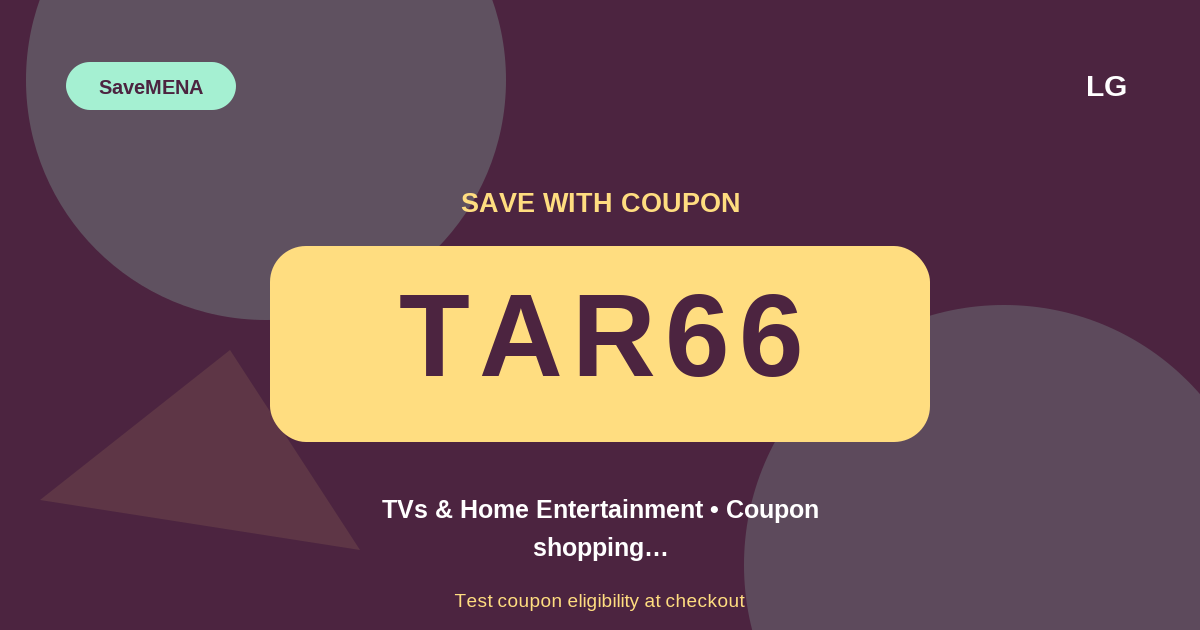
Codes available to try while comparing
These codes are not guaranteed for the article topic or listed brands; test them at checkout and use the live result.
Verify Your Noon UAE Account Status
Your first stepping stone is confirming that your Noon UAE account is active and properly logged in. Use the same credentials you normally employ to access your online profile, and ensure that any two‑factor authentication or email verification steps are complete. An active account will allow you to add items to a saved cart, apply coupon codes, and track order status throughout the checkout process.
While you’re logged in, double‑check that your personal and payment information is current. This includes your billing address, credit card or debit card details, and any saved payment methods.A coupon is not guaranteed; verify its result at the retailer checkout.
Add LG TV Models to Your Cart
Next, navigate to the TVs section on Noon UAE and locate the LG range you’re interested in. Whether it’s a 55‑inch 4K OLED or a 65‑inch LED Smart TV, each model comes with its product description, features, and any available promotions listed on its detail page.
When you add a TV to the cart, make sure you’re selecting the correct variant, such as screen size, connectivity options, or color finish. Check that the item’s quantity is set to one unless you’re purchasing multiple units and that the SKU or model number matches the specifications you want.
How to Apply the TAR71 Coupon Code
With your LG TV in the cart, you’ll want to try entering the TAR71 coupon before you proceed. Tap the coupon or promo code field on the cart page, type TAR71, and hit apply. The system will confirm or reject the code based on its current status and any constraints tied to your account or the product selected.
Since the coupon is available to try, there is no guarantee it will apply. If the code doesn’t work, note the resulting message and consider attempting again later, or contact Noon UAE support for clarification on eligibility rules that may affect its use with LG TVs.
Review Cart Summary Before Checkout
Once the coupon is applied—or not—review your cart summary in detail. Confirm that the product name, model number, and variant match what you intended to purchase. Check the displayed price, the coupon deduction (if any), and the calculated subtotal.
Also verify that any available neatening benefits, such as free shipping thresholds or loyalty points, are reflected in the cart summary. The review screen is your final opportunity to catch errors before proceeding to payment.
Confirm Shipping, Delivery, and Payment Options
Select your desired delivery address from the list in your profile, or add a new one if needed. Noon UAE will then present shipping options, including standard or expedited delivery. Make sure the chosen option is available to the LG TV you’re buying and that any associated cost is displayed.
Choose a payment method that is active in your account, such as a saved credit card or a digital wallet.A coupon is not guaranteed; verify its result at the retailer checkout.
Double‑Check Tax and Additional Fees
Before finalizing the checkout, locate the tax breakdown that Noon UAE calculates for your purchase. This section will display VAT or other applicable taxes based on your delivery location within the UAE. Confirm that the tax amount adjusts correctly if the coupon code was applied.
Look for any other fees that could impact the final price—such as installation charges for a new TV or express delivery surcharges. If you find a fee you weren’t expecting, you can adjust your options or contact support to discuss possibilities.
Final Cart Review: Items, Prices, and Coupon
Return to the final cart overview that appears just before you hit the ‘Confirm order’ button. Here you’ll see every detail: product, variant, quantity, unit price, coupon impact, shipping cost, tax, and the grand total. Horizontally compare this overview with earlier cart screens to ensure consistency.
If everything matches expectations, you can proceed. Otherwise, use the 'Edit' links to correct any mistakes—whether that’s changing the TV variant, updating the shipping address, or removing the coupon if it’s not applicable.
Completing Your Purchase: Confirmation and Receipt
Click ‘Place order’ after reviewing all the elements above. Noon UAE will process the payment and assign a unique order number, which you’ll receive immediately on the screen and via email. Keep records of this confirmation for receipt and future reference.
The order confirmation page will also list anticipated delivery dates, options to track shipping, and a summary of what you paid, including any coupon usage. This final snapshot is critical for verifying that the checkout outcome matches your expectations.
Related SaveMENA pages
Related articles
Official sources to check
Frequently asked questions
When can I use the TAR71 coupon for TV purchases?
The TAR71 coupon can be entered during the cart checkout step with a Noon UAE account. However, its applicability depends on Noon’s current promotion rules at the time of purchase, which can change without notice.
Will the coupon cover all taxes or only the product price?
Coupons normally apply only to the product price before taxes. Tax amounts are calculated separately after the coupon discount is applied and reflected in the final checkout summary on Noon UAE.
Can I change my delivery address after confirming payment?
Once payment is completed, modifying delivery details typically requires contacting Noon UAE support or canceling the order. Checking the order status page for any address change options is advised before final confirmation.
What happens if the coupon does not apply to my LG TV?
If the TAR71 coupon fails to apply, the checkout will proceed with the regular price. You can then choose to reattempt the coupon at a later time or explore alternative promotional offers listed on Noon UAE.