Samsung TVs on Noon UAE: account eligibility — checkout checklist · TAR71
If you're about to hit checkout for a Samsung TV on Noon UAE, this article walks you through a checklist that focuses on your account context and coupon usage
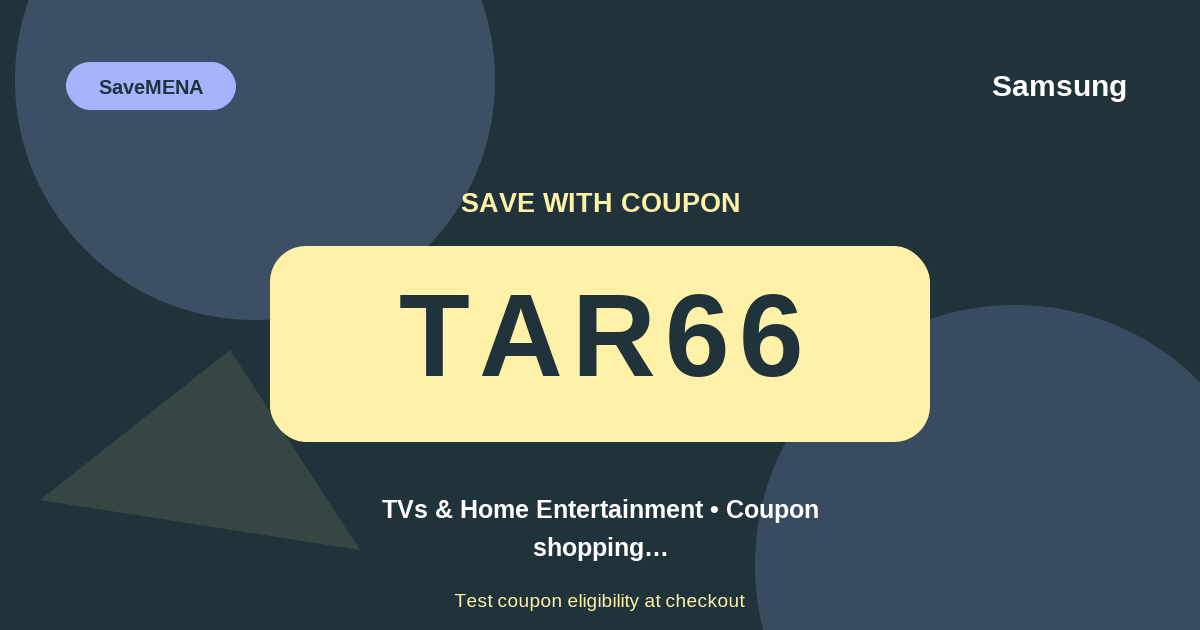
Codes available to try while comparing
These codes are not guaranteed for the article topic or listed brands; test them at checkout and use the live result.
1. Understand Your Desired Samsung TV Specs
Begin by narrowing the range of Samsung TVs you’re interested in by comparing key specifications—resolution, panel type, smart features, and build quality. Samsung offers a variety of models, from entry‑level 32‑inch options to high‑end 75‑inch QLED displays. Knowing which features are essential to you helps you filter and compare the right products on Noon UAE, saving you from later regret during checkout.
When browsing, pay attention to the display attributes and software ecosystem described in the product details. Samsung’s Smart TV platform offers smooth access to popular streaming apps; confirming the model supports the next‑generation interface can be a decisive factor. A clear understanding of the display’s capabilities beforehand will reduce the chance that a price change appears after you’ve already chosen a different model during the checkout process.
2. Research and Compare Samsung TV Models on Noon UAE
Cross‑check Samsung TV listings on Noon UAE against other reputable retailers or Samsung’s official site to spot differences in price, warranty, and bundle options. Notice whether each listing features any promotional phone‑line or installment payment tags; those details can impact the final total once you apply a coupon or adjust your payment method. Checking multiple sources also ensures you are choosing a genuine Samsung model rather than a close replica.
While comparing, keep an eye on any available user ratings and reviews that mention reliability or after‑sales support. Even if you cannot see precise discount percentages, understanding the overall customer sentiment helps you gauge which model might offer the best long‑term satisfaction, and thus, the right choice for your home entertainment setup.
3. Prepare Your Noon UAE Account for a Smooth Checkout
Align your Noon UAE account with the checkout checklist by confirming your saved address is accurate. Incorrect address data can trigger shipping adjustments or even cancel the order after confirmation. Make sure the country, city, and postal code match the ones you typically use for deliveries in Abu Dhabi or Dubai, and update any missing apartment or office identifiers to streamline the process.
Verify all payment methods listed under your account. If you prefer to use a debit card or a digital wallet, ensure the account balance or card constraints allow for the purchase amount that will appear at the final payment screen. Adjusting this ahead of checkout prevents last‑minute payment rejections that could abort a completed order.
4. Add the Samsung TV to Your Cart and Verify Cart Details
After selecting the desired Samsung TV model, add it to your cart and revisit the cart page to confirm the displayed details—model number, screen size, and any bundled accessories. Even if the product appears correct, a stray mis‑typed quantity or incorrect variant could alter the final price unexpectedly. Double‑checking here reduces the chance of surprises at the next stage.
At this point also examine how Noon UAE calculates taxes or import duties, if any. While precise figures are not disclosed before payment, you should ensure that the cart’s “Est. Tax” indicator is present so you’ll be aware that a final surcharge might apply. This knowledge lets you make an informed decision about whether to proceed or postpone, aligning with the broader account‑centric checkout approach.
5. Apply Coupon Code TAR71 and Confirm Eligibility
Navigate to your checkout page and locate the coupon input field. Enter the code TAR71—this is the coupon you have at your disposal for Samsung TVs on Noon UAE. Since coupon effectiveness can fluctuate, the system will immediately indicate whether the code applies to your cart’s items and account.
If the coupon is accepted, review the updated total. The system will reflect the discount before the final payment step. If the code is not accepted, the platform will note a short‑term issue, and you can still decide whether to continue without it or to contact customer service for clarification. The purpose of this practice is to avoid surprise price changes that could cause disappointment after the order is placed.
6. Double‑Check Delivery Options, Fees, and Shipping Address
Select your desired delivery date and method, whether standard or expedited, and confirm the shipping address again. Note any additional delivery fees or free‑ship thresholds—they may affect your final price. With the account lens, ensure that your address matches the one used for past orders and that it is accurate enough to avoid delivery delays.
Pay close attention to any delivery fee changes that appear when you modify the shipping slot. A visible increase could mean the total payable rises dramatically once you hit payment; verifying these costs now secures current rates aligned with your account’s delivery preferences.
7. Review Payment Method, Billing, and Final Totals
On the payment screen, confirm the active payment method matches your expected card or wallet. Track the formula shown in the “estimated total” section—this portion includes the product price, any discount from the coupon, taxes, and delivery charges.
Before approving the purchase, check that the billing address matches the one registered on the card to avoid authorization errors. Verifying it here reduces the risk of payment failure that could interrupt the checkout flow and abort the order.
8. Confirm Order and Monitor Tracking – The Final Checkout Checklist
With every field verified—product details, coupon application, delivery, and payment—click the final “Confirm Order” button. The confirmation screen will summarize your purchase, presenting the final amount to pay and the estimated arrival window. Take a moment to read through the summary before locking in the order.
After confirming, keep an eye on your Noon UAE inbox for a confirmation email that includes an order number and tracking link. Tracking updates will keep you informed if shipping status changes, cell that all checkout stages have been completed correctly under your account context guide.
Related SaveMENA pages
Related articles
Official sources to check
Frequently asked questions
What does the coupon code TAR71 do at checkout?
When you apply TAR71 to a Samsung TV cart on Noon UAE, the system updates the final payable amount accordingly, if the code is currently valid for that product and account. The discount is reflected instantly at the payment screen.
Do I need to create a Noon UAE account to use the coupon?
Yes, to enter the code and have it applied, a registered Noon UAE account is required. The account’s saved address, payment methods, and shopping preferences will be referenced during checkout.
Will the coupon affect shipping fees?
The coupon typically applies only to the price of the item. Shipping fees are calculated separately based on your delivery choice and address, so they are unaffected by the promo code.
How can I verify if my coupon is still valid before checkout?
Enter the code on the payment screen; if it is accepted, the discount will appear. If it’s not accepted, a brief notification appears, guiding you whether to try another code or proceed without it.