Calvin Klein Watches on Noon UAE: account eligibility — checkout checklist
Begin by logging into your Noon UAE account on the web or the mobile app. While on the account dashboard, verify that your registered email address is up‑to‑date
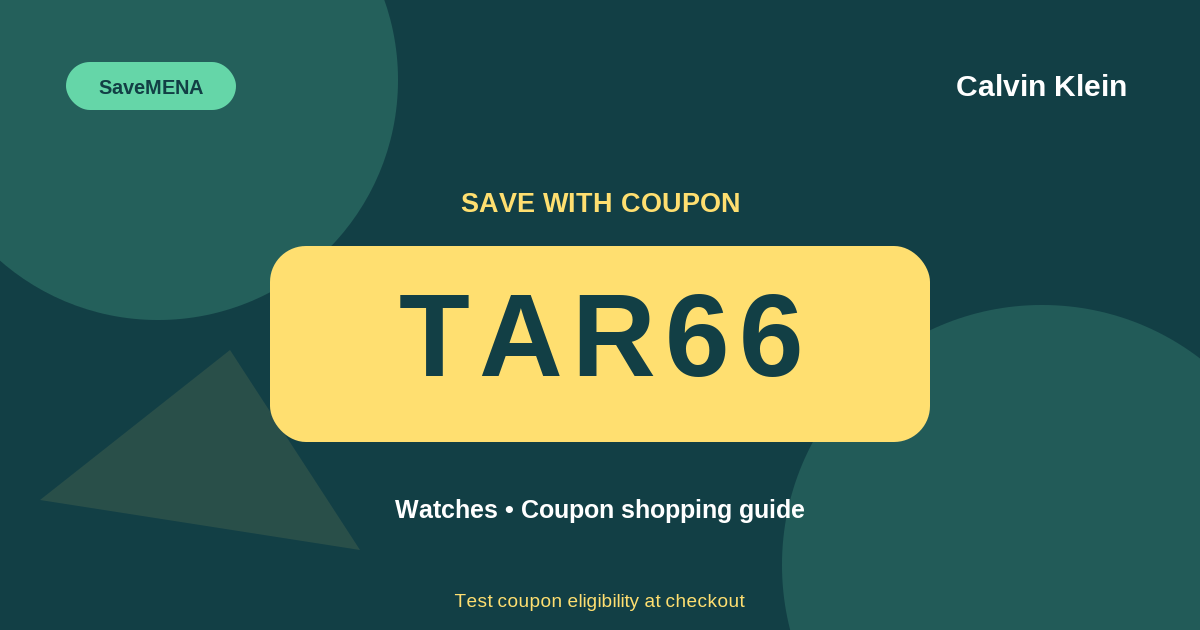
Codes available to try while comparing
These codes are not guaranteed for the article topic or listed brands; test them at checkout and use the live result.
Confirm Your Noon UAE Account Details
Begin by logging into your Noon UAE account on the web or the mobile app. While on the account dashboard, verify that your registered email address is up‑to‑date and that any associated phone number is active. Update your profile with accurate first and last name information, as this field can affect the one‑click checkout process and might influence eligibility for club or loyalty perks that are tied to the account cardholder’s details. If you recently changed residency, ensure the account’s registered country reflects UAE to avoid being flagged for cross‑border purchases that require additional verification steps.
Once your personal data is current, examine the saved shipping addresses within your account. Selecting a pre‑verified address from the saved list ensures that Noon's logistics system can accurately map your location, reducing the risk of delivery delays that might arise from incomplete or mistyped entries. In this context, the “account context” becomes a safeguard; any discrepancy between the account information and the chosen address triggers a manual review before payment can be authorized, so double‑check for spellings, postal codes, and unit numbers.
Check for Applicable Noon UAE Coupons
Before you add any watch to your cart, confirm whether you have a valid Noon UAE coupon to redeem. Navigate to your account’s “Promotions” tab, enter the coupon code, and observe the system’s response. If the coupon attempts to apply but the cart is unable to accept it, the error message will usually specify that a particular condition—such as category restriction or user eligibility—is unmet. While the coupon TAR66 is available for you to try, it does not guarantee applicability, and the checkout interface will either confirm its application or display a denial, which is the only final indicator of eligibility.
The phrase “use a Noon UAE coupon Watches Calvin Klein account context” highlights the nuanced steps your account must satisfy for the coupon to take effect. This includes confirming that the watch selected falls under the watch category, that the Calder Klein branding is listed (if that’s your the coupon code), and that your account hasn’t already exhausted the coupon’s usage limits or encountered a previous rejection. With these checks in place, you can proceed confidently, knowing your coupon status is resolved before payment.
Review the Watch Specifications & Warranty Details
A watch is a long‑term investment, so ensure that the model you want matches your functional and style preferences. Scroll through the product detail page to verify the movement type—automatic, quartz, or mechanical—size, band material, and water‑resistance rating. Pay particular attention to any oversize or limited‑edition options, as these variations often come with distinct warranties that may not be covered under a standard store policy. The warranty period listed on the product page should be reconciled with the warranty booklet that ships with the watch.
Your Noon UAE account may offer extended warranty programs for watch purchases if you are a club member or if the store’s partner offers such options. Check the “Add‑on Services” section in the order summary to see whether a warranty upgrade is visible. Even if an addon isn’t displayed, you should still review the seller’s return policy for watch repairs. Refusal to confirm warranty coverage at checkout—a normally optional field—can leave you unprotected, especially when returning to a special brand like Calvin Klein that may require a certified service center.
Verify Shipping Address and Delivery Options
Once you’ve confirmed the watch’s details, navigate to the checkout screen to confirm the shipping address. If the address has changed since the last transaction, update it by selecting “Edit” rather than adding a new profile, as this ensures the mailing label aligns with your account record. NRF codes are sensitive to unit identification; a missing apartment number could redirect the shipment to a different zone, delaying delivery or even causing a re‑dispatch.
Next, assess the delivery options presented by Noon UAE. Shipper choices typically range from standard to expedited; each may carry a distinct fee structure that will be added to the final payable total. For high‑value items such as a Calvin Klein watch, choosing a courier offering end‑to‑end insurance is often prudent, even if it adds a nominal service charge. Verify that the chosen service is listed in the “Delivery” section before proceeding to payment, as insufficient clarity can trigger a payment hold.
Confirm Payment Method and Currency Settings</HEHeading>
Before finalizing the order, examine the payment method section. Noon UAE supports several options, including credit/debit cards, e‑wallets, and cash‑on‑delivery for select regions. If you are using a store‑credit card issued in UAE, the last four digits should match the account profile, which helps the system validate the transaction without interruption. Pay special attention to the currency symbol next to the total; even though the default is AED, any mistake in currency conversion can inflate the final payable figure.
The “Account Context” step requires a double‑check that the payment method’s billing address matches the address you entered earlier. Discrepancies here often trigger fraud‑prevention alerts that stall the order. Some card issuers also lock transactions for high‑value items unless the cardholder has cleared a “high‑risk” flag; it’s advisable to call your bank if you suspect this may be the case before proceeding to the payment page.
Review Taxes and Fees
Noon UAE displays a concise tax estimate on the order summary page. Verify that the amount aligns with the applicable UAE value‑added tax (VAT) rates for personal goods, which generally sit at the discount shown at checkout of the product price. For imported items such as watches from overseas brands, customs duties may apply upon arrival; these tend to be added at the point of delivery by the courier, not during checkout. Nevertheless, confirm whether an estimated shipping tax is displayed, and note that this figure can vary based on your chosen delivery option.
Fees may also arise from expedited shipping or from selecting a non‑standard delivery location. These surcharge fees are typically itemized separately from the base price, ensuring transparency. If a “service fee” appears under the “Additional Charges” heading, cross‑reference it with the coupon application log—some coupons explicitly exclude service charges from the discount, leading to a higher final total than anticipated.
Examine the Final Order Summary for Accuracy
You have now built a clean pipeline of data—account details, coupon status, product specs, shipping, payment, and taxes. Scroll down to the “Order Summary” section to verify the consolidated line‑items. This is where Noon’s system compiles every detail, including the price of the watch, any applied coupon reduction, carrier fees, and refundable deposits. A discrepancy here, however small, may cause a payment error or shipping mismatch.
In addition to price matching, verify that the listed watch model label in the summary corresponds exactly with the SKU on the product page. Any typographical error could indicate a cart mis‑menu or an off‑market listing. Use the “Return to Cart” button for any edits, which directs you back to the product selection interface while preserving your coupon entry status.
Final Review and Place Order
When every field has passed scrutiny, you’re ready to place the order. Give one final glance at the “Confirm Order” button, ensuring that you have read any terms and conditions related to watch purchases, including return policy and warranty coverage. Since Noon UAE’s checkout is finalized at the payment gateway, you won’t be able to revisit the cart after confirming, which underscores the importance of this last check.
After pressing “Confirm Order,” the system displays the total payable amount, inclusive of all fees and taxes. Hit the “Pay” button only when you’re certain the amount matches your card’s statement after conversion and your account’s currency settings. The purchase receipt will arrive via email and will list the final amount charged, the watch’s exact model, and a tracking reference. Keep this receipt as your proof of purchase for warranty claims or possible returns.
Related SaveMENA pages
Related articles
Official sources to check
Frequently asked questions
Can I apply the TAR66 coupon after adding the watch to my cart?
Yes, you can enter the coupon code in the “Promotions” field during checkout. The system will immediately try to apply any discount, but it will only confirm if the coupon is eligible based on your cart contents and account status.
What if the watch I want is out of stock, will the coupon still work?
If a product is out of stock, it is typically removed from the cart before checkout. In that case, the coupon will not apply, as the cart no longer contains a qualifying item.
Do I need to be a Noon UAE club member to use the TAR66 coupon?
The coupon is available for anyone to try, but membership may influence eligibility. The system will indicate if membership is required at checkout.
Will I receive a separate shipping label if I select expedited delivery?
Yes, Noon UAE orders normally provide a detailed shipping label. The label will reflect the chosen delivery speed and any additional handling fees.