Calvin Klein Watches on Noon UAE: account eligibility — checkout checklist · TAR73
On Noon, watches often appear in multiple styles—different strap materials, case sizes, metal colors, or watch faces.
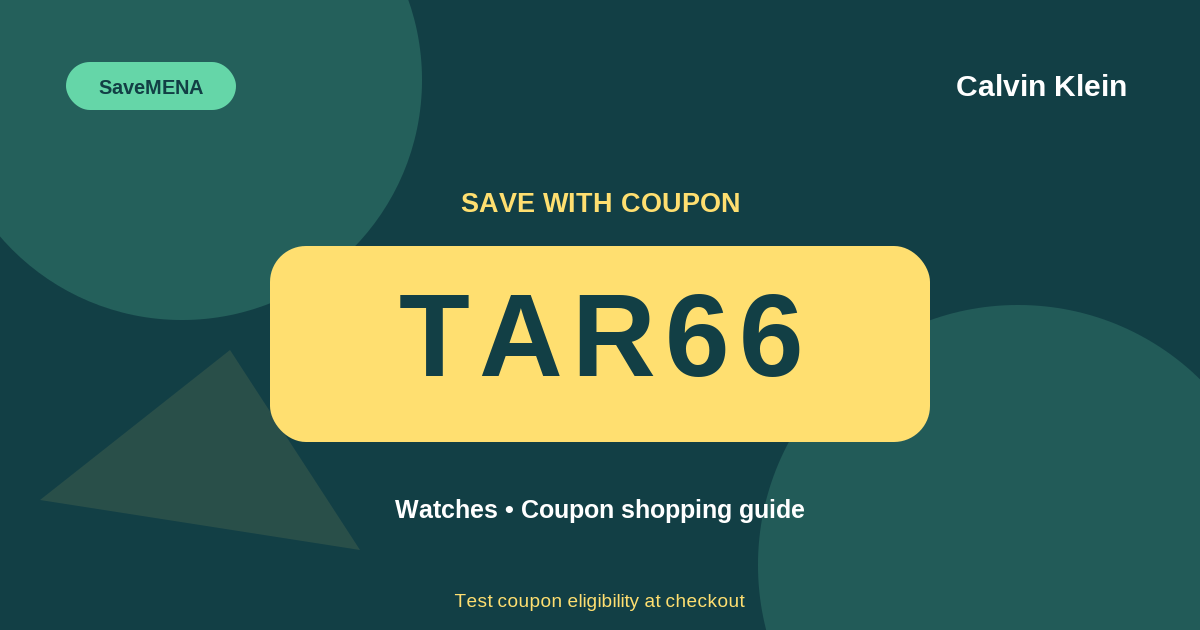
Codes available to try while comparing
These codes are not guaranteed for the article topic or listed brands; test them at checkout and use the live result.
2. Selecting the Right Watch Variant
On Noon, watches often appear in multiple styles—different strap materials, case sizes, metal colors, or watch faces. Before proceeding to checkout, confirm that the variant you’re adding to the cart matches your preferences. Scroll to the product detail page, examine the “Choose Variant” dropdown, and read the brief description that accompanies each option. This ensures you’re not unintentionally picking a watch that’s a model or brand variant you didn’t intend to buy.
For the Calvin Klein watches, check the authenticity badge or seller rating that Noon provides. Even though SaveMENA cannot guarantee a relationship with Noon, the platform displays seller credibility indicators. If the watch is described as “new” or “brand new” and the seller’s reputation is high, it’s a good sign that the item will reflect the original specifications mentioned on the product page.
3. Reviewing the Cart and Coupon Application
Once the desired variant is in your cart, it’s time to consider the TAR73 coupon. Locate the coupon input field within the cart summary and type the code exactly as seen—no spaces or extra characters. Noon will try to verify the coupon against the cart total and show the final price after any discount. If the code does not apply, check that you’re using the correct timezone and region settings; Noon coupons can occasionally be region‑specific.
After the coupon code entry, the cart summary will reflect the new subtotal. Check that the charge list still shows the correct watch price before any supposed discount. Though the discount amount isn’t predetermined, the system should reduce the total by the relevant percentage without altering shipping or tax calculations. This ensures that you only pay the final amount that Noon presents before pay‑out.
4. Confirming Shipping Address and Delivery Options
Next, confirm the shipping address linked to your Noon account. Clicking “Proceed to Checkout” will reveal all saved addresses. If the address you need isn’t listed, add a new one manually and verify its exactness. The platform will validate the postcode, ensuring the chosen address is serviceable for watch delivery. A mismatched address could cause delays or, worst case, a return.
Under the address section, Noon offers delivery options on timescales and carriers. Choose a method that aligns with your timeline and consider any added express fees. While the system may automatically select the default, reviewing it ensures the shipping fee displayed on the review page matches the actual cost you’ll pay. Make sure to note any special instructions your selected address might need, e.g., for a private office or a secure drop‑off locker.
5. Choosing a Reliable Payment Method
Within the checkout flow, Noon presents your added payment methods. Account context is critical here—as the method that appears first is usually your default. Verify that the card listed matches the last four digits of the card you intend to use. If you’ve recently changed your card or added a new payment profile, refresh the page to load the new payment option.
If you prefer to use a different payment method—such as Noon Pay, a debit card, or a third‑party wallet—ensure you select it before the final “Place Order” button. A quick glance at the method’s expiry date and available balance can prevent a chargeback or a cancelled transaction. Also, confirm that the card’s country aligns with Noon’s accepted payment countries for such purchases.
6. Checking for Additional Fees and Taxes
Even after a discount coupon, purchase totals can still adjust due to delivery fees or applicable taxes. The review page will aggregate the watch cost, any applied coupon deduction, shipping charges, and the final tax applied. Make sure your check reflects the same numbers that were shown earlier in the cart, as a discrepancy could indicate a fee or tax that wasn’t initially visible.
Because Noon’s tax policy can differ based on the product category or your location, verify that the tax amount displayed is consistent with your expectations. If you see a new tax entry, double‑check whether it’s a local VAT or a custom duty that applies to imported watches. This final check alleviates unexpected last‑minute charges at the payment stage.
7. Reviewing the Final Summary Before Confirmation
Before you click “Place Order,” glance over the final summary pane. The items list, subtotal, discount (if any), shipping fees, taxes, and the total amount to be charged should all be accurately reflected. A copy of this summary is available as a receipt after payment; keeping it handy ensures you can audit your purchase if any mistake occurs.
Also, scroll to the bottom of the summary to confirm the chosen shipping address, payment method, and any promotional notes such as “free return policy for watches.” If there’s a “Save for later” or “Add a gift note” option, review it to your satisfaction. All this stepping through guarantees your account context—delivery, payment, and personal preferences—are securely locked in.
8. Post‑Checkout Actions and Order Tracking
After confirming the order, Noon will provide an order confirmation screen and a timestamp. To keep your account context alive, you can view the order in the “My Orders” dashboard, accessible via your Noon profile. The tracking link or carrier details should appear automatically, allowing you to monitor the watch’s shipment journey in real time.
Should any issue arise, the platform’s help center is accessible from the dashboard. An authenticated account ensures you can raise a ticket, apply for returns, or claim refunds quickly, all of which streamline post‑purchase support. By keeping tabs on order status through your Noon account, you avoid potential confusion and ensure a smooth receipt of your sports or business watch.
Related SaveMENA pages
Related articles
Official sources to check
Frequently asked questions
What happens if the TAR73 coupon does not apply to my watch?
When you enter TAR73, Noon validates it automatically and will show a message if it's not applicable. In such cases, the cart total remains unchanged. You can still proceed with payment, but you’ll have to wait for any potential alternative discounts or promotions that apply afterwards.
Will my Noon account keep the shipping address after I place the order?
Yes, authenticated accounts retain the verified shipping addresses for future purchases. You can edit or add new addresses anytime under the profile settings, making next checkout even faster.
Can I change the payment method after clicking “Place Order”?
Once the order is confirmed, you cannot alter the payment method within the same transaction. If you need a different payment method, you must cancel the order following Noon’s refund policy and re‑place it from scratch.
How can I verify that my watch will arrive on time?
You can track the shipment via the link provided in your Noon order summary. The carrier’s tracking page will show the package’s status and estimated delivery date in real time, based on the shipping option you selected during checkout.