Adidas Women’s Fashion on Noon UAE: account eligibility — checkout checklist · TAR73
When you’re about to purchase Women’s Fashion items from adidas on Noon, there’s a small but critical step that can affect the final amount you pay.
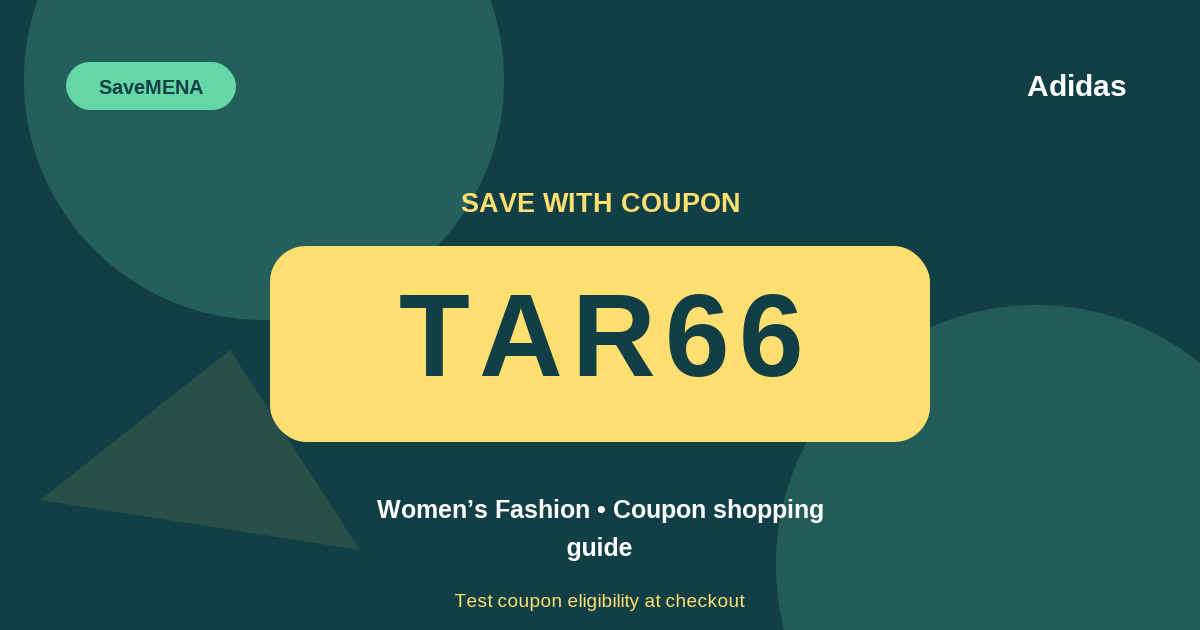
Codes available to try while comparing
These codes are not guaranteed for the article topic or listed brands; test them at checkout and use the live result.
"Finalizing Checkout and Capturing the Offer".
We must keep factual and not fabricate. So no mention of discount amounts. just mention you can apply coupon at checkout.
We'll need to watch for not using unsupported numeric data. Use general statements.
Verify Your Account & Preferences
Start by logging into your Noon account, not a guest checkout. Confirm the email, phone number, and created username match the records you’ve used for prior purchases. This step is vital because the account context dictates which saved addresses, payment methods, and loyalty status you can apply during checkout. Double‑check that any “Saved Address” you plan to pick is current; errors here can trigger address conflicts or shipping delays right at the payment stage.
In the account settings, review the “Payment Methods” tab. Ensure that the card or digital wallet you intend to use is up‑to‑date, without an expired status or insufficient balance flag. If you have multiple cards saved, select the correct one to avoid the system prompting extra verification steps. Verify that any auto‑apply vouchers or loyalty points are turned on if you want them to reflect at the final total.
Select the Right adidas Product and Size
Browse the Women’s Fashion section for the adidas item you seek. Pay close attention to product descriptions, material, care instructions, and the flagged “availability” note. In the product list, look for the “Size” dropdown; size charts for adidas are often consistent, but a quick check against a familiar measurement can prevent return headaches.
When you add an item to the cart, instant confirmation appears. At that point, click the “View Cart” link; this allows you to review the SKU, color, and quantity without exiting the page. Mistakes here—such as adding the wrong length or picking a size that’s out of stock—can only be corrected at checkout, so double‑verify before proceeding.
Confirm Cart Items and Delivery Eligibility
In the cart view, list each product with its quantity side by side. Check the “Estimated Delivery” badge; some UAE regions may have different fulfillment times because of carrier partnerships. If you see a note saying “Delivery Pending” or “Unavailable for your ZIP code,” revisit the address drawer and adjust accordingly.
Some tenth‑centurion offers can be excluded from the cart if the item is out of stock locally. Even if the price appears correct, the system might adjust shipping fee or order total once you finalize; be mindful of any “Upsell” suggestions that appear during this stage. A clean, straightforward cart reduces last‑minute surprises in the payment screen.
Apply the TAR73 Coupon Before Final Review
When you reach the “Payment Summary” page, there is a field for voucher codes or coupons. Enter “TAR73” and click apply. The system will attempt to validate the coupon against the current cart contents. Note that the coupon’s eligibility is tentative; the final amount is shown after all other adjustments.
If the code doesn’t apply at this stage, it’s still a good idea to keep an eye on the “Promo” tab in your account, as some coupons may activate only after adding a minimum number of items. Or, it might be a limitation on account type or location. In case of failure, note the form of rejection and continue to the final payment step; the system will move past the coupon if it’s invalid.
Review Shipping Costs and Options</HEHeading>
Below the subtotal, the shipping cost is displayed separately. Shipping apply is determined by the delivery location and the chosen shipping speed. Compare “Standard” versus “Express” rates, but avoid making change after the payment step, as the system will recalculate the total once the payment method is confirmed.
Sometimes, shipping thresholds trigger a free‑shipping banner. Verify that your address falls within the free‑shipping zone if you shipped the items as a bundle. Any shipping restrictions might also appear if an item requires special handling or is a fragile adidas product. A sensible shipping method matches both budget and delivery timeline.
Validate Payment Method and Security
Choose the payment option you prefer: credit/debit card, digital wallet, or cash-on-delivery if available. If you’re using a card, confirm the number, expiry date, and CVC are typed correctly; a mis‑entered card can trigger a confirmation call or cause the order to be canceled.
When using a digital wallet, ensure you are logged into the correct account, and the wallet’s balance covers the final total. Reliable security measures—such as 3D Secure verification—might require a pop‑up or a phone notification. It’s essential to comply promptly; otherwise, your order could stall after the page reloads.
Double‑Check Order Summary and Terms
The last overview screen lists every line item: product name, size, quantity, unit price, shipping fee, taxes, and the coupon impact if any. A quick scroll should NOT reveal any hidden fees or misapplied discounts. Verify that the “Final Total” matches your expectation, given the product price minus the coupon effort and plus the shipping.
Review the “Terms & Conditions” acceptance box. Noon may automatically display a brief summary of return policies, warranty, and privacy notices. Ensure you acquaint yourself with the return window for adidas Athleisure, as some promotional items might have special conditions. Tick the box only when all details look accurate; a mis‑tick can lower the chance to cancel or modify before the order is sent to fulfillment.
Related SaveMENA pages
Related articles
Official sources to check
Frequently asked questions
A coupon is not guaranteed; verify its result at the retailer checkout.
No. The code is only available to try. Eligibility can vary with the live account, basket, item, seller and campaign context, so checkout is the final reference.
Where should I confirm the coupon result?
Apply the code in the Noon basket and review the live message and final payable total before payment. Do not rely on an undocumented percentage or condition.
Can the result vary by product or seller?
Yes. Eligibility and offer context can vary with the current basket details, so compare the exact item, seller, variant and final total before purchasing.
What should I do if the code does not work?
Check the market, account, item, seller, basket and payment context, then try another code available to try without guessing an unsupported reason.