Gifts on Noon UAE: basket contents — checkout checklist
When shopping for gifts online, a vital step before payment is verifying the composition of your basket. The composition determines delivery times, available coupon
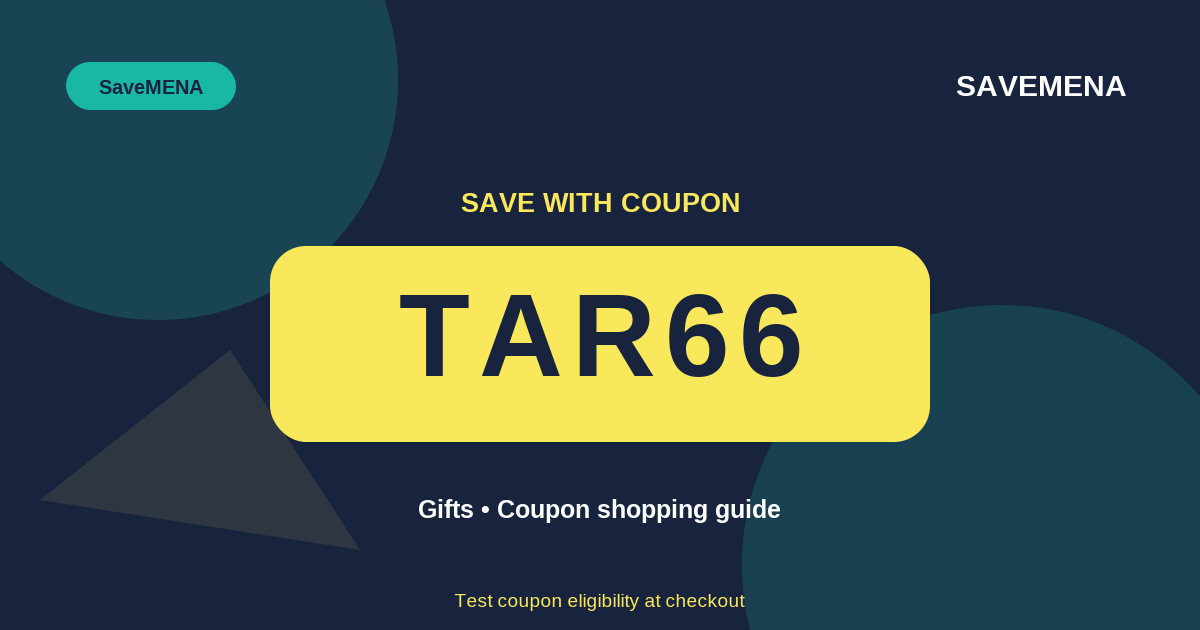
Codes available to try while comparing
These codes are not guaranteed for the article topic or listed brands; test them at checkout and use the live result.
Use a Noon UAE coupon Gifts basket composition: Item Selection Criteria
Start by outlining the occasion and the recipient’s preferences. Select items that reflect personal interests and seasonal relevance, ensuring each product fits within the same overall theme. When choosing gifts, consider variety without overcrowding; a balanced mix of small and medium items keeps the basket manageable and visually appealing. Focus on practical, high‑quality options that occupy minimal shipping space, so they stay within the coupon’s tentative eligibility. Choosing the right mix also influences the likelihood that the coupon will trigger savings once activated at checkout.
Once you have a preliminary list, check the availability of each product in the UAE marketplace. Verify that the items are in stock and that sellers offer standard delivery within your required timeframe. If a preferred gift is unavailable, replace it with an equivalent. A well‑composed basket emphasizes reliability; it reduces the chances of having to abandon or modify items after you’ve applied the coupon. Always keep an eye on items marked as “Prime” or similar, as these may influence shipping speed and how the coupon processes the order.
Verify Seller Credibility and Product Authenticity
Each item’s seller reputation directly impacts your purchase experience. Look for sellers with high customer reviews and verified status on the platform. Check the range of product ratings and any available buyer feedback that indicate consistent quality delivery. Authenticity matters for gifts; a reputable seller minimizes the risk of receiving counterfeit goods, which could render the coupon useless if a refund occurs.
To guard against fraudulent listings, compare product images, descriptions, and specifications across multiple vendors. If a single seller offers multiple items, this may reduce the total number of distinct seller pages in your basket, potentially simplifying coupon application. Keep note of any variation in wording that could signal skeuomorphic issues. A clear, verified seller simplifies post‑checkout inquiries and ensures that if any gift is unsatisfactory, the return process starts smoothly with correct documentation.
Quantity Planning: Balancing Variety and Weight
The quantity of each gift affects shipping logistics and how the coupon evolves during checkout. Keeping the basket’s total weight moderate can prevent extended delivery windows, especially for heavier items. Plan to include at least one lightweight staple so the overall pack stays within reasonable shipping zones and does not trigger additional handling fees that might interfere with coupon benefits.
When setting quantities, reflect on the recipient’s consumption habits. For example, a small tea sampler may be better than a large bottle if the buyer prefers variety.A coupon is not guaranteed; verify its result at the retailer checkout. As you add more pieces, double‑check that the overall volume fits within the courier’s standard shipment tier to stay within the coupon’s potential coverage.
Packaging and Delivery Preferences
Packing options sometimes trigger additional costs, and they can influence the coupon’s applicability. Opt for eco‑friendly or no‑extra‑packaging when possible, as some sellers charge a separate fee for gift wrapping. Verify whether these extra charges are part of the order total before applying the coupon to avoid nullifying potential savings.
Choose the most suitable delivery slot that matches your timeline. Some time slots may offer free delivery, and some may not be eligible for the coupon. Checking the delivery options during the basket review stage lets you select the right balance of cost and speed without having to adjust post‑payment. All these considerations feed into a clear, unambiguous cart that the coupon can process.
Payment Method Readiness: Cash on Delivery vs Credit
Different payment methods have distinct processing rules; the coupon may or may not apply depending on the chosen method. When selecting cash on delivery, confirm that the coupon still triggers, as some promotion engines only activate with online payment. If a credit or debit card is preferred, ensure it is linked to your account and that no transaction limits will prevent coupon usage.
Clarify the currency processing: all transactions on the UAE digital platform settle in UAE dirhams, yet some sellers may display conversion metrics. Before finalizing, check whether the selected payment method supports the coupon’s terms. An informed choice will prevent surprise charges after the checkout screen confirms the final payable total.
Applying the Noon UAE Coupon: Step‑by‑Step
In the checkout area, locate the coupon entry field. Enter “TAR66” exactly, following the upper‑case characters. After entering, press the apply button and observe the order summary for any adjusted totals or credited amounts. The platform will indicate whether the coupon is accepted, partially applied, or rejected based on current eligibility.
When the coupon prompts visual confirmation, check that the “Discount” line matches the format you expect. If the coupon is not reflected automatically, scroll further to review any potential restrictions displayed before you are redirected to the final total. Capturing these changes ensures the basket remains accurate before confirming the payment.
Final Checkout Checklist: Confirm Basket Composition
Before clicking “Place Order,” review each item’s name, quantity, and seller details displayed in the summary. Confirm that no accidental duplicates or unwanted additions are present. Re‑examine the total, ensuring that the coupon has been applied and that the displayed price matches expectations for all individual items and any extra shipping or handling fees.
Finally, confirm your chosen payment method, delivery date, and recipient address. A clear, verified basket ensures that once the order is submitted, all intended gifts are in place. This structured approach leaves no space for post‑purchase adjustments and guarantees that the coupon’s benefits stick through the entire transaction.
Post‑Purchase Confirmation and Tracking
After confirming the order, you will receive a confirmation screen with an order ID and a link to track delivery. Store this ID for reference in case the courier or seller requires it for any inquiries. The tracking page often details shipping progress and any potential delays, letting you anticipate arrival times without needing to reach out to support.
If any discrepancy arises after the order, such as missing items or wrong quantities, use the tracking ID to contact customer support swiftly. A well‑orchestrated basket also minimizes the chance of needing returns or exchanges, thereby preserving the coupon’s potential impact on your overall savings. Maintaining documentation at every step secures a smooth post‑purchase experience.
Related SaveMENA pages
Related articles
Official sources to check
Frequently asked questions
Will the TAR66 coupon apply automatically to all items in my basket?
Typically, coupons act on the entire order subtotal, but some items may be excluded. If an item is not eligible, the coupon discount will be prorated based on the eligible parts of your cart.
Can I use the TAR66 coupon with cash on delivery?
Certain promotions may only apply when an online payment method is selected. Confirm the coupon eligibility at checkout to ensure it is compatible with your chosen payment type.
What happens if my order is delayed beyond the expected delivery window?
Check the tracking link provided with your confirmation. If delays occur, contact seller support via the platform’s messaging system using your order number for assistance.
Is there a limit to the number of items I can order with the TAR66 coupon?
Promotion restrictions vary; the final eligibility is shown on the checkout screen. If a limit applies, the platform typically warns before finalizing the order.