Sony Headphones on Noon UAE: bundle contents — checkout checklist
use a Noon UAE coupon Headphones Sony bundle and accessories: Before you hit “Place Order,” a quick review of the Sony headphones bundle ensures you meet every
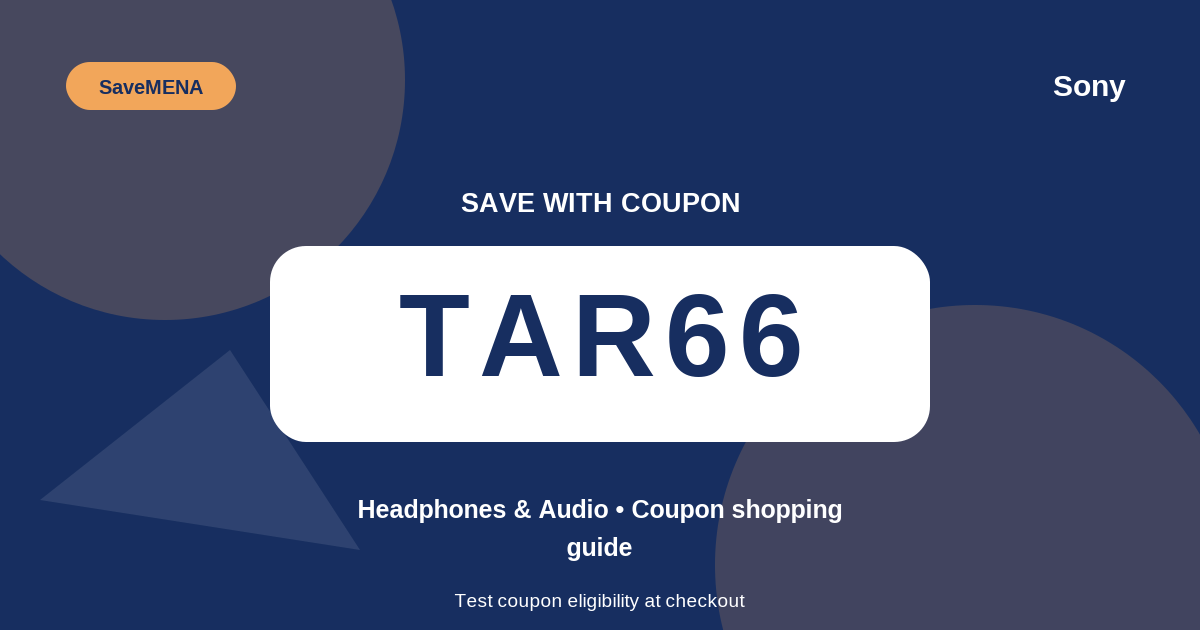
Codes available to try while comparing
These codes are not guaranteed for the article topic or listed brands; test them at checkout and use the live result.
Inspect the Full Sony Bundle Package
The bundle listing often groups the headphones with ear tips, carrying case, and power bank. At first glance, confirm the description includes the exact items you expect, such as a complimentary charging cable or a travel pouch. A clear title—or a bullet list under “What’s in the Box”—can help you spot missing accessories before adding the product to your cart.
After the product page loads, scroll past the seller notes. Occasionally, sellers mention if a missing piece is replaced by a generic accessory. Pay close attention to these changes; they can impact your overall satisfaction, especially if you plan to use the headphones for travel or gaming. If any item feels off, consider searching for an alternative bundle that includes the exact components you need.
Confirm Bundle Compatibility with Your Devices
The Sony headphone models vary from true wireless to over‑ear. Check the connectivity options listed—Bluetooth version, headphone jack compatibility, or specific device pairing instructions. If you use multiple smart devices, a quick glance at the Bluetooth range and codec support can save you from compatibility headaches later.
Some bundles include a cable that supports “Charge and Play” or “Wired mode.” Confirm that the cable length and connector type suit your workspace or travel routine. If you’re unsure, use the buyer’s Q&A section or read through user comments to verify that the bundle performs well with phones, laptops, or smart TVs in the UAE market.
Check Included Headphone Accessories
Beyond the headphones, bundles often bring ear tips, a cuff, and a stylized pouch. Make sure the ear tip sizes (e.g., small, medium, large) are listed. These affect sound quality and comfort during long listening sessions. If the product page lacks exact sizing, reach out to the seller via the chat function before proceeding to checkout.
Accessory warranties differ from the main headphone warranty. Verify whether the charger, case, or ear tips carry a separate return window or repair program. Knowing the warranty scope prevents surprises if a component fails before you’ve fully tested it. Also, inspect the packaging for environmental sustainability, as some bundles include recyclable materials—an extra point of interest for eco‑conscious shoppers.
Verify Warranty and Return Policies
Headphone warranties in the UAE usually cover manufacturing defects for a period of 1–2 years. Check the policy’s start date—if you recently purchased a related product, the warranty might be prorated. The bundle’s return window is another critical detail; if it’s a 14‑day return period, plan to test the device soon after delivery.
Executives often note “no-refresh” policies in bundles. Confirm whether the seller marks a return as “non‑refundable” for refurbished units or “exchange only” for damaged accessories. If you’re uncertain, open the seller’s store page to read the full return terms before adding the bundle to your cart.
Determine the Correct Headphone Variant
Sony produces several headphone series: some sports‑ready, some studio‑grade, others comfort‑oriented. The bundle listing should specify the exact model, but some sellers offer multiple color variants. You should verify the color and finish match your style preferences before checkout.
Variant variations also influence how accessories fit. For instance, a padded cuff designed for one model may not be compatible with another. By double‑checking the model number in the product description, you avoid mismatched accessories that could reduce battery life or blast your headphones with unintended noise levels.
Prepare Coupon Application at Checkout
Now that the bundle is in the cart, locate the promo code field on the payment screen. Input the code TAR66 carefully—Typos will result in the code being rejected. The code appears as a short string of characters, so confirm you copy it exactly as presented.
After entering the code, the system will re‑calculate your subtotal. Even if the exact discount amount isn’t displayed, the system will show a revised total or a “Coupon Applied” confirmation. Verify that the code applies to a bundle, not just to an individual item, by double‑checking the adjustment in your order summary. If no change appears, double‑click the code field to see whether a fourth‑party rule might disqualify it.
Review Payment Options and Fees
Noon allows several payment methods: credit/debit cards, digital wallets, or installment plans. Each comes with distinct processing fees that can affect your net cost. Click the “Payment Options” menu and note any transaction charges; if you prefer a credit card, the fee might be lower versus a wallet that adds a nominal service fee.
Do not assume the coupon’s usage will adjust shipping fees. Shipping charges can still apply, especially if the seller chooses express delivery or if the bundle is oversized. Carefully review the shipping summary before proceeding to finalize the order.
Finalize Order and Monitor Confirmation
Once the total reflects all adjustments, click “Place Order.” You’ll receive an email confirmation containing the purchase details: headphone variant, bundle components, applied coupon, and estimated delivery date. Keep this email; it serves as proof of purchase if any component needs to be returned or replaced.
In the event the confirmation lacks the expected coupon discount, revisit the order details on Noon’s website. Navigate to ‘My Orders’ and check the “Invoice” section. If the coupon still does not appear, contact Noon’s customer support with the TAR66 code and inquire about its eligibility for the chosen bundle.
Related SaveMENA pages
Related articles
Official sources to check
Frequently asked questions
What if the TAR66 code is rejected at checkout?
Entering TAR66 incorrectly or using it on a non‑eligible item can trigger rejection. Double‑check the code, ensure the bundle is eligible, and try re‑entering it. If it refuses again, contact Noon support for clarification.
Do the bundle accessories have separate warranties?
Yes, accessories such as charging cables or ear tips often carry their own limited warranties distinct from the headphones. Review each component’s return policy before finalizing the purchase.
Will the coupon apply to shipping fees?
Coupons normally adjust the product subtotal, not the shipping charge. Shipping fees remain separate unless the seller's policy explicitly states otherwise.
Can I convert the bundle purchase to an installment plan after applying the coupon?
Once the order is placed, converting to installments usually requires contacting Noon support. The coupon’s application is confirmed during final checkout, so ensure the plan is selected beforehand to avoid extra steps.