Samsung Mobiles on Noon UAE: checkout message — checkout checklist
use a Noon UAE coupon Mobiles Samsung the live coupon message at checkout: When you’re about to buy a Samsung mobile on Noon UAE, it can be overwhelming to make
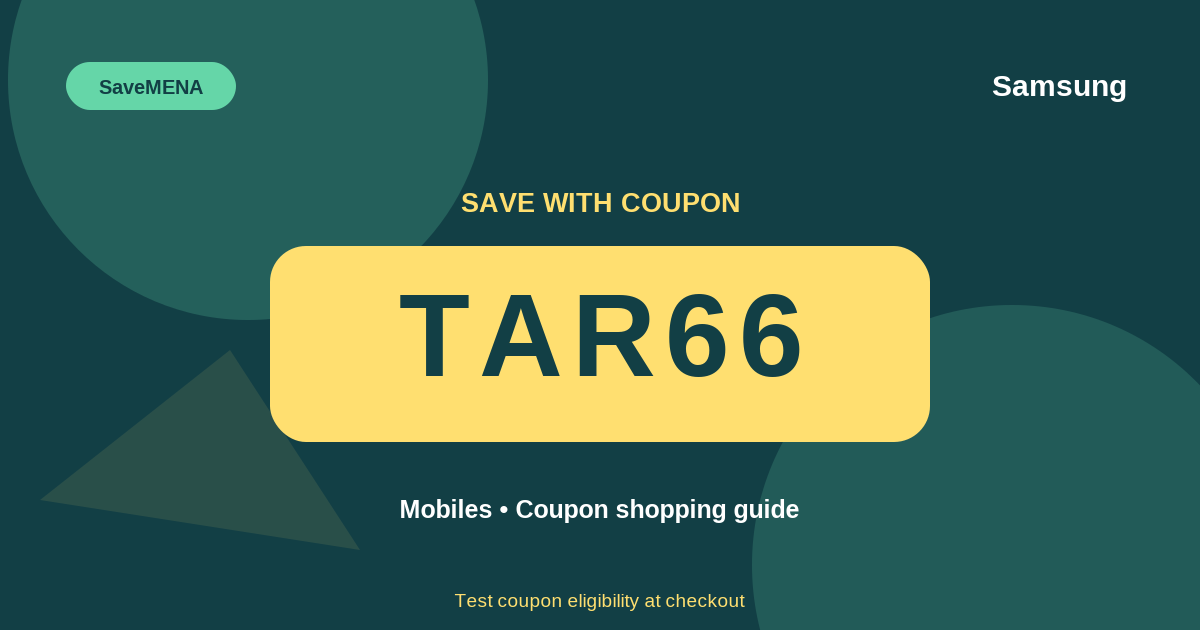
Codes available to try while comparing
These codes are not guaranteed for the article topic or listed brands; test them at checkout and use the live result.
1. Plan Your Samsung Mobile Choices
Begin by deciding which Samsung model or range best fits your needs—whether it’s a budget-friendly Galaxy A series, a mid-range Galaxy M, or a flagship Galaxy S. Compare the available variants on Noon, noting differences in storage, color, or additional features. While browsing listings, jot down the model codes or SKU numbers you are interested in; this will prevent confusion later when you add items to your cart. Think about your primary use (gaming, photography, daily communication) and let that dictate the specifications you prioritize.
Next, verify that the seller you plan to buy from has a reasonable reputation on Noon. Look for sellers with a solid buyer rating and multiple positive reviews, especially for Samsung devices. Sellers who consistently deliver on time and maintain a clear return policy give you more confidence that your purchase will meet expectations. Keep a short list of top sellers for comparison to evaluate the best overall value before adding the item to your cart.
2. Confirm Seller Reliability Before Adding to Cart
Once you’ve identified your preferred Samsung model, examine the seller’s profile on Noon. Pay attention to the number of sales completed for that specific product; a higher sales count often indicates a reliable supplier. Make sure the seller’s return and exchange policies are clearly outlined, and that the stated shipping time aligns with your urgency. The seller’s device condition—new, certified pre‑owned, or refurbished—should be stated explicitly to avoid costly misunderstandings later.
Before adding to your cart, confirm that the seller offers shipping to your designated address in the UAE. Some sellers restrict delivery to certain emirates; if you live in a city not covered, a special request may be necessary. Checking this upfront saves you from surprises after checkout, where the seller might request payment for additional shipping costs or drop delivery options.
3. Double‑Check Cart Totals and Delivery Options
After adding the Samsung mobile to your cart, review the cart page for accurate pricing, tax calculations, and any additional fees. Noon typically lists the base price, VAT, and a separate line for delivery charges which may vary by seller or location. Don’t overlook the subtotal, as small discrepancies can arise if you selected an accessory or extended warranty inadvertently.
If the delivery fee seems higher than expected, consider alternate shipping methods or prompts that may allow free shipping by adjusting the buyer’s address. Be mindful that some sellers charge for imminent delivery, so check if a standard shipping option is available that aligns with your timeline. Adjust quantity or remove errors here to avoid needing to modify your order at a later point.
4. Inspect Pre‑Payment Coupon Eligibility
At this stage, you may have a savings plan that includes the exclusive Noon UAE coupon “TAR66.” Because Noon does not publish a universal expiry or condition for this coupon, treat it as a variable benefit. Click the field where you usually enter coupon codes to confirm that the format “TAR66” is accepted by the system. Note that if the coupon is not recognized, the system will move to the next step without applying it.
Don’t assume the coupon value; it will appear in the live coupon message during checkout. The presence of the message is a strong indicator that the coupon code is valid for the current transaction. If the message does not display, verify that you are logged into your Noon UAE account and that the coupon code is correctly entered. Most importantly, continue moving toward payment, as the live message will be the final confirmation.
5. Watch the Live Coupon Message at Checkout
When you proceed to the “Review & Pay” page, keep a close eye on the live coupon area. This area updates in real time to show the applied discount or a notification that your coupon has not taken effect. The live message is your safety net; if the message shows a reduction in your total, that difference reflects the coupon’s actual benefit for this order. If the message remains unchanged, it means the code did not apply to the current cart, and you should double‑check each step.
Look for indicators such as “Coupon Applied” or “No applicable coupon.” The latter could indicate that the coupon was not recognized or that the cart does not meet the coupon’s subtle requirements. Do not just glance over this area—review it carefully because it determines whether your savings are reflected in the final amount you will pay.
6. Validate Payment Method Compatibility
Before confirming payment, ensure that the payment method you intend to use is enabled for your address and the seller in the UAE. Noon accepts credit cards, debit cards, and local payment solutions; if your selected method is known to have restrictions for certain sellers, you may need to alternate.
Check for any additional charges linked to specific payment options, such as bank fees or processing charges. These are normally displayed in the payment summary. A correct understanding of all charges—including the live coupon’s effect—ensures that you’re not surprised by a higher payable amount.
7. Re‑Verify Cart Items Post‑Coupon Application
Even after the live coupon applies, verify that the cart still reflects your intended items. It is rare but possible that a coupon inadvertently changes quantity or product features. Double‑check the “Item Details” section to confirm that the Samsung model, storage, and color remain what you saved for.
Make sure no unintended accessories or gift cards appear in the list. Removing any unwanted items before you press “Pay” prevents extra charges from materialising unexpectedly. Every change carries new calculations, so this final review is essential.
8. Finalize Payment and Track Your Order
When the live coupon message confirms the discount and all cart details are verified, click “Place Order” or “Pay.” After the transaction is submitted, you’ll receive an order confirmation email. Use the tracking link—usually found in the confirmation—to monitor the package’s journey. Tracking typically provides estimated delivery times and allows you to pause or reroute the shipment if necessary.
Keep the receipt and order summary handy for future reference. This document will serve as proof of the final amount paid, the applied coupon (if any), and the terms for returns or exchanges. Storing this information ensures a smooth post‑purchase experience, whether you enjoy your new Samsung mobile or need to claim warranty service.
Related SaveMENA pages
Related articles
Official sources to check
Frequently asked questions
What is the best way to confirm that the TAR66 coupon has actually been applied before I finalize payment?
The most reliable indicator is the live coupon message that appears on the “Review & Pay” page. If the message displays a discount or “Coupon Applied,” the coupon has worked for your current cart. If no update appears, the code may not be valid for this order, and you should double‑check the entry or verify any hidden requirements from Noon.
Can the live coupon message change after I start the payment process?
Noon’s live coupon field updates instantly as you modify the cart or checkout step. Once you press “Place Order,” the system locks the final amount, including any applied coupon. However, if the platform updates its rules mid‑transaction, the payment summary will reflect those changes, so review the final screen one last time.
Will the TAR66 coupon affect delivery fees or VAT?
The coupon usually reduces the visible total, which may span product price and transaction fees. Delivery charges and VAT are applied after the coupon effect is calculated, so they remain the same unless explicitly stated by Noon at checkout. Confirm the final breakdown before confirming payment.
What should I do if the coupon does not apply to my Samsung mobile?
If the code appears unaccepted, confirm that you are logged into your Noon UAE account and that the coupon spelling is correct. Some sellers or product variants may have policies that temporarily exclude coupons; checking with the seller or Noon support can clarify whether your specific item is eligible.