Braun Beauty on Noon UAE: delivery fees — checkout checklist · TAR92
tag. Then sections as required. Need to verify no numeric values or numeric placeholders for fees; we can describe concept but not state numeric amounts.
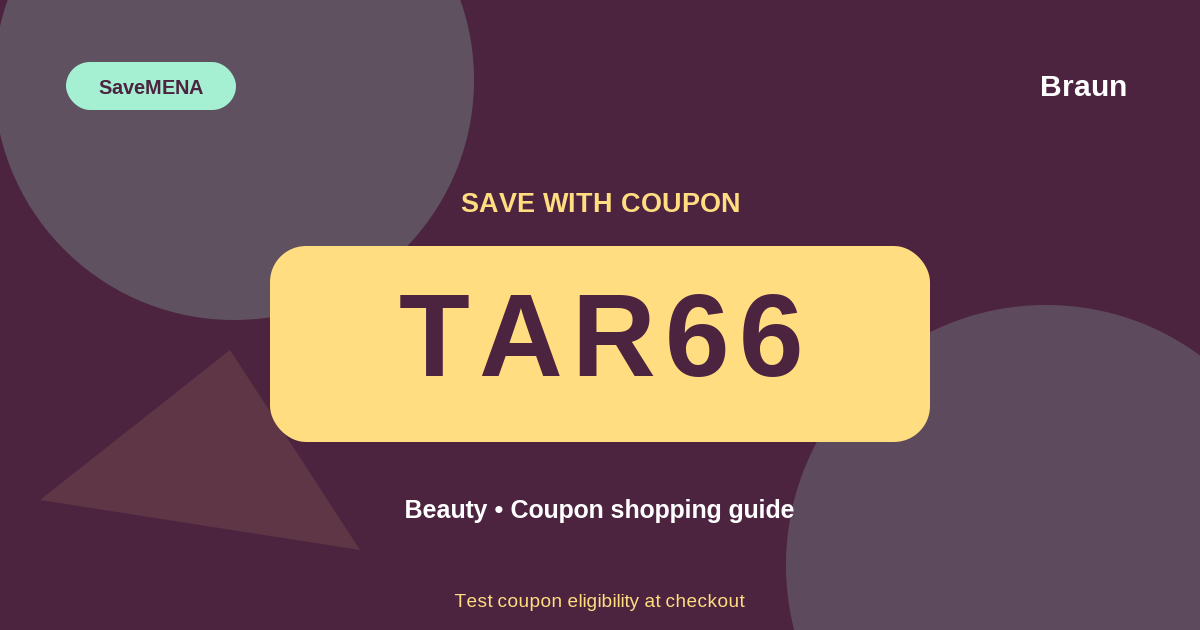
Codes available to try while comparing
These codes are not guaranteed for the article topic or listed brands; test them at checkout and use the live result.
1. Selecting Braun Beauty Products on Noon: What to Check
Begin by confirming the exact Braun beauty item you wish to purchase. Details such as variant, colour, and quantity should appear clearly in the cart before you proceed. Browsing multiple listings can sometimes reveal differences in seller handling of return policies or shipping times, so always verify the seller’s rating and product authenticity.
Once the product is added, double‑check the quantity to ensure it matches your intended purchase. Automatic cart adjustments can throw a curveball if you’ve previously saved items from other carts, so reviewing the item details at this junction averts later inaccuracies.
2. Understanding Delivery Charges Before Checkout
Delivery fees on Noon can vary by product, seller, and distance to your delivery address. Rather than relying on a generic “free shipping” label, open the delivery estimate section to see any applied charges or potential for a discount via a coupon.
Look specifically for any handling or service charges that may be added on top of standard delivery. Knowing whether these fees are fixed or percentage‑based helps you anticipate the final cost before you enter payment details.
3. Applying TAR92: Timing and Location in the Process
When you reach the checkout page, you’ll notice a field marked “Coupon Code.” This is the place to enter TAR92. Make sure you type the code exactly as shown, respecting capitalization and spacing, as erroneous entries won’t register.
After applying the coupon, the page should update the cart totals instantly. Observing the change—if any—verifies that the discount has been accepted, keeping you informed before you move on to payment.
4. Reviewing Cart Totals and Identifying Hidden Fees
Near the bottom of the checkout screen, the list of charges usually breaks down into item cost, any applicable tax, delivery charges, and a potential coupon deduction. Carefully confirm that every line item matches your expectation and that the coupon application shows a subtraction.
Hidden fees can arise from special services like rush shipping or handling of luxury items. If you notice extra lines that were not present in the original cart, alert yourself to verify whether they are indeed part of the final purchase.
5. Addressing Common Delivery Concerns for Beauty Items
Beauty products such as Braun items often require delicate packing. Noon typically informs you if there is a special packaging fee, but if such a fee appears, it will be listed under delivery or handling. Verify that the packaging meets your expectations before confirming.
Additionally, consider whether your region supports same‑day or next‑day delivery, which may carry different fee structures. Checking delivery options early lets you decide whether a higher fee is worth the convenience.
6. Payment Methods and Final Fee Verification
When selecting a payment method—credit card, debit card, or Noon Wallet—ensure that no card‑processing fee applies. Some banks add a small charge; if so, it will appear in the final total.
Before clicking “Place Order,” scroll through the final summary one last time. This final scan confirms that the coupon adjustment, delivery charges, and any other fees are accurately reflected in the outstanding amount.
7. Confirming the Final Payable Amount
Immediately after the order is submitted, Noon presents a confirmation page. This page is the last chance to double‑check that all items, discounts, and fees match what you intended to pay.
Save or print this confirmation for your records, as it serves as proof of the final deal—especially useful if a fee appears to have been added or removed after the fact.
8. Final Checklist: Ensuring Delivery and Fees Are Accounted
Prior to finalizing payment, confirm these points: the Braun beauty product is the correct variant, the cart total includes the coupon reduction, delivery charges are listed and are the expected amount, and no additional processing fees are present.
If any discrepancy appears, cancel the order if possible, modify the cart, and re‑enter the coupon code. Verifying each dimension before payment eliminates late‑stage surprises and gives you peace of mind about your purchase.
Related SaveMENA pages
Related articles
Official sources to check
Frequently asked questions
What happens if the TAR92 coupon does not apply at checkout?
If the coupon fails to register, double‑check the code entry for errors. If it still does not apply, the coupon may not be compatible with certain products or sellers, and you can proceed without it. The final total will reflect this, allowing you to continue with your purchase.
Will Noon charge a separate fee for processing my payment method?
Some payment methods may incur a small processing fee, which would be displayed as an additional line item in the final checkout totals. If a fee appears, it will be shown before you confirm the order.
Are delivery fees the same for all Beauty items on Noon?
Delivery charges can vary based on product weight, special handling requirements, and your delivery address. The checkout screen will specify the exact fee for your specific Braun beauty item.
Can I change the delivery option after I have applied my coupon?
Changing delivery preferences will adjust the delivery charge, which will be re‑calculated in the checkout totals. Be sure to review the total again after making any changes, to confirm the new fee matches your expectation.