LG Electronics on Noon UAE: delivery fees — checkout checklist · TAR53
Before you hit the final payment button on Noon UAE, there are several critical items you should check to ensure a smooth checkout experience.
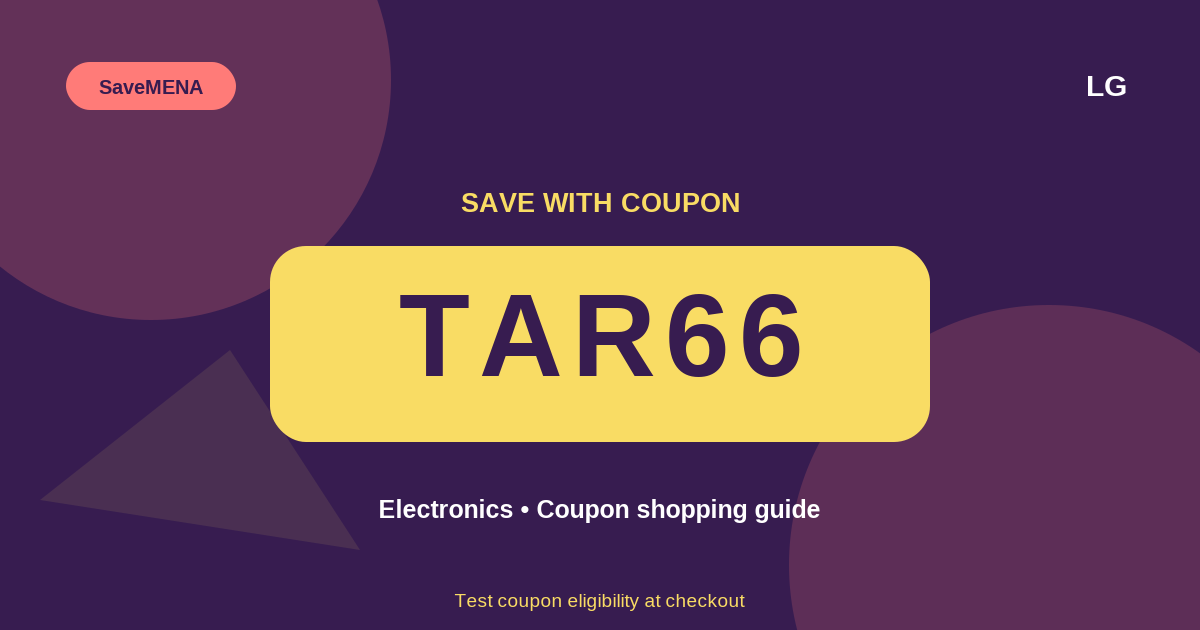
Codes available to try while comparing
These codes are not guaranteed for the article topic or listed brands; test them at checkout and use the live result.
1. Build Your Cart With Accuracy
Start by adding the specific LG electronics you desire into your Noon UAE cart. Verify that the seller, model number, and variant are correct before proceeding. SaveMENA editorial emphasizes that minute discrepancies in product details can trigger misdelivery or unexpected fees at checkout, so double‑check everything now rather than later.A coupon is not guaranteed; verify its result at the retailer checkout.
Once your list is finalized, scroll to the cart summary. The interface displays a total excluding shipping and handling by default. Take a mental note of this base amount, as it forms the foundation of the fee calculations that will appear later. A clear understanding of your shopping list at the cart level sets the stage for a transparent review of delivery costs.
2. Review Delivery Options Before Payment
When you proceed to checkout, the platform presents a range of delivery methods, each with a distinct delivery window. Check the estimated arrival time for each choice, especially if you need the LG product for a specific event. Delivery options may vary by location within the UAE, so be certain that the selected service aligns with your needs. This verification also preempts unexpected charges that could arise if the default chosen method changes later in the process.
Some pick‑up or delivery slots may incorporate small handling or express fees. Look for a line item that states “Delivery Fees” or a similar label. This fee is added after you confirm the shipping address. Always cross‑reference the displayed amount with the earlier cart total to avoid later surprises. If the fee seems unusual, consider reaching out to Noon UAE’s customer support for clarification.
3. Break Down the Fee Structure
During the fee review screen, the interface will typically show separate charges such as "Delivery Fee," “Handling Fee,” or even “Local Tax.” Carefully read each component to see how they build up the final amount. If you’re paying for an LG television with multiple batteries, the handling fee might differ compared to a single-Item like a smart speaker. Each line item will list the monetary value in AED and can be toggled for detailed view if needed.
Pay special attention to any surcharges that only trigger under certain conditions, such as “Bulk Order Handling” or “Premium Shipping.” The fee list might not always equate to the final amount displayed until the coupon application step. Be ready to adjust or negotiate within the platform if a fee appears misaligned or you suspect an error. Document any irregularities for later reference.
4. Apply and Verify the TAR53 Coupon
To use the Noon UAE coupon, select the option to enter or view promotional codes before final payment. Enter “TAR53” exactly as typed, respecting capitalization. The system will visibly reduce the applicable portion of the total. If the discount is not reflected or the coupon is found invalid, you’ll receive an immediate notification, and the cart total will remain unchanged.
Applying a coupon does not typically alter delivery or handling fees, but it can affect the base price, altering the overall total. After the system processes the code, re‑evaluate the new subtotal and ensure that the need for any additional fees or adjustments remains consistent. Double‑check that the coupon has not inadvertently been excluded due to cart configuration or seller restrictions.
5. Confirm Final Totals Before Paying
At the final confirmation screen, scroll through the summary a second time. This page shows the combined pre‑coupon base, applied discounts, delivery fees, and any taxes. Each figure should be clear, with no hidden or additional charges. If a line item seems misaligned, or a fee appears twice, cancel and restart the checkout process to correct the oversight.
Look for a flag or link that says "Terms & Conditions" or "Check Fee Details." Those will often lead to a bigger explanation of each cost line. Ensuring completeness at this point guarantees that the amount your card will be charged matches your expectation. It’s a quick but critical step that removes the risk of payment errors originated from unnoticed changes.
6. Choose the Ideal Payment Method
Given that Noon UAE accepts several payment options, including card and digital wallets, choose the one that best suits your financial profile. Some payment types may incur minimal extra processing fees or offer instant purchase assurance. If your chosen electronic device is high‑value, select a payment method that provides added protection or fraud insurance.
While the payment processing fee is usually not displayed in the cart, confirm it in the banking or wallet confirmation screen. If a fee is highlighted, consider whether it is a fixed amount or a percentage. That extra line will impact the subtraction of the coupon value, so factor it into the final total if you can see it before final confirmation.
7. Prepare for Post‑Payment Tracking
After finalizing the transaction, you will receive an order confirmation email in UAE. The email contains a unique order ID, an estimated delivery window, and a link to track the shipment. Log into Noon UAE or track in your email; the status updates happen frequently, and you will know if any additional fee has been applied or if the courier’s times shift.
SaveMENA’s editorial advice includes saving the payment receipt and keeping documentation related to the coupon usage. In case of any post‑delivery issues such as mishandling charges or misdelivery, having the receipt as proof helps expedite conflict resolution. Always keep a print or screenshot for reference.
Related SaveMENA pages
Related articles
Official sources to check
Frequently asked questions
Can I use the TAR53 coupon on any LG electronic on Noon UAE?
The coupon can be tested during checkout, but its applicability to specific LG items is subject to Noon UAE’s rules and cannot be guaranteed by SaveMENA.
What happens if I don’t see a delivery fee displayed?
Check the delivery options again and verify once more at checkout; a fee may be added later or excluded if the selected service has no charge for that location.
Does using a Noon coupon affect my delivery time?
Typically, coupon usage alters only the purchase price, not the delivery period. However, if the amount changes the shipping category, it could alter fees, not necessarily timing.
Should I keep a copy of the payment receipt after checkout?
Yes; saving the payment receipt and any coupon confirmation helps resolve post‑delivery issues and confirms the final amount paid.