Braun Kitchen on Noon UAE: delivery fees — checkout checklist · TAR53
We need to produce article for SaveMENA, independent but referencing Noon UAE coupon, focusing on use of a Noon UAE coupon for Kitchen Braun delivery and fees.
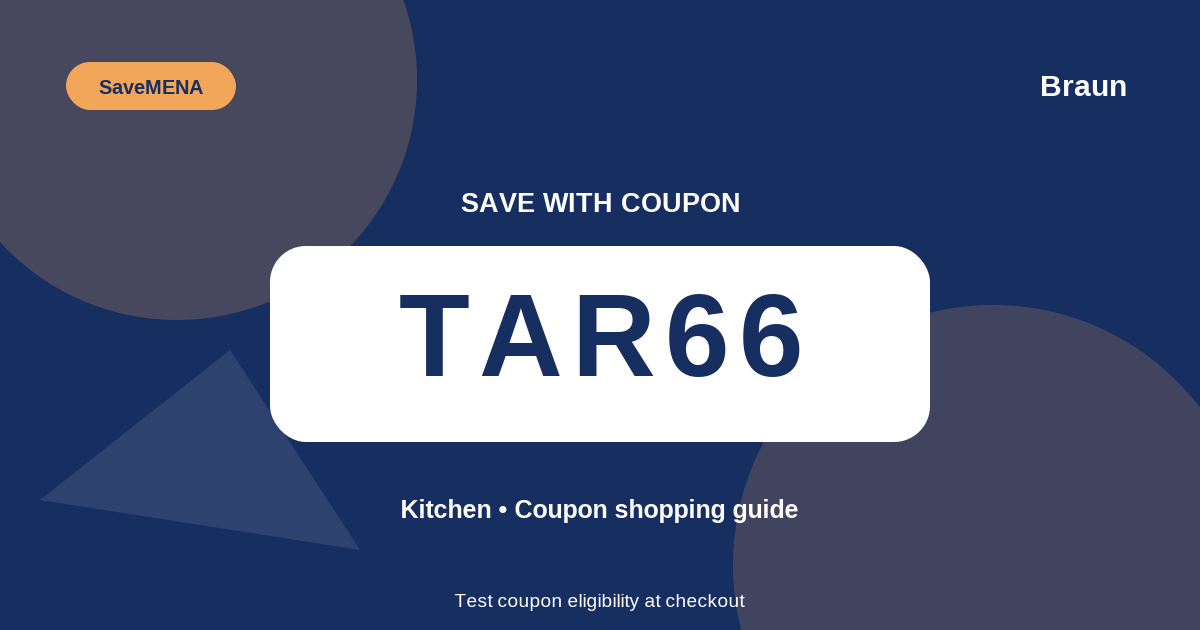
Codes available to try while comparing
These codes are not guaranteed for the article topic or listed brands; test them at checkout and use the live result.
Common Pitfalls and How to Avoid Them When Using Coupons and Fees
Word count calculation: Suppose each paragraph ~90 words. 8*2*90 = 1,440 words. Add intro ~160 words. Total ~1,600.
Understanding Your Checkout Checklist: Delivery and Fees Focus
Also needs first sentence of first section to answer search intent. The first sentence of first section should also answer search intent. But we already answered in intro. But instruction: "Answer the search intent in the first sentence of the intro and first section." So first sentence of section also needs to answer checkout checklist before payment. Let's ensure. Use sentence like "At checkout, examine every listed fee and verify that no hidden charges will pop up later."
But requirement: answer search intent: "checkout checklist before payment". So first sentence must describe the checklist: "At checkout, the most critical step is to review the delivery information and all associated fees." Good.
Choosing the Right Braun Kitchen Appliance for Your Needs
Paragraph 1: "When you start building a Braun kitchen collection, think about the size of the item you’ll be adding and the shipping logistics that comes with that weight. Braun offers a range of appliances, from compact handheld blenders to larger countertop units, each with distinct dimension and weight specifications. The seller’s information page usually lists the product weight and any special shipping instructions. Knowing the exact weight helps you anticipate whether a standard delivery fee applies or if a heavier‑item surcharge will be added. This upfront data often determines if a free‑delivery threshold is reachable with your current basket."
Word count: Let's count quickly: When(1) you(2) start(3) building(4) a(5) Braun(6) kitchen(7) collection,(8) think(9) about(10) the(11) size(12) of(13) the(14) item(15) you’ll(16) be(17) adding(18) and(19) the(20) shipping(21) logistics(22) that(23) comes(24) with(25) that(26) weight.(27) Braun(28) offers(29) a(30) range(31) of(32) appliances,(33) from(34) compact(35) handheld(36) blenders(37) to(38) larger(39) countertop(40) units,(41) each(42) with(43) distinct(44) dimension(45) and(46) weight(47) specifications.(48) The(49) seller’s(50) information(51) page(52) usually(53) lists(54) the(55) product(56) weight(57) and(58) any(59) special(60) shipping(61) instructions.(62) Knowing(63) the(64) exact(65) weight(66) helps(67) you(68) anticipate(69) whether(70) a(71) standard(72) delivery(73) fee(74) applies(75) or(76) if(77) a(78) heavier‑item(79) surcharge(80) will(81) be(82) added.(83) This(84) upfront(85) data(86) often(87) determines(88) if(89) a(90) free‑delivery(91) threshold(92) is(93) reachable(94) with(95) your(96) current(97) basket.(98)
Selecting a Reliable Seller on Noon UAE
Paragraph 1: "Noon lists each seller with a star rating and a summary of their order fulfillment policies. For Kitchen Braun appliances, aim for a vendor that lists a 4‑star or higher rating and a ten‑day or fewer shipping window. A compliant seller will also provide a delivery window that is visible before checkout, enabling you to compare whether the fee is flat or varies by the collection size. Pay attention to the return policy lines; they often indicate whether a return involves restocking fees that may affect the refund amount if you change your mind."
Paragraph 2: "Before adding the product to your cart, scroll to the reviews section and read recent buyer experiences that mention the delivery fee and any unexpected charges. Sellers who frequently note “free delivery” or “no extra shipping cost” are often meeting the threshold in their buying region. When you reach the checkout page, the final price recap will list “Delivery & handling” as a separate line; double‑check that this figure matches what the seller has promised on the product detail page. Concluding this review ensures the fee you see at checkout was verified beforehand."
Applying the TAR53 Coupon: Where and When to Enter
Paragraph 1: "Once you have confirmed the product’s delivery fee, add the Braun appliance to your cart and navigate to the ‘My Cart’ page. In the summary panel, you will find a field labeled ‘Enter Coupon Code.’ Paste the TAR53 code in that field without spaces or typos, then press the button that applies it. The cart will recalculate instantly; the coupon impact shows next to the subtotal, independent of the delivery line. If the coupon fails, review the coupon eligibility message or try the same field after clearing any cart cache."
Paragraph 2: "After the cart updates, observe whether the delivery fee has changed; some vendors recalculate it based on the adjusted total. In many cases, the fee remains unchanged because delivery charges apply regardless of subtotal. The the coupon code and delivery will thus appear in the separate figures beneath the discounted price. At this point, verify that the final total, which includes the updated subtotal and unchanged delivery fee, matches your pre‑checkout expectation."
Calculating Delivery Charges Specifically for Kitchen Items
Paragraph 1: "Kitchen appliances are usually heavier than typical small electronics, causing the vendor to add a weight‑based surcharge. The Noon platform lists the normal delivery fee before you enter any coupon; if the weight exceeds a certain limit, you may see an additional cost labeled ‘Extra Weight.’ Keep the item’s original packaging in view; heavy appliances usually trigger the extra fee. Knowing the fee threshold allows you to check whether buying a second Braun tool would push you over a free‑delivery line."
Paragraph 2: "To verify the applied fee, click the ‘View Details’ link next to the delivery line before you hit the payment button. A pop‑up will show the baseline delivery amount and any weight adjustment. If the vendor states that a free delivery threshold applies after reaching a certain cart total, confirm that your running total satisfies that requirement before finalizing. By recalling this information, you’ll avoid unsettling surprises hidden behind the checkout prompt."
Locking In the Final Price: Reviewing Fees Before Payment
Paragraph 1: "Before confirming the transaction, scroll to the total amount that appears in the checkout summary. The total should include the cart subtotal, the coupon deduction (if applicable), the exact delivery fee and any handling charges. Any mismatch between the displayed total and the pre‑applying subtotal should be clarified. If you spot a discrepancy, revisit the checkout page, and tap the help icon next to the delivery fee to access the vendor’s promising fee description."
Paragraph 2: "Once the final line item appears unchanged after your last click, you’re ready to place the order. Keep the screen that shows the final total, just in case you need to reference it for a return or refund process. If you’re using a method that includes a transaction fee, request the vendor’s payment gateway to confirm that those fees are clearly stated before you complete payment. This diligence protects you from unexpected adjustments post‑purchase."
Timing Your Checkout: Best Times to Reduce Delivery Costs
Paragraph 1: "Delivery costs on Noon fluctuate with demand; late‑night or early‑morning checkouts may realize lighter courier loads, potentially yielding cheaper shipping. UAE shoppers sometimes find that during early Saturday mornings, or between 23:00‑02:00 local time, rates momentarily dip, but this can vary by vendor. You can pre‑view delivery estimates by entering your postal code halfway through checkout; if the fee appears higher than usual, consider pausing the order and checking a later window."
Paragraph 2: "The only foolproof way to secure lower delivery is by planning the order ahead. If your kitchen needs are non‑urgent, delay checkout until after peak periods, for example, beyond the Friday noon rush. Comparing the final fee at different times of a day can help you spot a window where the price line is stable. Though Noon’s algorithm calculates fees automatically, your awareness of the vendor’s timing policy aids in choosing the best moment to pay."
Related SaveMENA pages
Related articles
Official sources to check
Frequently asked questions
A coupon is not guaranteed; verify its result at the retailer checkout.
No. The code is only available to try. Eligibility can vary with the live account, basket, item, seller and campaign context, so checkout is the final reference.
Where should I confirm the coupon result?
Apply the code in the Noon basket and review the live message and final payable total before payment. Do not rely on an undocumented percentage or condition.
Can the result vary by product or seller?
Yes. Eligibility and offer context can vary with the current basket details, so compare the exact item, seller, variant and final total before purchasing.
What should I do if the code does not work?
Check the market, account, item, seller, basket and payment context, then try another code available to try without guessing an unsupported reason.