Xiaomi Mobiles on Noon UAE: delivery fees — checkout checklist · TAR92
We need to produce a SaveMENA shopping article for UAE shoppers. Focus keyword: "use a Noon UAE coupon Mobiles Xiaomi delivery and fees".
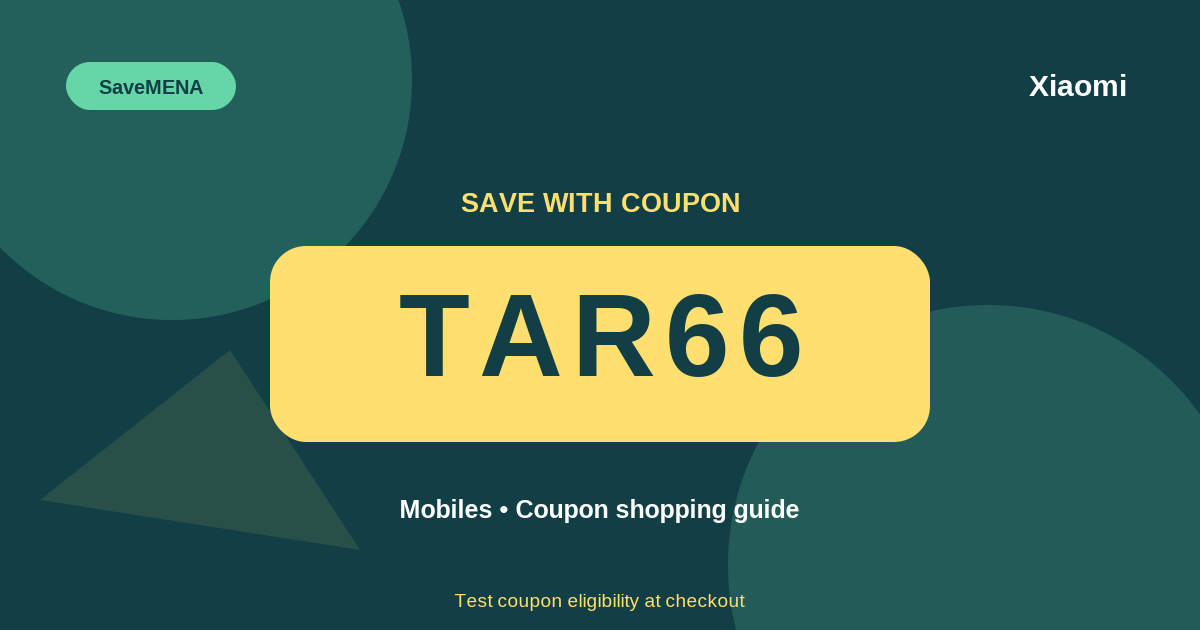
Codes available to try while comparing
These codes are not guaranteed for the article topic or listed brands; test them at checkout and use the live result.
1. Verify Item Details and Specifications
Your first checkpoint is the product page. Ensure the Xiaomi model listed matches your desired specifications—screen size, RAM, storage, color, and any special features such as two‑camera setups or 5G support. If the sorter shows multiple variants, double‑check that the correct one is added to your cart. For instance, a Xiaomi Mi 11 with 8GB RAM and 128GB storage differs significantly from the 12GB variant, and a mistake here will affect your purchase price and post‑delivery experience.
Before proceeding to payment, take a moment to read user reviews or manufacturer details displayed on the product page. This confirms the authenticity of the device and whether it includes a genuine IMEI number. Confirm that the seller’s thumbnail matches the product image and that the listed specifications align with your usage needs. Missing or incorrect details here can lead to returns or dissatisfaction after delivery, which will inevitably impact the final cost via return fees or restocking charges.
2. Check Delivery Options and Fees
Delivery is the next critical driver of the final out‑of‑pocket amount. Noon’s checkout offers a range of shipping methods—express, standard, or free over a threshold. Select each option to view the associated fee, which is displayed prominently in the cart. UAE shoppers should note that shipping costs can vary based on the buyer’s address location, whether the order is part of a promotional window, or if a specific courier partner is chosen.
In this lens, make sure to add any delivery fees to your cost estimate. The fee will be shown in the order summary just before you submit payment. If you opt for express delivery, anticipate a higher surcharge versus standard shipping. Since the final payable total is locked at checkout, any change in the delivery method after this point will require a new transaction or cart adjustment. Flag the fee carefully to avoid surprises in the end‑line total.
3. Apply Coupon Code and Confirm Eligibility
Once you’re satisfied with shipping, it’s the perfect point to “use a Noon UAE coupon.” The the coupon code coupon code, entered in the discount field, may qualify you for a price reduction. However, the discount magnitude, restrictions on brand or category, or any minimum spend requirement are not predetermined. The only correct assessment comes from seeing the new subtotal displayed immediately after entry.
Navigate to the cart page, locate the “Enter Coupon” field, input the TAR92 code, and press apply. Wait for the page to refresh; the adjusted price in the order summary reflects the coupon’s impact. The discount will be applied to the subtotal, and any shipping charges remain unchanged unless the coupon explicitly covers delivery. If the code does not activate, the cart will revert to its original state. Record the final discounted amount now displayed, ahead of payment.
4. Review Payment Methods and Security
Secure payment options are vital. Noon UAE typically offers credit/debit cards, net banking, or wallet transfers. Each method may happen to have a small convenience fee or a zero‑fee option for specific cards. Guangzhoually, UAE shoppers should be aware of potential foreign currency conversion percentages if using an international card, which can slightly inflate the final amount.
To confirm, click on your chosen payment gateway; the screen will re‑display the final total, inclusive of any payment‑related fee. If the final total changes post‑selection, double‑check the fee listed and the method’s terms. Also, review the security badge to ensure the payment page is authentic. Once satisfied, you can proceed to authorize the payment, trusting the final recorded amount is accurate.
5. Inspect Order Summary and Final Amount
Before locking in your purchase, scroll to the bottom of the checkout where the order summary aggregates all items: unit prices, quantity, applied coupon, and shipping. The final total shown here is the exact amount that the payment gateway will debit your account. Pay special attention to the line items, as the delivered item’s price may have changed due to incidental price adjustments or returns backing from the seller.
Missing or added charges—such as extra packaging, local customs duties (for electronics), or specific handling fees for high‑value goods—will appear in the summary. Verify each line to ensure there are no unexpected additions. If the summary shows a higher amount than you calculated, revisit the earlier sections: maybe the coupon failed, or the shipping fee was chosen as the more expensive option. Only once every line matches your expectations should you move to the final button.
6. Add Additional Notes or Warranties
When buying high‑end electronics like Xiaomi phones in the UAE, it can be worthwhile to include extra service options—extended warranties, service contracts, or protection plans. Each of these is a separate line item in the order and incurs its own fee. Review whether the fee is relevant to your local coverage, especially if the warranty terms differ between regions.
Adding these options often changes the final total. Confirm the terms in the pricing detail and double‑check that the fee aligns with your budget. Once you accept the extra plan, be sure the order summary reflects this addition before proceeding. Any changes added here can influence shipping calculations if the cargo weight or volume is adjusted accordingly.
7. Final Confirmation and Submission
At this point, the order summary is your final audit. The last change will only occur if you modify shipping, payment method, or coupon usage again. Read the final total carefully, ensuring no hidden charges remain unsettled. This is also the moment to double‑check your delivery address—ensure it includes correct building or office details, as incorrect addresses can trigger delivery surcharges or delayed pickups.
Once satisfied, click the “Confirm Order” or “Place Order” button. Your transaction will be sealed, and the final payable amount will be debited immediately. Any deviations from this total in the receipt or future communication mean you should contact Noon’s customer service right away. By scrutinizing every conversion point before closure, UAE buyers can mitigate billing errors and protect against unexpected fees.
Related SaveMENA pages
Related articles
Official sources to check
Frequently asked questions
Will the TAR92 coupon also cover delivery fees?
It depends on your coupon’s terms. Typically, a coupon will apply only to the product subtotal, not to shipping or handling charges, which are listed separately in the order summary.
Can I change my shipping method after I submit payment?
No, once payment is confirmed the shipping method is locked. To choose a different option, you would need to cancel the order and restart the purchase.
Are there any hidden handling fees for high‑value Xiaomi phones?
High‑value items sometimes incur a modest handling fee to cover extra packaging. This fee is displayed in the order summary at checkout, allowing you to factor it into your total.
What should I do if the applied discount vanishes after I finalize the order?
Immediately contact Noon UAE customer service. Provide your order ID and the displayed final total so they can verify if the discount was correctly applied before payment.