Apple Tablets on Noon UAE: delivery fees — checkout checklist · TAR92
When buying an Apple tablet on Noon UAE, a clear checkout checklist before payment can save you from unexpected delivery and fee surprises.
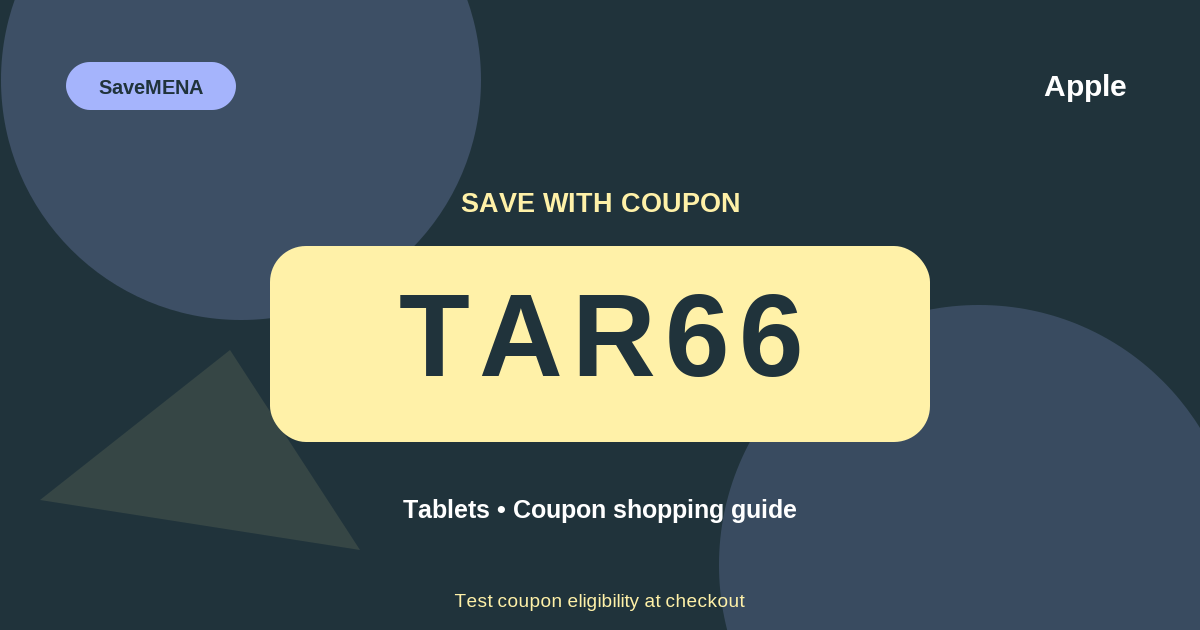
Codes available to try while comparing
These codes are not guaranteed for the article topic or listed brands; test them at checkout and use the live result.
1. Picking the Right Apple Tablet for Your Needs
Start by determining which Apple tablet fits your daily routine. Consider size, processing power, and features like the display quality and storage options. A larger screen suits multitasking and media consumption, while a more compact model is ideal for portability. Take note of the available colors, as they can affect resale value and personal preference.
After narrowing your choices, check the product listings for seller reliability. A top‑rated seller typically offers faster delivery, reliable packaging, and easier returns. Pay attention to the number of reviews: a high volume of positive feedback often correlates with consistent product quality. Keep a shortlist of tailored models to streamline the later checkout steps.
2. Assessing the Expected Delivery Window
Delivery time is a critical element of the checkout checklist before payment. Apple tablets offered by Noon UAE usually fall under standard delivery, but expedited options may be available for an extra fee. Verify the estimated delivery window listed on the product page, and compare it with your own schedule to ensure timely arrival.
Take note of any regional delivery restrictions. Some sellers limit shipping to specific emirates, which may affect logistics costs or lead times. If you’re a remote buyer, double‑check the available delivery slots and whether Noon’s standard practice includes same‑day dispatch for high‑end devices. By confirming the window early, you reduce last‑minute surprises that could impact your buying decision.
3. Adding to Cart and Applying the Coupon
Add your selected tablet to the cart and review the combined subtotal. At this point, input the voucher code TAR92 into the coupon field provided. Keep in mind that the coupon code is available to try; its acceptance is not guaranteed until the checkout confirmation.
Once the coupon is accepted, a note indicates the discount amount – if any – and the new subtotal. Double‑check that the coupon was applied to the correct item and that no other voucher codes interfere. If the code does not apply, the cart should still reflect the original price, which you can later adjust by removing or replacing the voucher input.
4. Reviewing the Delivery Options in the Checkout Panel
When you proceed to the delivery selection screen, compare each available carrier and the associated timelines. Confirm whether the chosen Apple tablet is eligible for express delivery or only standard shipping. Some carriers offer free delivery for orders above a certain threshold; verify if your order qualifies.
Pay careful attention to any pickup options. Noon’s auto‑pickup hubs may reduce delivery times but require that you travel to the location. Also, check the terms for remote‑area delivery, as some sellers may charge a higher fee or set additional pickup constraints. Storing these options before signature enhances transparency during payment.
5. Understanding the Breakdown of Fees
Standard fees on Noon UAE include the product price, optional shipping charge, applied tax, and occasionally a convenience fee for certain payment methods. The checkout page lists each component separately, allowing you to see how the final total is composed.
To avoid hidden charges, confirm that the tax rate matches the UAE regulations for electronic goods. Verify whether the chosen payment method incurs a processing fee, especially when using a phone number instead of a secure e‑wallet. Writing down each fee line simplifies the final tally and aids in spotting any inconsistencies.
6. Final Cart Verification and Payment Method Selection
Before you hit the ‘Pay Now’ button, review the entire cart summary.A coupon is not guaranteed; verify its result at the retailer checkout. Cross‑reference this summary against any email receipt you might have received earlier in the cart journey.
Select your preferred payment method—credit/debit card, Noon Wallet, or a bank transfer—and confirm that the method is active for your account. Check that the payment gateway lists all fees up to the payable total. This inspection is essential; once the transaction is processed, disputes become more complicated.
7. Tracking Confirmation and Post‑Purchase Support
After payment, Noel UAE confirms the order by email and provides a tracking number. Use the tracking link to monitor shipment status, checking for changes in delivery date or carrier. Since Apple tablets are high‑value items, confirm that the item is protected under Noon’s return or exchange policy in case of defects.
Keep a record of the order confirmation number and the last page of the receipt. Should there be a discrepancy in the delivered item or an issue with the fee, contacting Noon’s customer service with these references speeds resolution. Store the information in a file for future reference, especially if you plan repeat purchases.
8. Building a Personal Buying Profile for Future Tablet Orders
After a successful transaction, update your Noon profile preferences: add a new list of preferred delivery addresses, and set up automatic savings if you locate recurring discounts or Black Friday deals. Tag the Apple tablet purchase under a new ‘Apple Electronics’ category for easier lookup.
Review the incident rate of this particular seller—if the quality or delivery was above expectations change your seller preference. Pay attention for any extra incentives or loyalty points gained at checkout, and decide if it aligns with your long‑term purchase strategy. A seasoned shopper can use these insights to optimize future tablet acquisitions.
Related SaveMENA pages
Related articles
Official sources to check
Frequently asked questions
Can I combine TAR92 with other coupons on Noon UAE?
No, Noon UAE typically allows only one coupon to be applied per transaction. If you try to use TAR92 in addition to another voucher, the system will apply only the valid one that matches the cart items and terms.
Will the coupon affect the delivery fee calculation?
The coupon discount applies to the product subtotal. Delivery charges are calculated separately, so the fee remains the same unless a specific promotion offers free shipping.
What happens if the coupon is not accepted?
If the voucher doesn’t work, the cart will revert to the original pricing.A coupon is not guaranteed; verify its result at the retailer checkout.
How can I verify the final payable total before I finish the checkout?
On Noon UAE, the checkout page will display a detailed breakdown: item price, coupon discount, tax, delivery fee, and the total payable amount. Review each line to confirm there are no unexpected additions before pressing the payment button.