Samsung Tablets on Noon UAE: delivery fees — checkout checklist · TAR53
When you hit “Proceed to Payment,” the moment you verify everything—especially delivery and fees—matters the most.
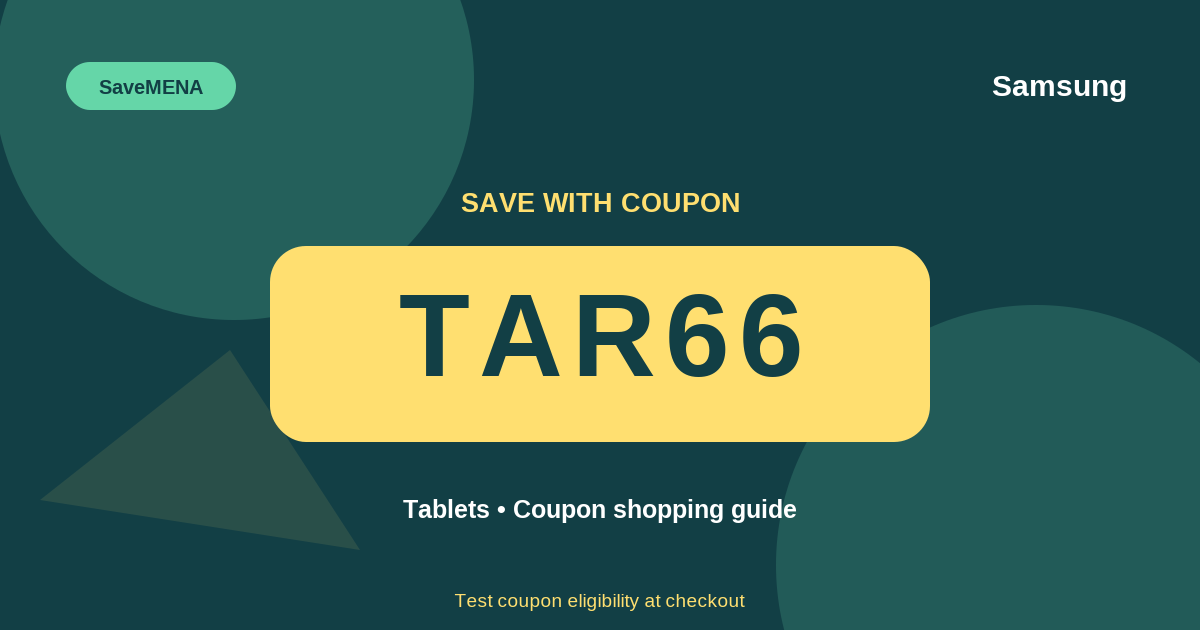
Codes available to try while comparing
These codes are not guaranteed for the article topic or listed brands; test them at checkout and use the live result.
Choosing the Right Samsung Tablet for UAE Shoppers
Tablets vary widely in size, performance, and price. Samsung offers a range that spans light‑weight models for everyday use to high‑performance units designed for graphic design and gaming. Whether you prioritize a high refresh rate display for media streaming or a padded stylus for note taking, you’ll find a model that aligns with your needs on Noon UAE. The model you pick dictates not only the upfront cost but also the shipping weight, which impacts delivery charges.
Because shipping fees are tied to product weight and dimensions, heavier or larger Samsung tablets may incur higher delivery costs. While Noon UAE typically includes a free shipping threshold, it is crucial to confirm that your chosen tablet stays within the limit for a complimentary delivery. Checking the product page for weight and dimensions can give you a heads‑up about potential DHL or local courier charges that will appear at checkout.
How to Find and Use the Noon UAE Coupon TAR53
The Noon UAE coupon TAR53 is available to try, meaning you can apply it during checkout to see if it affects your total. However, there is no guarantee that the coupon will be accepted, and its terms are not specified publicly. When you enter the code in the coupon field, the platform will validate it in real time, instantly indicating whether the discount is applied or not.
When the coupon is accepted, it will alter the subtotal before the delivery fee calculation. Since the shipping cost is calculated after applying any discounts, it is vital to double‑check that the coupon hasn’t altered the shipping threshold. If the code is rejected, the subtotal will remain unchanged, and your shopping cart will proceed to the standard fees.
Pre‑payment Checklist: Validate Cart Items and Quantities
The first step in the checkout checklist is to review each cart item. Verify that the species, storage capacity, and accessories appear exactly as you intended. Small variations—like a missing protective case—can inflate shipping costs if you need them later or if a courier requires additional packaging for fragile items.
Next, confirm the quantity of each tablet. A single additional unit can push the total weight over a free‑shipping threshold, resulting in a higher delivery fee that the checkout will display. By inspecting the cart now, you can adjust any items before the payment window closes, reducing surprise charges.
Delivery Options and Expected Times
Noon UAE offers multiple delivery options, typically ranging from same‑day service in major metro areas to standard shipping that can take several days. Check at checkout for the available courier partners; some may offer real‑time tracking, while others may provide a delivery window estimate. The type of courier can influence delivery fees and reliability, especially for larger Samsung tablets that require careful handling.
Delivery times can also be impacted by regional logistics. For instance, items shipped from overseas can fall under different shipping windows compared to those sourced locally. The checkout screen will show the estimated arrival date based on the selected courier, so it is prudent to verify that this timeline aligns with any planned usage or gift‑greeting dates.
Understanding Fees: Why They Matter
The checkout page will typically list a breakdown of fees: base price, the value of any applied coupon, delivery charge, and occasionally handling or service fees. Each fee can change the final amount you pay, and the fee structure can vary between sellers—some who own inventory and others who fulfil via marketplace vendors. Knowing the source of your tablet helps you anticipate any seller‑specific charges.
Because shipping fees are often calculated after applying discounts, varying the amount of the coupon can shift the delivery fee by moving the cart total in or out of a free‑shipping threshold. Be sure to scrutinize the fee line during checkout; if it seems unexpectedly high, you may have reached a weight or distance cut‑off that triggers an extra charge.
Payment Methods and Security on Noon UAE
Noon UAE accepts a wide array of payment options: credit and debit cards, NetBanking, and digital wallets such as Apple Pay and Google Pay. If you are selecting a card, ensure that your bank supports UAE transactions without hidden surcharges. Verify that the last two digits on the checkout screen match your card, and look for the padlock icon indicating a secure connection.
For card users, consider setting up a purchase protection alert or a separate account with an antivirus chip to mitigate fraud. If you choose NetBanking, make sure your internet is stable during the transaction to avoid timeouts that could result in a duplicate charge.
Confirming Your Final Total Before You Pay
At the final review stage, a consolidated summary will display: the number of items, the net subtotal after any coupon, delivery cost, and the overall total. This is your last chance to confirm the numbers. If the delivery fee seems higher than expected, double‑check the weight and dimensions of the tablets and the eligibility for free shipping at the current total.
Should any fee appear out of line, the most reliable solution is to go back to the cart and adjust the quantity or convert accessories between free and paid packages, ensuring that the final total matches what you anticipate. Once you hit “Pay,” the figures printed on the receipt are final for that transaction.
Next Steps After Payment: Tracking and Support
Once you confirm payment, Noon UAE generates a tracking number for the courier chosen. Log into your Noon account, navigate to the “My Orders” section, and enter the number to access real‑time updates. Tracking updates are crucial for large Samsung tablets that might need scheduled delivery windows or additional handling.
If anything appears incorrect—whether it’s the delivery fee, the product received, or the delivery date—contact the Noon customer support team via chat or email. Provide the order ID, and they will resolve discrepancies, including shipping adjustments or refunds if warranted. Staying connected ensures that the purchase experience aligns with your expectations.
Related SaveMENA pages
Related articles
Official sources to check
Frequently asked questions
What if the coupon TAR53 is not accepted at checkout?
If the coupon code rejects or no discount appears, the cart total will remain unchanged. At this point, you can either look for alternative promotions, adjust the order quantity to qualify for free shipping, or proceed with the payment using the current price. Keep the receipt for future reference.
Can I change the delivery option after I start payment?
The process for changing delivery options depends on Noon UAE’s interface. Often you can modify courier preferences in the order summary before final payment. Once payment is processed, changes might require a return and reorder or a shipping service adjustment. Verify eligibility in the order details page.
Will the delivery fees differ between Samsung tablet models?
Delivery fees typically vary with product weight and dimensions. Heavier or larger Samsung tablets may incur higher shipping charges. The specific fee will be calculated at checkout based on these factors, so it’s wise to check the model details in the cart before proceeding.
How do I track my Samsung tablet after payment?
Once your order is processed, Noon UAE provides a tracking number via the “My Orders” section. Enter the number on the courier’s website or use the Noon tracking widget to monitor the shipment’s status until delivery.