HP Laptops on Noon UAE: delivery timing — checkout checklist
use a Noon UAE coupon Laptops HP estimated delivery timing: Before making a payment for a HP laptop on Noon UAE, you need a clear checkout checklist.
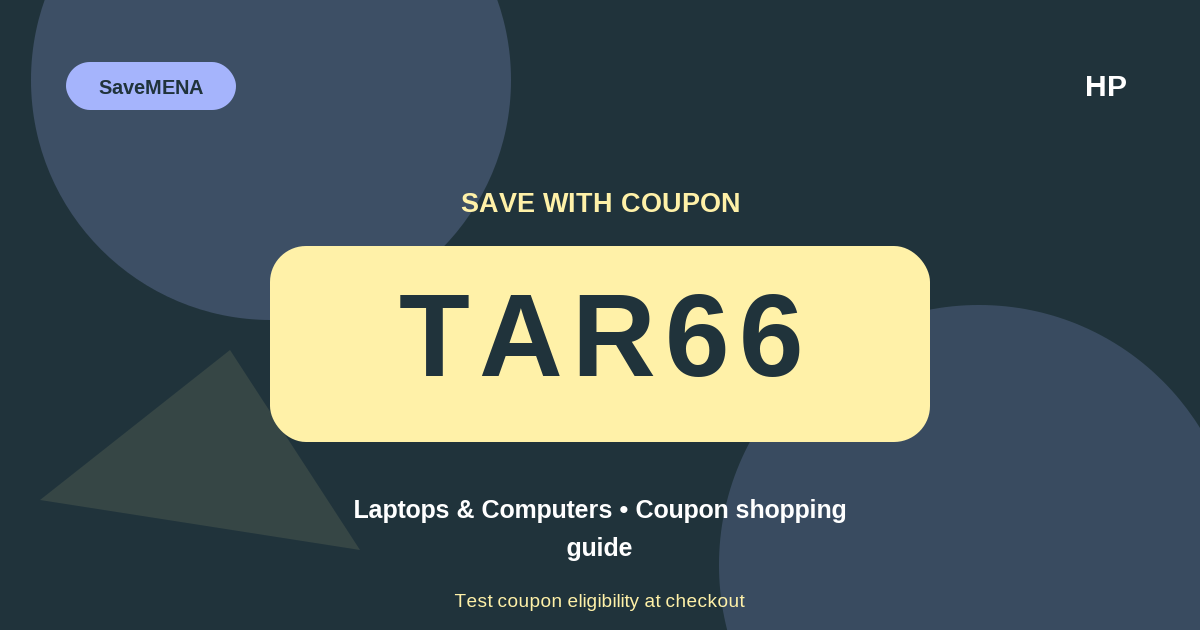
Codes available to try while comparing
These codes are not guaranteed for the article topic or listed brands; test them at checkout and use the live result.
Start with a Budget Assessment and Coupon Eligibility
The first bullet of any pre‑payment audit is the budget. Take the list of HP laptop options that match your work or entertainment goals and assign a rough price range. Within that range, check if the Noon UAE coupon TAR66 is listed under “Applicable on laptop purchases.” The coupon’s potential impact is only visible during the payment screen; nothing on the product page guarantees its effect. Remember, coupons apply at checkout, not at the product detail level, so a simple price tag comparison can be misleading. Final payable amounts will only become clear once you reach the payment page and enter the coupon code.
Use the coupon strategically: apply TAR66 on the payment page and read the immediate response. If the system accepts the code, you’ll see a discount or a reduced amount in the “Order Summary.” If it’s rejected, the discount won’t be added, but only the list price and any other promotional offers will apply. This routine step ensures you’re not stuck with an unwanted coupon error later when the cart is ready for payment. It also confirms that your chosen device, brand, and seller fall under the coupon conditions, keeping your budget intact before payment.
Choose the Right Operating System for Your Workflow
HP laptops span Windows, Ubuntu, and other OS options. Evaluate your operating system needs: Windows is ideal for Microsoft Office, Adobe Creative Cloud, and corporate software; Ubuntu suits developers and researchers requiring a Linux environment. Use the product page filters to identify the OS version and check the “Specifications” tab for details. At checkout, note that some OS variants can affect price and the coupon’s applicability. Knowing your OS choice early saves you from needing to exchange a device that doesn’t match your ecosystem.
When you reach the payment page, confirm the OS selection aligns with your listed choice. Keep an eye on the “Order Summary” text; it will show the OS lock‑in. Dominant software requirements often require Windows or a specific version of Linux. Verifying from the moment the OS is set up through to payment guarantees you won’t miss a post‑purchase compatibility issue, which could otherwise lead to returns or frustrating tech headaches.
Verify GPU and Performance for Design and Gaming
A high‑performance GPU—found in some HP Pavilion or Envy models—means better rendering for design work or smoother gameplay. On the product detail page, locate the “Graphics” section and record the GPU model or type. While a dedicated GPU boosts performance, integrated Intel solutions still offer ample power for everyday tasks. Compare benchmark scores where possible, but only focus on hardware that meets your specific needs before proceeding to checkout.
Carry this diligence to the checkout screen. The “Order Summary” often lists the GPU specification; a mismatch can signal a wrong variant was selected. Step through the variants again if the GPU listed differs from what’s shown in the product description. Checking the GPU at final price confirmation ensures the copy aligns with supply, which prevents late surprises when you receive a laptop that cannot meet your workload demands.
Confirm RAM, Storage, and Battery Life for Mobility
RAM, SSD/HDD capacity, and battery endurance are critical when you’re on the move or require multitasking. Scan the device page for “Memory” and “Storage” figures and note any options for upgrading. A laptop with 8‑GB RAM and a 256‑GB SSD suits light office use, while 16‑GB RAM and a 512‑GB SSD better support heavy multitasking and data‑intensive applications. Document these specs early to avoid a device that stalls under load.
At checkout, scroll to the “Order Summary” to verify the RAM, storage, and battery details match the spec sheet. Pay particular attention to how the system lists the battery type—e.g., "Up to 12 hours" versus "Up to 8 hours"—since these claims shape your expectations for portability. Aligning specifications at payment ensures you receive the exact configuration you confirmed, thereby safeguarding against device trade‑up or return delays.
Research Seller Reliability and Return Policies
Host sellers on Noon vary: some are official HP retailers, others are third‑party merchants. Check the seller’s name beneath the product listing and look for a "Seller Information" link. While free storage spots might raise trust flags, a seller’s reported rating—if available—can hint at reliability. Confirm the return policy while still on the product page; look for a explicit “Return Window” statement to know how many days you have if the laptop doesn’t perform as expected.
Carry the seller check to the payment stage. The “Order Summary” confirms the final merchant. Review if the seller’s returns process is listed under “Cart” or “Shipping” details. A seller’s record of handling returns correctly will reduce the risk of a delayed or denied return. Additionally, confirm if the seller offers extended warranty or protection plans that can be added at checkout if you desire extra coverage for your investment.
Apply Noon UAE Coupon Prior to Final Payment
To spot the real impact of the coupon code TAR66, insert it in the “Coupon” field during checkout. Await the real‑time update: the discount toggles in the “Order Summary” if the coupon meets the product’s criteria. The discount amount will not translate until this moment; no earlier change on the product page guarantees the coupon’s acceptance. If the coupon is declined, investigate the subsequent “Why not?” message to understand the limitation—sometimes the product’s classification prevents coupon use.
After you see the code accepted, double‑check the new total. Make sure no hidden fees—such as a delivery surcharge or bank‑charged transaction fee—have only become apparent after the discount. The coupon’s effect is only final when you hit “Place Order”; after that, nothing can amend the discount. This habit ensures you never miss a saving that could offset a portion or a full purchase price.
Double‑Check Estimated Delivery Timing and Fees
Delivery timing is a decisive factor for planning when to receive and activate your new laptop. On the product page, look for an “Estimated Delivery” statement or a “Delivery Time” field that shows a date range. Verify whether this estimate is conditioned on the chosen seller, shipping method, and current processing time. Note also if the estimate adjusts once the coupon is applied—rare but possible if the platform recalculates shipment windows.
Continue this verification to the final “Order Summary”; here the platform will list the exact estimated delivery window, a shipping cost if applicable, and any potential delays such as holidays or stock replenishment. Confirm that the window matches your personal schedule, especially if you require the laptop for a deadline or an upcoming event. An accurate door‑to‑door estimate guarantees you can arrange your work or study routine accordingly before the device arrives.
Create a Checkout Checklist for a Satisfied Purchase
Compile the verified aspects into a concise, printable list: brand, OS, GPU, RAM, storage, battery life, seller rating, return policy, coupon code entry, and final estimated delivery window. Read through the checklist one final time before clicking “Place Order.” Checking off each item confirms alignment with your pre‑buy criteria and eliminates the need for post‑purchase adjustments.
After you’ve placed the order, the platform will send a confirmation email with the order summary, payment details, and a tracking number. Keep this email in a safe place; it serves as the authoritative proof of the voucher usage, configuration selection, and promised delivery date. Use it to monitor the shipping progress and to assert your rights if any information at checkout deviates from the final order record.
Related SaveMENA pages
Related articles
Official sources to check
Frequently asked questions
How do I apply the Noon UAE coupon code TAR66 at checkout?
Enter TAR66 into the coupon field on the payment page before finalizing the order. The system will instantly update the order total if the coupon is valid for the selected laptop. If it does not apply, you will see a brief explanation and can proceed without it.
What is the estimated delivery timing for HP laptops on Noon UAE?
The platform displays an estimated delivery window on the product page and again in the order summary after payment. The window depends on seller location, chosen shipping method, and stock status. Verify it before finalizing your purchase.
Does the coupon TAR66 affect the delivery fee?
The coupon typically applies only to the product subtotal. Delivery fees are calculated after discount application and are shown separately in the final order summary. Confirm both figures before completing payment.
Can I return my HP laptop after purchase if I change my mind?
Return eligibility is outlined in the seller’s return policy found on the product page. Standard periods are usually 14 or 30 days from receipt. Confirm the return window during checkout to ensure you meet the deadline.