Tablets on Noon UAE: delivery timing — checkout checklist
Every tablet on Noon appears under a specific seller’s name. Tap the seller link to access their shipping profile, which includes the countries they serve and the
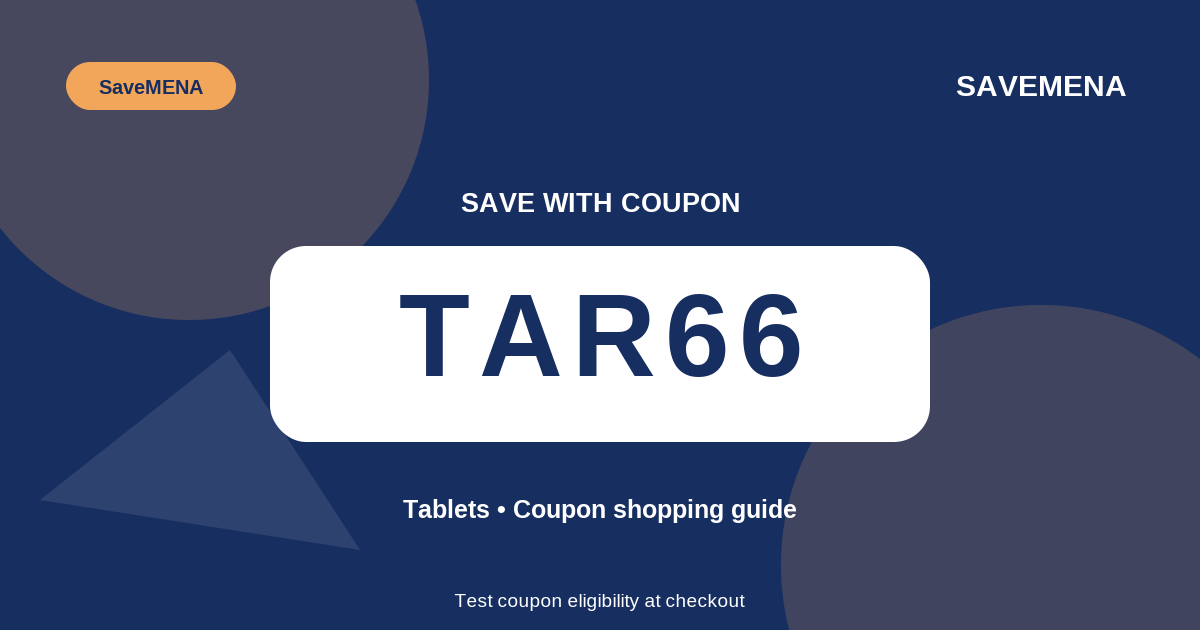
Codes available to try while comparing
These codes are not guaranteed for the article topic or listed brands; test them at checkout and use the live result.
Start with the Seller’s Shipping Profile
Every tablet on Noon appears under a specific seller’s name. Tap the seller link to access their shipping profile, which includes the countries they serve and the typical delivery windows for each location. Pay close attention to the “Estimated Delivery” field and note any qualifiers, such as “Within 3–5 business days” or “Same‑day delivery in select areas.” This information gives you the first indicator of how the tablet will reach you, and it sets the baseline for all later steps. Remember, the seller’s profile may list a broader range than the actual timeframe that applies to your address.
While inspecting the seller page, also observe the shipping method options and any associated fees. Some sellers offer free shipping, while others require a minimum spend to qualify. The presence of multiple courier partners for a single seller can influence the final estimated delivery. If the seller lists more than one courier, you may see a range of dates—choose the option that aligns with your convenience and budget before proceeding to the cart.
Check the Tablet’s Specific Shipping Date Window
After adding the tablet to your cart, revisit the product detail page to confirm the shipment timeframe listed under “Shipping & Returns.” This window is calculated by the platform and reflects the seller’s dispatch schedule plus the courier’s normal transit times. It may differ slightly from the seller’s general profile, especially if the item is in a different stock location. Verify that the window still applies to your personal shipping address; some retailers offer expedited shipping only for certain hubs.
When examining this shipping window, keep an eye on any dates that fall on weekends or national holidays. UAE’s postal system may experience delays during Muharram, National Day, or the Saudi Christmas migration of shoppers. Use these insights to anticipate potential buffer days. If the window looks too wide, consider whether the tablet’s price matches a reasonable delivery expectation and whether you might need a faster option.
Confirm Coupon Compatibility with the Tablet
Before adding the discount code TAR66, check the coupon settings displayed alongside each product listing. Some coupons apply only to specific categories or price ranges; even if a coupon alerts you as “Try this product,” it may not deduct from the final total. Still, entering the code before final payment allows you to gauge its impact on shipping and overall cost.
After typing TAR66 in the coupon field, review the price breakdown that appears on the cart page. Look for a “Discount Applied” line and check whether the system indicates any conditions that could limit the coupon’s effectiveness—such as minimum order value or unavailable seller. Even if you see a discount, verify that the estimated delivery window remains unchanged; coupon applications do not usually alter shipping times.
Review Shipping Fees and Additional Charges
Near the bottom of the cart, Noon lists the shipping fee for the tablet based on the seller and courier. Some sellers pick up the fee automatically, while others add a separate line item. Make sure the fee displayed aligns with the shipping estimate you noted earlier; sudden increases could signal a late change in courier or a higher‑tier shipping option.
Check for any extra charges such as “Cross‑border Fees” or “Customs Duty.” If the tablet originates from outside the UAE, customs processing can extend delivery time beyond the initial estimate. Contact the seller or the Noon support team if you notice additional charges that were not initially disclosed; that may affect your overall arrival timeline.
Confirm Address Accuracy and Delivery Preferences
Under the “Shipping Address” section, double‑check the street, building number, apartment, and postal code. An incorrect address can delay the courier’s ability to locate the recipient, leading to a longer delivery window. The platform often allows you to set “Delivery Note” preferences for easy pickup, which can also affect timing if the courier chooses a local pickup point.
Some sellers provide an optional “Express Delivery” checkbox that promises a shorter window in exchange for a higher shipping fee. When you tick this box, verify that the new estimate appears in real time—most platforms update the estimated arrival instantly. If you are uncertain, consider contacting the seller to confirm that the express option is available for your region.
Validate Payment Method and Final Cost Breakdown
Choose your payment method—Visa, MasterCard, or UAN—and review the final cost breakdown that appears. Payment type does not usually affect delivery, but certain cards may impose a processing fee or delay the order approval time, slightly shifting the dispatch window. This is rare but worth noting when you want a tight delivery schedule.
Before clicking “Place Order,” look at the last line of the cost summary. It should display the total amount you’ll be charged, including tax, shipping fee, any applied coupon, and a confirmed estimated delivery window. Do not proceed until all the numbers line up with your expectations and the windows you have noted in previous steps.
Review the Final Checklist Before Posting Payment
At checkout, Noon provides a final confirmation screen that consolidates seller info, product details, shipping estimate, applied coupon, and total cost. Use this moment to re‑verify that the estimated delivery window remains consistent with the earlier steps and that no unexpected adjustments appear. This final review is essential to avoid last‑minute changes that could disrupt your plan.
If you discover any discrepancies—like a prolonged delivery time or a missing coupon—contact Noon support immediately or adjust your order before confirming payment. Once you hit “Place Order,” the transaction is finalized, and any changes to the estimate will be handled by the seller or courier. A clean, verified final check ensures you’re ready to receive your new tablet when you expect it.
Compare alternatives without guessing
When you compare another option in Tablets, keep the specifications, quantity and seller as consistent as possible and compare the total shown at checkout. A different coupon does not automatically make a deal better because delivery, fees and the live basket context can change the outcome. Use the final payable total as the practical comparison point.
If the retailer shows a specific condition, rely on that visible message; if it does not, do not turn an assumption into a general rule. Test available options one at a time and note any real change in the total or eligibility message. That creates a verifiable shopping comparison instead of a recommendation built on an unsupported marketing claim.
Related SaveMENA pages
Related articles
Official sources to check
Frequently asked questions
What should I do if the estimated delivery time changes after I apply a coupon?
Check the cart after entering the code. If the estimate shifts, consider whether the coupon triggered a change in shipping method or seller. Verify with the seller or Noon support before placing your order.
Can I cancel a tablet order after I’ve paid if the delivery time is too long?
If the shipping window still appears unrealistic, contact Noon support promptly. Cancellation policies vary by seller but often allow removal before the item is dispatched. Request a refund if the seller can’t meet the expected delivery.
Does using the TAR66 coupon reduce shipping fees?
The coupon may apply to the tablet price, but shipping fees are separately calculated. Unless the coupon description specifically states it reduces shipping, the fee will remain unchanged.
How often does the estimated delivery timing update during my checkout?
It refreshes whenever you change the shipping address, select a different courier, or apply a coupon. Trust the final estimate that appears in the confirmation screen before confirming payment.