Sony TVs on Noon UAE: listing condition — checkout checklist
use a Noon UAE coupon TVs Sony listing condition and displayed item state: When you’re ready to purchase a Sony TV on Noon UAE, the last thing you want is surprise
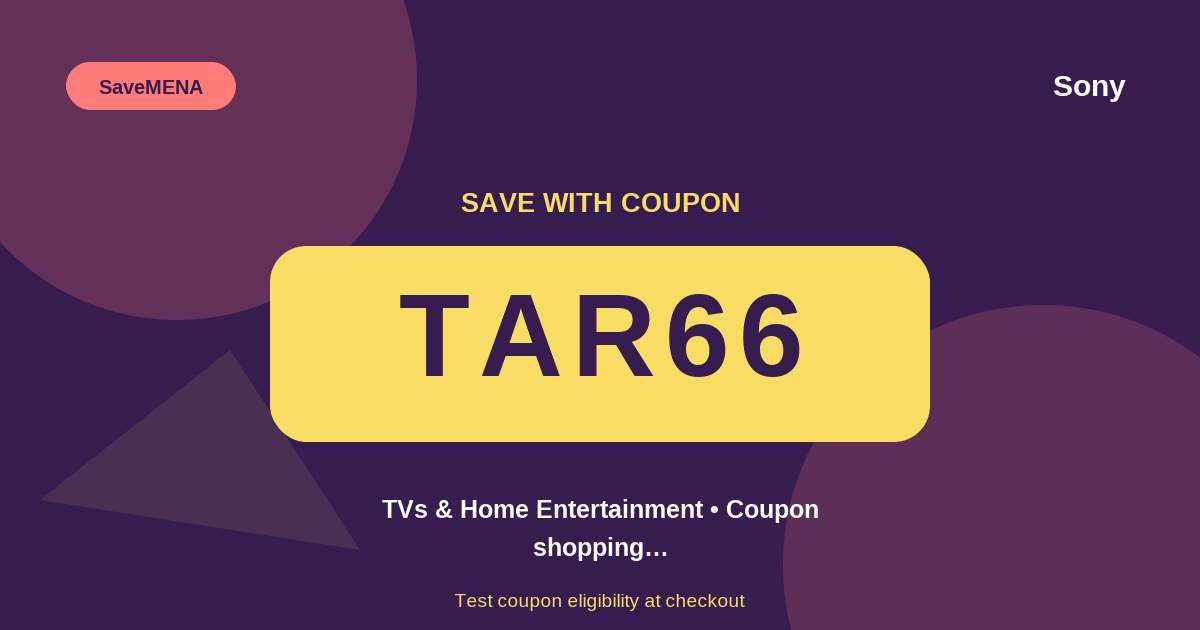
Codes available to try while comparing
These codes are not guaranteed for the article topic or listed brands; test them at checkout and use the live result.
Verify the Seller’s Profile and History
Begin at the seller’s profile page. Look for details such as years of operation, overall rating, and the number of completed TV sales. A higher rating and substantive history suggest reliability, yet they don’t guarantee the item’s condition. Ensure the seller explicitly lists Sony products, and note any badges that indicate verified status. A seller with consistent positive feedback can reduce the risk of receiving a mismatched or damaged television.
Cross‑check the seller’s name across the product listing, the seller’s page, and the checkout summary. Use Noon’s search functionality to find any past complaints or returns associated with that seller for TV products. Confirm that the seller’s return policy aligns with the overall marketplace policy, noting any restocking fees or return windows that are specific to high‑value electronics. This step ensures the seller’s credibility before you commit financially.
Inspect the Item’s Condition Tags and Photos
Every Sony TV listing on Noon UAE will display a condition marker—either New or Used—preceded by a clear note of any defects. Scan the images for expected hardware, cable ports, and the overall exterior. Full‑size shots of the back panel should reveal the presence or absence of tamper seals, which confirm a new condition. For used items, verify that the seller’s description of wear aligns with what you see in the images.
Beyond photographs, examine the listing’s textual condition notes. Pay attention to phrases such as “light cosmetic scuffs” or “factory‑sealed.” If a condition is not explicitly stated, do not assume it is new; instead, consult the seller for clarification before proceeding. This diligence helps you avoid purchasing a product whose physical state does not match your expectations.
Compare the Displayed Model with the Product Listing
Match the Sony model number shown in the listing title—often a series code and screen size—against the specifications in the detailed description. If the product description lists titled features missing from the listed model, it could indicate a mismatch. Confirm that the resolution, smart platform, and connectivity options listed match what you anticipate for that model.
Use the “Specification” tab on Noon to compare each spec point with the model’s official datasheet, if available. Make sure the displayed item state references the correct camera angle captions, such as “Front view” or “Side view.” A discrepancy here suggests the SKU might differ, which can affect warranty coverage and resale value.
Confirm Warranty and Service Coverage Details
Sonys TV warranties vary by model and geographic region. Read the listing’s warranty information carefully, noting the term length and coverage scope. Verify whether the warranty includes factory service under the UAE jurisdiction and whether it extends to accessories like remote controls or wall mounts.
Under the “Seller’s Warranty” section, confirm that warranty activation will be processed automatically after purchase or if the buyer must register the product. If the seller offers an extended warranty add‑on, evaluate its relevance to your usage scenario. This step ensures that you have the intended protection without hidden costs or exclusions.
Check Return Policy and Cancellation Window
Noon UAE typically allows returns for electronics within 30 days of delivery. Examine the seller’s return policy to see if it mirrors this standard or deviates due to TV category restrictions. Note any restocking fee or return shipping responsibilities that could influence your decision.
During checkout, ensure that the return window appears in the “Payment Summary.” A discrepancy between the listing and the checkout summary could lead to unintentional acceptance of a non‑returnable item. Confirm that cancellation is possible before the delivery date, as some sellers lock the order once dispatch is confirmed.
Review Delivery Timeframe and Shipping Fees
Confirm that the shipping window shown in the product listing aligns with the “Estimated Delivery” displayed at checkout. Pay attention to whether the shipping is free or if there is a fixed fee that depends on delivery speed. Free shipping often applies only to orders over a specific value or during promotional periods.
In the checkout summary, verify that no additional fees—such as a handling surcharge—have been added beyond those stated in the listing. If the seller offers express delivery, confirm the extra cost and the new arrival date so you can make a timed decision.
Align the Coupon Application with the Final Price
Once you have the Sony TV selected, type the Noon UAE coupon code TAR66 into the promo code field before finalizing payment. This action should trigger an instant reduction of the subtotal where applicable. Check that the coupon appears in the “Discounts Applied” list and that it reflects the correct amount on the payment details.
Do not assume the coupon will apply automatically to every Sony TV listing. Some listings may not be eligible due to seller restrictions or product category limits. If the code does not apply, verify the eligibility criteria for Noon UAEs coupons on the home page’s FAQ or help center. Only after the discount is reflected in the final amount should you proceed to payment.
Finalize Payment and Capture the Checkout Summary
With all conditions verified and the coupon applied, scrutinise the checkout summary meticulously. Ensure the listed item state, condition, model, and price all match the original product details. Confirm that the displayed total, inclusive of any shipping fees and taxes, is the amount that will be charged by your chosen payment method.
Before you press “Place Order,” double‑check contact information, delivery address, and the expected delivery date. Finalising the payment commits your transaction, so any overlooked discrepancy could lead to an unwanted product or unexpected charge. Once verified, proceed to payment and keep the order confirmation email for future reference.
Related SaveMENA pages
Related articles
Official sources to check
Frequently asked questions
What if the coupon TAR66 doesn’t apply to my Sony TV order?
If the promo code fails to appear in the discounts applied list, it might not be eligible for that specific listing. Verify the coupon’s eligibility on Noon UAE’s help page, then consider alternative discounts or wait for a different promotion. Remember, only the final checkout screen confirms the discount application.
Can I return a Sony TV after a week if I change my mind?
Most Sony TVs on Noon UAE come with a standard 30‑day return window. However, the exact period depends on the seller’s policy. Check the return policy in the product title and during checkout to confirm the exact timeframe.
How do I confirm that the Sony TV’s warranty is valid in the UAE?
Read the warranty details in the product description, which should specify the region covered. If unclear, reach out to Noon’s customer service or the seller directly before finalising the order to ensure your warranty will be accepted in the UAE.
Will the listing’s condition tags guarantee a brand new TV?
Seller‑posted condition tags indicate the item’s state, but they are not a guarantee. Verify the condition through photos, seller rating, and any included proof of receipt. If uncertain, contact the seller for additional assurance before buying.