HP Computer Accessories on Noon UAE: market and currency — checkout checklist
UAE shoppers often encounter prices listed in different currencies, but Noon UAE defaults to the UAE Dirham (AED).
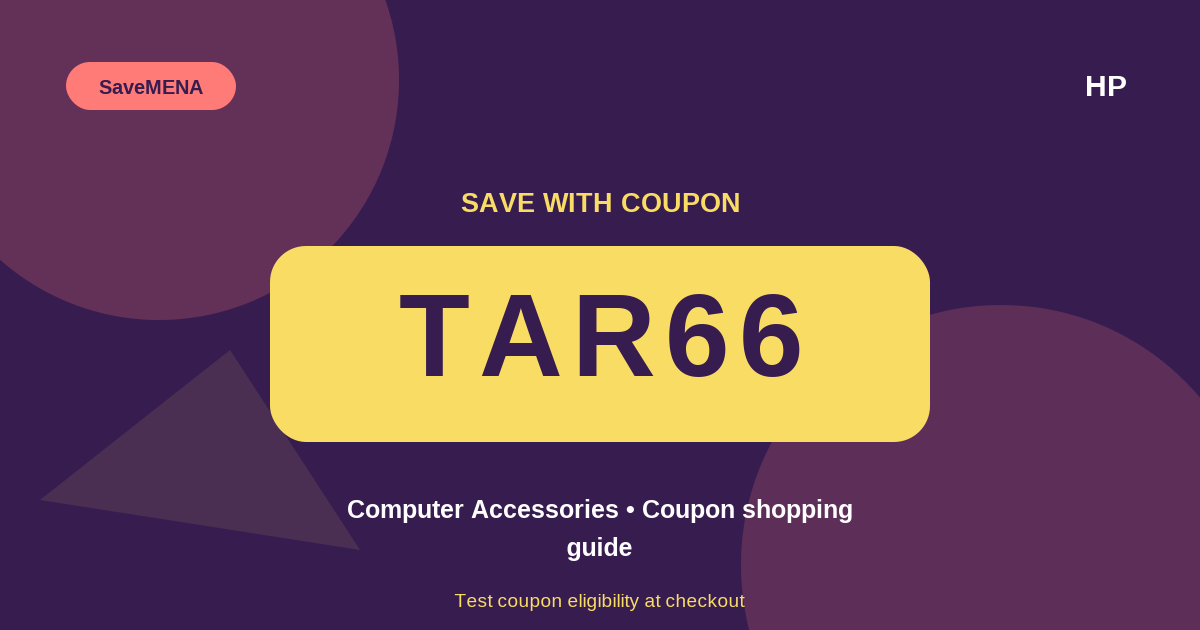
Codes available to try while comparing
These codes are not guaranteed for the article topic or listed brands; test them at checkout and use the live result.
1. Verify the Currency and Local Pricing
UAE shoppers often encounter prices listed in different currencies, but Noon UAE defaults to the UAE Dirham (AED). Before proceeding, confirm that the listed price reflects AED and not a foreign exchange conversion. A mis‑interpreted currency can lead to higher charges when the payment gateway converts the amount at a different rate. Checking the local pricing early also lets you estimate the total cost more accurately, accounting for any exchange-related fluctuations that might affect your final payment.
Keep the market currency in mind when comparing items across several sellers. Since the UAE market can feature sellers from different countries, the same product may appear priced in US dollars or euros; Noon will usually convert to AED at checkout. Verifying the AED value on the item page ensures you’re not chasing a hidden foreign fee that may appear later. The final payable amount shown right after selecting your wallet, debit card, or credit card will reflect the true AED cost, so double‑check that figure when the summary appears.
2. Confirm Product Availability and Variant
Computer Accessories such as an HP USB‑C hub or an office‑grade mouse can exist in multiple variants. Scanning the product page for SKU numbers, color options, and storage capacities guarantees you’re shopping the precise configuration you need. The UAE market may offer variants localized for regional use, and a mismatch in the model can lead to delays or returns.
Seller listings often detail stock status, but since ERP systems update at different intervals, a brief “in‑stock” tag today could change by tomorrow. In the cart, the platform may stamp a live status so you can verify availability just before applying a discount coupon. If an item is marked “Pre‑order” or “Out of Stock,” reconsider adding it to the basket or await a confirmed dust‑free shipment.
3. Compare Shipping Options and Fees
The UAE offers various shipping methods, ranging from speedy express delivery to budget‑friendly standard routes. On Noon, each option lists a fee and estimated arrival window next to the same product; choosing the method that aligns with your timeline is essential. A cheaper fee may save you money, but a longer lead time could affect a project deadline.
Shipping fees can vary on different dates or for different merchants. Verify the chosen fee on the checkout page where it recalculates if you change the delivery address or shipping method. In rare cases, some merchants waive shipping entirely for higher‑value accessories, but this must be confirmed in the final cart review before you hit “Place Order.”
4. Inspect Warranty and Return Policies
HP accessories often carry an official warranty that protects against manufacturing defects. Ensure that the warranty duration is clearly stated on the product listing, typically expressed in months. Also confirm if the warranty is transferable back to HP or only covers the original buyer.
Return policies on Noon can differ by seller; some honor a 30‑day return window while others enforce a stricter timeframe. The return window will appear in the cart’s order summary, not on the product page. Review that timeframe before finalizing your purchase so you don’t over‑estimate the flexibility of post‑purchasing returns.
5. Add to Cart and Apply Coupon – “TAR66”
When you place a computer‑accessory item in the cart, you’ll see a prompt to enter a coupon code. Input “TAR66” into the coupon field and tap the apply button. Noon will immediately reflect any applicable discount, but the system does not guarantee that the coupon will be honored for this product; verification happens at the final checkout.
If the coupon fails to apply, the cart’s discount line will show a failure message, and the final price will reflect the item’s full cost plus shipping. In such a case, you can try again or test the code on a different item. Remember that the coupon’s eligibility is displayed only at checkout, so verifying the code’s status there is the only reliable confirmation.
6. Choose Payment Method and Confirm Security
The UAE’s digital payment ecosystem includes credit cards, debit cards, and digital wallets, all offered through Noon’s secure checkout page. Select your preferred method from the options, then check that the currency is AED and that the transaction count appears consistent with your budget. High‑value purchases may trigger additional verification steps.
Security warnings or an SSL lock icon visible on the checkout page give confidence that your card details are encrypted. If a bank or card provider requires a 3D Secure confirmation, you’ll receive a prompt after you click “Continue” to finalize the payment. Ensuring this step is completed prevents a potential auto‑cancellation of the order by the platform.
7. Double‑Check Cart Summary Before Finalizing
Before submitting the order, scroll through the cart summary page. This page lists each item, selling price, shipping fee, applied coupon deduction, and the final payable amount. In local currency, the summary should include the exact AED total, rounded to the nearest dirham. Verify that the coupon line shows a deduction or a failed attempt.
If the final total differs from what you expected—whether due to a shipping change, coupon failure, or currency mis‑conversion—correct the issue before clicking the “Place Order” button. This step ensures that the amount charged to your card matches your current budget and covers any unsatisfied needs you may have flagged earlier.
8. Review Rewards, Loyalty Points, and Order Reference
After confirming the order, Noon may offer a reward or loyalty point accrual for the purchase. These are shown in a separate “Earned Rewards” section before the final confirmation. Check that the points or vouchers, if any, match the expected amount for a purchase of this size.
Once the order is placed, keep the order reference number handy. The UAE market’s order tracking system will use this number to inform you about shipment status, potential delays, or any post‑purchase communication. Storing the reference gives you a fallback point of contact should any discrepancy arise later.
Related SaveMENA pages
Related articles
Official sources to check
Frequently asked questions
What should I do if the “TAR66” coupon does not apply to my HP accessory on Noon?
At checkout, the coupon will either reduce the price or display a failure notice. If it fails, try the code with another item. If the issue persists, contact Noon’s customer support for clarification on code eligibility for that specific product.
Can the currency change from AED to another at checkout?
Noon UAE always displays the final payable amount in AED. The payment gateway will convert any card currency to AED during processing, but the fee shown before payment remains in dirhams, so you’ll know the exact cost upfront.
How can I confirm the warranty coverage for an HP accessory?
The product page lists the warranty duration and terms. Additionally, the cart summary and receipt will note the warranty period. For detailed coverage specifics, refer to HP’s official documentation or contact the seller directly via Noon’s messaging system.
What if I want to change shipping after I have entered the coupon?
After applying the coupon and before final payment, you can adjust the shipping method. The cart summary will update accordingly, recalculating shipping fees and maintaining any valid discount. Once payment is confirmed, changes cannot be made.